MM Academy PC
Addmen IT Solutions
قم بتنزيل MM Academy على جهاز الكمبيوتر باستخدام GameLoop Emulator
MM Academy على الكمبيوتر الشخصي
MM Academy ، القادم من المطور Addmen IT Solutions ، يعمل على نظام Android في الماضي.
الآن ، يمكنك لعب MM Academy على جهاز الكمبيوتر باستخدام GameLoop بسلاسة.
قم بتنزيله في مكتبة GameLoop أو في نتائج البحث. لا مزيد من الانتباه إلى البطارية أو المكالمات المحبطة في الوقت الخطأ بعد الآن.
ما عليك سوى الاستمتاع بجهاز MM Academy على الشاشة الكبيرة مجانًا!
MM Academy مقدمة
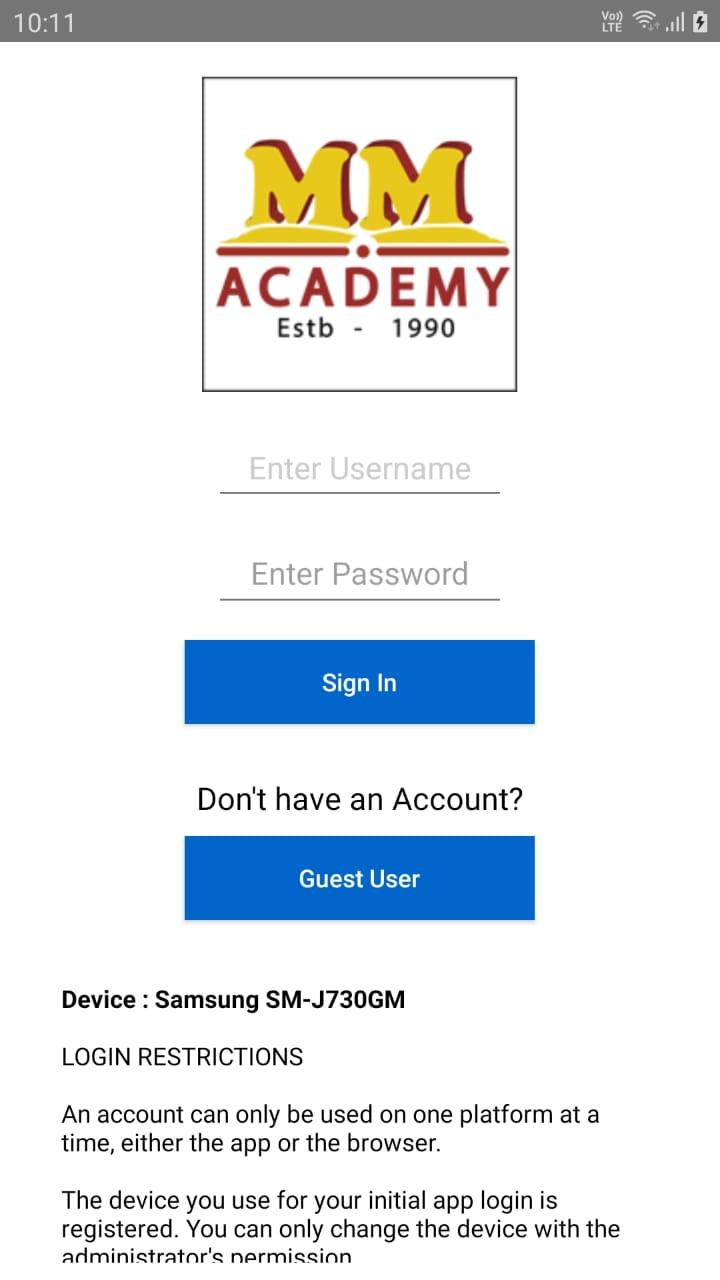
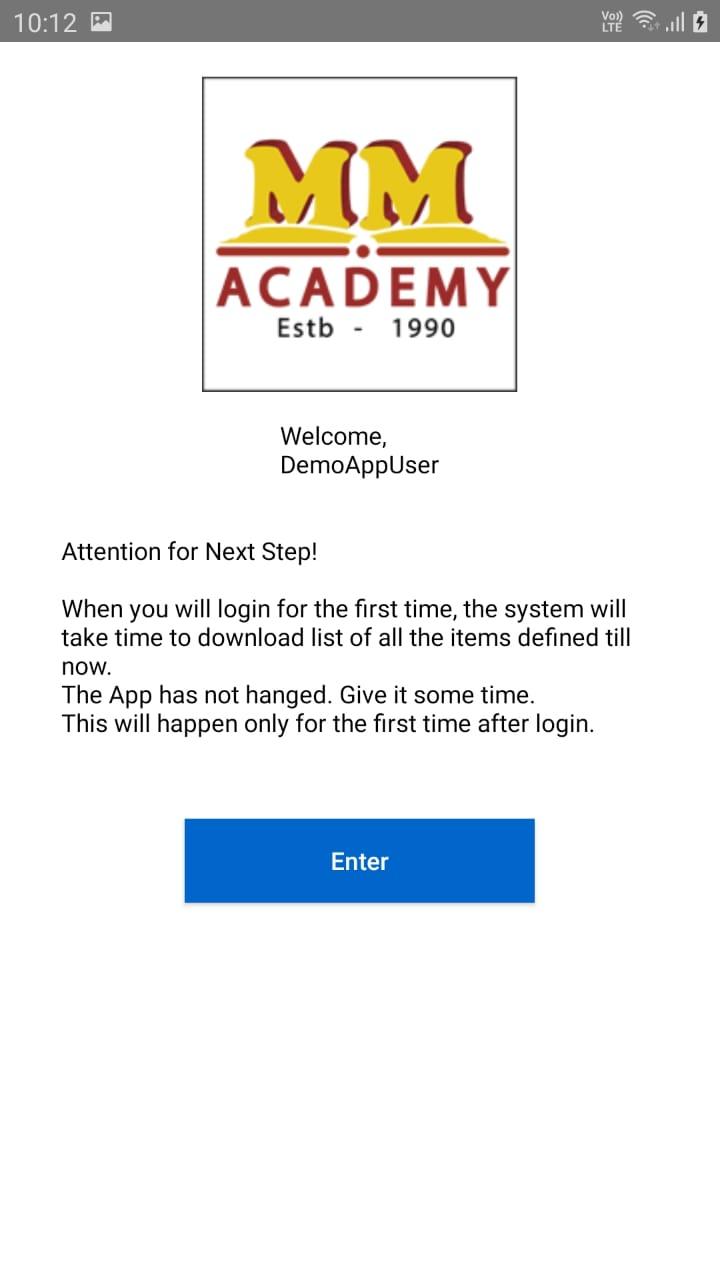
A Learning Management System (LMS) app for students simplifies the educational experience by providing a centralized platform for accessing recorder video, submitting tests, and tracking Performance Analytics.
Key Features of a Learning Management System (LMS) App for Students:
Secure Testing Environment: Features like randomized questions, browser lockdown, and proctoring to ensure academic integrity.
User-Friendly Interface: Intuitive design makes it easy for students to navigate and take tests efficiently.
Offline Mode: Download tests and complete them offline, then upload results once reconnected to the internet.
Performance Analytics: Analyze results with insights on strengths, weaknesses, and areas for improvement.
Mobile Accessibility: Take tests, Study and complete coursework on-the-go with a fully responsive app compatible with smartphones and tablets.
Notifications and Reminders: Stay informed about upcoming tests, deadlines and important updates with push notifications and reminders.
This LMS app streamlines your educational journey, making it easier to stay organized, engaged, and on track to academic success.
معاينة
العلامات
تعليممعلومة
مطور
Addmen IT Solutions
احدث اصدار
25.06.27.1030
آخر تحديث
2025-07-26
فئة
تعليم
متاح على
Google Play
أظهر المزيد
كيف تلعب MM Academy مع GameLoop على جهاز الكمبيوتر
1. قم بتنزيل GameLoop من الموقع الرسمي ، ثم قم بتشغيل ملف exe لتثبيت GameLoop.
2. افتح GameLoop وابحث عن "MM Academy" ، وابحث عن MM Academy في نتائج البحث وانقر على "تثبيت".
3. استمتع بلعب MM Academy على GameLoop.
Minimum requirements
OS
Windows 8.1 64-bit or Windows 10 64-bit
GPU
GTX 1050
CPU
i3-8300
Memory
8GB RAM
Storage
1GB available space
Recommended requirements
OS
Windows 8.1 64-bit or Windows 10 64-bit
GPU
GTX 1050
CPU
i3-9320
Memory
16GB RAM
Storage
1GB available space