LYNX Whiteboard PC
Clevertouch
قم بتنزيل LYNX Whiteboard على جهاز الكمبيوتر باستخدام GameLoop Emulator
LYNX Whiteboard على الكمبيوتر الشخصي
LYNX Whiteboard ، القادم من المطور Clevertouch ، يعمل على نظام Android في الماضي.
الآن ، يمكنك لعب LYNX Whiteboard على جهاز الكمبيوتر باستخدام GameLoop بسلاسة.
قم بتنزيله في مكتبة GameLoop أو في نتائج البحث. لا مزيد من الانتباه إلى البطارية أو المكالمات المحبطة في الوقت الخطأ بعد الآن.
ما عليك سوى الاستمتاع بجهاز LYNX Whiteboard على الشاشة الكبيرة مجانًا!
LYNX Whiteboard مقدمة
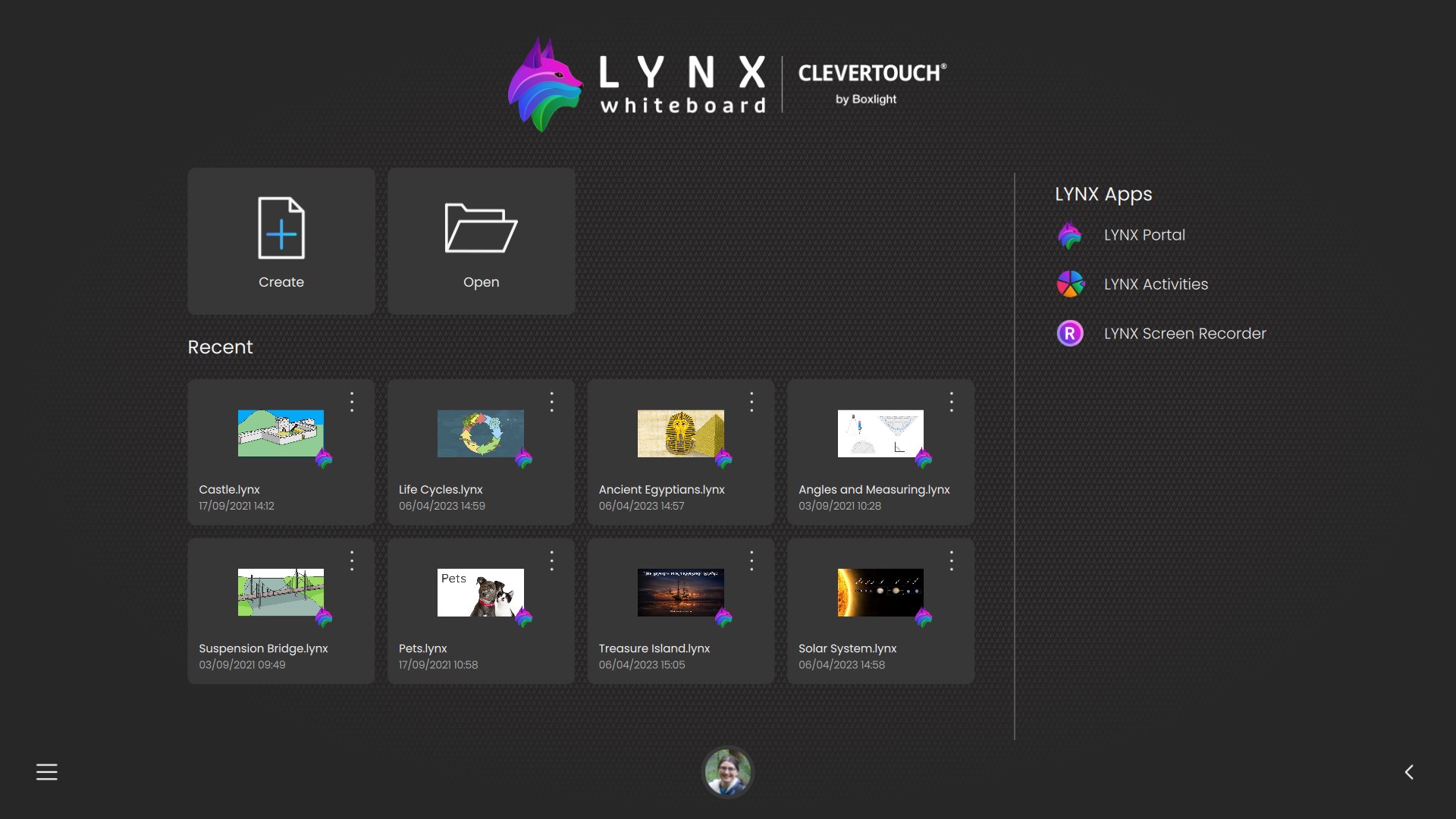
LYNX Whiteboard isn’t just a drawing canvas—it’s a full-featured cloud ready file manager with built-in whiteboarding tools, designed to help you organize, annotate, and share your documents across all your devices, including USB and external storage.
Why You’ll Love LYNX Whiteboard
- Centralized File Management
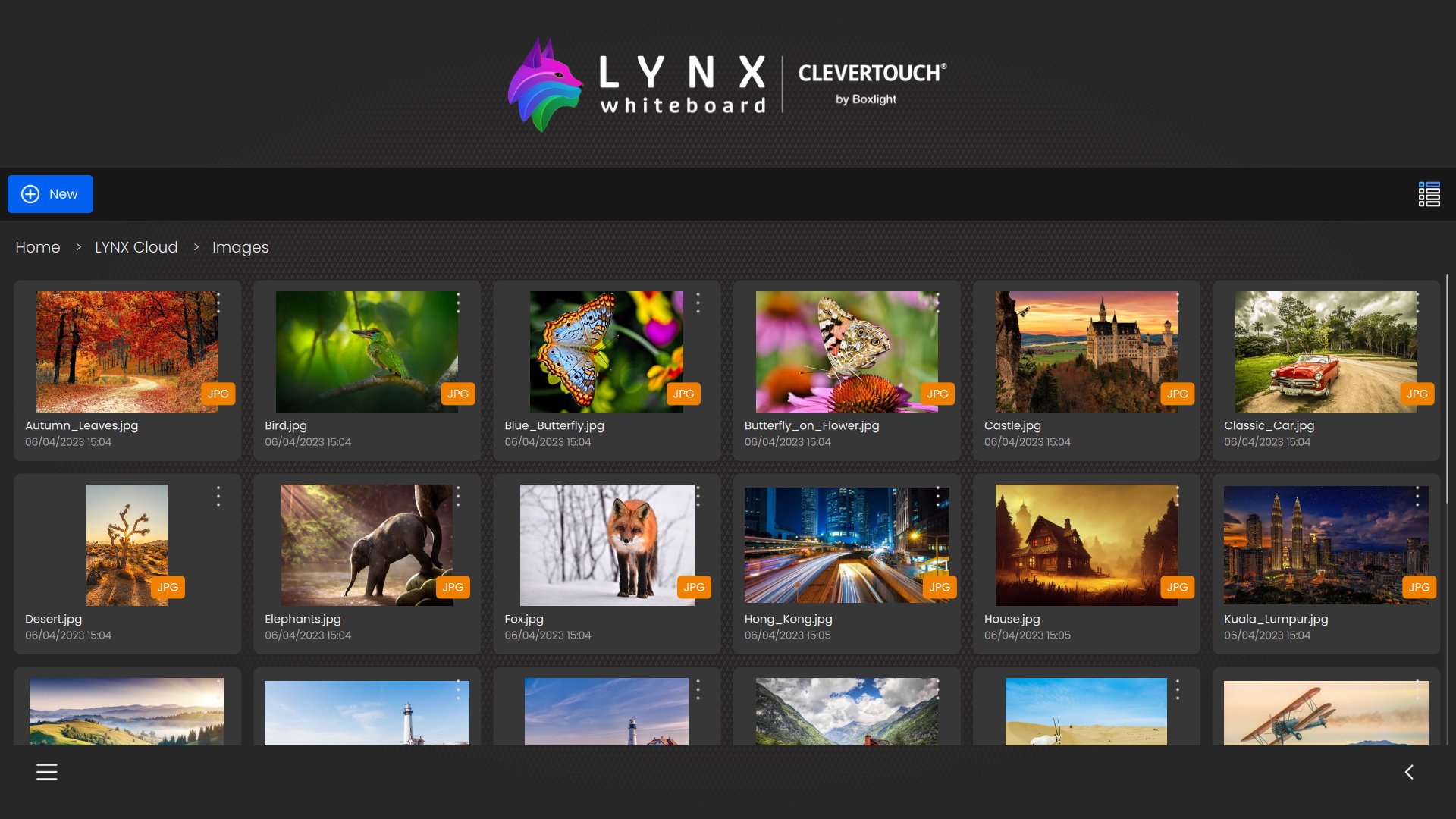
Browse, organize, and preview PowerPoint, Word, PDF, SMART Notebook, image and video files from your device’s internal storage, SD cards, USB drives, and OTG devices—all from one intuitive interface.
- Rich Media Integration
Drag and drop images and video clips from your device’s gallery, USB drives, or other external storage into any whiteboard or document for richer presentations and notes.
- Seamless Local + Cloud Sync
Access the same workspace on your phone, tablet, or PC. Work on files stored locally, on external storage, or in LYNX Cloud (or connected cloud services), and pick up right where you left off. Easy move files between local and cloud storage in both directions.
- Integrated Annotation & Sketching
Open any document and instantly mark it up—draw, highlight, or write notes directly on your files with a variety of pens, highlighters, and erasers.
- Smart Handwriting Recognition
Convert your sketches and notes into editable text instantly, making it easier to search, copy, and share your work.
- Ad-Free, Distraction-Free
Focus on your work without interruptions—LYNX Whiteboard is completely free of ads.
معاينة
العلامات
تعليمإنتاجيةمعلومة
مطور
Clevertouch
احدث اصدار
8.6.5.0
آخر تحديث
2026-03-26
فئة
تعليم
متاح على
Google Play
أظهر المزيد
كيف تلعب LYNX Whiteboard مع GameLoop على جهاز الكمبيوتر
1. قم بتنزيل GameLoop من الموقع الرسمي ، ثم قم بتشغيل ملف exe لتثبيت GameLoop.
2. افتح GameLoop وابحث عن "LYNX Whiteboard" ، وابحث عن LYNX Whiteboard في نتائج البحث وانقر على "تثبيت".
3. استمتع بلعب LYNX Whiteboard على GameLoop.
Minimum requirements
OS
Windows 8.1 64-bit or Windows 10 64-bit
GPU
GTX 1050
CPU
i3-8300
Memory
8GB RAM
Storage
1GB available space
Recommended requirements
OS
Windows 8.1 64-bit or Windows 10 64-bit
GPU
GTX 1050
CPU
i3-9320
Memory
16GB RAM
Storage
1GB available space