
iLancaster (Lancaster Uni) PC
Lancaster University (ISS)
قم بتنزيل iLancaster (Lancaster Uni) على جهاز الكمبيوتر باستخدام GameLoop Emulator
iLancaster (Lancaster Uni) على الكمبيوتر الشخصي
iLancaster (Lancaster Uni) ، القادم من المطور Lancaster University (ISS) ، يعمل على نظام Android في الماضي.
الآن ، يمكنك لعب iLancaster (Lancaster Uni) على جهاز الكمبيوتر باستخدام GameLoop بسلاسة.
قم بتنزيله في مكتبة GameLoop أو في نتائج البحث. لا مزيد من الانتباه إلى البطارية أو المكالمات المحبطة في الوقت الخطأ بعد الآن.
ما عليك سوى الاستمتاع بجهاز iLancaster (Lancaster Uni) على الشاشة الكبيرة مجانًا!
iLancaster (Lancaster Uni) مقدمة
App features:
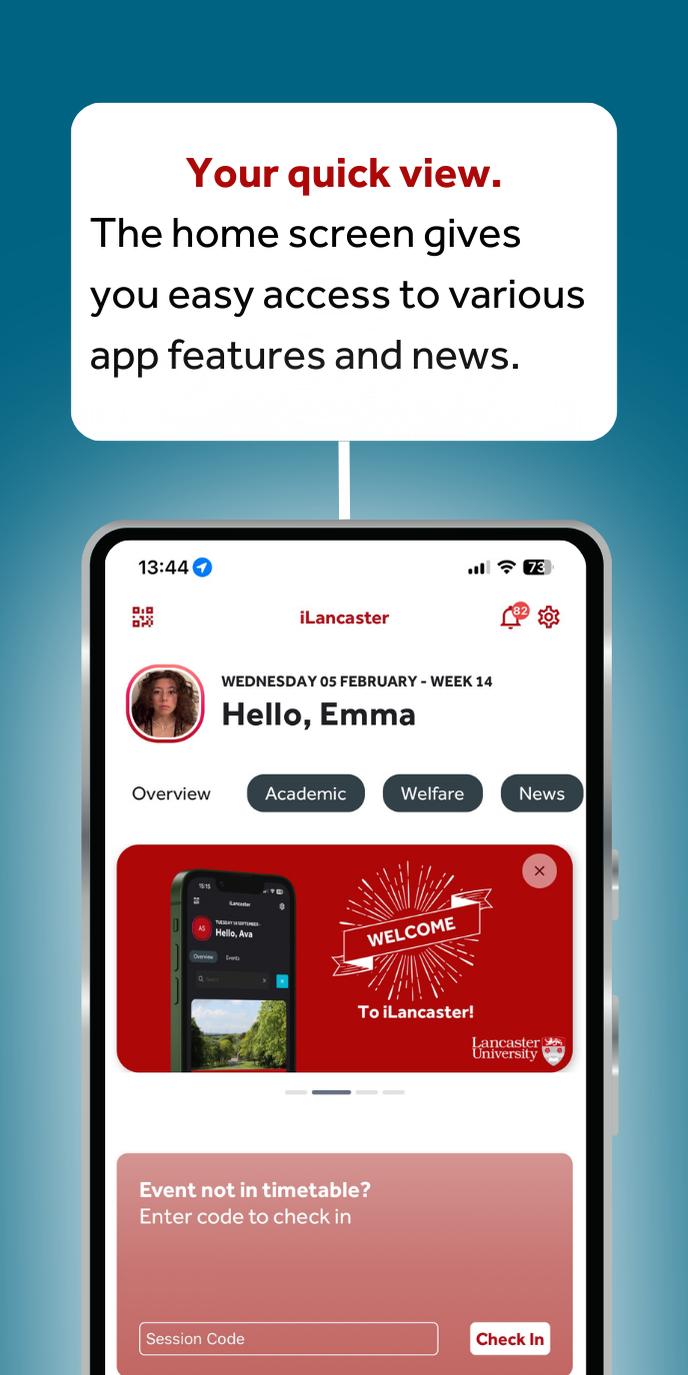
Quick View Home Screen - stay updated with the latest university news, announcements, and updates. Quickly check in to timetabled events directly from the home screen!
Timetable - view your events for the current week and plan ahead with future timetabled events. You can easily see deadlines and exams, and you can even add your Outlook Calendar to stay organised. Unsure of a location? Use the map to find it and self-certify absences directly through the timetable.
Check-In - register your attendance during timetabled events as they are happening. Check-in is available on the home screen or via the timetable. Or try out or latest innovation - Assisted CheckIn, where can be automatically checked into your timetabled event!
Maps - easily navigate campus! Locate buildings, rooms, bus stops and bus arrival times, outlet opening times and locations, upcoming events and their venues, and even available PCs across campus.
Search - see results for information and news from the Portal or Intranet and discover department contact information and campus map locations.
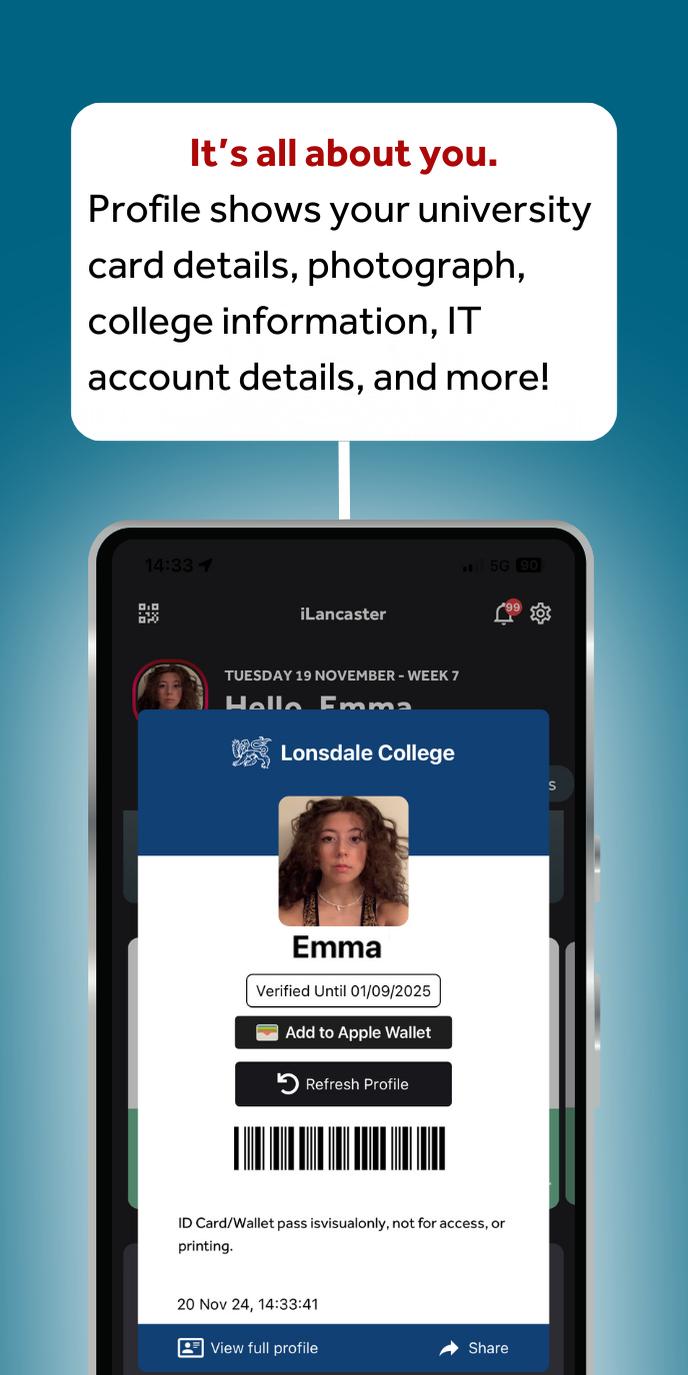
Profile - view your university card details, photograph, college information, IT account details, and more.
Notifications - access all of your university notifications within the iLancaster app! You can even go to Settings to personalise and customise the notifications to your liking.
معاينة
العلامات
تعليممعلومة
مطور
Lancaster University (ISS)
احدث اصدار
17.0.5
آخر تحديث
2025-10-01
فئة
تعليم
متاح على
Google Play
أظهر المزيد
كيف تلعب iLancaster (Lancaster Uni) مع GameLoop على جهاز الكمبيوتر
1. قم بتنزيل GameLoop من الموقع الرسمي ، ثم قم بتشغيل ملف exe لتثبيت GameLoop.
2. افتح GameLoop وابحث عن "iLancaster (Lancaster Uni)" ، وابحث عن iLancaster (Lancaster Uni) في نتائج البحث وانقر على "تثبيت".
3. استمتع بلعب iLancaster (Lancaster Uni) على GameLoop.
Minimum requirements
OS
Windows 8.1 64-bit or Windows 10 64-bit
GPU
GTX 1050
CPU
i3-8300
Memory
8GB RAM
Storage
1GB available space
Recommended requirements
OS
Windows 8.1 64-bit or Windows 10 64-bit
GPU
GTX 1050
CPU
i3-9320
Memory
16GB RAM
Storage
1GB available space