
Learning Tracker PC
Tampere University of Technology
قم بتنزيل Learning Tracker على جهاز الكمبيوتر باستخدام GameLoop Emulator
Learning Tracker على الكمبيوتر الشخصي
Learning Tracker ، القادم من المطور Tampere University of Technology ، يعمل على نظام Android في الماضي.
الآن ، يمكنك لعب Learning Tracker على جهاز الكمبيوتر باستخدام GameLoop بسلاسة.
قم بتنزيله في مكتبة GameLoop أو في نتائج البحث. لا مزيد من الانتباه إلى البطارية أو المكالمات المحبطة في الوقت الخطأ بعد الآن.
ما عليك سوى الاستمتاع بجهاز Learning Tracker على الشاشة الكبيرة مجانًا!
Learning Tracker مقدمة
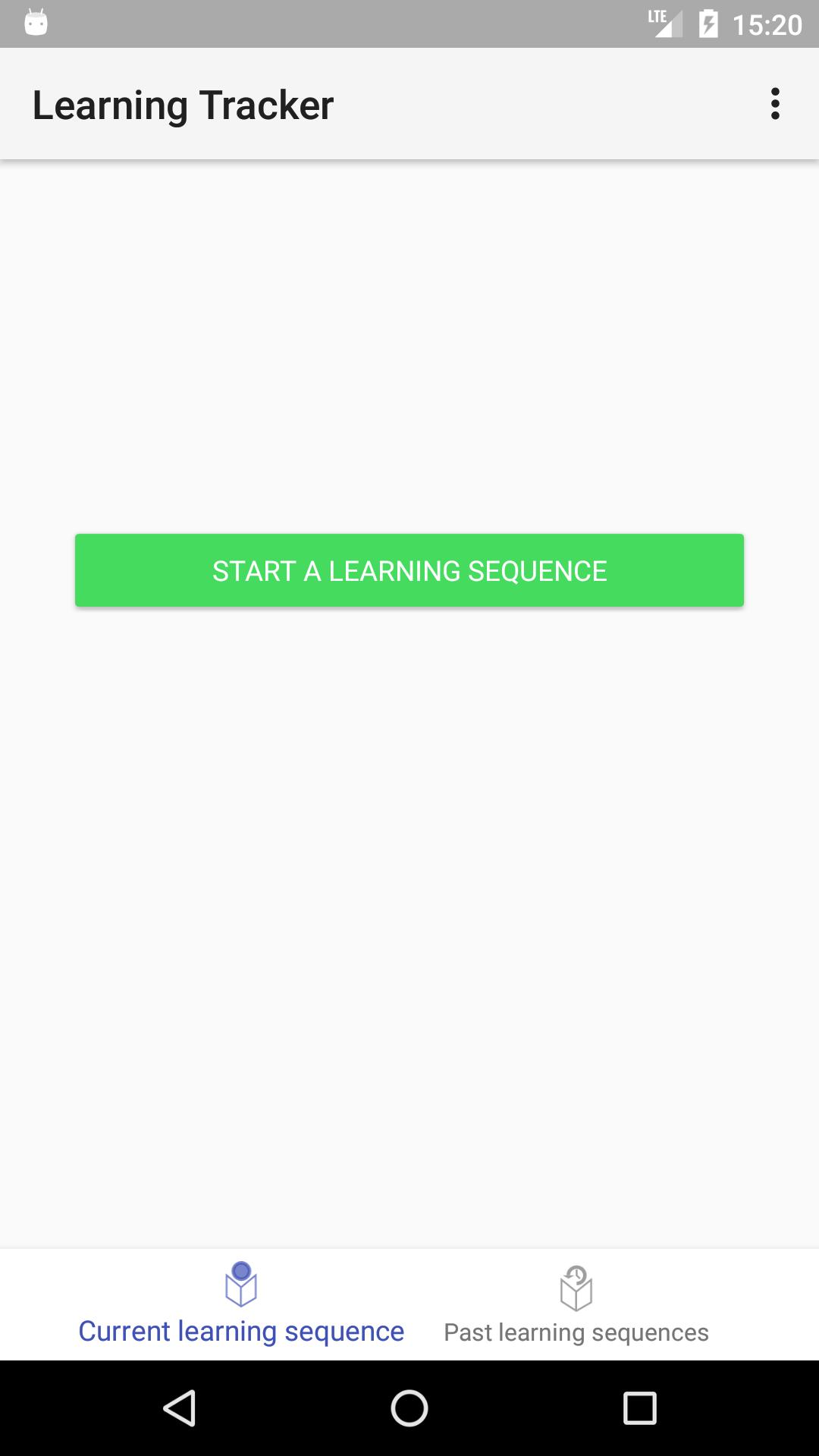
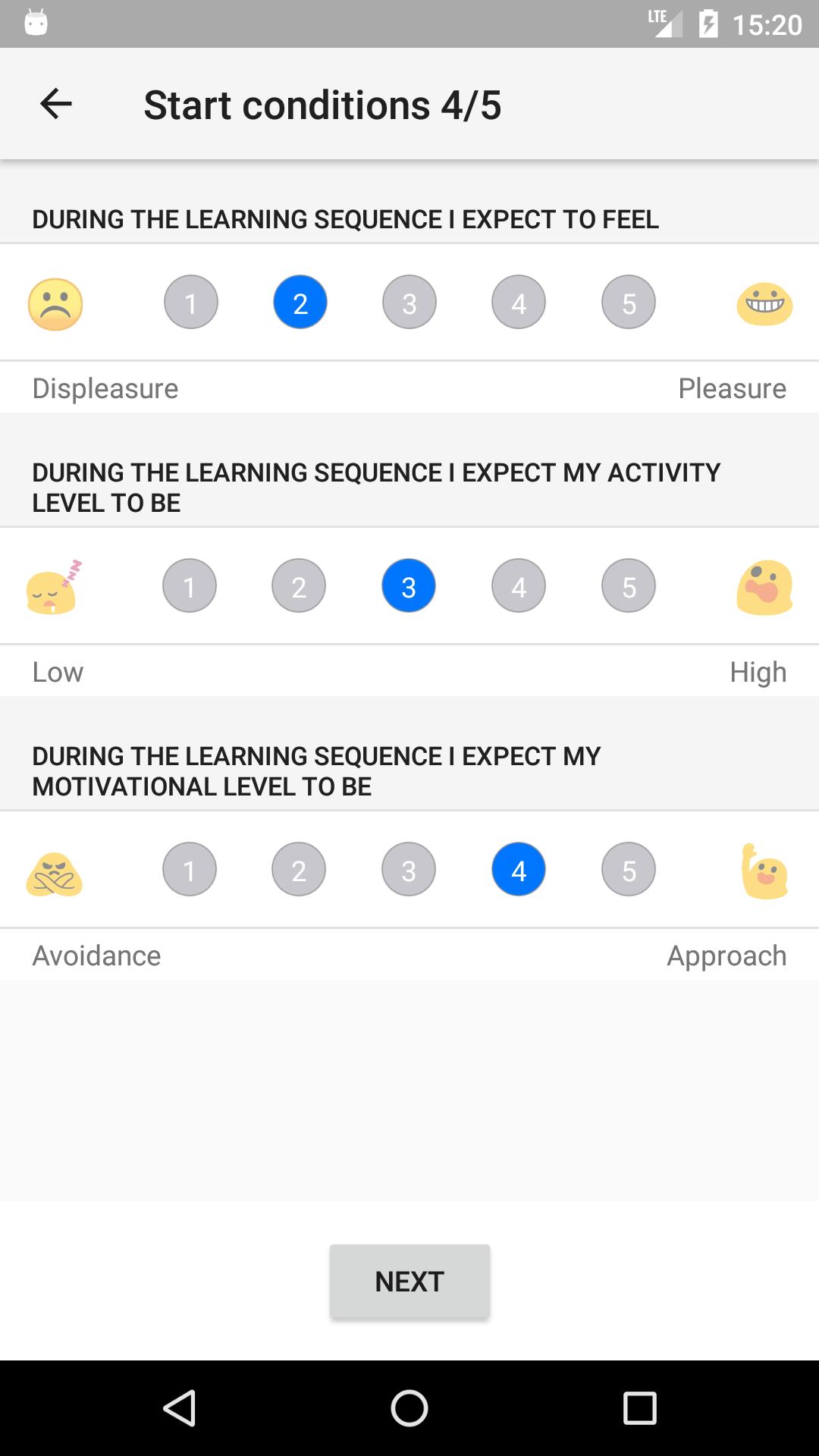
Design of Learning Tracker (LT) is based on the experience sampling method (Hektner, Schmidt & Csikszentmihalyi, 2007) that allows researchers to learn about what participants are doing, thinking, and feeling during learning sequences in their everyday lives. Participants use LT through smartphones or tablets to indicate and evaluate learning sequences during preset time period. LT records issues related to emotional states and goal orientations in these learning sequences. Only participants of Tampere University of Technology LEAD research groups studies will gain access to this software. Participation is voluntary.
معاينة
العلامات
تعليممعلومة
مطور
Tampere University of Technology
احدث اصدار
1.0.5
آخر تحديث
2020-02-27
فئة
تعليم
متاح على
Google Play
أظهر المزيد
كيف تلعب Learning Tracker مع GameLoop على جهاز الكمبيوتر
1. قم بتنزيل GameLoop من الموقع الرسمي ، ثم قم بتشغيل ملف exe لتثبيت GameLoop.
2. افتح GameLoop وابحث عن "Learning Tracker" ، وابحث عن Learning Tracker في نتائج البحث وانقر على "تثبيت".
3. استمتع بلعب Learning Tracker على GameLoop.
Minimum requirements
OS
Windows 8.1 64-bit or Windows 10 64-bit
GPU
GTX 1050
CPU
i3-8300
Memory
8GB RAM
Storage
1GB available space
Recommended requirements
OS
Windows 8.1 64-bit or Windows 10 64-bit
GPU
GTX 1050
CPU
i3-9320
Memory
16GB RAM
Storage
1GB available space