EROBO PC
Virobo
قم بتنزيل EROBO على جهاز الكمبيوتر باستخدام GameLoop Emulator
EROBO على الكمبيوتر الشخصي
EROBO ، القادم من المطور Virobo ، يعمل على نظام Android في الماضي.
الآن ، يمكنك لعب EROBO على جهاز الكمبيوتر باستخدام GameLoop بسلاسة.
قم بتنزيله في مكتبة GameLoop أو في نتائج البحث. لا مزيد من الانتباه إلى البطارية أو المكالمات المحبطة في الوقت الخطأ بعد الآن.
ما عليك سوى الاستمتاع بجهاز EROBO على الشاشة الكبيرة مجانًا!
EROBO مقدمة
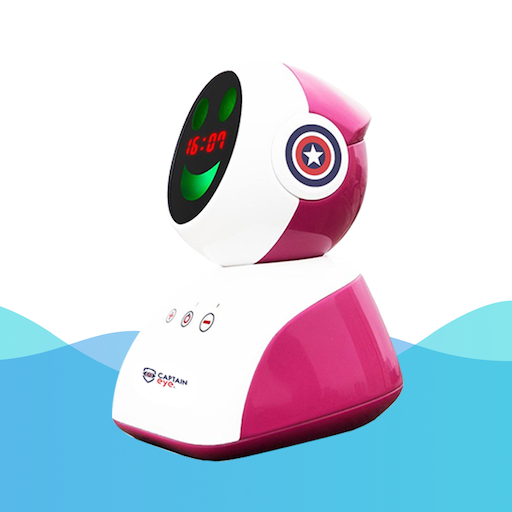
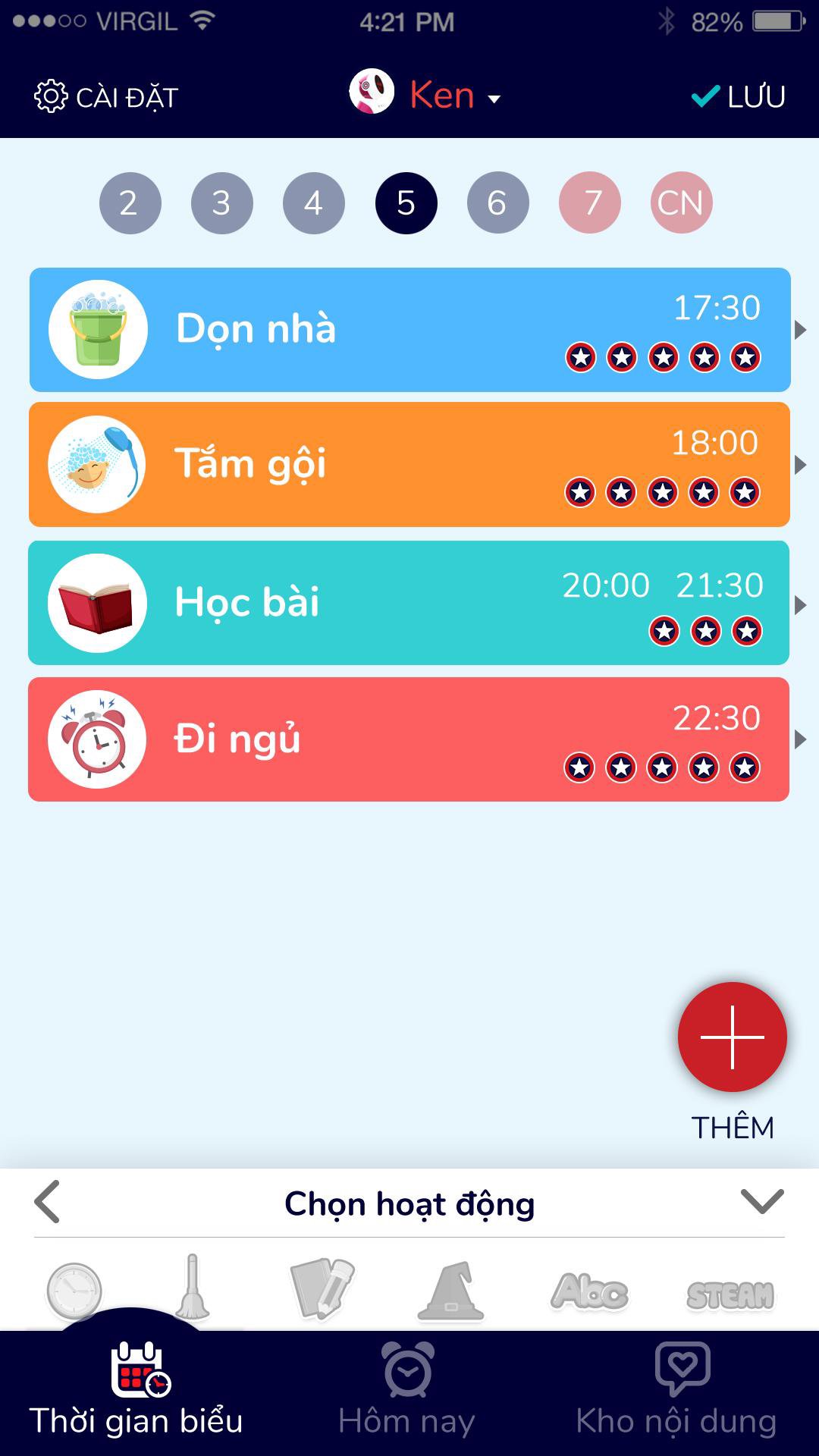
Captain Eye is the first educational robot in Vietnam capable of changing parents to schedule, guide children to do housework, calculate bonus points, record children's daily results, help form and maintain good habits in learning as well as in life. With a team of engineers who are alumni of Hanoi University of Science and Technology, a product with a combination of devices, cloud servers and applications on smartphones, VIROBO Joint Stock Company was honored to receive the Talent Award. Vietnam Land 2018 in the field of Information Technology.
Key features of the product include:
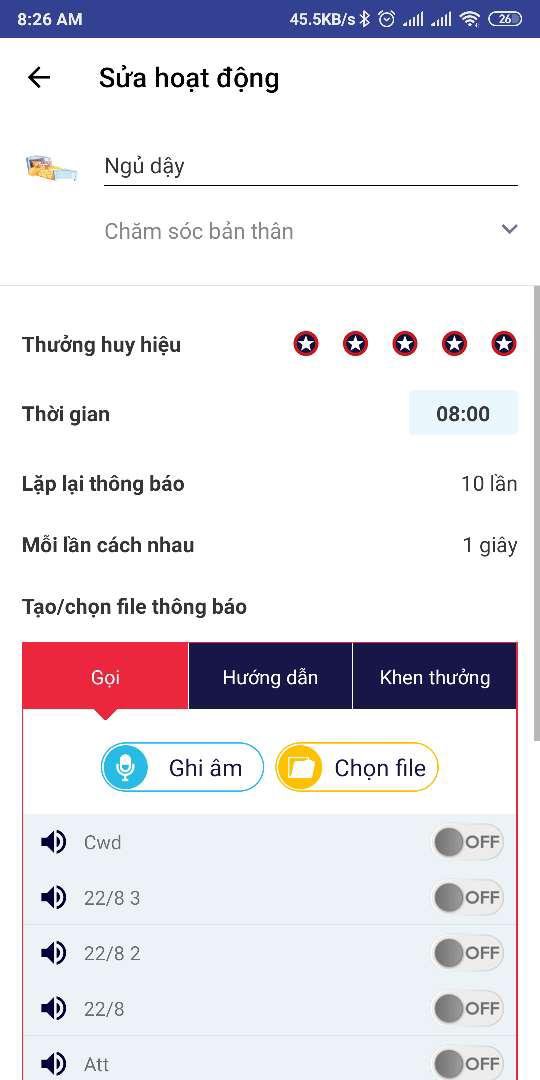
- Set a daily schedule of activities
- Automatically reminds the calendar, work instructions, rewards and completed points
- Prevention of myopia, hunchback when children study and when using the phone, tablet.
- Timer for reading fairy tales, listening to English, listening to music
- There is a connection mode like bluetooth speaker
معاينة
العلامات
تعليممعلومة
مطور
Virobo
احدث اصدار
2.0.9
آخر تحديث
2023-05-02
فئة
تعليم
متاح على
Google Play
أظهر المزيد
كيف تلعب EROBO مع GameLoop على جهاز الكمبيوتر
1. قم بتنزيل GameLoop من الموقع الرسمي ، ثم قم بتشغيل ملف exe لتثبيت GameLoop.
2. افتح GameLoop وابحث عن "EROBO" ، وابحث عن EROBO في نتائج البحث وانقر على "تثبيت".
3. استمتع بلعب EROBO على GameLoop.
Minimum requirements
OS
Windows 8.1 64-bit or Windows 10 64-bit
GPU
GTX 1050
CPU
i3-8300
Memory
8GB RAM
Storage
1GB available space
Recommended requirements
OS
Windows 8.1 64-bit or Windows 10 64-bit
GPU
GTX 1050
CPU
i3-9320
Memory
16GB RAM
Storage
1GB available space