Class 1 English For Kids PC
Open Educational Forum
قم بتنزيل Class 1 English For Kids على جهاز الكمبيوتر باستخدام GameLoop Emulator
Class 1 English For Kids على الكمبيوتر الشخصي
Class 1 English For Kids ، القادم من المطور Open Educational Forum ، يعمل على نظام Android في الماضي.
الآن ، يمكنك لعب Class 1 English For Kids على جهاز الكمبيوتر باستخدام GameLoop بسلاسة.
قم بتنزيله في مكتبة GameLoop أو في نتائج البحث. لا مزيد من الانتباه إلى البطارية أو المكالمات المحبطة في الوقت الخطأ بعد الآن.
ما عليك سوى الاستمتاع بجهاز Class 1 English For Kids على الشاشة الكبيرة مجانًا!
Class 1 English For Kids مقدمة
In this era of technology children are more attracted towards mobile apps than books. Keeping this in mind Class One English textbook has a simple and intuitive design and is perhaps the first App of its kind in the google play store. Kids & Toddlers, from KG and nursery to Grade 1, can benefit from this initiative. This application is based on the first-grade course book of single national curriculum (SNC) approved by the educational boards of Pakistan. Teach Children English with early Learning English app which is extremely easy-to-use with features like writing, editing, highlighting and saving your edits on book app; giving you a feel of a physical course book in hard form. However in case of a book loss you lose all your data, but now the book is in soft form as an app that you can keep on your smart device and use anywhere anytime.
English Class 1 app for children is based on the English course for 1st grade students. English for class 1 textbook helps to improve the preschool English knowledge of kids by introducing them with Alphabet writing patterns, alphabet phonics & sentence making. English for grade 1 help toddlers to learn English vocabulary & grammar through word families, word patterns, sight words, vowels, opposites, nouns & verbs. Moreover with kids English toddlers are familiarized Days of the week, Months of the year, different Sports & professions using rhymes & educational games.
English learning with fun app also contains Assessment Activities including fill in the blanks, Match the columns & color the correct for ABC’s, shapes, colors, fruits, vegetables, animals, birds, body parts English in nature which help children to learn English with fun. Moreover the contents include nursery rhymes for kids & stories with engaging interactive pictures and graphical effect. English Kids is exactly the kind of educational app we want for our children, fun English for kids makes English easy to learn.
Early English for kids App has several important features including zoom in the book pages for better viewing and readability, underline or mark the content with a pen and also highlight the important content for future reference, move forward or backward easier than a paper book, resume from where you left in 1-click and lastly save your edited pages & share with classmates and teachers. Using the smart book app eliminates the risk of losing or damaging paper-based hard copies. Any kind of Community around the Globe can get benefit from english smart learning app.
Key Features:
• This App alleviates the need to carry a paper-based hard copy, which is vulnerable to being lost or damaged
• Extremely easy to navigate around the book compared to a hard copy
• You may mark book pages with personal notes using a pen and highlight
• Zoom-IN your pages for a better view. Tablet mode is more convenient than a Smartphone
• You can save and resume reading where you left off
• The App is a complete course book free to download, cost-effective and available offline
How to Use:
• Tap to open the book
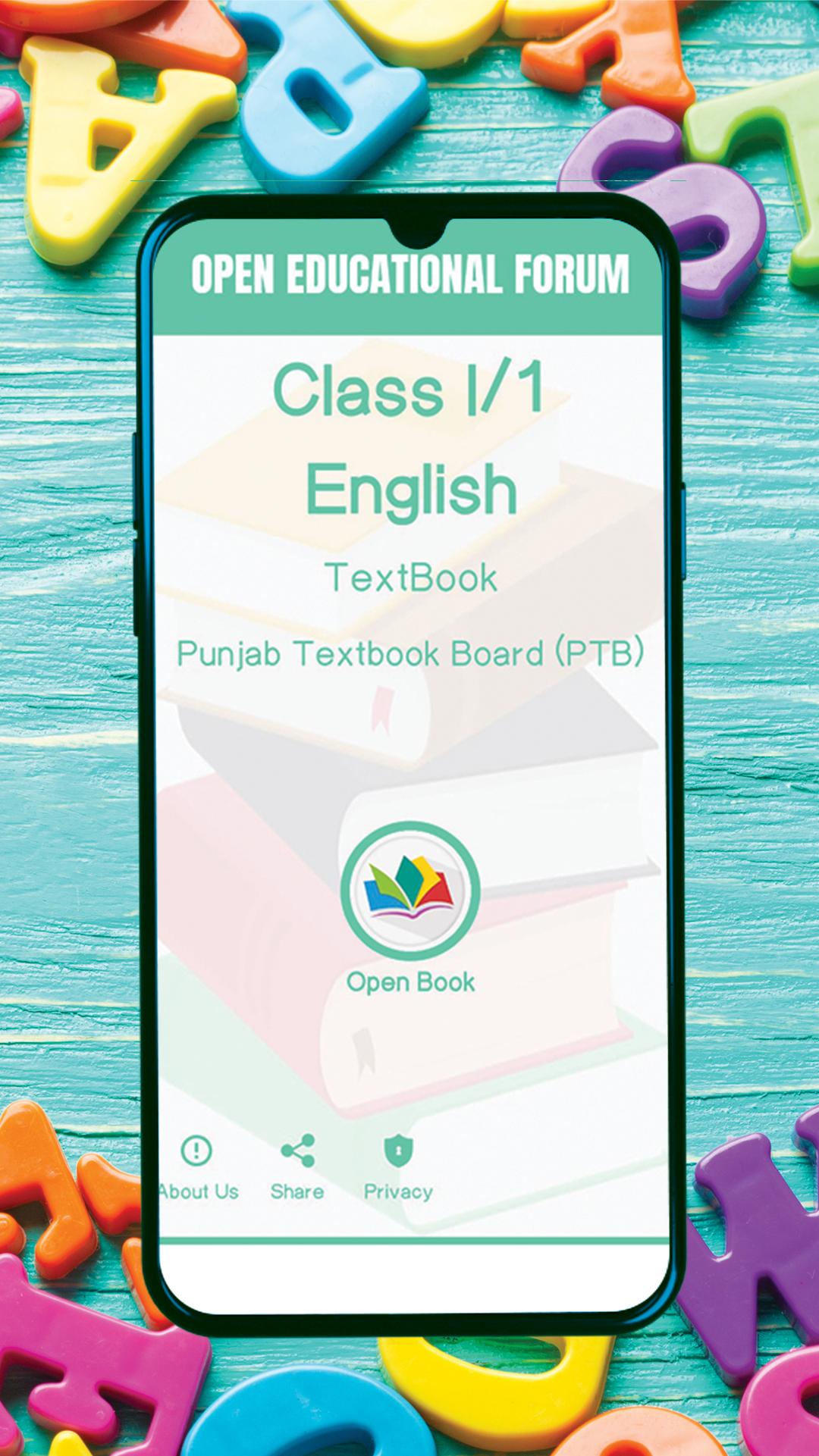
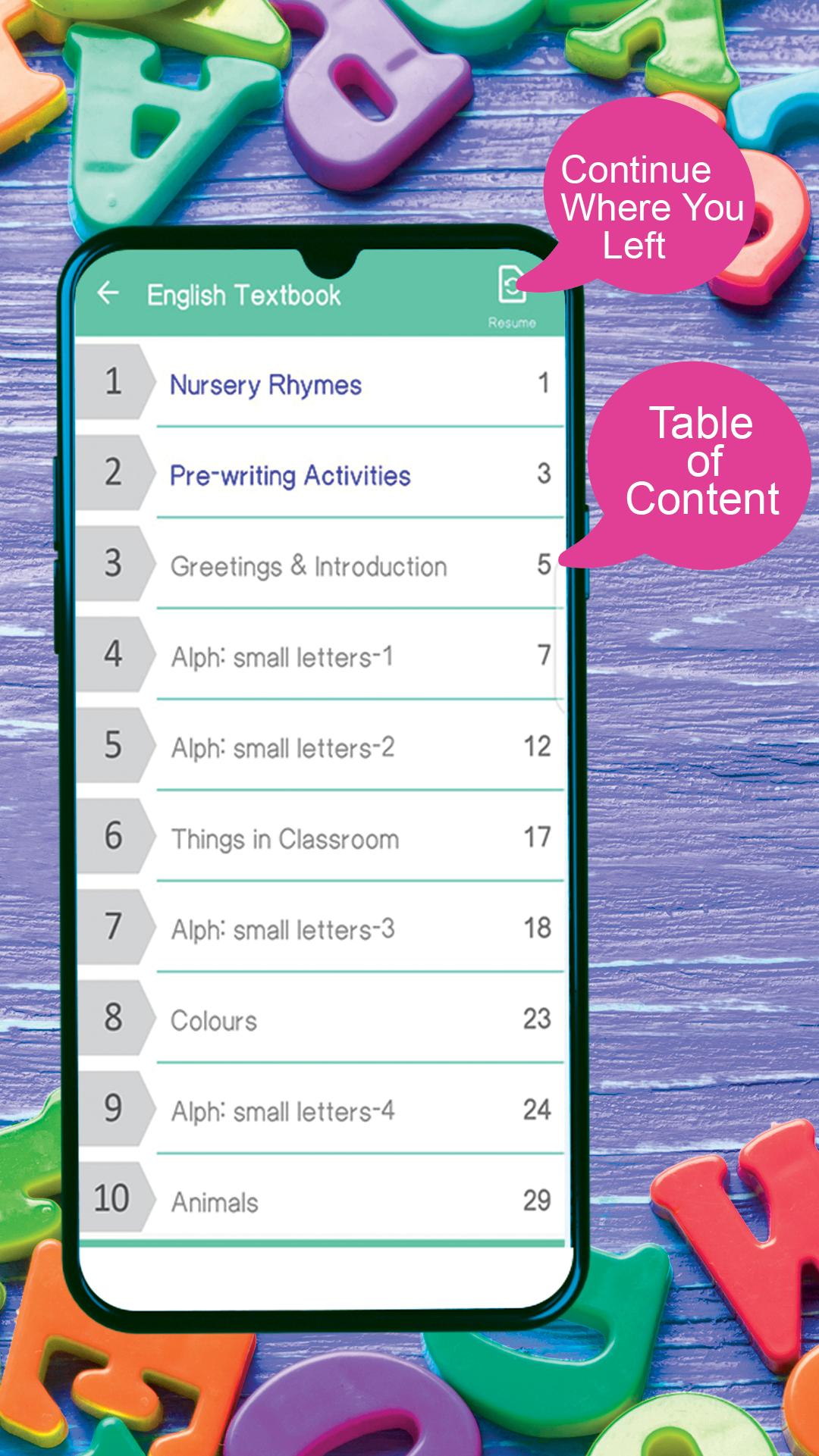
• Select the chapter on the content page you want to study or press the Resume button to go where you left off last time
• Mark out pages using editing tools
• Save your edited pages
Open Educational Forum (OEF) is dedicated to the promotion of affordable education. OEF strives to provide educational support resources in the form of lecture notes, lecture videos, solution manuals, and other learning material at no cost and presented in mobile device app format to supplementary institutional formal education. The material in this App (eBook) has been collected from various sources, all striving to support this noble cause. We acknowledge all contributors in this regard.
No need to carry the book in physical form switch on to smart book. Teach and help your kids learn English with this amazing app. Download now & learn with fun!
معاينة
العلامات
تعليممعلومة
مطور
Open Educational Forum
احدث اصدار
2.2.36
آخر تحديث
2023-04-26
فئة
تعليم
متاح على
Google Play
أظهر المزيد
كيف تلعب Class 1 English For Kids مع GameLoop على جهاز الكمبيوتر
1. قم بتنزيل GameLoop من الموقع الرسمي ، ثم قم بتشغيل ملف exe لتثبيت GameLoop.
2. افتح GameLoop وابحث عن "Class 1 English For Kids" ، وابحث عن Class 1 English For Kids في نتائج البحث وانقر على "تثبيت".
3. استمتع بلعب Class 1 English For Kids على GameLoop.
Minimum requirements
OS
Windows 8.1 64-bit or Windows 10 64-bit
GPU
GTX 1050
CPU
i3-8300
Memory
8GB RAM
Storage
1GB available space
Recommended requirements
OS
Windows 8.1 64-bit or Windows 10 64-bit
GPU
GTX 1050
CPU
i3-9320
Memory
16GB RAM
Storage
1GB available space