
DOS Introduction PC
Softied Apps
قم بتنزيل DOS Introduction على جهاز الكمبيوتر باستخدام GameLoop Emulator
DOS Introduction على الكمبيوتر الشخصي
DOS Introduction ، القادم من المطور Softied Apps ، يعمل على نظام Android في الماضي.
الآن ، يمكنك لعب DOS Introduction على جهاز الكمبيوتر باستخدام GameLoop بسلاسة.
قم بتنزيله في مكتبة GameLoop أو في نتائج البحث. لا مزيد من الانتباه إلى البطارية أو المكالمات المحبطة في الوقت الخطأ بعد الآن.
ما عليك سوى الاستمتاع بجهاز DOS Introduction على الشاشة الكبيرة مجانًا!
DOS Introduction مقدمة
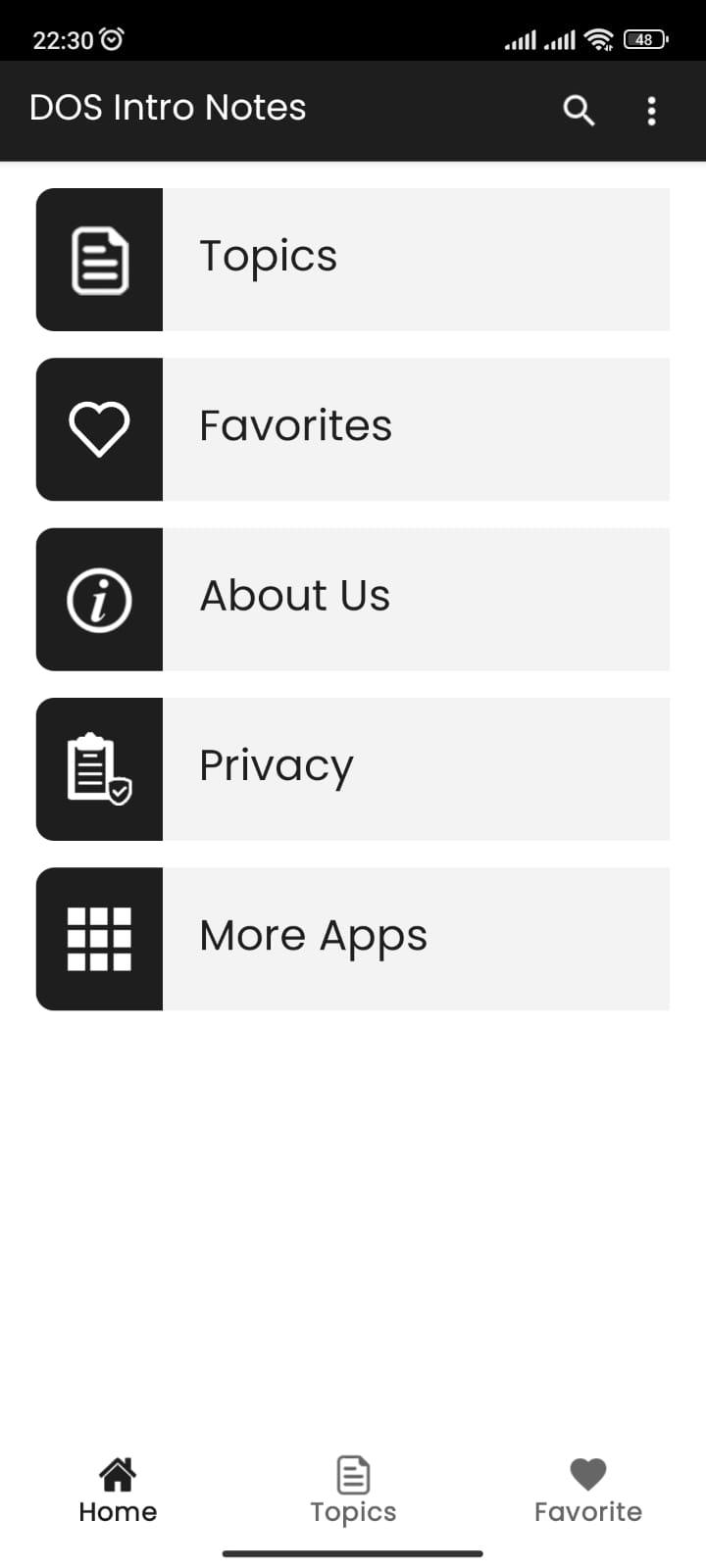
This app contains DOS basic notes.
DOS is a platform-independent acronym for Disk Operating System, which was initially introduced by IBM for the System/360 mainframe and later became common shorthand for the popular family of disk-based operating systems for x86-based IBM PC compatibles. DOS primarily consists of Microsoft's MS-DOS and a rebranded IBM version under the name PC DOS, both of which were introduced in 1981. Later compatible systems from other manufacturers are DR DOS (since 1988 by Digital Research, later sold to Novell then spun into Caldera, Lineo, and finally DeviceLogics), ROM-DOS (since 1989 by Datalight), PTS-DOS (since 1993 by Paragon Technology and PhysTechSoft), Embedded DOS (by General Software), FreeDOS (1998), and RxDOS. MS-DOS dominated the IBM PC compatible market between 1981 and 1995.
[Source: Wikipedia]
معاينة
العلامات
تعليممعلومة
مطور
Softied Apps
احدث اصدار
1.0
آخر تحديث
2023-08-27
فئة
تعليم
متاح على
Google Play
أظهر المزيد
كيف تلعب DOS Introduction مع GameLoop على جهاز الكمبيوتر
1. قم بتنزيل GameLoop من الموقع الرسمي ، ثم قم بتشغيل ملف exe لتثبيت GameLoop.
2. افتح GameLoop وابحث عن "DOS Introduction" ، وابحث عن DOS Introduction في نتائج البحث وانقر على "تثبيت".
3. استمتع بلعب DOS Introduction على GameLoop.
Minimum requirements
OS
Windows 8.1 64-bit or Windows 10 64-bit
GPU
GTX 1050
CPU
i3-8300
Memory
8GB RAM
Storage
1GB available space
Recommended requirements
OS
Windows 8.1 64-bit or Windows 10 64-bit
GPU
GTX 1050
CPU
i3-9320
Memory
16GB RAM
Storage
1GB available space