GMAT: Practice,Prep,Flashcards PC
Varsity Tutors LLC
قم بتنزيل GMAT: Practice,Prep,Flashcards على جهاز الكمبيوتر باستخدام GameLoop Emulator
GMAT: Practice,Prep,Flashcards على الكمبيوتر الشخصي
GMAT: Practice,Prep,Flashcards ، القادم من المطور Varsity Tutors LLC ، يعمل على نظام Android في الماضي.
الآن ، يمكنك لعب GMAT: Practice,Prep,Flashcards على جهاز الكمبيوتر باستخدام GameLoop بسلاسة.
قم بتنزيله في مكتبة GameLoop أو في نتائج البحث. لا مزيد من الانتباه إلى البطارية أو المكالمات المحبطة في الوقت الخطأ بعد الآن.
ما عليك سوى الاستمتاع بجهاز GMAT: Practice,Prep,Flashcards على الشاشة الكبيرة مجانًا!
GMAT: Practice,Prep,Flashcards مقدمة
*** From the Makers of Varsity Learning Tools - Best Education App - 2016 Appy Awards ***
The first step toward a Master’s degree in business is to do well on the Graduate Management Admission Test. A high GMAT score can open doors to your dream graduate program, and a low score can just as easily close those doors.
Maximize your prep time with the free Varsity Tutors GMAT Prep app for Android devices. The GMAT Prep app provides all of the information a student needs to prepare for the three-and-a-half-hour exam’s Verbal Reasoning, Quantitative Reasoning, Integrated Reasoning, and Analytical Writing sections.
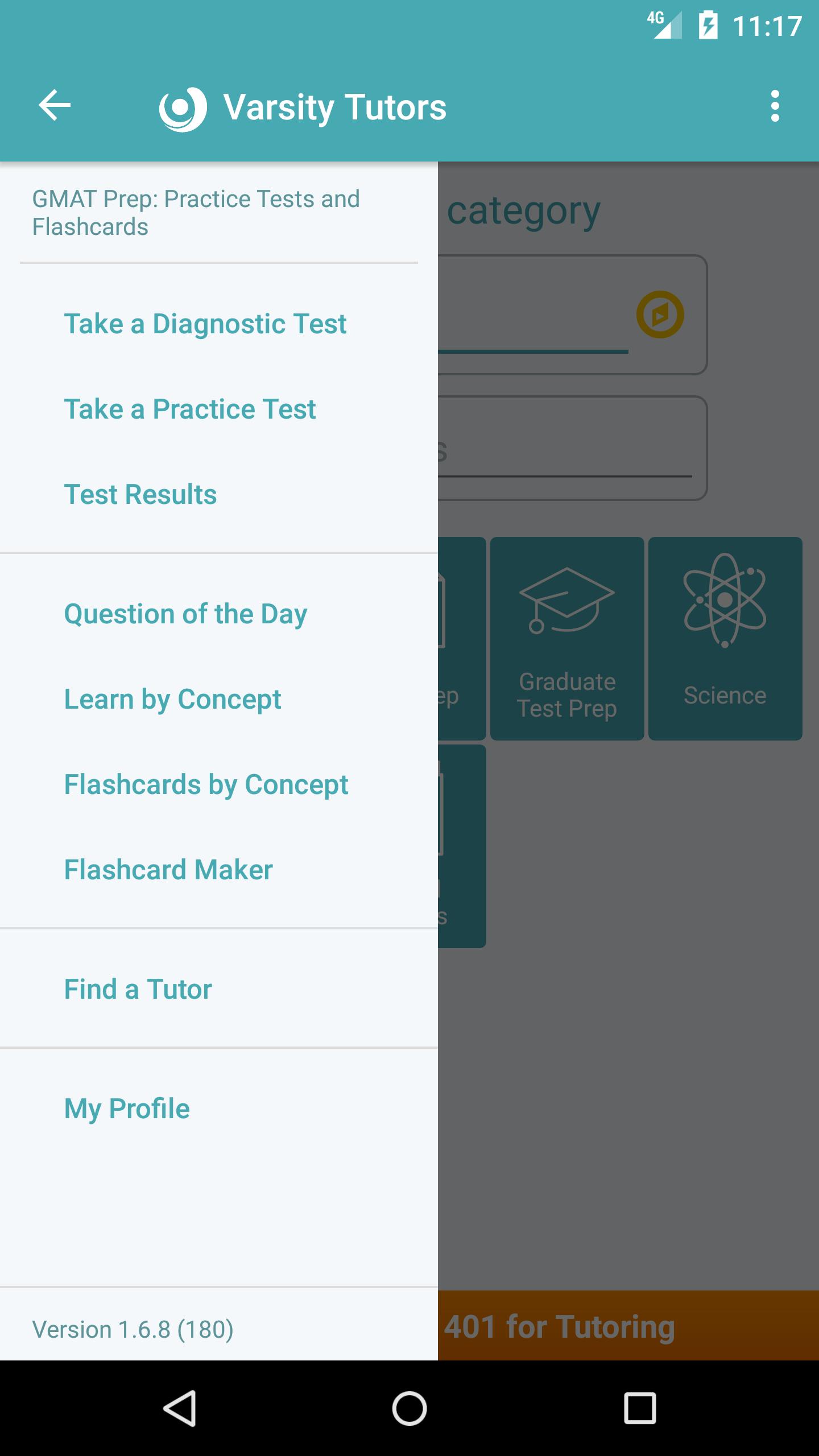
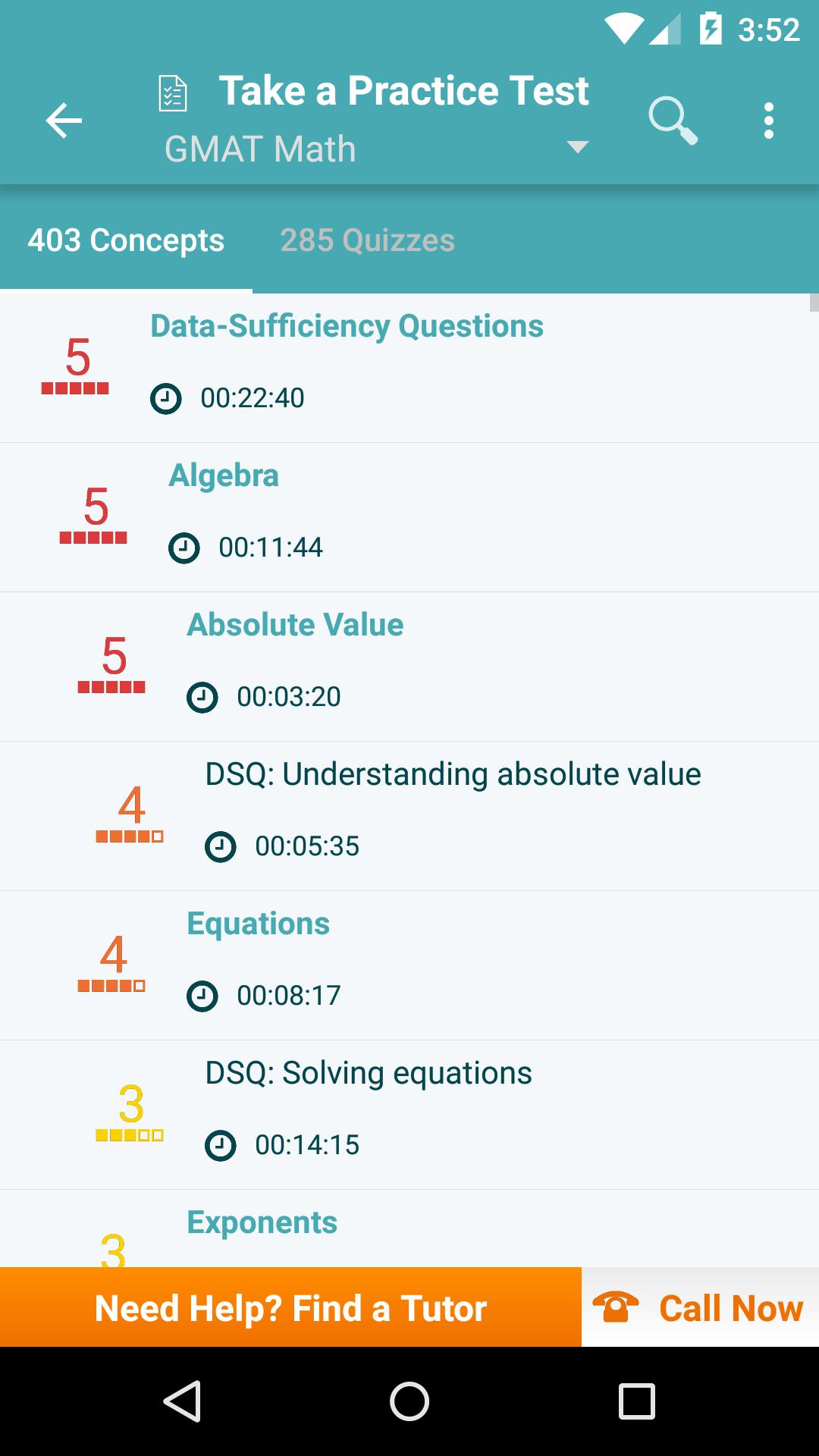
The app uses multiple practice and diagnostic tests to assess your ability to evaluate, analyze, and draw conclusions from data. Students can also choose to learn more about individual concepts, like how to understand the content of mixed passages or how to analyze argumentative claims and bias. The app provides a trove of professionally written practice questions to prepare students for the analytical and interpretive questions they will face on the GMAT, and it also offers comprehensive explanations for more difficult concepts.
The GMAT can mean months of preparation. Downloading the free Varsity Tutors GMAT Prep app for Android-powered smartphones and tablets adds a high-value tool to your study arsenal.
معاينة
العلامات
تعليممعلومة
مطور
Varsity Tutors LLC
احدث اصدار
1.8.8
آخر تحديث
2024-03-09
فئة
تعليم
متاح على
Google Play
أظهر المزيد
كيف تلعب GMAT: Practice,Prep,Flashcards مع GameLoop على جهاز الكمبيوتر
1. قم بتنزيل GameLoop من الموقع الرسمي ، ثم قم بتشغيل ملف exe لتثبيت GameLoop.
2. افتح GameLoop وابحث عن "GMAT: Practice,Prep,Flashcards" ، وابحث عن GMAT: Practice,Prep,Flashcards في نتائج البحث وانقر على "تثبيت".
3. استمتع بلعب GMAT: Practice,Prep,Flashcards على GameLoop.
Minimum requirements
OS
Windows 8.1 64-bit or Windows 10 64-bit
GPU
GTX 1050
CPU
i3-8300
Memory
8GB RAM
Storage
1GB available space
Recommended requirements
OS
Windows 8.1 64-bit or Windows 10 64-bit
GPU
GTX 1050
CPU
i3-9320
Memory
16GB RAM
Storage
1GB available space