
Flashcards Maker PC
B. Walker
قم بتنزيل Flashcards Maker على جهاز الكمبيوتر باستخدام GameLoop Emulator
Flashcards Maker على الكمبيوتر الشخصي
Flashcards Maker ، القادم من المطور B. Walker ، يعمل على نظام Android في الماضي.
الآن ، يمكنك لعب Flashcards Maker على جهاز الكمبيوتر باستخدام GameLoop بسلاسة.
قم بتنزيله في مكتبة GameLoop أو في نتائج البحث. لا مزيد من الانتباه إلى البطارية أو المكالمات المحبطة في الوقت الخطأ بعد الآن.
ما عليك سوى الاستمتاع بجهاز Flashcards Maker على الشاشة الكبيرة مجانًا!
Flashcards Maker مقدمة
Flashcards Maker: The Ultimate Free Study App to Master Any Subject!
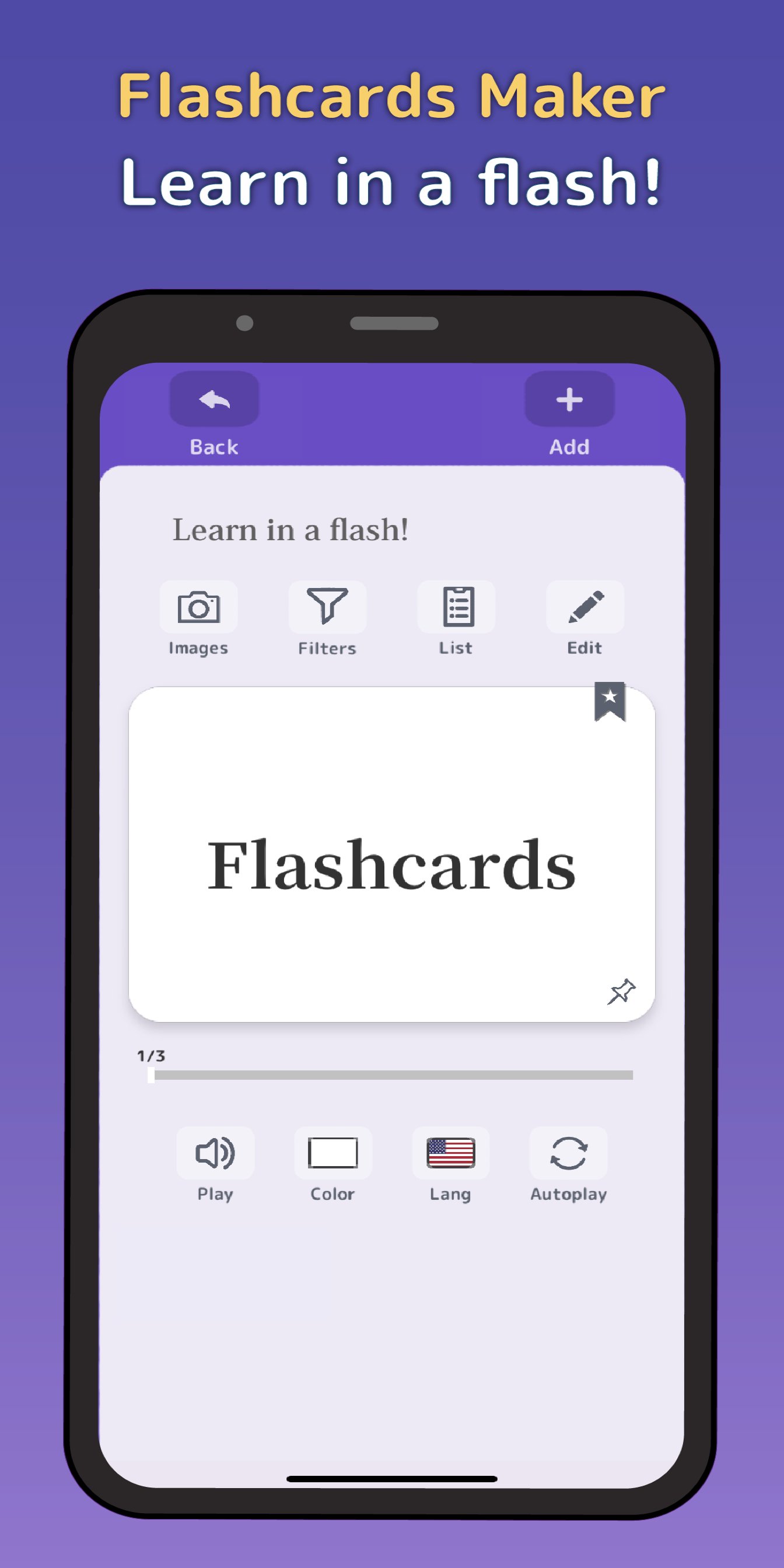
Create, customize, and conquer your learning goals with Flashcards Maker – perfect for students of all ages. This powerful, easy-to-use app helps you learn faster and remember more.
Key Features:
- Unlimited Cards & Folders: Create as many flashcards and organizational folders as you need.
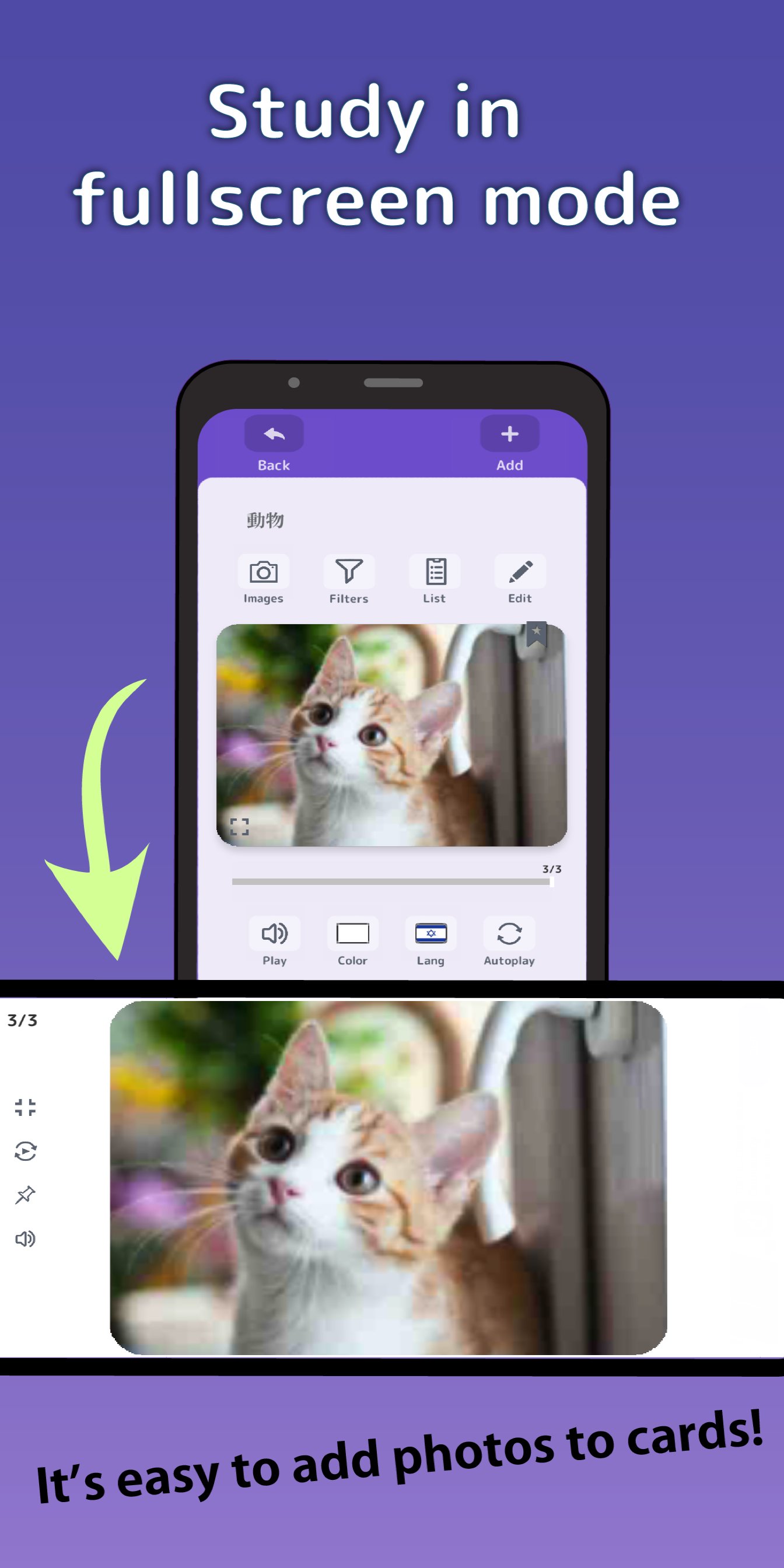
- Rich Media: Add images to your cards in just a few taps.
- Intuitive Controls: Swipe and tap your way through cards effortlessly.
- Text-to-Speech: Listen and learn with support for 30+ languages.
- Quiz Feature: Test your knowledge and track your progress.
- Smart Organization: Easily sort and filter cards, use colors, and create subfolders.
- Bookmarks & Memos: Mark tough cards and add notes up to 1000 characters long.
- Flexible Study Modes: Shuffle cards, auto-play with or without sound, and display card fronts, backs, or both.
- Share & Sync: Share folders and cards with friends, and seamlessly sync your data across all your devices by creating an account.
- Word List View: See all your cards in one convenient place.
- Bulk Editing: Make changes to multiple cards or entire folders at once.
- Add voice recordings to front and back faces of cards
Flashcards Maker is designed with a clean, unobstructed interface, making studying a breeze. Our users love it, and we're sure you will too!
Download Flashcards Maker now and start remembering the easy way!
* Contact ben@ubacoda.com with questions and feedback.
معاينة
العلامات
تعليممعلومة
مطور
B. Walker
احدث اصدار
1.5.8
آخر تحديث
2026-07-08
فئة
تعليم
متاح على
Google Play
أظهر المزيد
كيف تلعب Flashcards Maker مع GameLoop على جهاز الكمبيوتر
1. قم بتنزيل GameLoop من الموقع الرسمي ، ثم قم بتشغيل ملف exe لتثبيت GameLoop.
2. افتح GameLoop وابحث عن "Flashcards Maker" ، وابحث عن Flashcards Maker في نتائج البحث وانقر على "تثبيت".
3. استمتع بلعب Flashcards Maker على GameLoop.
Minimum requirements
OS
Windows 8.1 64-bit or Windows 10 64-bit
GPU
GTX 1050
CPU
i3-8300
Memory
8GB RAM
Storage
1GB available space
Recommended requirements
OS
Windows 8.1 64-bit or Windows 10 64-bit
GPU
GTX 1050
CPU
i3-9320
Memory
16GB RAM
Storage
1GB available space