
Canvas By Instructure PC
Instructure
قم بتنزيل Canvas By Instructure على جهاز الكمبيوتر باستخدام GameLoop Emulator
Canvas By Instructure على الكمبيوتر الشخصي
Canvas By Instructure ، القادم من المطور Instructure ، يعمل على نظام Android في الماضي.
الآن ، يمكنك لعب Canvas By Instructure على جهاز الكمبيوتر باستخدام GameLoop بسلاسة.
قم بتنزيله في مكتبة GameLoop أو في نتائج البحث. لا مزيد من الانتباه إلى البطارية أو المكالمات المحبطة في الوقت الخطأ بعد الآن.
ما عليك سوى الاستمتاع بجهاز Canvas By Instructure على الشاشة الكبيرة مجانًا!
Canvas By Instructure مقدمة
Your learning, anywhere.
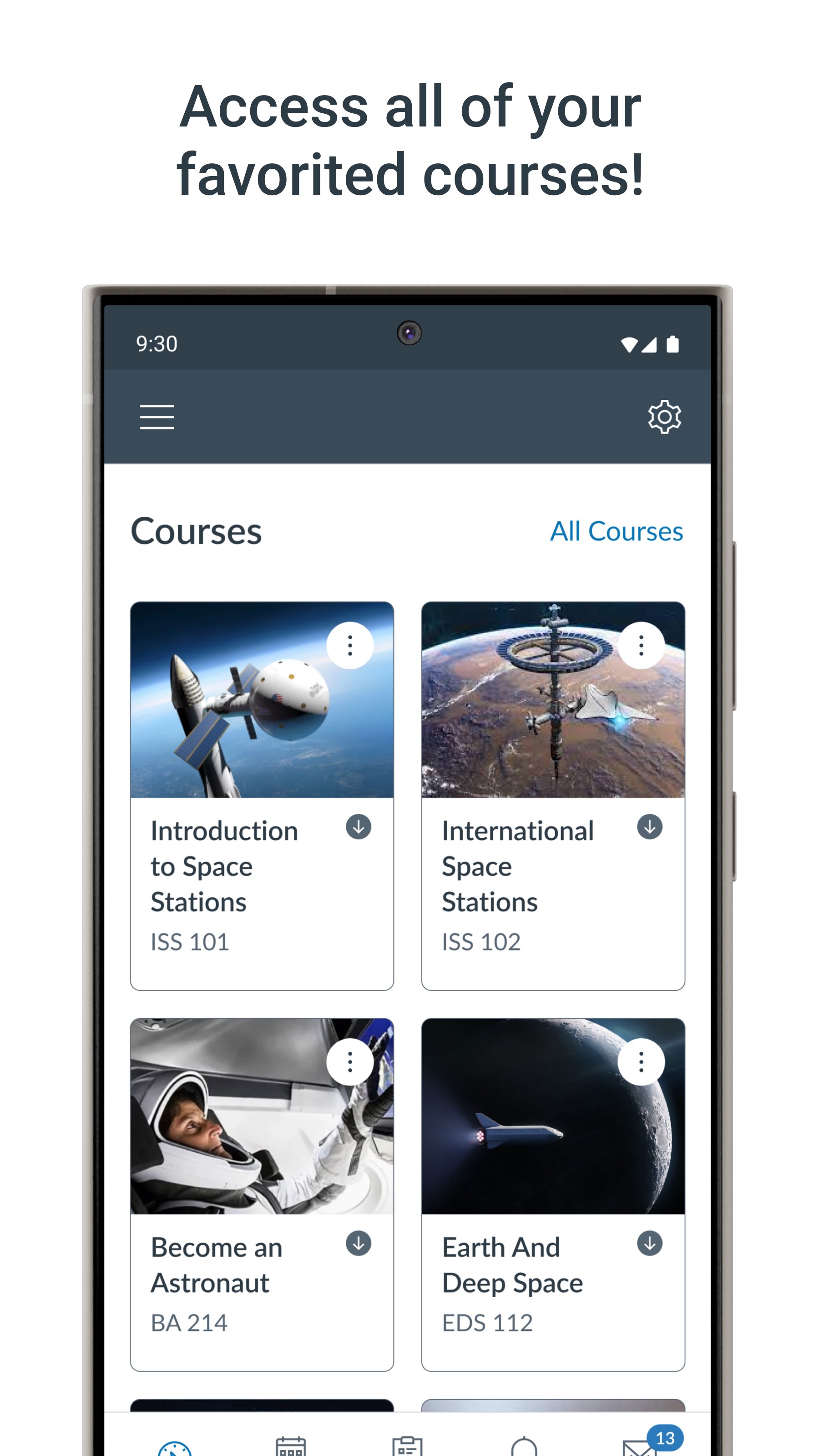
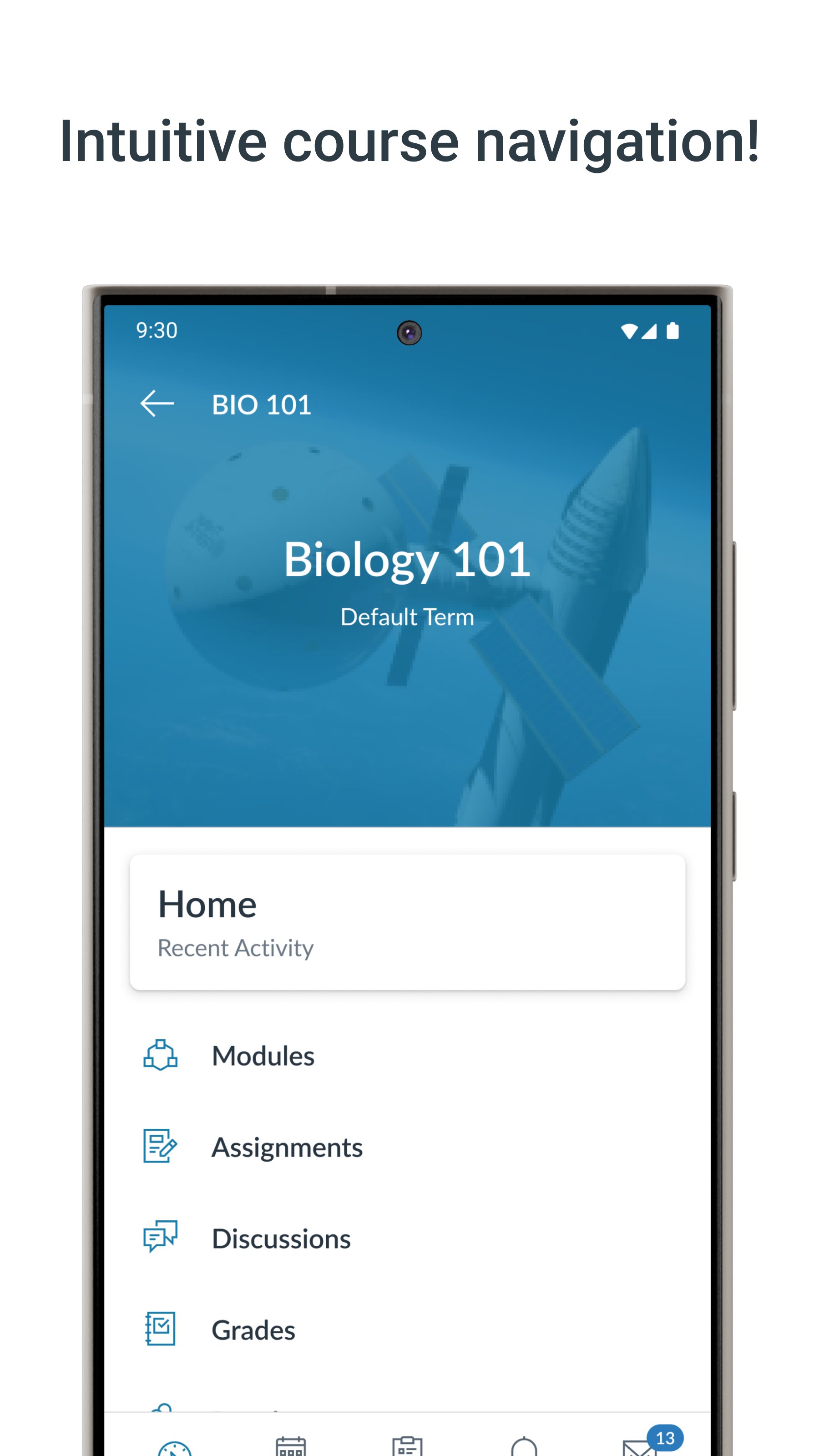
Stay connected to your courses with the official Canvas app for learners. Whether you’re in class, commuting, or offline, Canvas helps you stay organized and engaged.
-Note for instructors: For teaching and grading features, use the Canvas Teacher app.
-Note for parents & guardians: Use Canvas Parent app to follow student progress.
What you can do:
• Organize: View grades, track assignments, homework, and schoolwork; get reminders, push notifications and add customizable widgets for quick access
• Engage: Send messages, join class discussions and collaborate with classmates in real time
• Learn: Submit assignments, PDFs, docs, and media files for teachers to annotate in SpeedGrader, take quizzes, and watch videos on the go
• Strategic Planning: Use "What-If" grade calculations to simulate future scores and plan your study goals with confidence
• Offline: Download full courses and keep studying even without internet
• Integration & inclusivity: Use integrated classroom tools (LTIs), enjoy dark mode, and rely on built-in accessibility for everyone (VPAT 2.2 compliant)
• Lifelong learning: Support for continuous learning, career-focused skill based learning programs, and AI-powered learning experience via Career experience
Trusted by over 40 million learners worldwide.
معاينة
العلامات
تعليممعلومة
مطور
Instructure
احدث اصدار
8.10.0
آخر تحديث
2026-07-30
فئة
تعليم
متاح على
Google Play
أظهر المزيد
كيف تلعب Canvas By Instructure مع GameLoop على جهاز الكمبيوتر
1. قم بتنزيل GameLoop من الموقع الرسمي ، ثم قم بتشغيل ملف exe لتثبيت GameLoop.
2. افتح GameLoop وابحث عن "Canvas By Instructure" ، وابحث عن Canvas By Instructure في نتائج البحث وانقر على "تثبيت".
3. استمتع بلعب Canvas By Instructure على GameLoop.
Minimum requirements
OS
Windows 8.1 64-bit or Windows 10 64-bit
GPU
GTX 1050
CPU
i3-8300
Memory
8GB RAM
Storage
1GB available space
Recommended requirements
OS
Windows 8.1 64-bit or Windows 10 64-bit
GPU
GTX 1050
CPU
i3-9320
Memory
16GB RAM
Storage
1GB available space