
UE Online Campus PC
Datenlotsen Informationssysteme GmbH
قم بتنزيل UE Online Campus على جهاز الكمبيوتر باستخدام GameLoop Emulator
UE Online Campus على الكمبيوتر الشخصي
UE Online Campus ، القادم من المطور Datenlotsen Informationssysteme GmbH ، يعمل على نظام Android في الماضي.
الآن ، يمكنك لعب UE Online Campus على جهاز الكمبيوتر باستخدام GameLoop بسلاسة.
قم بتنزيله في مكتبة GameLoop أو في نتائج البحث. لا مزيد من الانتباه إلى البطارية أو المكالمات المحبطة في الوقت الخطأ بعد الآن.
ما عليك سوى الاستمتاع بجهاز UE Online Campus على الشاشة الكبيرة مجانًا!
UE Online Campus مقدمة
UE Online Campus is the mobile application for the campus management software from Datenlotsen Informationssysteme GmbH at the University of Europe for Applied Sciences.
This app enables students and teachers at the University of Europe for Applied Sciences to use certain functions of CampusNet® easily and easily, even on the go. Have the grades from the last exam already been published? In which room will my colloquium take place today? Has the professor already provided the new exercise sheets? Students and teachers can now answer all of these questions on the go using their smartphone.
The app gives students direct, personalized access to information about their studies and teachers to their data in the area of teaching.
The app offers, among other things:
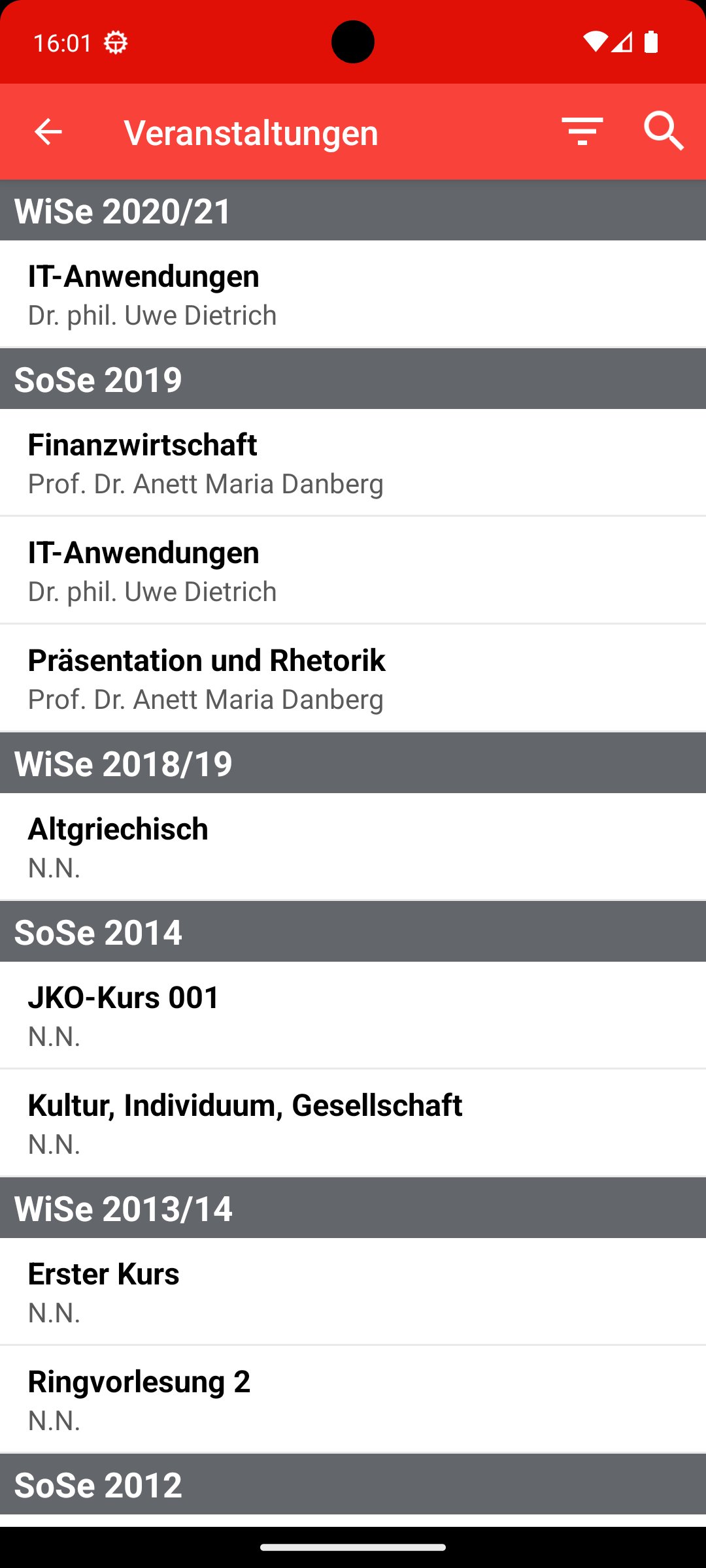
* Event overview
* View/download materials
* Exam list
* Receiving and sending messages
* Appointment calendar
معاينة

العلامات
تعليممعلومة
مطور
Datenlotsen Informationssysteme GmbH
احدث اصدار
1.7.29
آخر تحديث
2025-08-29
فئة
تعليم
متاح على
Google Play
أظهر المزيد
كيف تلعب UE Online Campus مع GameLoop على جهاز الكمبيوتر
1. قم بتنزيل GameLoop من الموقع الرسمي ، ثم قم بتشغيل ملف exe لتثبيت GameLoop.
2. افتح GameLoop وابحث عن "UE Online Campus" ، وابحث عن UE Online Campus في نتائج البحث وانقر على "تثبيت".
3. استمتع بلعب UE Online Campus على GameLoop.
Minimum requirements
OS
Windows 8.1 64-bit or Windows 10 64-bit
GPU
GTX 1050
CPU
i3-8300
Memory
8GB RAM
Storage
1GB available space
Recommended requirements
OS
Windows 8.1 64-bit or Windows 10 64-bit
GPU
GTX 1050
CPU
i3-9320
Memory
16GB RAM
Storage
1GB available space