
100 Fruits and Vegetables for PC
KeepKid
قم بتنزيل 100 Fruits and Vegetables for على جهاز الكمبيوتر باستخدام GameLoop Emulator
100 Fruits and Vegetables for على الكمبيوتر الشخصي
100 Fruits and Vegetables for ، القادم من المطور KeepKid ، يعمل على نظام Android في الماضي.
الآن ، يمكنك لعب 100 Fruits and Vegetables for على جهاز الكمبيوتر باستخدام GameLoop بسلاسة.
قم بتنزيله في مكتبة GameLoop أو في نتائج البحث. لا مزيد من الانتباه إلى البطارية أو المكالمات المحبطة في الوقت الخطأ بعد الآن.
ما عليك سوى الاستمتاع بجهاز 100 Fruits and Vegetables for على الشاشة الكبيرة مجانًا!
100 Fruits and Vegetables for مقدمة
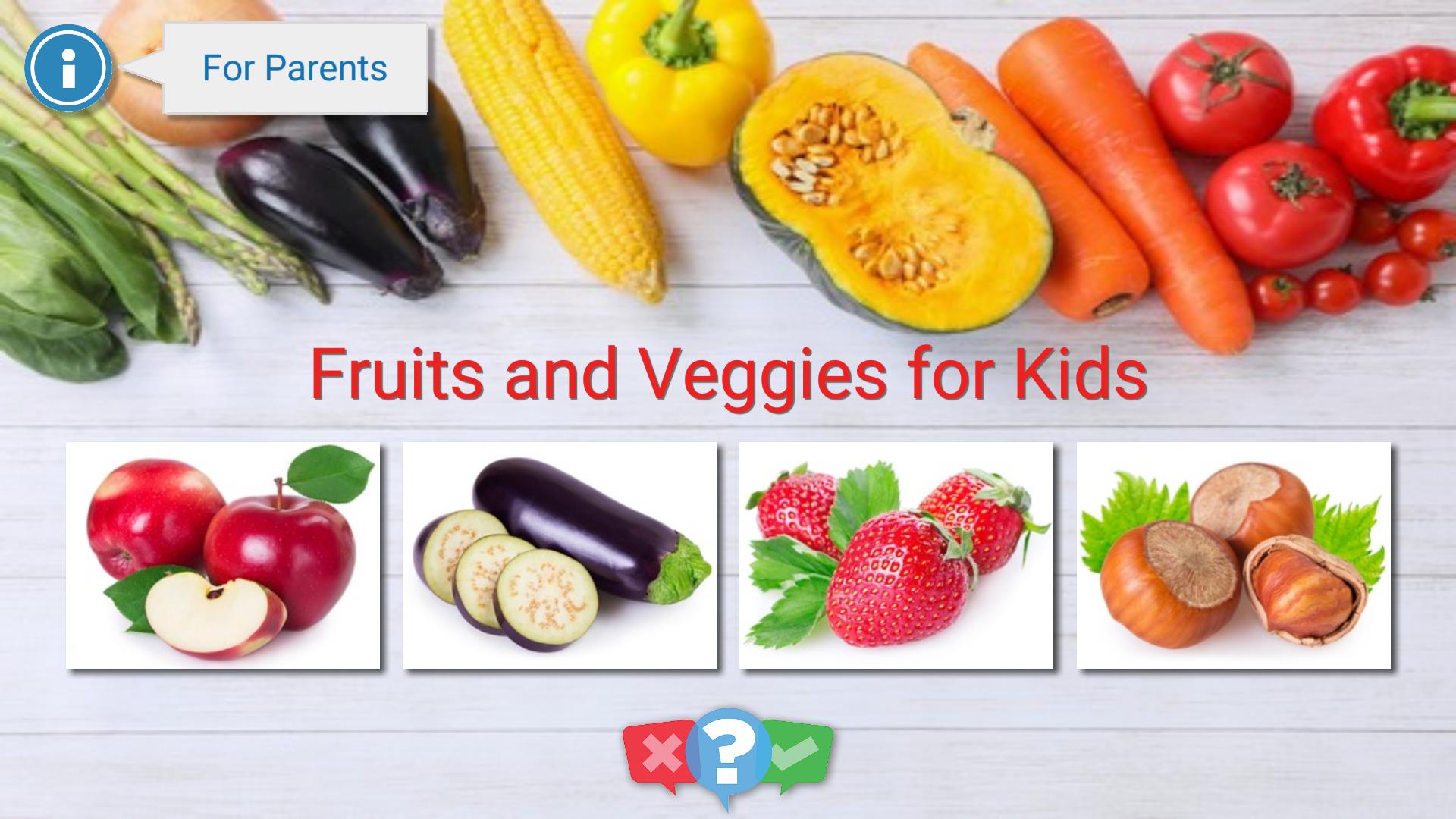
This education app allows kids to learn fruits, vegetables, nuts and berries. 100 high-quality professional photos are available.
A child can view and scroll the photos with his finger. It's really easy, because the gallery is specially adapted for the smallest kids.
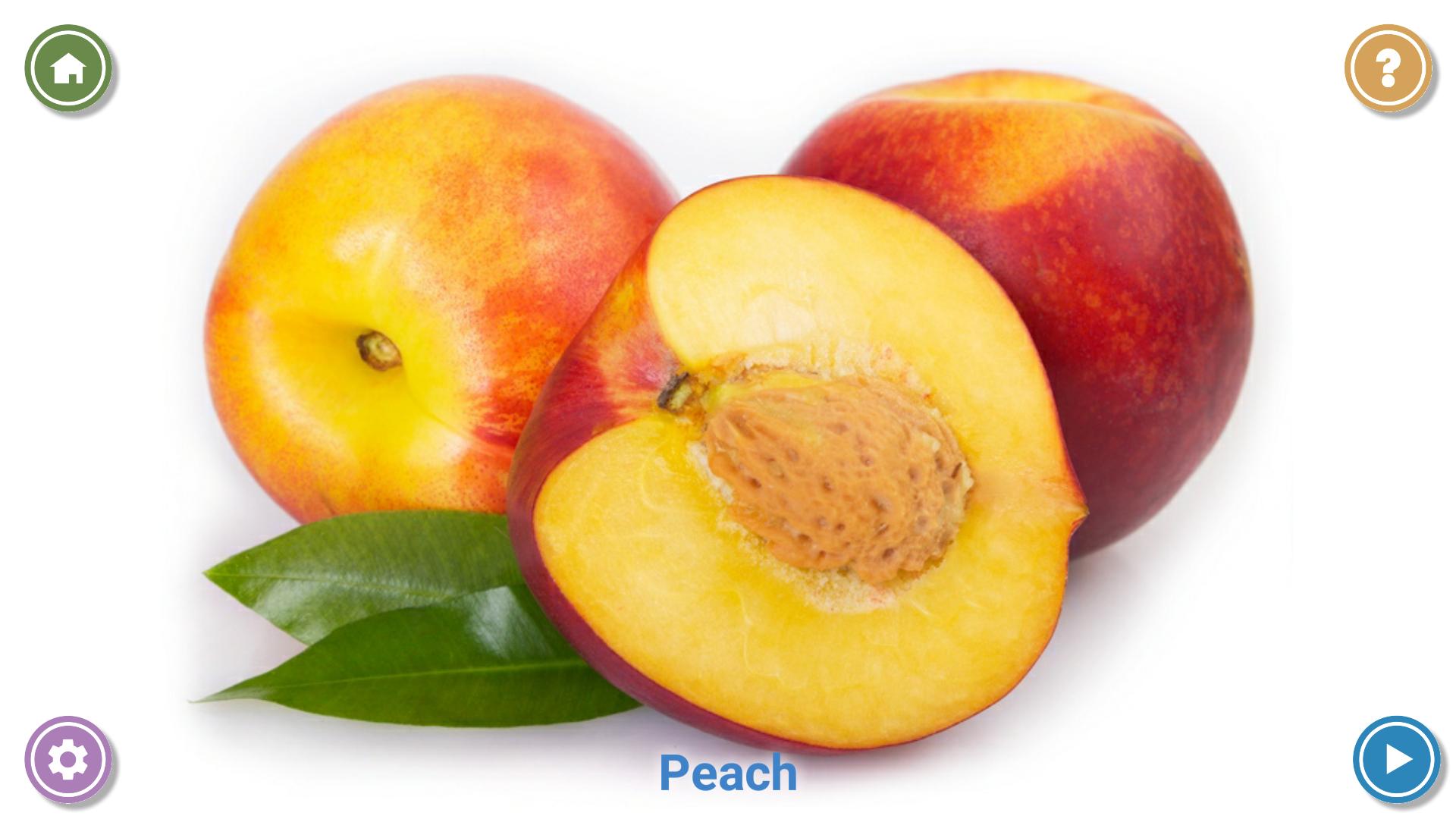
When a child views the photo, he/she hears the name of the fruit, and thus remembers it.
The big advantage of the app is an ability to customize the list of the photos.
Parents can disable unwanted (atypical for their country) fruits, vegetables or berries.
After the fruits learning the application offers to check the knowledge gained. It shows 4 different photos, and pronounces the name of the fruit / vegetable to be found. A child must tap on the correct photo. It is very funny and also good for memory development!
If a child is too small for interacting with the app, it's possible to use the Automatic Slideshow mode. In this mode, photos alternate automatically every few seconds.
Features:
* 100 high-quality photos.
* 4 separate categories: learn fruits, learn vegetables, berries and nuts.
* Pronunciation of the name of each fruit / vegetable in your language.
* Ability to disable unwanted photos.
* Simple interface, adapted for the smallest children.
* The settings are protected. Only parents can configure the app, and to close it.
* Automatic mode for the smallest children.
* Knowledge check.
* Absolutely free app without ads.
معاينة
العلامات
تعليممعلومة
مطور
KeepKid
احدث اصدار
2.0
آخر تحديث
2021-07-25
فئة
تعليم
متاح على
Google Play
أظهر المزيد
كيف تلعب 100 Fruits and Vegetables for مع GameLoop على جهاز الكمبيوتر
1. قم بتنزيل GameLoop من الموقع الرسمي ، ثم قم بتشغيل ملف exe لتثبيت GameLoop.
2. افتح GameLoop وابحث عن "100 Fruits and Vegetables for " ، وابحث عن 100 Fruits and Vegetables for في نتائج البحث وانقر على "تثبيت".
3. استمتع بلعب 100 Fruits and Vegetables for على GameLoop.
Minimum requirements
OS
Windows 8.1 64-bit or Windows 10 64-bit
GPU
GTX 1050
CPU
i3-8300
Memory
8GB RAM
Storage
1GB available space
Recommended requirements
OS
Windows 8.1 64-bit or Windows 10 64-bit
GPU
GTX 1050
CPU
i3-9320
Memory
16GB RAM
Storage
1GB available space