
Propio ONE PC
Propio Language Services
قم بتنزيل Propio ONE على جهاز الكمبيوتر باستخدام GameLoop Emulator
Propio ONE على الكمبيوتر الشخصي
Propio ONE ، القادم من المطور Propio Language Services ، يعمل على نظام Android في الماضي.
الآن ، يمكنك لعب Propio ONE على جهاز الكمبيوتر باستخدام GameLoop بسلاسة.
قم بتنزيله في مكتبة GameLoop أو في نتائج البحث. لا مزيد من الانتباه إلى البطارية أو المكالمات المحبطة في الوقت الخطأ بعد الآن.
ما عليك سوى الاستمتاع بجهاز Propio ONE على الشاشة الكبيرة مجانًا!
Propio ONE مقدمة
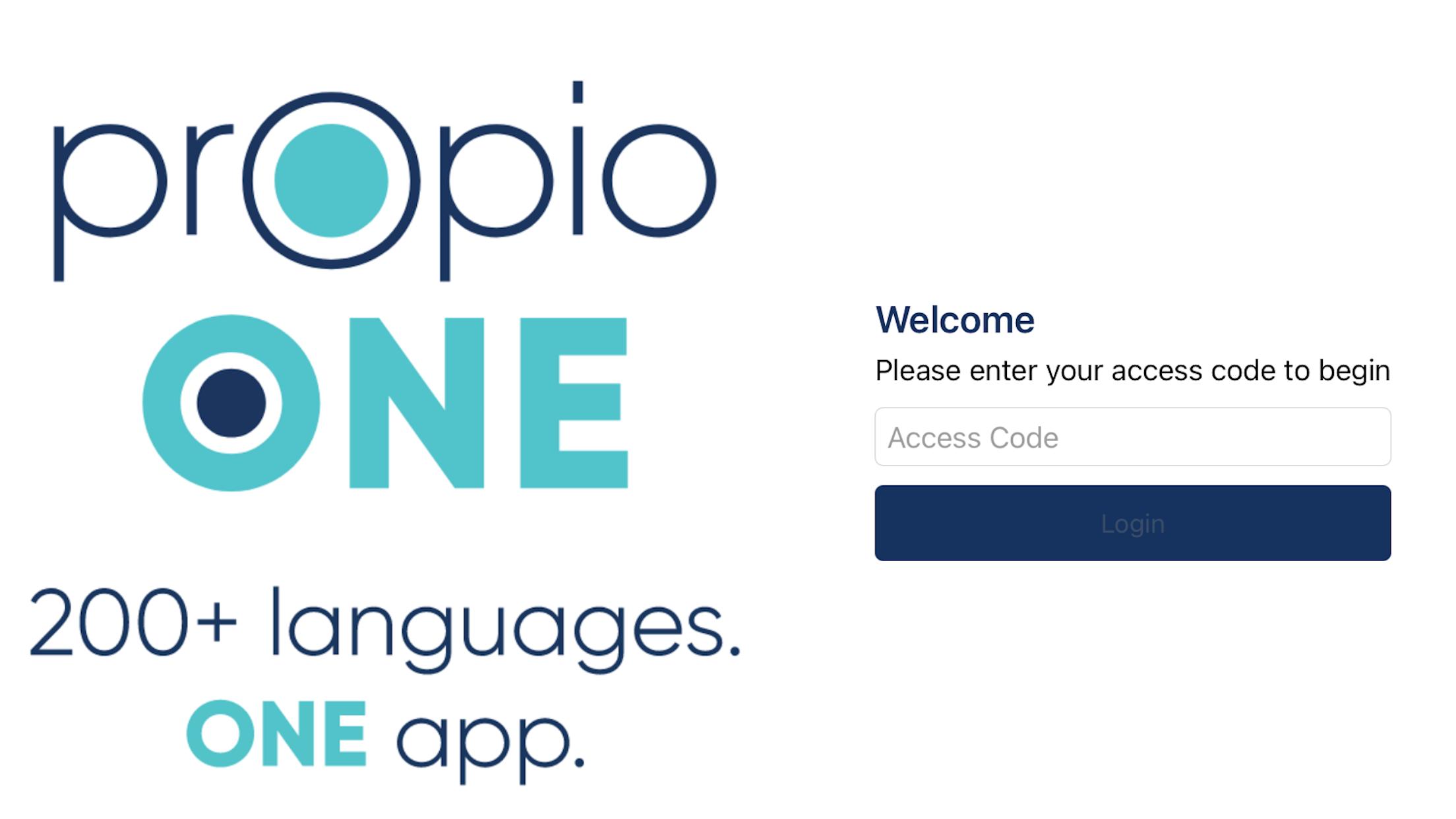
200+ Languages. One App.
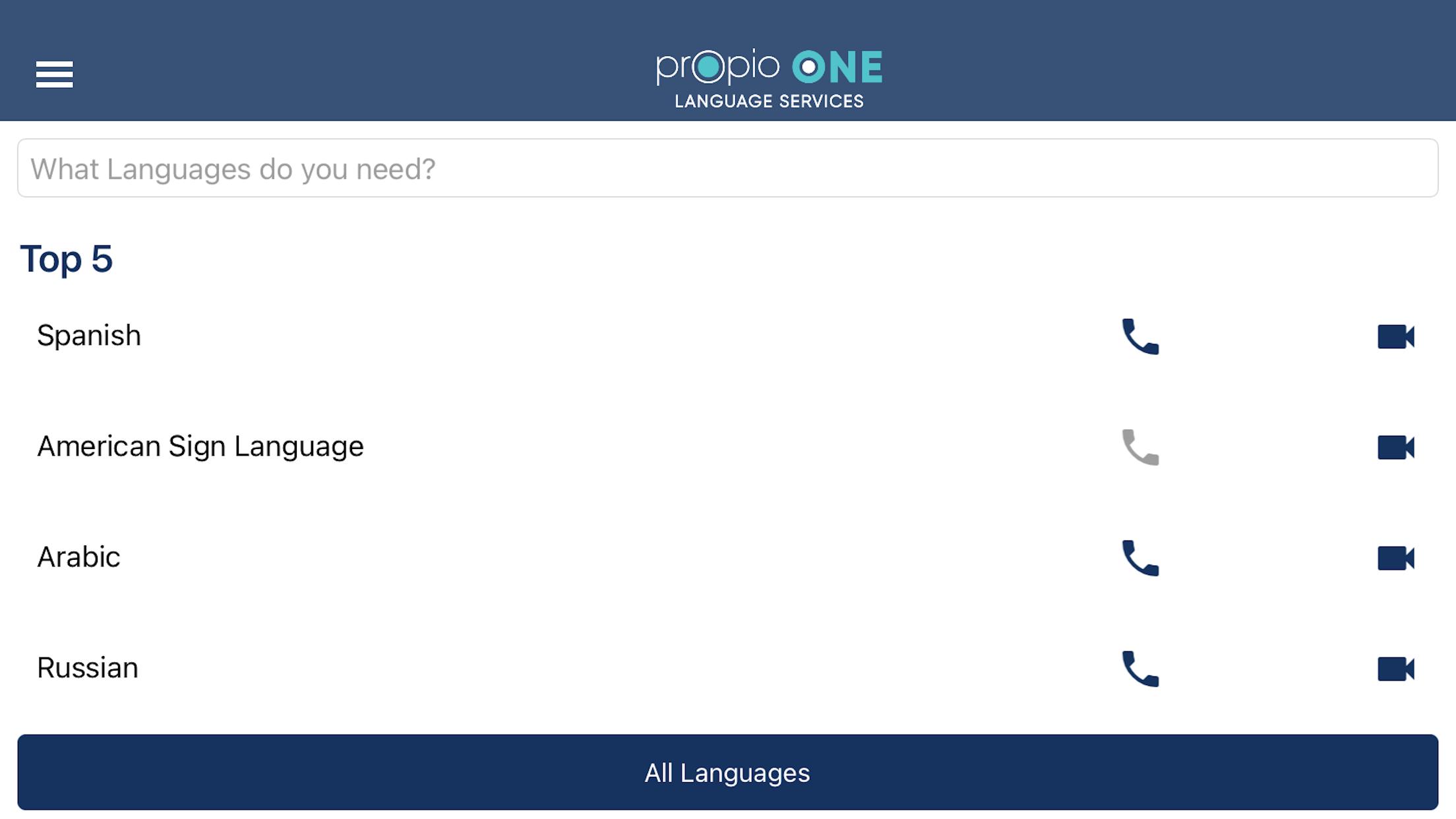
A qualified interpreter is at your fingertips in seconds with Propio ONE.
Simply select video or audio for over 200 languages, get connected, and the interpreter takes care of the rest. With Propio ONE—our proprietary app has the fastest connection times for Video Remote Interpreting (VRI) and Over-the-Phone Interpreting (OPI) services.
• Runs on iOS, Mac, and desktop browsers
• Connect with over 5,000 qualified interpreters in seconds
• Have confidence in secure connections with secure access
• Get the best rates for VRI & OPI in the industry
• Invite others to join a call with one-tap 3rd party dial-out
Propio ONE simplifies the process and offers reliable technology, fast connection times, quality interpreters, and best in class customer service.
Access to language services just got easier.
To use, click on the app, choose the language, and are connected to an interpreter in seconds.
E-mail clientservices@propio-ls.com if you need a User Code for services.
معاينة
العلامات
مجال الاتصالاتمعلومة
مطور
Propio Language Services
احدث اصدار
6.18
آخر تحديث
2025-09-10
فئة
مجال الاتصالات
متاح على
Google Play
أظهر المزيد
كيف تلعب Propio ONE مع GameLoop على جهاز الكمبيوتر
1. قم بتنزيل GameLoop من الموقع الرسمي ، ثم قم بتشغيل ملف exe لتثبيت GameLoop.
2. افتح GameLoop وابحث عن "Propio ONE" ، وابحث عن Propio ONE في نتائج البحث وانقر على "تثبيت".
3. استمتع بلعب Propio ONE على GameLoop.
Minimum requirements
OS
Windows 8.1 64-bit or Windows 10 64-bit
GPU
GTX 1050
CPU
i3-8300
Memory
8GB RAM
Storage
1GB available space
Recommended requirements
OS
Windows 8.1 64-bit or Windows 10 64-bit
GPU
GTX 1050
CPU
i3-9320
Memory
16GB RAM
Storage
1GB available space