Tricky Bridge: Learn & Play PC
Forklift Studios LLC
قم بتنزيل Tricky Bridge: Learn & Play على جهاز الكمبيوتر باستخدام GameLoop Emulator
Tricky Bridge: Learn & Play على الكمبيوتر الشخصي
Tricky Bridge: Learn & Play ، القادم من المطور Forklift Studios LLC ، يعمل على نظام Android في الماضي.
الآن ، يمكنك لعب Tricky Bridge: Learn & Play على جهاز الكمبيوتر باستخدام GameLoop بسلاسة.
قم بتنزيله في مكتبة GameLoop أو في نتائج البحث. لا مزيد من الانتباه إلى البطارية أو المكالمات المحبطة في الوقت الخطأ بعد الآن.
ما عليك سوى الاستمتاع بجهاز Tricky Bridge: Learn & Play على الشاشة الكبيرة مجانًا!
Tricky Bridge: Learn & Play مقدمة
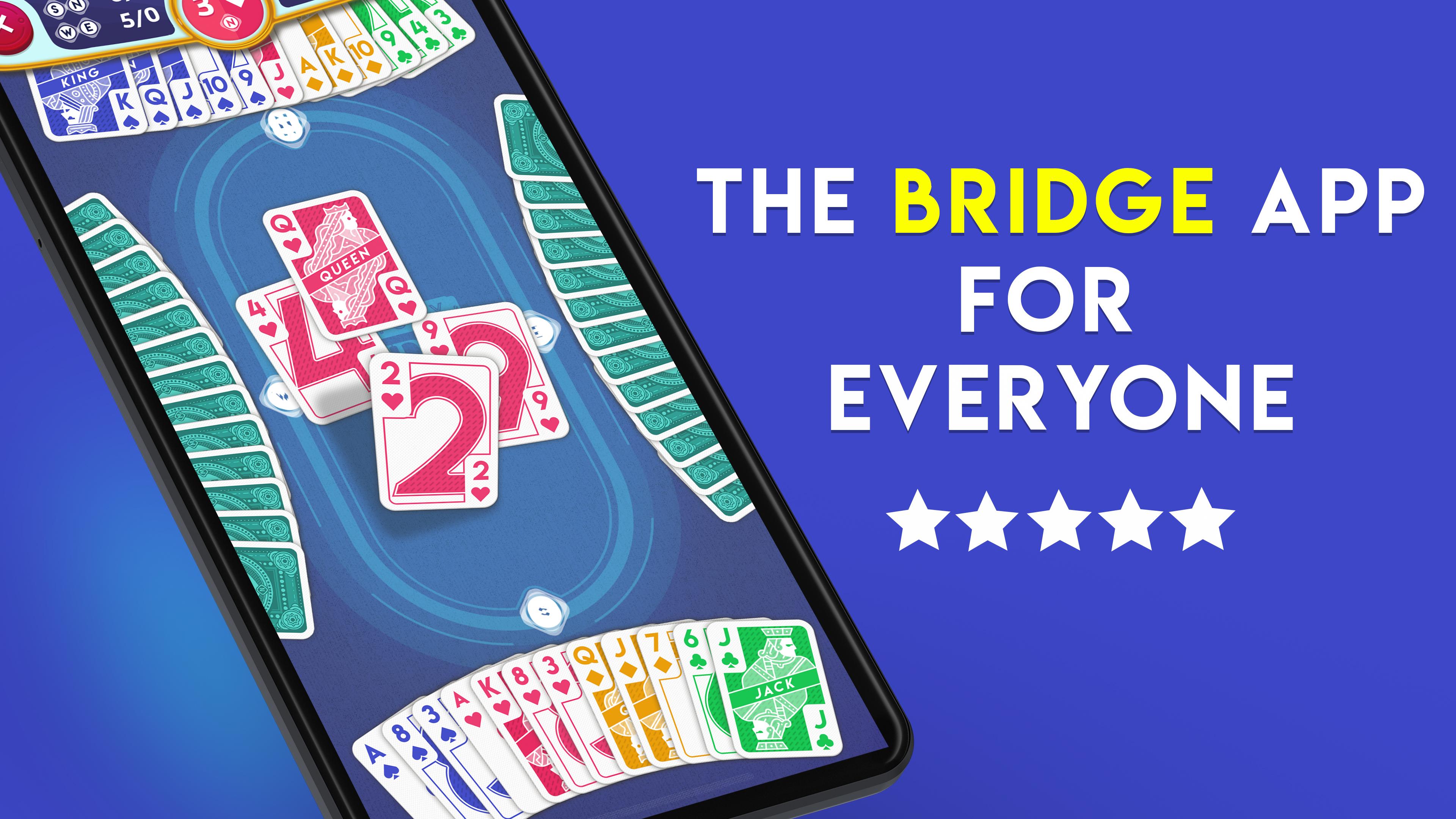
Learn Bridge, practice solo, and play anytime! It's the classic card game and the ultimate mind sport. Develop your skills or just play, and compete in tournaments at your level in the app that's built for all types of players!
FOR BEGINNERS
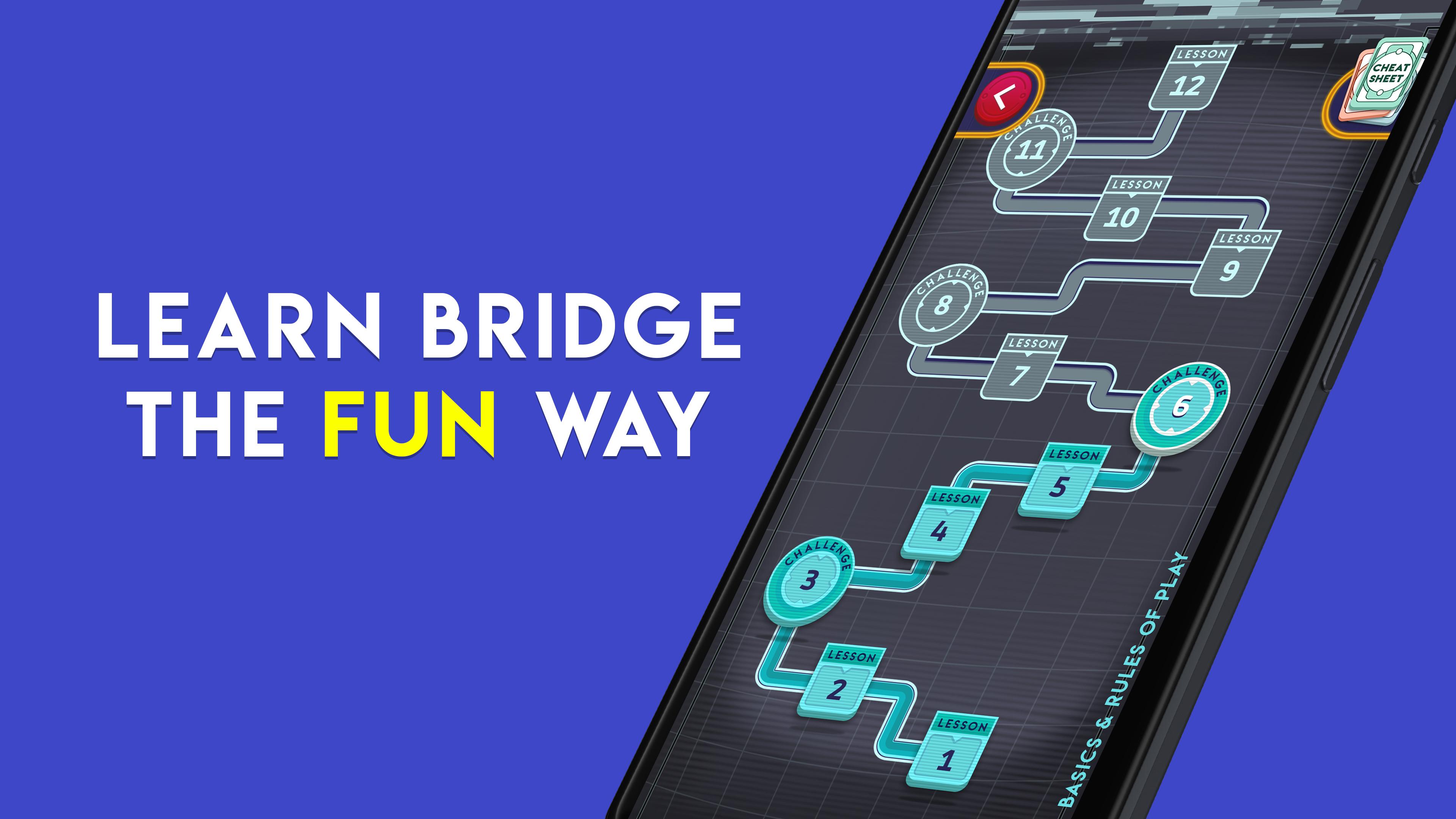
Just starting out? This app teaches the bridge card game from the very beginning! Learn through a series of 57 fun, free beginner lessons and quickly grasp the fundamentals of bidding, play, and strategy. Improve your bidding and play skills through the free, unlimited Practice Mode, and learn bridge card game further by playing with robots, even if you don't have an internet connection. We make it free, easy, and fun to learn how to play!
FOR EXPERIENCED PLAYERS
Play duplicate contract bridge with excellent robot AI (SAYC or 2/1 bidding systems, both customizable) based on a World Champion program, and enjoy fun, stratified duplicate bot tournaments online. Work your way up the ladder from Rookie to Grand Master. Play the bridge card game anytime, 24/7! Learn what any bid means by tapping on it to pop open a description.
Modes:
- Lessons for beginners (completely new? You're in the right place!)
- Practice Mode (solo play with bots, includes hints), totally free
- Quick Tournaments (MP scoring, stratified)
- Daily Tournaments (MP scoring)
- Knockouts (IMP scoring, stratified)
معاينة
العلامات
اليوميلاعب واحدواقعيغير متصل على الانترنتالبطاقات الكلاسيكيةمعلومة
مطور
Forklift Studios LLC
احدث اصدار
1.43
آخر تحديث
2025-10-13
فئة
بطاقة
متاح على
Google Play
أظهر المزيد
كيف تلعب Tricky Bridge: Learn & Play مع GameLoop على جهاز الكمبيوتر
1. قم بتنزيل GameLoop من الموقع الرسمي ، ثم قم بتشغيل ملف exe لتثبيت GameLoop.
2. افتح GameLoop وابحث عن "Tricky Bridge: Learn & Play" ، وابحث عن Tricky Bridge: Learn & Play في نتائج البحث وانقر على "تثبيت".
3. استمتع بلعب Tricky Bridge: Learn & Play على GameLoop.
Minimum requirements
OS
Windows 8.1 64-bit or Windows 10 64-bit
GPU
GTX 1050
CPU
i3-8300
Memory
8GB RAM
Storage
1GB available space
Recommended requirements
OS
Windows 8.1 64-bit or Windows 10 64-bit
GPU
GTX 1050
CPU
i3-9320
Memory
16GB RAM
Storage
1GB available space