Classic FreeCell PC
RunServer
قم بتنزيل Classic FreeCell على جهاز الكمبيوتر باستخدام GameLoop Emulator
Classic FreeCell على الكمبيوتر الشخصي
Classic FreeCell ، القادم من المطور RunServer ، يعمل على نظام Android في الماضي.
الآن ، يمكنك لعب Classic FreeCell على جهاز الكمبيوتر باستخدام GameLoop بسلاسة.
قم بتنزيله في مكتبة GameLoop أو في نتائج البحث. لا مزيد من الانتباه إلى البطارية أو المكالمات المحبطة في الوقت الخطأ بعد الآن.
ما عليك سوى الاستمتاع بجهاز Classic FreeCell على الشاشة الكبيرة مجانًا!
Classic FreeCell مقدمة
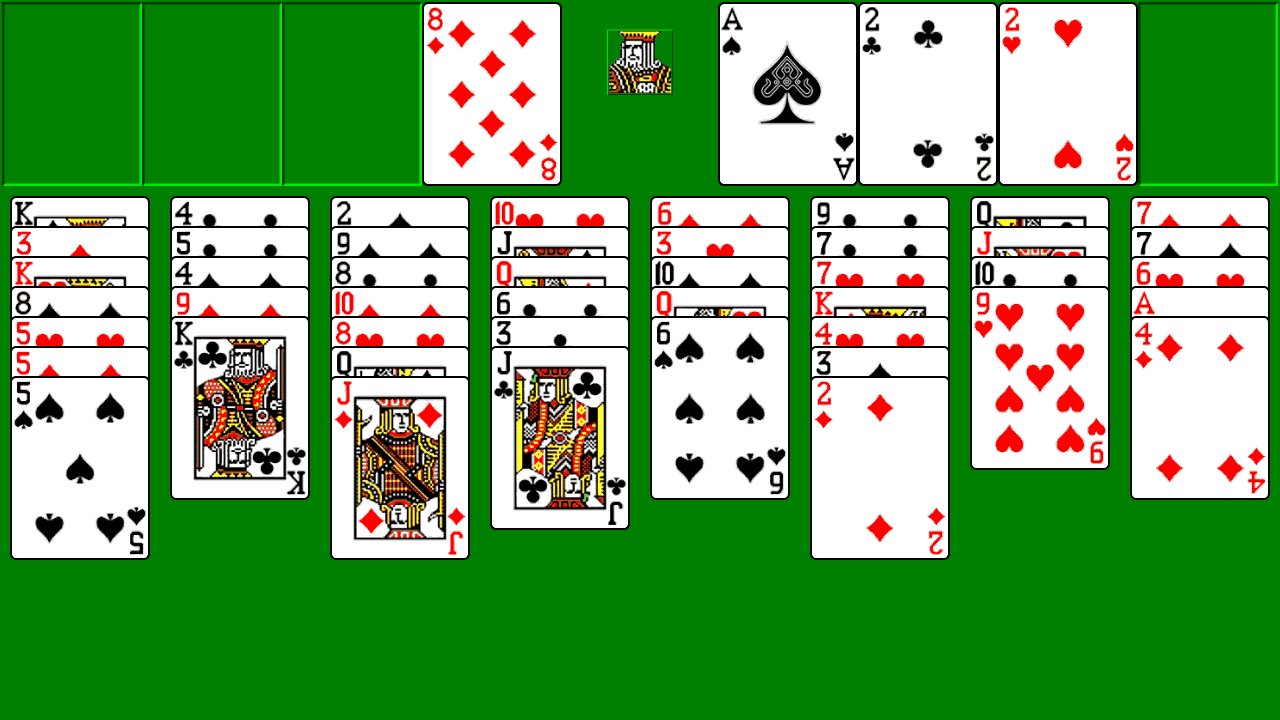
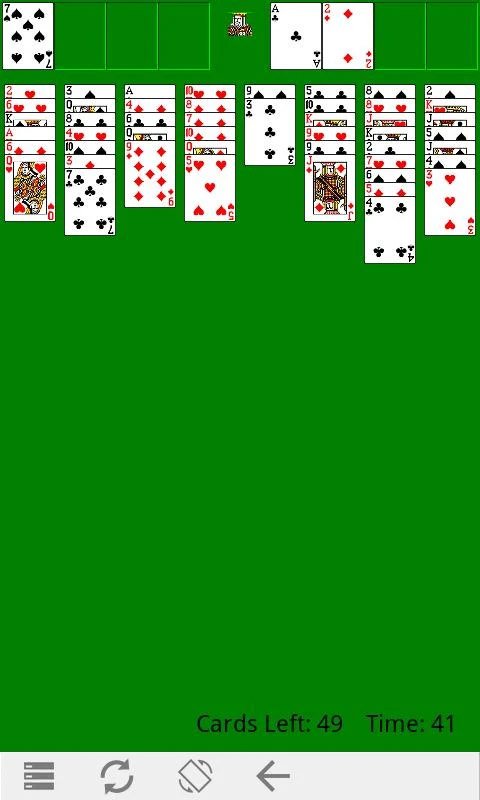
This is FreeCell built to feel exactly like the classic desktop version: same scoring, same graphics, same king image. If you spent hours on it at work or at home, this is the one.
You won't find coins, loot boxes or push notifications here asking you to come back.
Features:
- Super moves for card stacks
- Automated dealing
- Timed and untimed gameplay
- Unlimited undo
- Double-tap to move a card to a free cell
- Victory animation when you win
- Play any game by number
- Three card styles: retro, modern and fancy
معاينة
العلامات
سوليتيرمعلومة
مطور
RunServer
احدث اصدار
2.5.5
آخر تحديث
2026-07-18
فئة
بطاقة
متاح على
Google Play
أظهر المزيد
كيف تلعب Classic FreeCell مع GameLoop على جهاز الكمبيوتر
1. قم بتنزيل GameLoop من الموقع الرسمي ، ثم قم بتشغيل ملف exe لتثبيت GameLoop.
2. افتح GameLoop وابحث عن "Classic FreeCell" ، وابحث عن Classic FreeCell في نتائج البحث وانقر على "تثبيت".
3. استمتع بلعب Classic FreeCell على GameLoop.
Minimum requirements
OS
Windows 8.1 64-bit or Windows 10 64-bit
GPU
GTX 1050
CPU
i3-8300
Memory
8GB RAM
Storage
1GB available space
Recommended requirements
OS
Windows 8.1 64-bit or Windows 10 64-bit
GPU
GTX 1050
CPU
i3-9320
Memory
16GB RAM
Storage
1GB available space