ZConnect Enterprise Edition PC
Zucchetti
قم بتنزيل ZConnect Enterprise Edition على جهاز الكمبيوتر باستخدام GameLoop Emulator
ZConnect Enterprise Edition على الكمبيوتر الشخصي
ZConnect Enterprise Edition ، القادم من المطور Zucchetti ، يعمل على نظام Android في الماضي.
الآن ، يمكنك لعب ZConnect Enterprise Edition على جهاز الكمبيوتر باستخدام GameLoop بسلاسة.
قم بتنزيله في مكتبة GameLoop أو في نتائج البحث. لا مزيد من الانتباه إلى البطارية أو المكالمات المحبطة في الوقت الخطأ بعد الآن.
ما عليك سوى الاستمتاع بجهاز ZConnect Enterprise Edition على الشاشة الكبيرة مجانًا!
ZConnect Enterprise Edition مقدمة
Always keep in touch with your company!
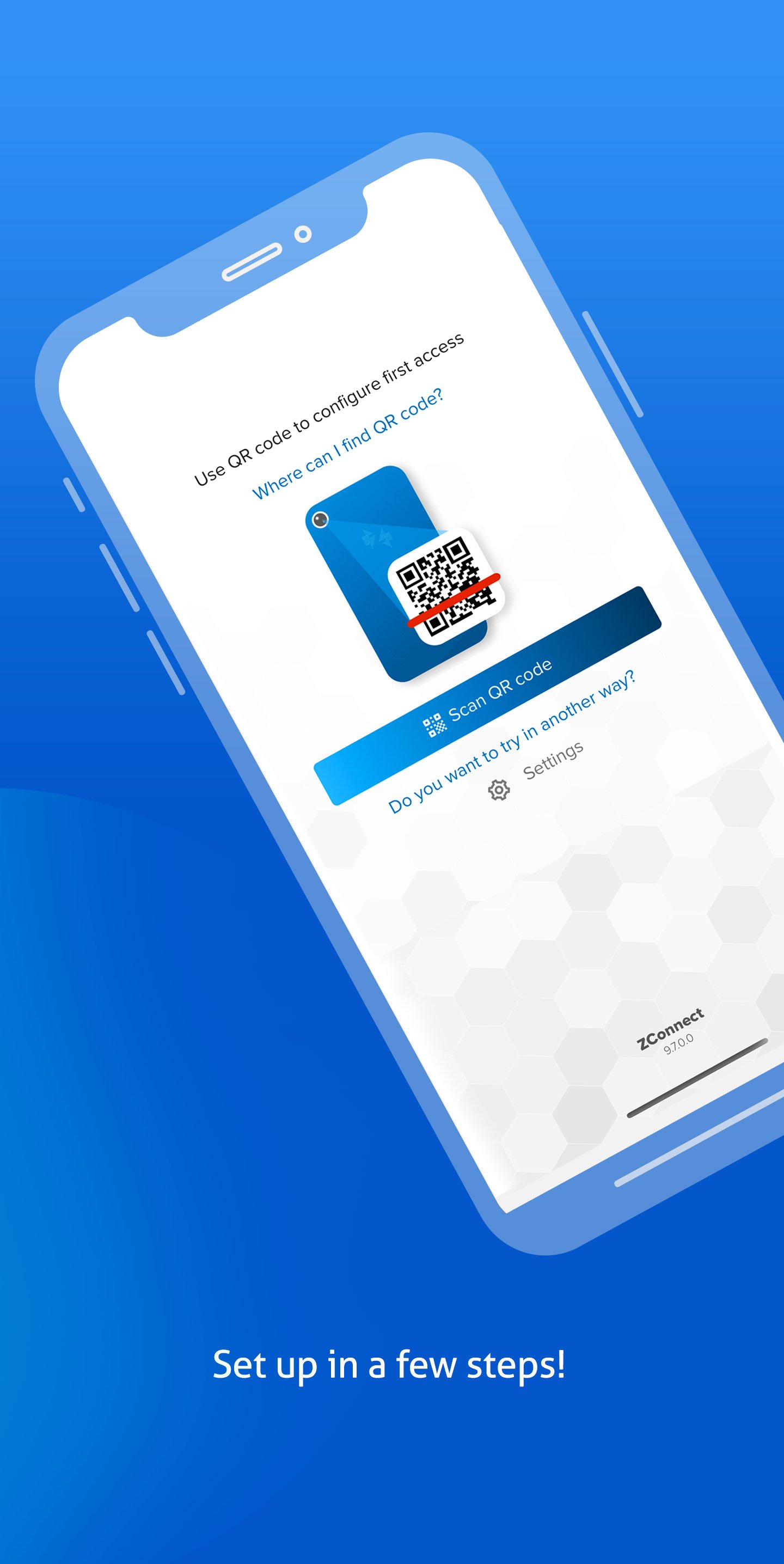
ZConnect - Enterprise Edition Zucchetti is the app for smartphone and tablet that enables the communication between the company and its staff, therefore improving the corporate communication and collaboration.
Communications, news about the company, personal documents such as payslips, attendance sheets or holiday plans: all resources useful for employees can be accessed 24/7, from anywhere and for people such as shift workers, on site or commercial staff who do not have a desktop computer or are working remotely.
With the ZConnect App you can:
- Consult and save your personal documents from mobile: payslip, attendance sheet, tax return
- Read communications, memorandums and staying updated about all company news
A unique App for every need!
Moreover, with the ZConnect App each employee can access with just one click to all the mobile functionalities enabled by the company.
The ZConnect App can also become the sole access gate for all mobile functions in the Zucchetti’s HR management range: in this way, in a unique and complete app, easy and simple to use you can access everything you need to simplify your job and take part in the company’s life.
Who it is dedicated to:
ZConnect - Enterprise Edition is available for all companies that purchased Zucchetti’s HR Portal.
For further information on ZConnect App - Enterprise Edition take a look at the FAQs inside the app.
معاينة
العلامات
اعمالمعلومة
مطور
Zucchetti
احدث اصدار
25.15.00.28402
آخر تحديث
2025-12-01
فئة
اعمال
متاح على
Google Play
أظهر المزيد
كيف تلعب ZConnect Enterprise Edition مع GameLoop على جهاز الكمبيوتر
1. قم بتنزيل GameLoop من الموقع الرسمي ، ثم قم بتشغيل ملف exe لتثبيت GameLoop.
2. افتح GameLoop وابحث عن "ZConnect Enterprise Edition" ، وابحث عن ZConnect Enterprise Edition في نتائج البحث وانقر على "تثبيت".
3. استمتع بلعب ZConnect Enterprise Edition على GameLoop.
Minimum requirements
OS
Windows 8.1 64-bit or Windows 10 64-bit
GPU
GTX 1050
CPU
i3-8300
Memory
8GB RAM
Storage
1GB available space
Recommended requirements
OS
Windows 8.1 64-bit or Windows 10 64-bit
GPU
GTX 1050
CPU
i3-9320
Memory
16GB RAM
Storage
1GB available space