
Nested Folder Notes: CrumbNote PC
Yusuke Saso
قم بتنزيل Nested Folder Notes: CrumbNote على جهاز الكمبيوتر باستخدام GameLoop Emulator
Nested Folder Notes: CrumbNote على الكمبيوتر الشخصي
Nested Folder Notes: CrumbNote ، القادم من المطور Yusuke Saso ، يعمل على نظام Android في الماضي.
الآن ، يمكنك لعب Nested Folder Notes: CrumbNote على جهاز الكمبيوتر باستخدام GameLoop بسلاسة.
قم بتنزيله في مكتبة GameLoop أو في نتائج البحث. لا مزيد من الانتباه إلى البطارية أو المكالمات المحبطة في الوقت الخطأ بعد الآن.
ما عليك سوى الاستمتاع بجهاز Nested Folder Notes: CrumbNote على الشاشة الكبيرة مجانًا!
Nested Folder Notes: CrumbNote مقدمة
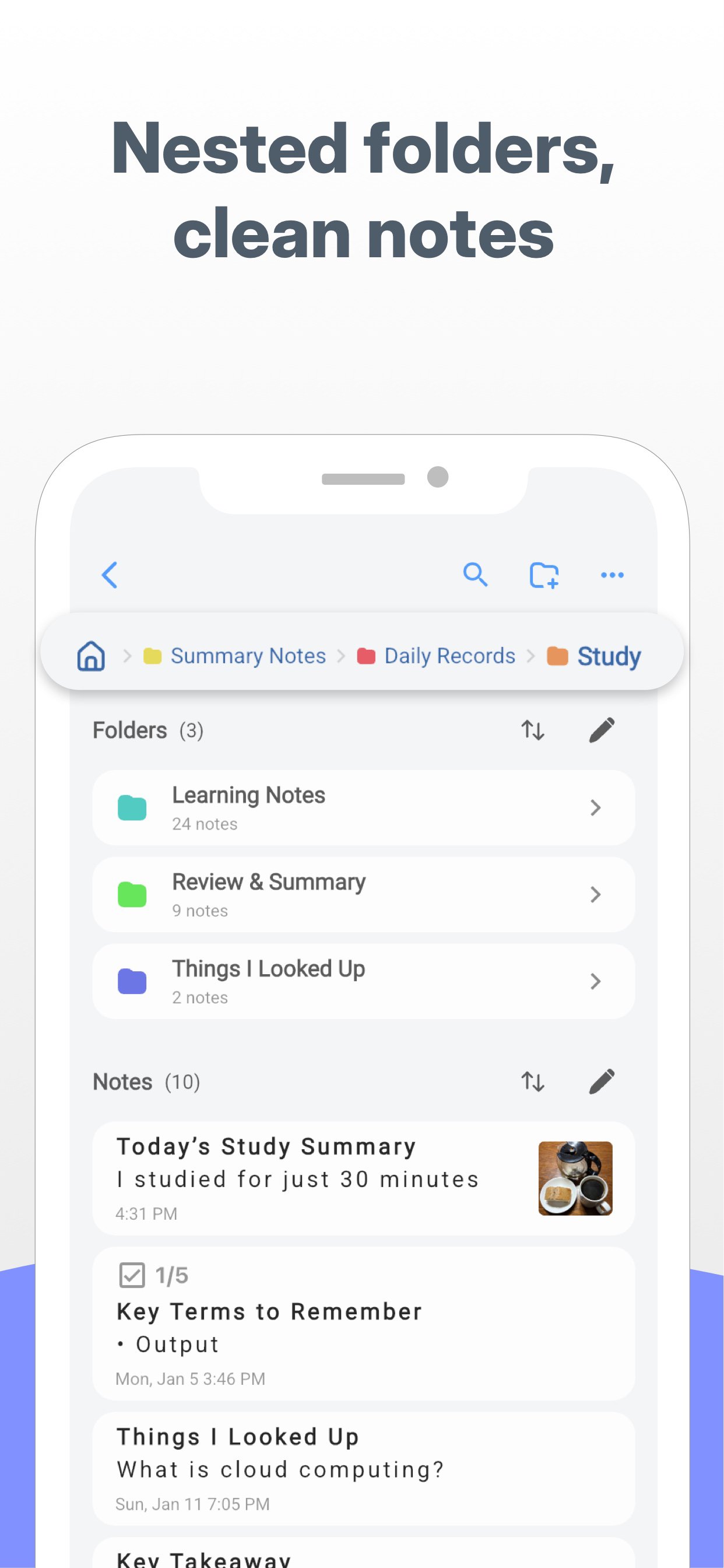
CrumbNote is a powerful note app that lets you create folders inside folders.
Organize large amounts of notes with a clear, structured layout that’s perfect for work, study, and creative projects.
Reorder notes easily with drag and drop, or let the app sort them automatically.
Select multiple notes or folders at once to move, duplicate, or delete in seconds.
Color-coded notes make it easy to find what you need at a glance, even in long lists.
Ideal for:
• Work notes, meeting minutes, and task lists
• Study notes, classes, and exam preparation
• Journals, daily logs, and idea capture
• Writing, blogging, and creative planning
• Recipes, shopping lists, and hobbies
Key features:
• Nested folders for structured organization
• Drag & drop and auto sorting
• Search and trash folder
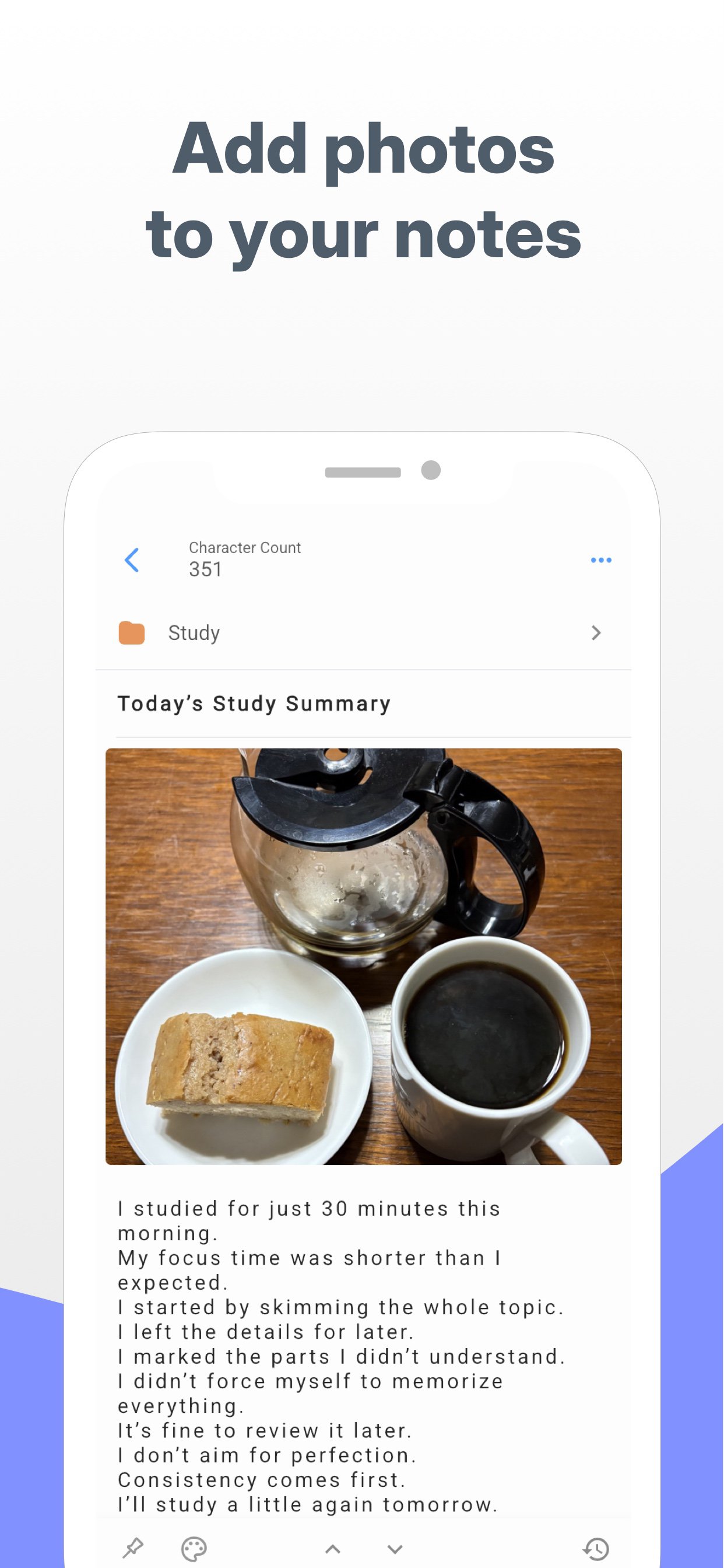
• Photo attachments (up to 10 per note)
• Checklists and character count
• Note history and recovery
• Passcode lock and backups
# LICENSE
Icons by Icons8
معاينة
العلامات
اعمالمعلومة
مطور
Yusuke Saso
احدث اصدار
2.0.3
آخر تحديث
2026-02-03
فئة
اعمال
متاح على
Google Play
أظهر المزيد
كيف تلعب Nested Folder Notes: CrumbNote مع GameLoop على جهاز الكمبيوتر
1. قم بتنزيل GameLoop من الموقع الرسمي ، ثم قم بتشغيل ملف exe لتثبيت GameLoop.
2. افتح GameLoop وابحث عن "Nested Folder Notes: CrumbNote" ، وابحث عن Nested Folder Notes: CrumbNote في نتائج البحث وانقر على "تثبيت".
3. استمتع بلعب Nested Folder Notes: CrumbNote على GameLoop.
Minimum requirements
OS
Windows 8.1 64-bit or Windows 10 64-bit
GPU
GTX 1050
CPU
i3-8300
Memory
8GB RAM
Storage
1GB available space
Recommended requirements
OS
Windows 8.1 64-bit or Windows 10 64-bit
GPU
GTX 1050
CPU
i3-9320
Memory
16GB RAM
Storage
1GB available space