
iikoDeliveryMan PC
iiko Software
قم بتنزيل iikoDeliveryMan على جهاز الكمبيوتر باستخدام GameLoop Emulator
iikoDeliveryMan على الكمبيوتر الشخصي
iikoDeliveryMan ، القادم من المطور iiko Software ، يعمل على نظام Android في الماضي.
الآن ، يمكنك لعب iikoDeliveryMan على جهاز الكمبيوتر باستخدام GameLoop بسلاسة.
قم بتنزيله في مكتبة GameLoop أو في نتائج البحث. لا مزيد من الانتباه إلى البطارية أو المكالمات المحبطة في الوقت الخطأ بعد الآن.
ما عليك سوى الاستمتاع بجهاز iikoDeliveryMan على الشاشة الكبيرة مجانًا!
iikoDeliveryMan مقدمة
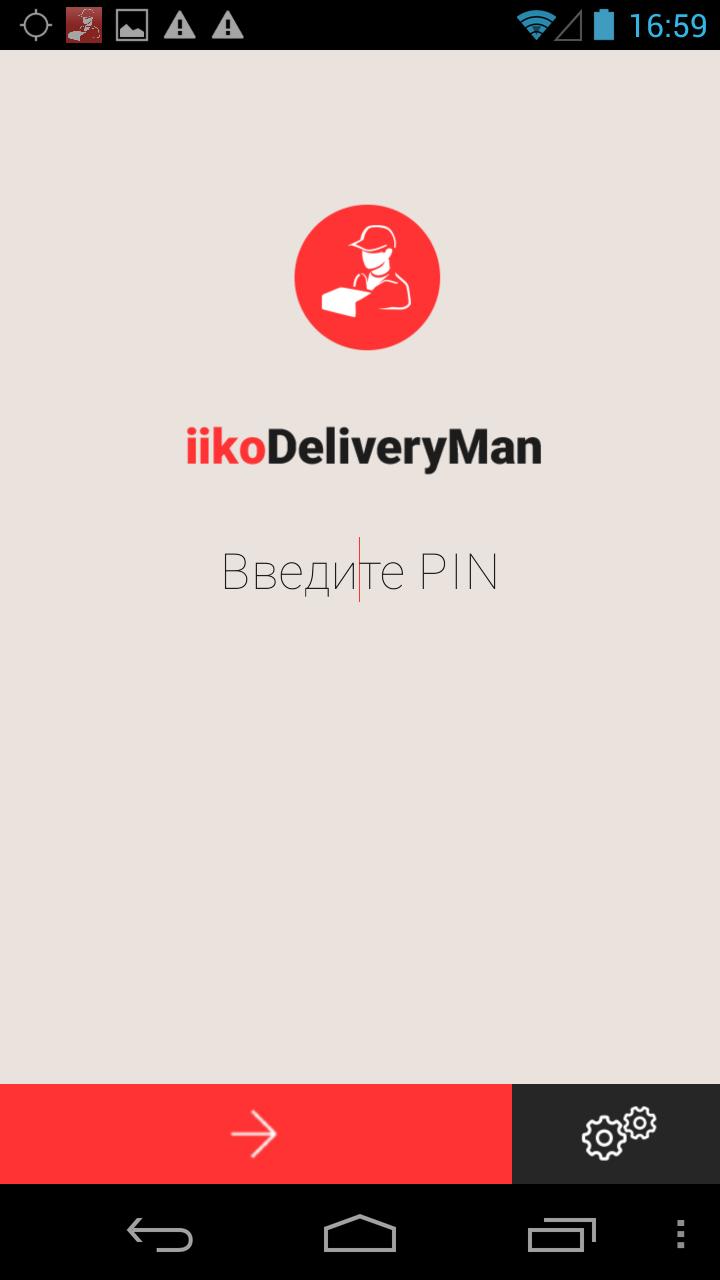
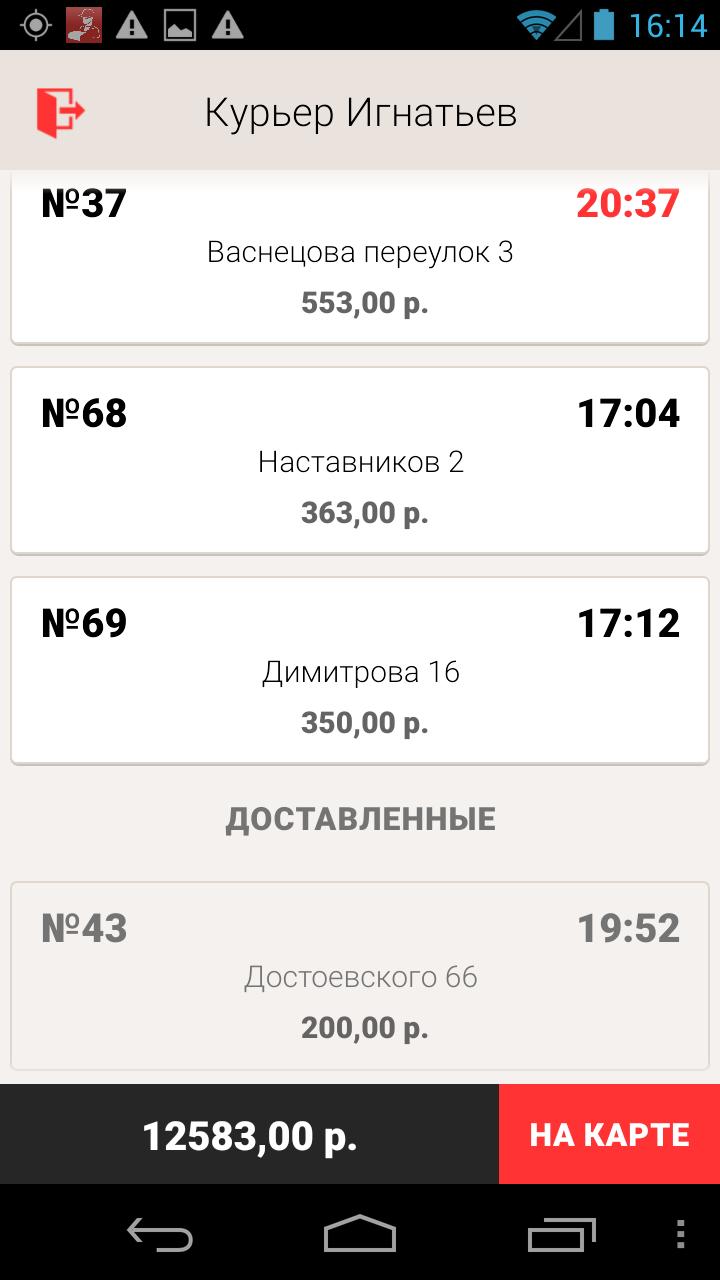
We bring to your attention a convenient application that allows you to manage the work of couriers of the ready-made meals delivery service. iikoDeliveryMan is intended for catering enterprises automated using iiko software products and is suitable both for individual establishments and for restaurant chains with a centralized delivery service.
IikoDeliveryMan features:
• Instant notification of the courier about the appointment, change or cancellation of the order
• Automatic calculation of the optimal route and demonstration of it to the courier using the Yandex.Navigator application
• Notes on the execution of the order by the courier, control of the terms of execution
• Control of the current status of couriers
• Operational reporting on the quality of work of couriers: by points of preparation of orders, by individual orders, by each courier, etc.
CHANGE TRACKING AND LOCATION DATA ACCESS
To inform service operators about your current location, iikoDeliveryMan collects location data from the device.
Tracking changes and collecting location data begins only after successfully logging into the application using the PIN code (login) and ends when you exit your personal account (logout).
The active status of the foreground service for tracking changes and location is indicated by the presence of a permanent notification from iikoDeliveryMan in the notification panel.
معاينة
العلامات
اعمالمعلومة
مطور
iiko Software
احدث اصدار
6.4.4
آخر تحديث
2022-01-24
فئة
اعمال
متاح على
Google Play
أظهر المزيد
كيف تلعب iikoDeliveryMan مع GameLoop على جهاز الكمبيوتر
1. قم بتنزيل GameLoop من الموقع الرسمي ، ثم قم بتشغيل ملف exe لتثبيت GameLoop.
2. افتح GameLoop وابحث عن "iikoDeliveryMan" ، وابحث عن iikoDeliveryMan في نتائج البحث وانقر على "تثبيت".
3. استمتع بلعب iikoDeliveryMan على GameLoop.
Minimum requirements
OS
Windows 8.1 64-bit or Windows 10 64-bit
GPU
GTX 1050
CPU
i3-8300
Memory
8GB RAM
Storage
1GB available space
Recommended requirements
OS
Windows 8.1 64-bit or Windows 10 64-bit
GPU
GTX 1050
CPU
i3-9320
Memory
16GB RAM
Storage
1GB available space