
E-Presensi BPOM PC
Badan Pengawas Obat dan Makanan Republik Indonesia
قم بتنزيل E-Presensi BPOM على جهاز الكمبيوتر باستخدام GameLoop Emulator
E-Presensi BPOM على الكمبيوتر الشخصي
E-Presensi BPOM ، القادم من المطور Badan Pengawas Obat dan Makanan Republik Indonesia ، يعمل على نظام Android في الماضي.
الآن ، يمكنك لعب E-Presensi BPOM على جهاز الكمبيوتر باستخدام GameLoop بسلاسة.
قم بتنزيله في مكتبة GameLoop أو في نتائج البحث. لا مزيد من الانتباه إلى البطارية أو المكالمات المحبطة في الوقت الخطأ بعد الآن.
ما عليك سوى الاستمتاع بجهاز E-Presensi BPOM على الشاشة الكبيرة مجانًا!
E-Presensi BPOM مقدمة
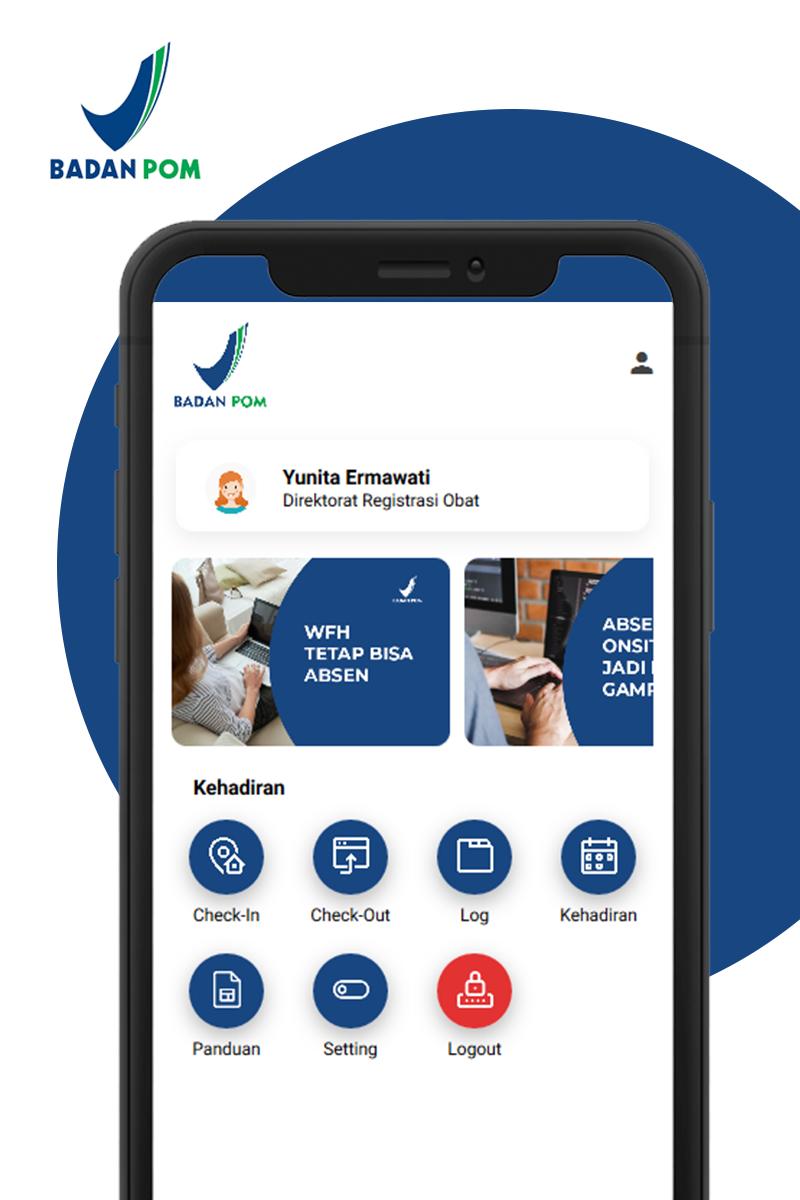
A practical and easy application that is intended for all employees in the POM Agency in conducting online attendance both checking in and checking out during Work From Home assignments.
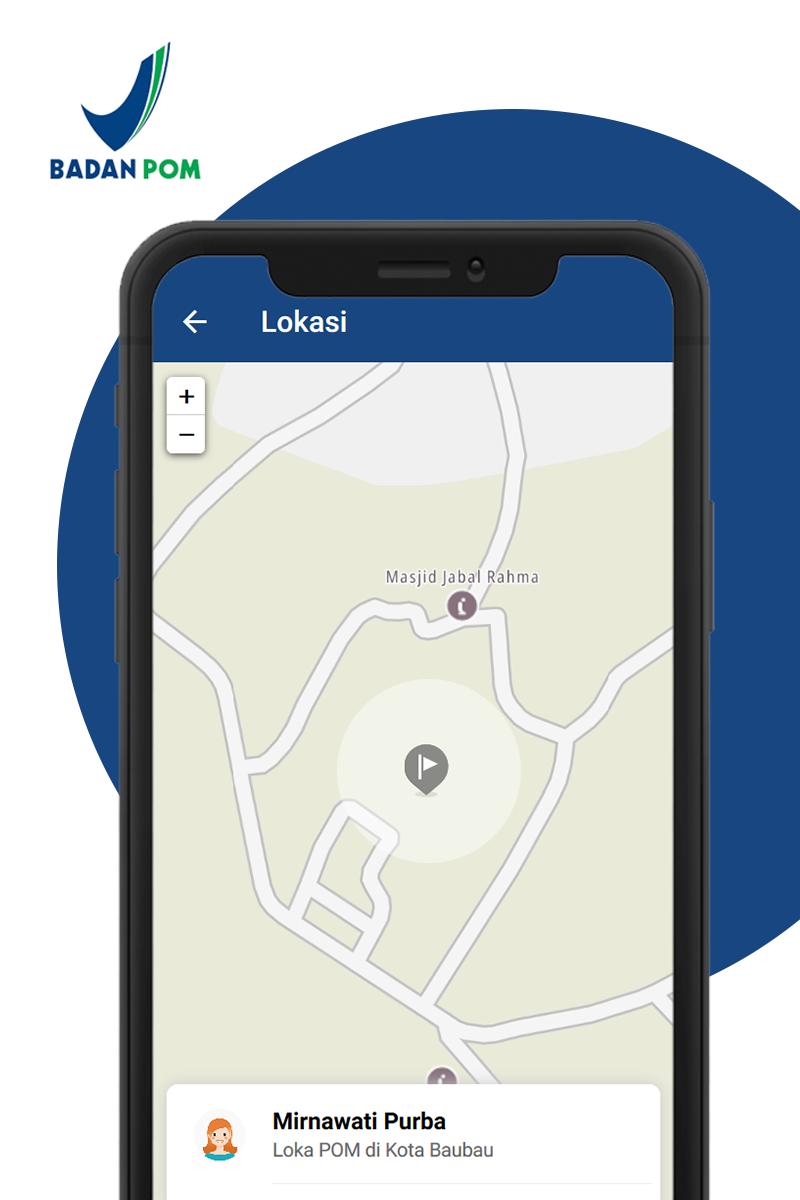
Employees take attendance online by utilizing the GPS feature and smartphone camera features when checking in and and checking out during work from home assignments. This application records / records one's own presence on the current day, current month, and the number of hours worked per day according to the provisions.
In addition, each UPT Badan POM, in this case the Head of UPT and Head of Administration / Operational Administration, can monitor the presence of employees and control employees who have not checked in and checked out during the Work From Home assignment. The results of attendance can be exported into XLS on the web application https://e-presensi.pom.go.id/
It is hoped that this application can provide convenience in monitoring the attendance of employees who carry out Work From Home within the POM Agency.
معاينة
العلامات
اعمالمعلومة
مطور
Badan Pengawas Obat dan Makanan Republik Indonesia
احدث اصدار
1.0.9
آخر تحديث
2020-07-27
فئة
اعمال
متاح على
Google Play
أظهر المزيد
كيف تلعب E-Presensi BPOM مع GameLoop على جهاز الكمبيوتر
1. قم بتنزيل GameLoop من الموقع الرسمي ، ثم قم بتشغيل ملف exe لتثبيت GameLoop.
2. افتح GameLoop وابحث عن "E-Presensi BPOM" ، وابحث عن E-Presensi BPOM في نتائج البحث وانقر على "تثبيت".
3. استمتع بلعب E-Presensi BPOM على GameLoop.
Minimum requirements
OS
Windows 8.1 64-bit or Windows 10 64-bit
GPU
GTX 1050
CPU
i3-8300
Memory
8GB RAM
Storage
1GB available space
Recommended requirements
OS
Windows 8.1 64-bit or Windows 10 64-bit
GPU
GTX 1050
CPU
i3-9320
Memory
16GB RAM
Storage
1GB available space