
C•CURE Go Reader PC
Tyco Security Products (Sensormatic Electronics)
قم بتنزيل C•CURE Go Reader على جهاز الكمبيوتر باستخدام GameLoop Emulator
C•CURE Go Reader على الكمبيوتر الشخصي
C•CURE Go Reader ، القادم من المطور Tyco Security Products (Sensormatic Electronics) ، يعمل على نظام Android في الماضي.
الآن ، يمكنك لعب C•CURE Go Reader على جهاز الكمبيوتر باستخدام GameLoop بسلاسة.
قم بتنزيله في مكتبة GameLoop أو في نتائج البحث. لا مزيد من الانتباه إلى البطارية أو المكالمات المحبطة في الوقت الخطأ بعد الآن.
ما عليك سوى الاستمتاع بجهاز C•CURE Go Reader على الشاشة الكبيرة مجانًا!
C•CURE Go Reader مقدمة
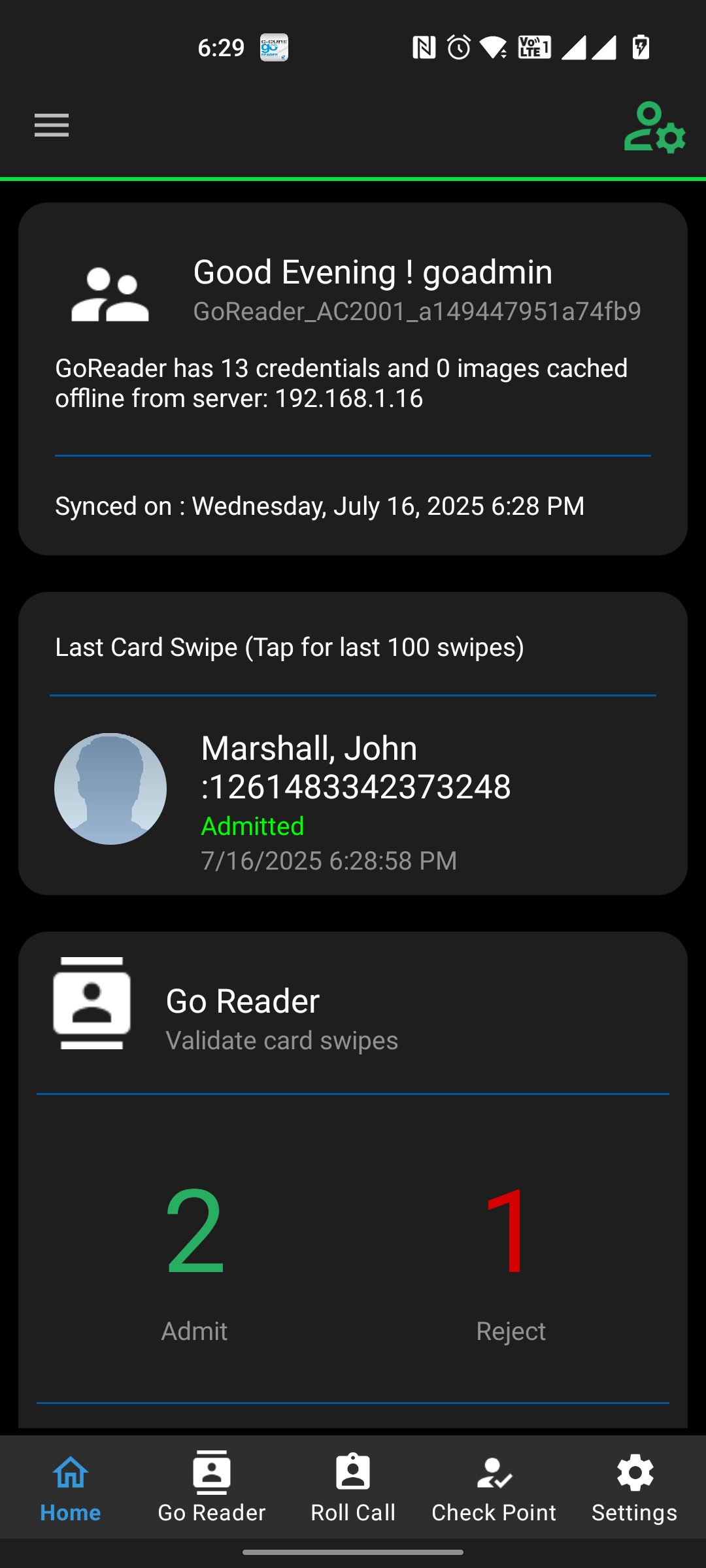
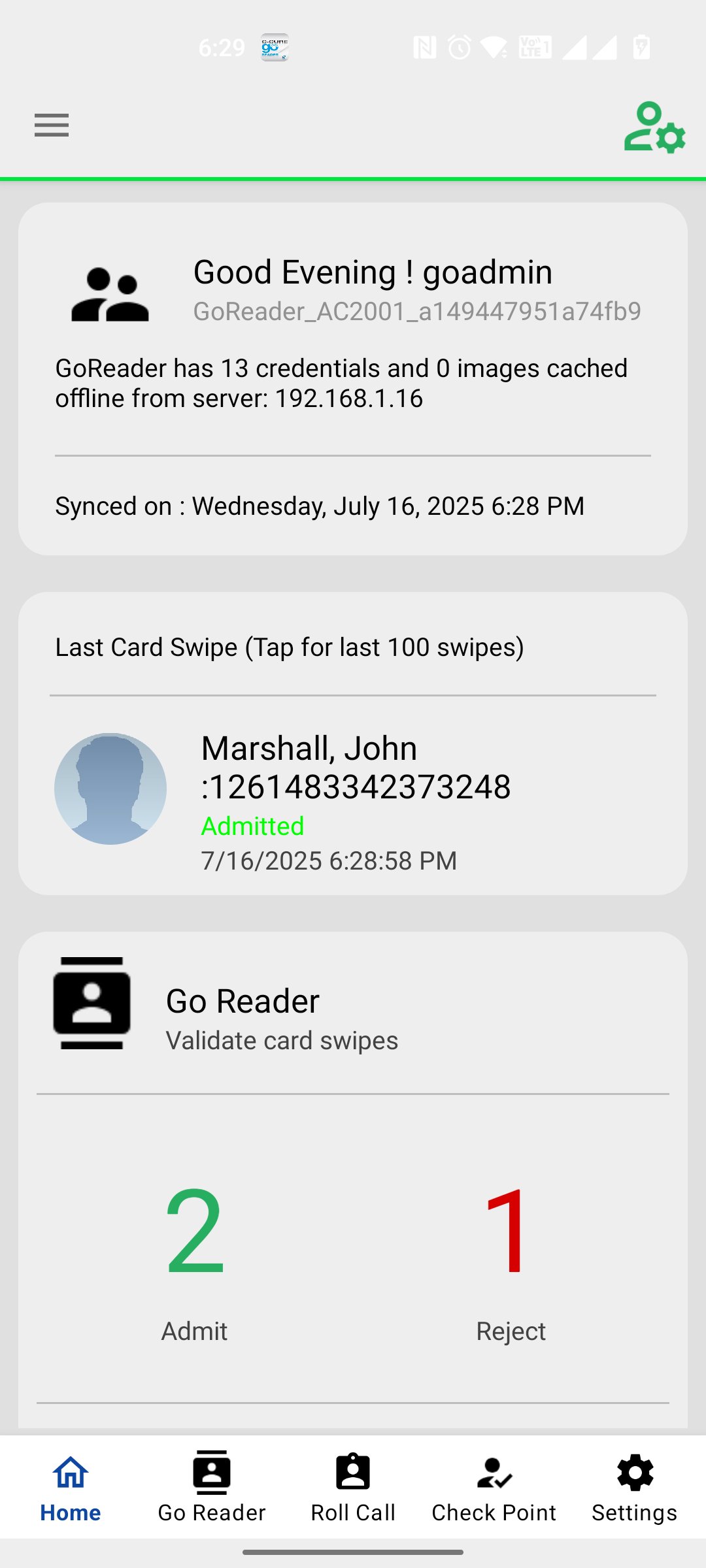
C•CURE Go Reader mobile app extends the reach of your C•CURE 9000 system by allowing you to grant or deny access in even the most remote, disconnected areas. Using your Android device, C•CURE Go Reader pairs with a multi-technology read head (support both SPP and BLE 4.0 readers) to C•CURE Go Reader mobile app extends the reach of your C•CURE 9000 system by allowing you to grant or deny access in even the most remote, disconnected areas. Using your Android device, C•CURE Go Reader pairs with a multi-technology read head (including inbuilt NFC reader, rfIdeas Nano Usb readers, Magtek iDynamo reader, both SPP and BLE 4.0 readers) to mimic a full-fledged iSTAR door, complete with schedules, clearances and holidays. You can use the Go Reader device to impersonate a particular iSTAR Door when there are issues with a physical door. Using C•CURE Go Reader mobile app you can send details and portraits of missing personnel inside the building via email and text. Apart from Impersonation of iSTAR door, this app also offers iSTAR Online Reader Mode option to cater Anti-Passback features. User can select the Inbound or Outbound reader from iSTAR Online Screen. On Swipe History screen operator can Grace a personnel who has been rejected due to Anti Passback.
معاينة
العلامات
اعمالمعلومة
مطور
Tyco Security Products (Sensormatic Electronics)
احدث اصدار
5.0.360
آخر تحديث
2025-12-11
فئة
اعمال
متاح على
Google Play
أظهر المزيد
كيف تلعب C•CURE Go Reader مع GameLoop على جهاز الكمبيوتر
1. قم بتنزيل GameLoop من الموقع الرسمي ، ثم قم بتشغيل ملف exe لتثبيت GameLoop.
2. افتح GameLoop وابحث عن "C•CURE Go Reader" ، وابحث عن C•CURE Go Reader في نتائج البحث وانقر على "تثبيت".
3. استمتع بلعب C•CURE Go Reader على GameLoop.
Minimum requirements
OS
Windows 8.1 64-bit or Windows 10 64-bit
GPU
GTX 1050
CPU
i3-8300
Memory
8GB RAM
Storage
1GB available space
Recommended requirements
OS
Windows 8.1 64-bit or Windows 10 64-bit
GPU
GTX 1050
CPU
i3-9320
Memory
16GB RAM
Storage
1GB available space