FBReader: Favorite Book Reader PC
FBReader.ORG Limited
قم بتنزيل FBReader: Favorite Book Reader على جهاز الكمبيوتر باستخدام GameLoop Emulator
FBReader: Favorite Book Reader على الكمبيوتر الشخصي
FBReader: Favorite Book Reader ، القادم من المطور FBReader.ORG Limited ، يعمل على نظام Android في الماضي.
الآن ، يمكنك لعب FBReader: Favorite Book Reader على جهاز الكمبيوتر باستخدام GameLoop بسلاسة.
قم بتنزيله في مكتبة GameLoop أو في نتائج البحث. لا مزيد من الانتباه إلى البطارية أو المكالمات المحبطة في الوقت الخطأ بعد الآن.
ما عليك سوى الاستمتاع بجهاز FBReader: Favorite Book Reader على الشاشة الكبيرة مجانًا!
FBReader: Favorite Book Reader مقدمة
FBReader — a fast, lightweight, and customizable ebook reader
FBReader opens DRM-free ebooks as well as titles protected with Readium LCP.
Supported ebook formats:
• ePub (including ePub3 features), PDF, Kindle azw3, fb2(.zip)
• Comic books (CBZ/CBR)
• DOC, RTF, HTML, and plain text
Great for language learners:
• Instant word and phrase lookups through your preferred dictionary app
Cloud sync (optional):
• Sync your library and reading positions using the FBReader Book Network, a Google Drive based service
• Disabled by default; enable it in Settings
Highly customizable:
• Use your own TrueType/OpenType fonts and custom backgrounds
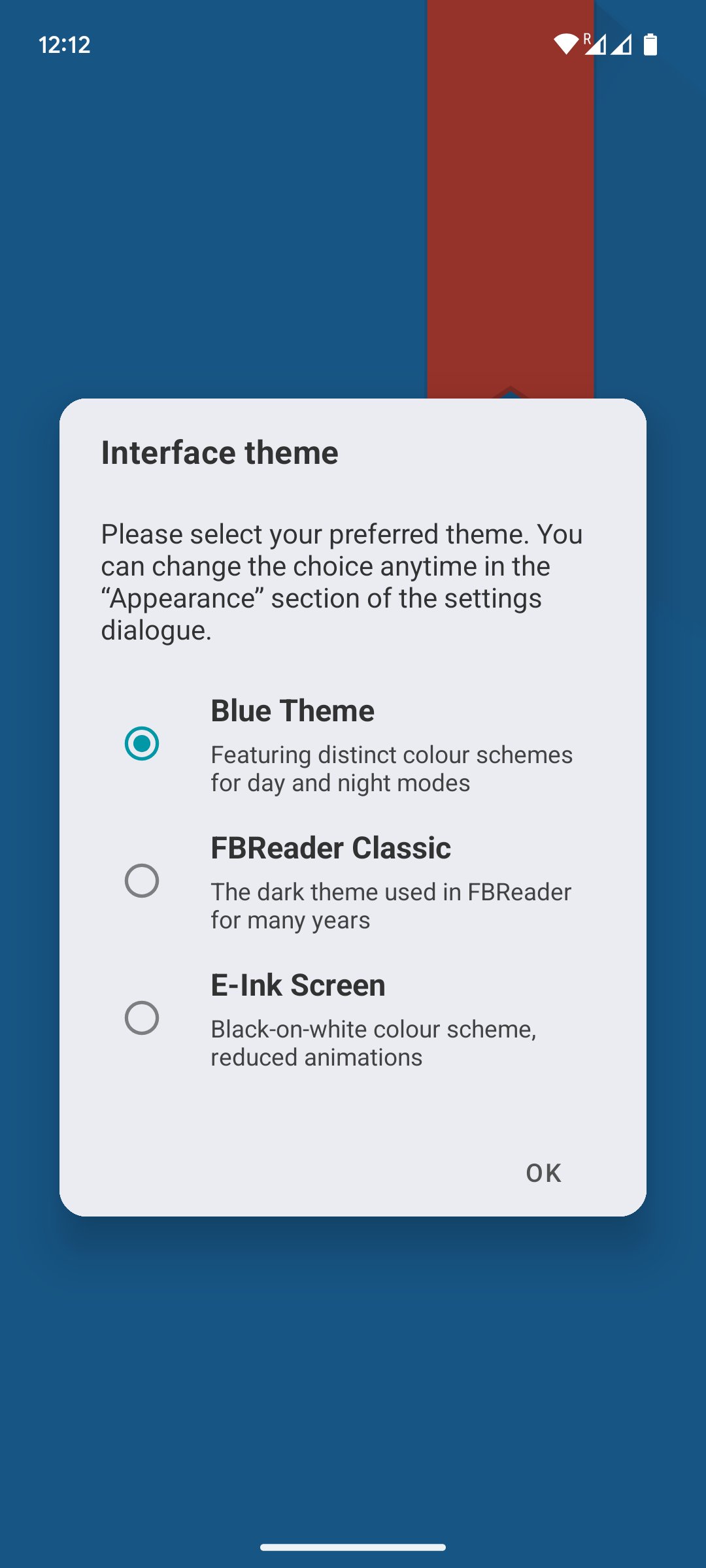
• Day and night color themes
• Adjust brightness with a simple swipe along the screen edge
• Fine-tune layout, gestures, and appearance
Optimized for every screen:
• Works smoothly on phones and tablets
• Fully optimized for e-ink devices while still performing excellently on standard LCD and AMOLED screens
Easy access to books:
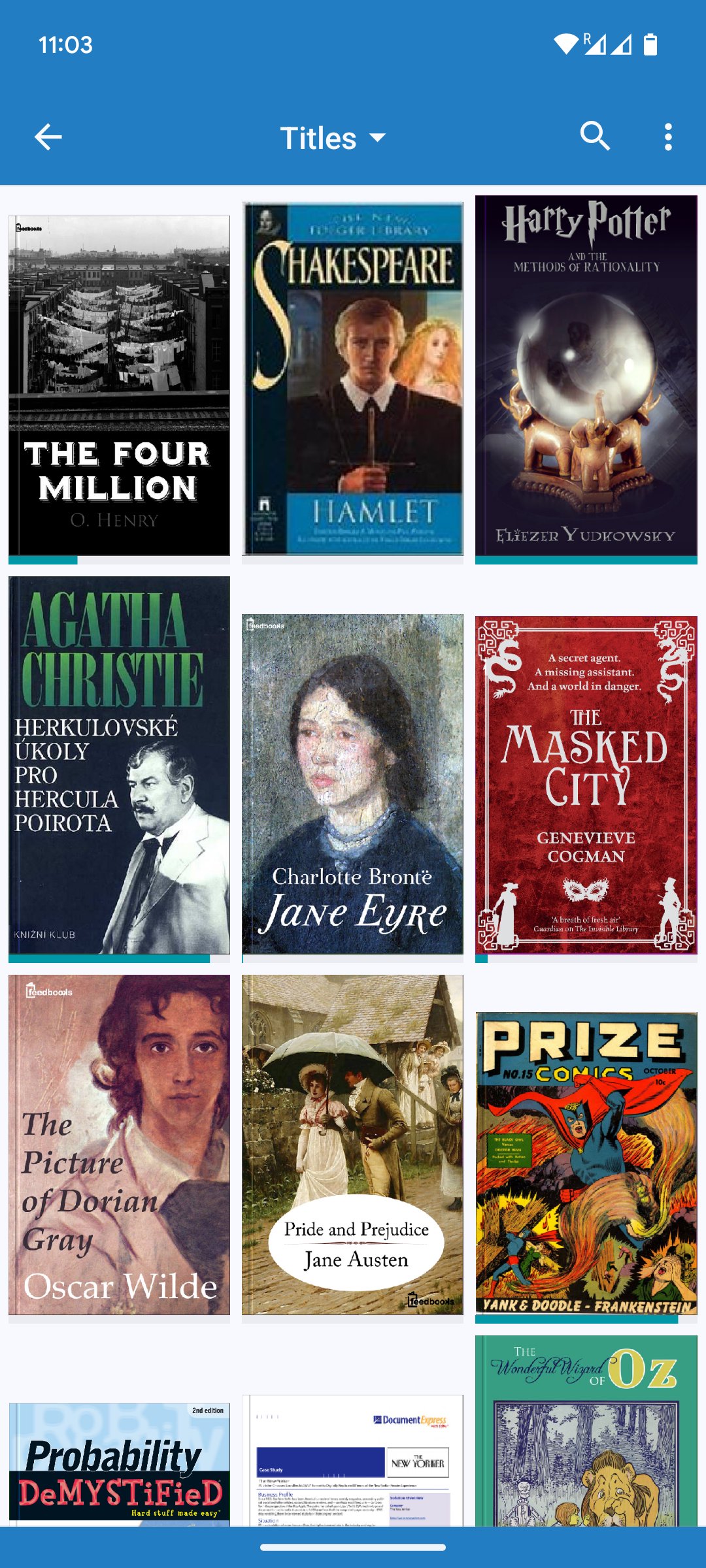
• Built-in browser for online catalogs and OPDS stores
• Support for custom OPDS catalogs
• Or place ebooks directly in your device’s Books folder
Made for readers worldwide:
• Localized in 34 languages
• Includes hyphenation patterns for 24 languages
معاينة
العلامات
Books-&مجلسمعلومة
مطور
FBReader.ORG Limited
احدث اصدار
3.1.9
آخر تحديث
2026-08-02
فئة
Books-reference
متاح على
Google Play
أظهر المزيد
كيف تلعب FBReader: Favorite Book Reader مع GameLoop على جهاز الكمبيوتر
1. قم بتنزيل GameLoop من الموقع الرسمي ، ثم قم بتشغيل ملف exe لتثبيت GameLoop.
2. افتح GameLoop وابحث عن "FBReader: Favorite Book Reader" ، وابحث عن FBReader: Favorite Book Reader في نتائج البحث وانقر على "تثبيت".
3. استمتع بلعب FBReader: Favorite Book Reader على GameLoop.
Minimum requirements
OS
Windows 8.1 64-bit or Windows 10 64-bit
GPU
GTX 1050
CPU
i3-8300
Memory
8GB RAM
Storage
1GB available space
Recommended requirements
OS
Windows 8.1 64-bit or Windows 10 64-bit
GPU
GTX 1050
CPU
i3-9320
Memory
16GB RAM
Storage
1GB available space