
English Korean Dictionary PC
Innnovative-Software
قم بتنزيل English Korean Dictionary على جهاز الكمبيوتر باستخدام GameLoop Emulator
English Korean Dictionary على الكمبيوتر الشخصي
English Korean Dictionary ، القادم من المطور Innnovative-Software ، يعمل على نظام Android في الماضي.
الآن ، يمكنك لعب English Korean Dictionary على جهاز الكمبيوتر باستخدام GameLoop بسلاسة.
قم بتنزيله في مكتبة GameLoop أو في نتائج البحث. لا مزيد من الانتباه إلى البطارية أو المكالمات المحبطة في الوقت الخطأ بعد الآن.
ما عليك سوى الاستمتاع بجهاز English Korean Dictionary على الشاشة الكبيرة مجانًا!
English Korean Dictionary مقدمة
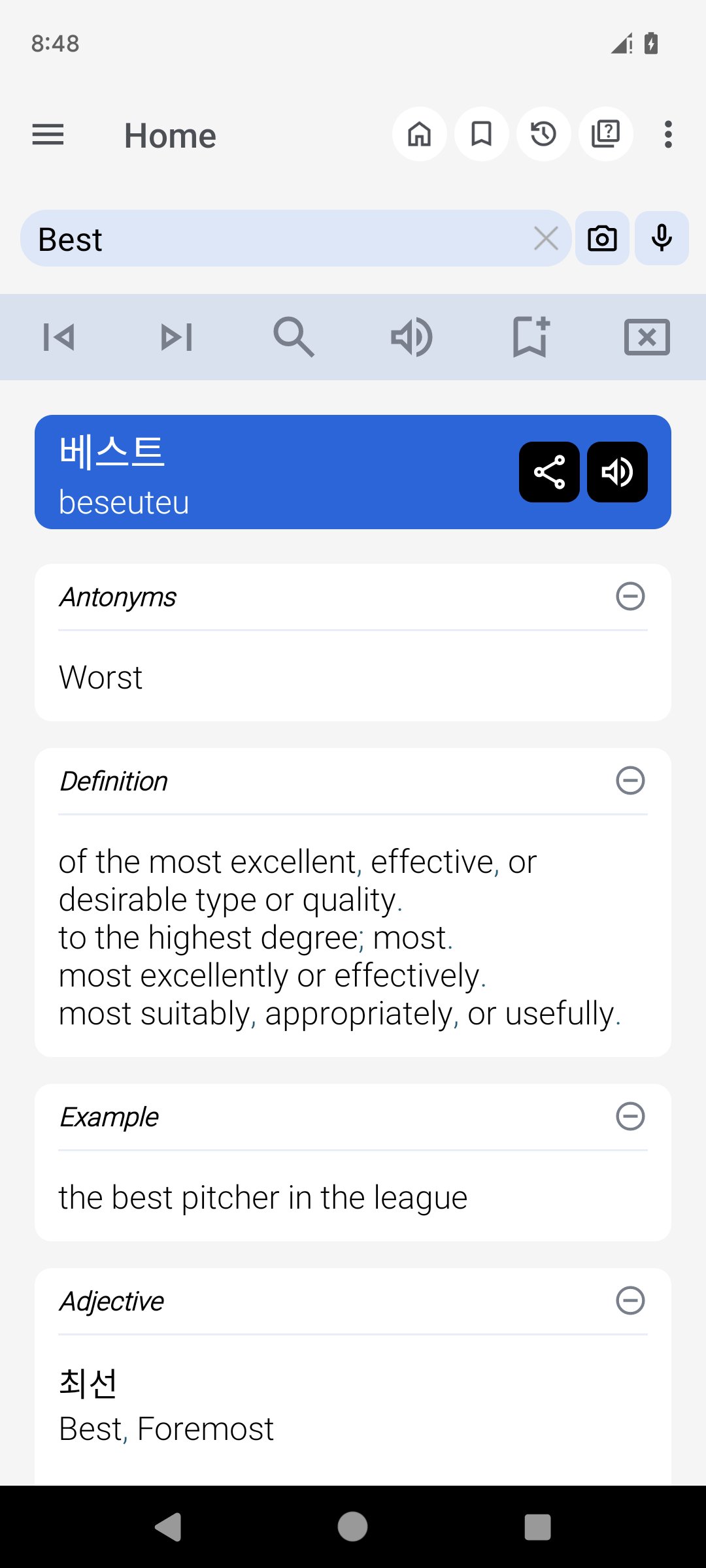
Experience a comprehensive, offline, and free Korean to English and English to Korean dictionary. This versatile tool is designed to make word searches seamless and efficient, whether you’re online or offline. Designed for convenience and learning, this app is perfect for students, professionals, and anyone looking to bridge the gap between Korean and English languages.
Key Features:
• Offline Access: Search Korean and English words anytime, even without an internet connection.
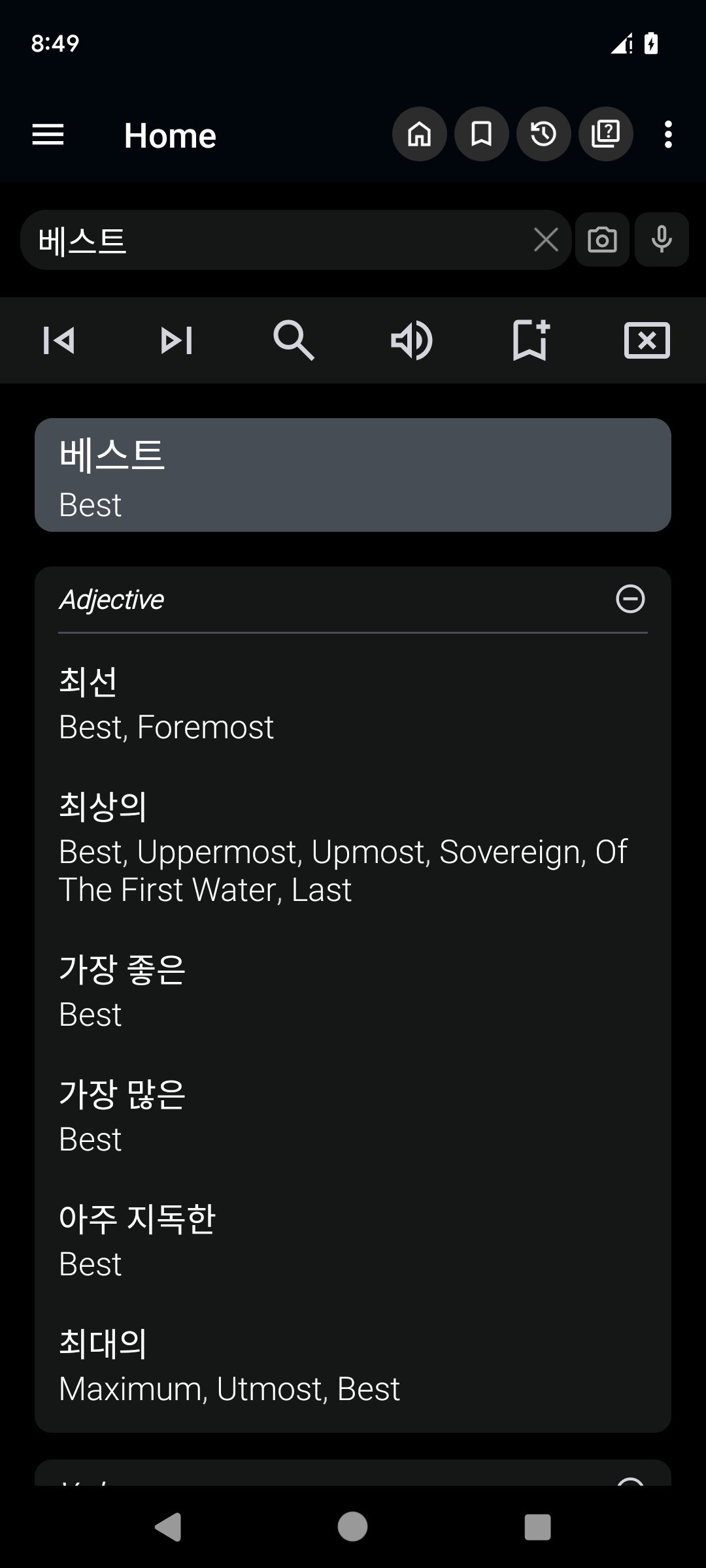
• Two-Way Search: Seamlessly switch between Korean to English and English to Korean translations.
• OCR (Optical Character Recognition): Easily extract and search text directly from images. Just capture or upload a photo, and the app will identify and translate the words for you. Perfect for reading signs, books, or handwritten notes!
• Integrated with Other Apps: Use the dictionary directly from your browser or other applications via the sharing option. Select "Korean Dictionary" from the sharing menu, and it will open with the shared word—no need to type! After use, you’ll return to your previous app.
• Custom Themes: Choose from different themes to personalize the app’s appearance. Whether you prefer a light, dark, or colorful design, the app adapts to your style.
Learning and Productivity Features:
• Study Tool: Add words to a personalized study plan and review them anytime to strengthen your vocabulary.
• Word Games: Engage with fun vocabulary-building games like quizzes and challenges.
• MCQ (Multiple Choice Questions): Test your knowledge with interactive quizzes and track your progress.
• History & Backup: Access your search history and back up your data to ensure you never lose your learning progress.
• Speech to Text: Use voice search to find words quickly without typing.
• Synonyms and Antonyms: Enrich your understanding of words with related and opposite terms.
Ease of Use and Accessibility:
• Auto-Suggestion: Get real-time word suggestions as you type. For users with low-performance devices, the option to disable this feature ensures a smoother experience.
• Quick Access: A convenient dictionary icon in the notification bar allows you to launch the app instantly.
• Search from Images: Extract text from images using OCR, making the app especially helpful for students and professionals.
• Customizable Themes: Switch between themes to enhance readability and match your preferences.
Additional Features:
• No Internet Required: Fully functional offline for uninterrupted learning and searching.
• Sharing and Copying: Share words and meanings with friends or copy them for use in other applications.
• Pronunciation Assistance: Hear word pronunciations for better language learning.
Perfect for All Devices:
Discover the Best Way to Learn.
This app combines the practicality of a dictionary with the fun of learning tools, games. With its OCR feature, customizable themes, and extensive word database, this dictionary is more than just a tool—it’s your partner in mastering Korean and English.
معاينة
العلامات
Books-&معلومة
مطور
Innnovative-Software
احدث اصدار
11.5.8
آخر تحديث
2026-09-17
فئة
Books-reference
متاح على
Google Play
أظهر المزيد
كيف تلعب English Korean Dictionary مع GameLoop على جهاز الكمبيوتر
1. قم بتنزيل GameLoop من الموقع الرسمي ، ثم قم بتشغيل ملف exe لتثبيت GameLoop.
2. افتح GameLoop وابحث عن "English Korean Dictionary" ، وابحث عن English Korean Dictionary في نتائج البحث وانقر على "تثبيت".
3. استمتع بلعب English Korean Dictionary على GameLoop.
Minimum requirements
OS
Windows 8.1 64-bit or Windows 10 64-bit
GPU
GTX 1050
CPU
i3-8300
Memory
8GB RAM
Storage
1GB available space
Recommended requirements
OS
Windows 8.1 64-bit or Windows 10 64-bit
GPU
GTX 1050
CPU
i3-9320
Memory
16GB RAM
Storage
1GB available space