
Dice Roll SNS PC
Senyuk
قم بتنزيل Dice Roll SNS على جهاز الكمبيوتر باستخدام GameLoop Emulator
Dice Roll SNS على الكمبيوتر الشخصي
Dice Roll SNS ، القادم من المطور Senyuk ، يعمل على نظام Android في الماضي.
الآن ، يمكنك لعب Dice Roll SNS على جهاز الكمبيوتر باستخدام GameLoop بسلاسة.
قم بتنزيله في مكتبة GameLoop أو في نتائج البحث. لا مزيد من الانتباه إلى البطارية أو المكالمات المحبطة في الوقت الخطأ بعد الآن.
ما عليك سوى الاستمتاع بجهاز Dice Roll SNS على الشاشة الكبيرة مجانًا!
Dice Roll SNS مقدمة
Dice Roll SNS is the app that lets you experience the thrill and excitement of rolling dice virtually. With its intuitive design, you can easily customize your dice rolling experience by selecting the number of dice, color themes, and sound effects. The app has a rich cultural and historical tradition, inspired by the various games and activities that have used dices throughout history, such as craps, board games, and more.
With the "Dice Roll SNS" app, you have complete control over your dice rolling experience. You can change the number of dice, set a hold on a particular dice, select from a range of color themes, turn on and off visual effects, and turn on and off sound. Whether you are a fan of traditional dice games or just looking for a fun way to pass the time, the "Dice Roll SNS" app has everything you need to bring the excitement of dice rolling to your Android device.
Dice game features:
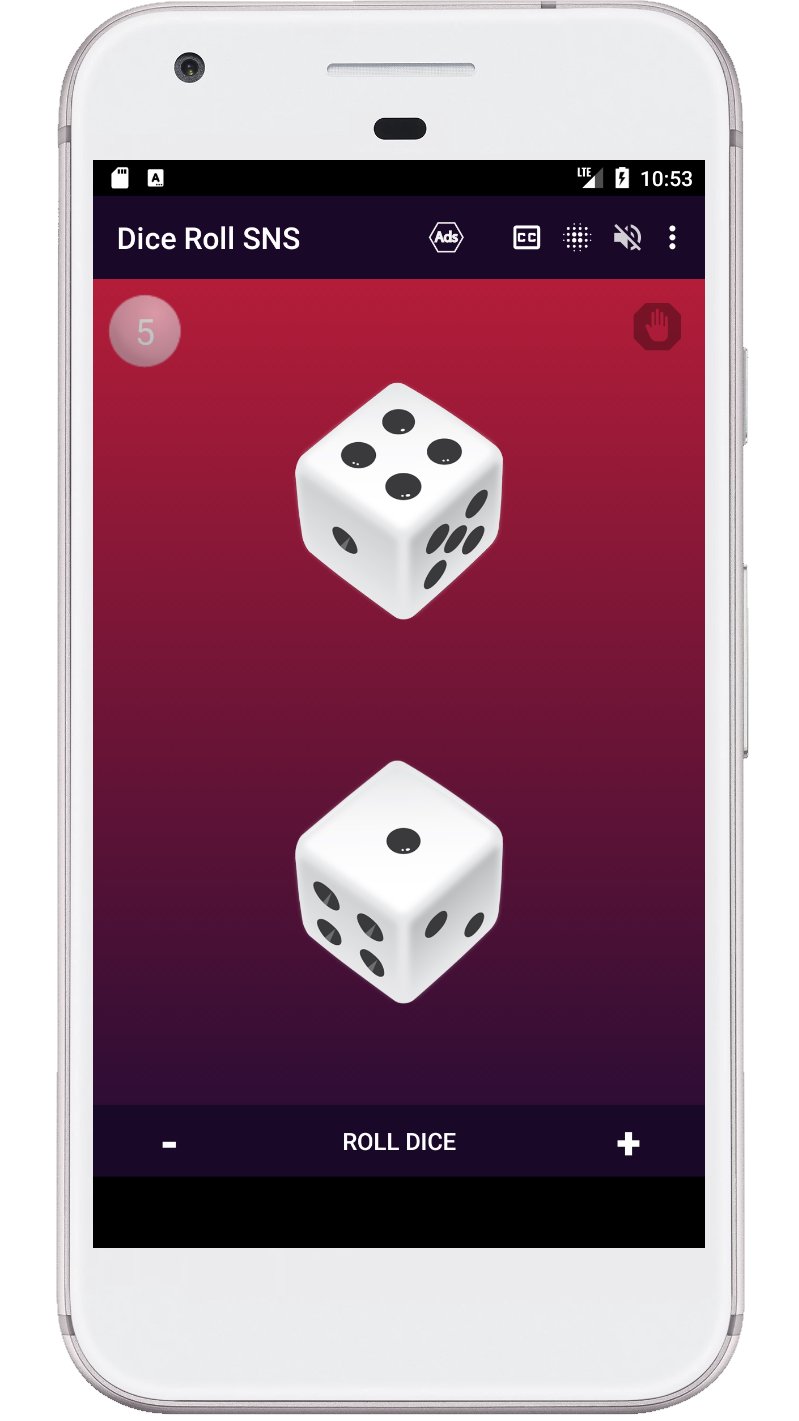
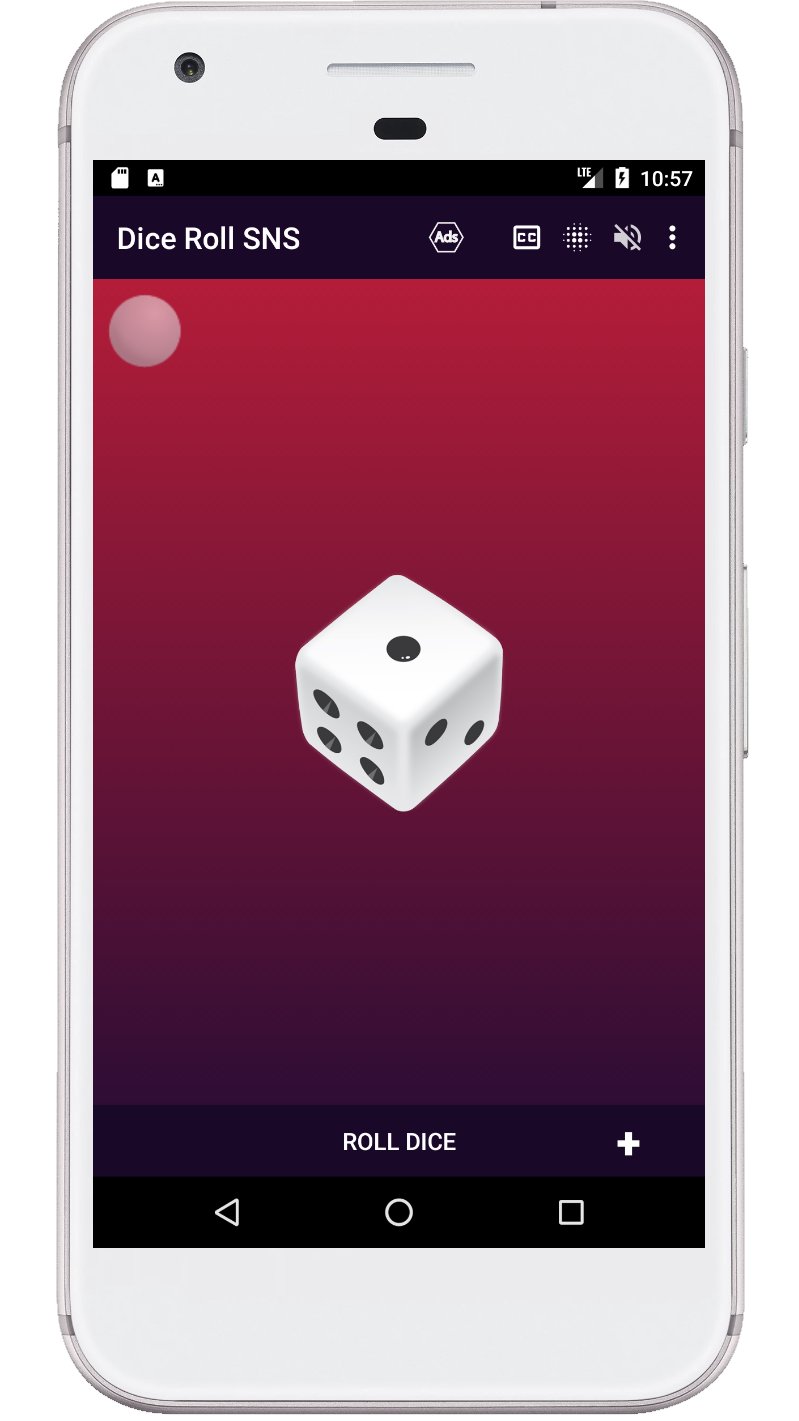
- Roll one to six d6 dice at a time.
- The ability to roll a die by pressing a die or a button.
- Shake your device to roll the dice.
- The sum of all dice is voiced after each roll.
- Displaying the sum of all dices on the screen.
- You can turn the visual effects on and off when spinning the dice.
- The dice can be used with or without sound.
- The last page with the number of dice is remembered.
Keywords: virtual dice, dice roller, dice rolling, dice game, craps, board game, custom dice, color themes, sound effects, dice simulator.
معاينة
العلامات
حجر النرداليوميمعلومة
مطور
Senyuk
احدث اصدار
71.0
آخر تحديث
2026-01-08
فئة
مجلس
متاح على
Google Play
أظهر المزيد
كيف تلعب Dice Roll SNS مع GameLoop على جهاز الكمبيوتر
1. قم بتنزيل GameLoop من الموقع الرسمي ، ثم قم بتشغيل ملف exe لتثبيت GameLoop.
2. افتح GameLoop وابحث عن "Dice Roll SNS" ، وابحث عن Dice Roll SNS في نتائج البحث وانقر على "تثبيت".
3. استمتع بلعب Dice Roll SNS على GameLoop.
Minimum requirements
OS
Windows 8.1 64-bit or Windows 10 64-bit
GPU
GTX 1050
CPU
i3-8300
Memory
8GB RAM
Storage
1GB available space
Recommended requirements
OS
Windows 8.1 64-bit or Windows 10 64-bit
GPU
GTX 1050
CPU
i3-9320
Memory
16GB RAM
Storage
1GB available space