
Subway Runner Dash PC
Dra Game Studio
قم بتنزيل Subway Runner Dash على جهاز الكمبيوتر باستخدام GameLoop Emulator
Subway Runner Dash على الكمبيوتر الشخصي
Subway Runner Dash ، القادم من المطور Dra Game Studio ، يعمل على نظام Android في الماضي.
الآن ، يمكنك لعب Subway Runner Dash على جهاز الكمبيوتر باستخدام GameLoop بسلاسة.
قم بتنزيله في مكتبة GameLoop أو في نتائج البحث. لا مزيد من الانتباه إلى البطارية أو المكالمات المحبطة في الوقت الخطأ بعد الآن.
ما عليك سوى الاستمتاع بجهاز Subway Runner Dash على الشاشة الكبيرة مجانًا!
Subway Runner Dash مقدمة
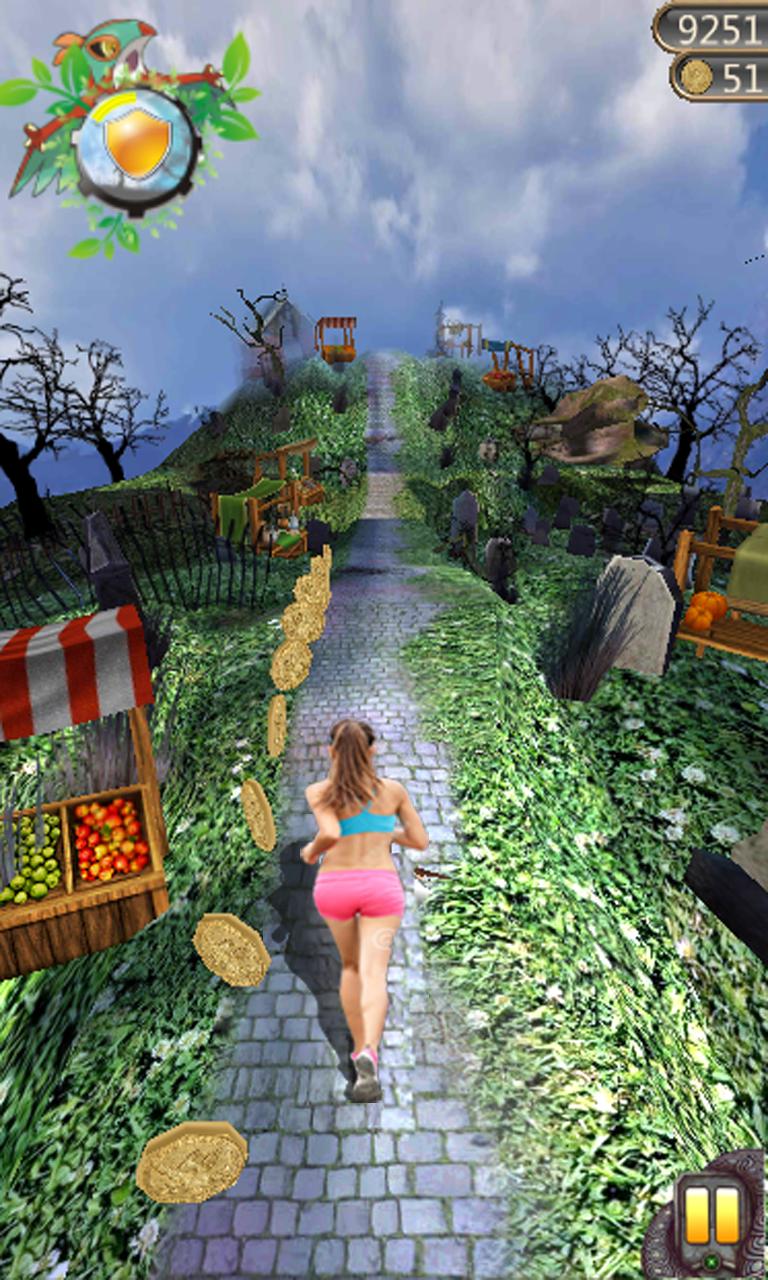
★Subway Runner Dash: Top castle running game on Android
- Totally free, no IAP
- Top 3D game scenes
- Powerful music made by professional team
- Fluent screen touch & gravity control
★Subway Runner Dash: Well-made game with high quality
- Mazy tunnels. Just start the endless trip
- Multi characters to select
- Upgrade all the properties to get endless power
- Use items to get through traps
★Subway Runner Dash: How to deal with different challenges★
- Endless run
- Get enchants from the angel
- Use diamonds to revive and continue to run
- React rapidly to escape from traps
Endless adventure in the mysterious castle!
Enjoy the most delicate game scenes and visual effects!
Are you ready?
If you have trouble downloading Subway Runner Dash, contact us at dragames.studio@gmail.com
معاينة

معلومة
مطور
Dra Game Studio
احدث اصدار
1.0.2
آخر تحديث
2017-04-08
فئة
الإجراء
متاح على
Google Play
أظهر المزيد
كيف تلعب Subway Runner Dash مع GameLoop على جهاز الكمبيوتر
1. قم بتنزيل GameLoop من الموقع الرسمي ، ثم قم بتشغيل ملف exe لتثبيت GameLoop.
2. افتح GameLoop وابحث عن "Subway Runner Dash" ، وابحث عن Subway Runner Dash في نتائج البحث وانقر على "تثبيت".
3. استمتع بلعب Subway Runner Dash على GameLoop.
Minimum requirements
OS
Windows 8.1 64-bit or Windows 10 64-bit
GPU
GTX 1050
CPU
i3-8300
Memory
8GB RAM
Storage
1GB available space
Recommended requirements
OS
Windows 8.1 64-bit or Windows 10 64-bit
GPU
GTX 1050
CPU
i3-9320
Memory
16GB RAM
Storage
1GB available space