Sense Flip Clock & Weather para PC
MACHAPP Software Ltd
Descarga Sense Flip Clock & Weather en PC con GameLoop Emulator
Sense Flip Clock & Weather en PC
Sense Flip Clock & Weather, proveniente del desarrollador MACHAPP Software Ltd, se ejecuta en el sistema Android en el pasado.
Ahora, puedes jugar Sense Flip Clock & Weather en PC con GameLoop sin problemas.
Descárgalo en la biblioteca de GameLoop o en los resultados de búsqueda. No más mirar la batería o llamadas frustrantes en el momento equivocado nunca más.
Simplemente disfrute de Sense Flip Clock & Weather PC en la pantalla grande de forma gratuita!
Sense Flip Clock & Weather Introducción
Elevate your mobile experience with Sense Flip Clock & Weather, the ultimate app for timely and accurate weather forecasts and elegant timekeeping. With just a glance, get wrapped in a world of meteorological insights and stylish clock widgets, making every day planning seamless and delightful.
Why Choose Sense Flip Clock & Weather?
• Accurate Forecasts: Instantly access current conditions and forecasts for temperature, wind, humidity, and more for up to 10 global locations.
• Hourly & Daily Insights: A 72-hour hourly forecast and an up to 10-day daily forecast keep you prepared.
• Automatic Location Detection: Wherever you are, get real-time weather updates tailored to your exact location.
KEY FEATURES:
• Weather Alerts: Stay safe with timely notifications for severe weather conditions.
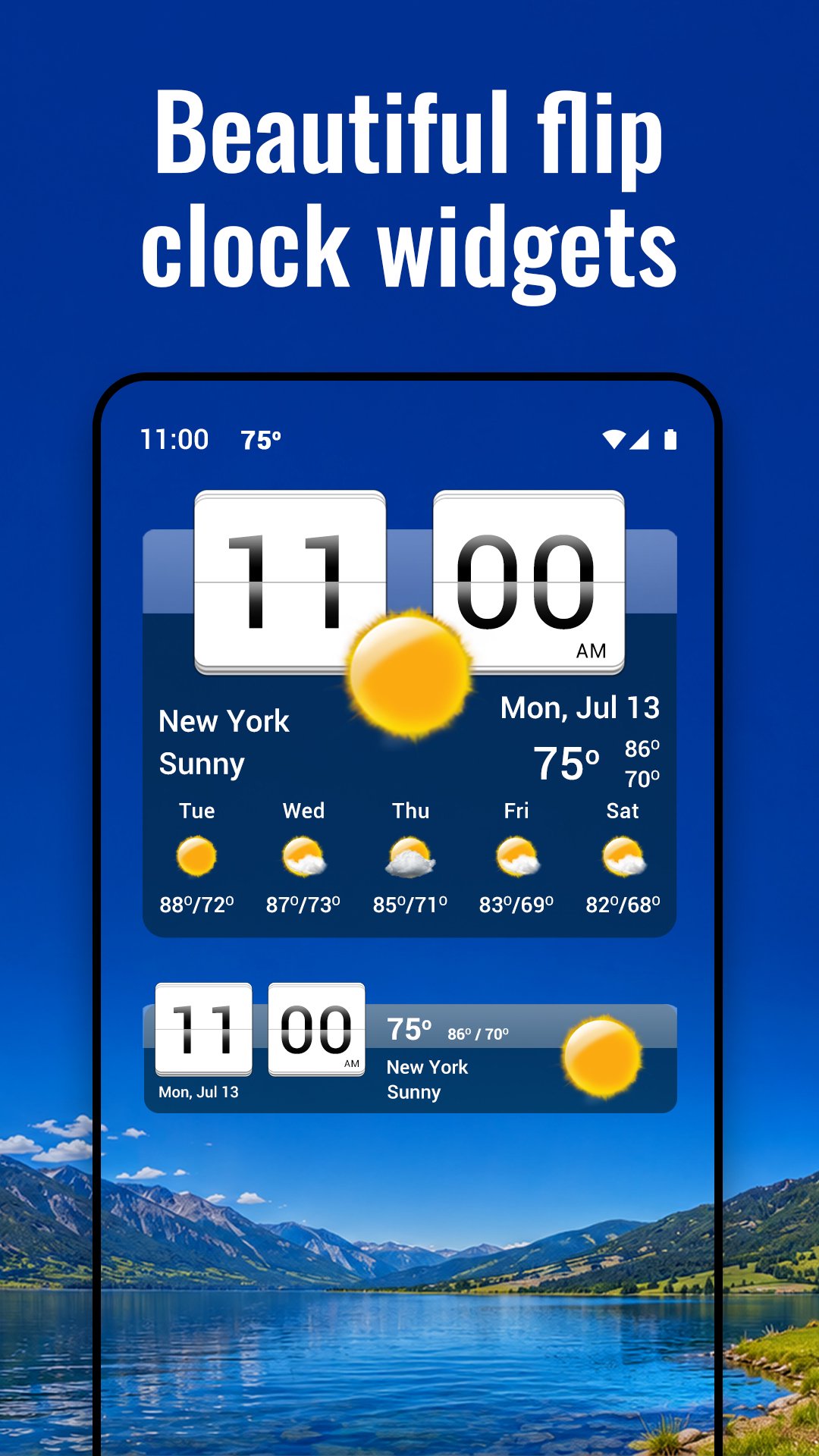
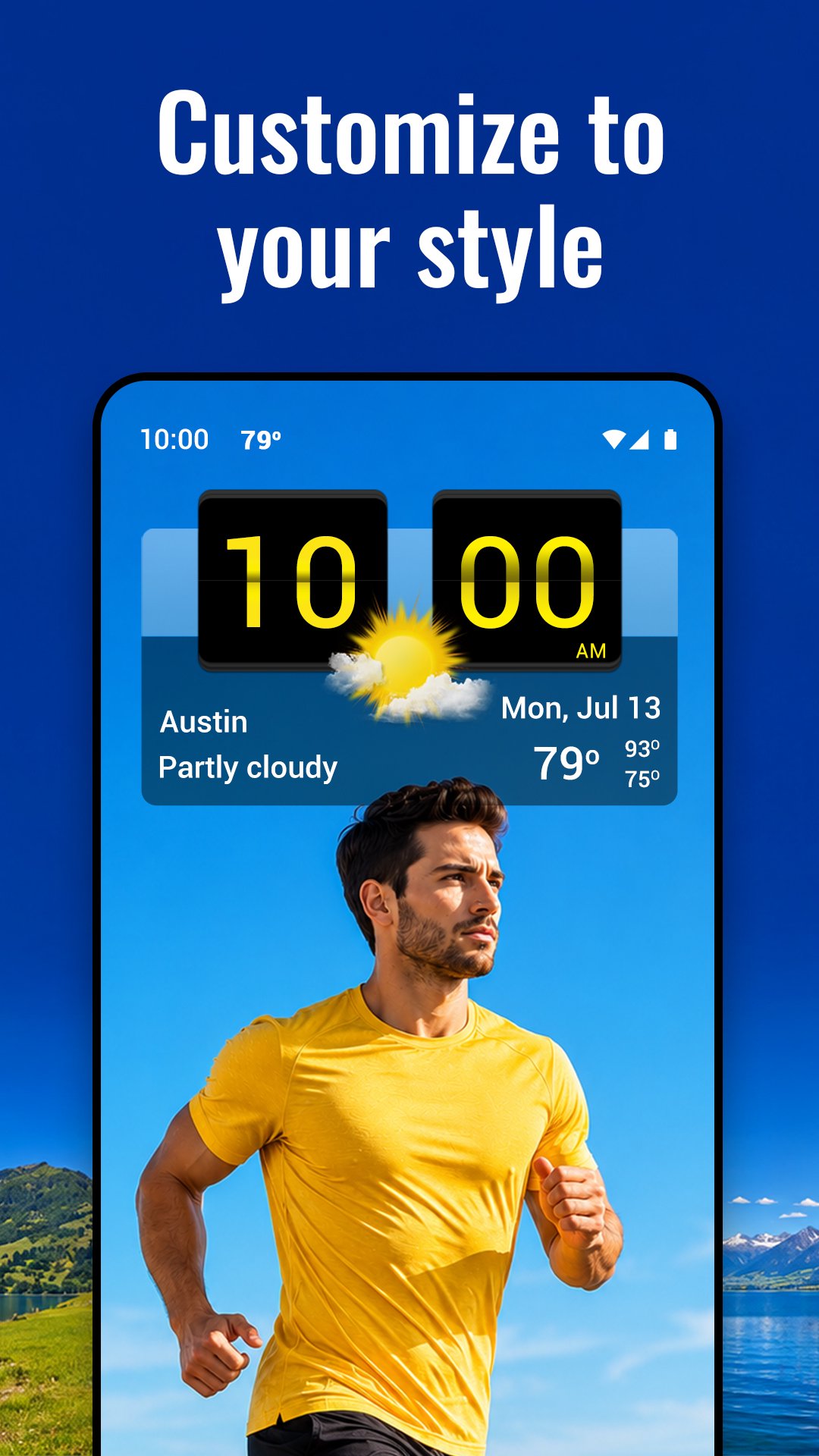
• Customizable Widgets: Choose from various flip-clock and weather widget styles and sizes for your home screen.
• Comprehensive Forecasts: From UV index to wind forecasts, have all the weather data you need at your fingertips.
Exclusive Widgets & Customizations:
• Flip-clock style widgets in 4x1, 4x2, and 4x3 sizes.
• Customizable app skins, weather icons, and backgrounds.
• Widgets display time, date, current weather, and daily forecast.
Premium Features (optional subscription)
• Animated weather radar with precipitation, temperature, wind and cloud layers
• Hurricane and storm tracker - active storms, forecast routes and estimated arrival times
• Air quality and 4-day air quality forecast
• Pollen and 3-day pollen forecast
• Government-issued severe weather alerts
• All premium widgets, weather icons and animated backgrounds
• No ads
We're Here for You: Have questions or feedback? Our team is just an email away, ready to enhance your Sense Flip Clock & Weather experience.
Avance
Etiquetas
ClimaInformación
Desarrollador
MACHAPP Software Ltd
La última versión
9.19.2
Última actualización
2026-11-19
Categoría
Clima
Disponible en
Google Play
Mostrar más
Cómo jugar Sense Flip Clock & Weather con GameLoop en PC
1. Descargue GameLoop desde el sitio web oficial, luego ejecute el archivo exe para instalar GameLoop.
2. Abra GameLoop y busque "Sense Flip Clock & Weather", busque Sense Flip Clock & Weather en los resultados de búsqueda y haga clic en "Instalar".
3. Disfruta jugando Sense Flip Clock & Weather en GameLoop.
Minimum requirements
OS
Windows 8.1 64-bit or Windows 10 64-bit
GPU
GTX 1050
CPU
i3-8300
Memory
8GB RAM
Storage
1GB available space
Recommended requirements
OS
Windows 8.1 64-bit or Windows 10 64-bit
GPU
GTX 1050
CPU
i3-9320
Memory
16GB RAM
Storage
1GB available space