
Add Face To Video para PC
Yenti Tools Apps
Descarga Add Face To Video en PC con GameLoop Emulator
Add Face To Video en PC
Add Face To Video, proveniente del desarrollador Yenti Tools Apps, se ejecuta en el sistema Android en el pasado.
Ahora, puedes jugar Add Face To Video en PC con GameLoop sin problemas.
Descárgalo en la biblioteca de GameLoop o en los resultados de búsqueda. No más mirar la batería o llamadas frustrantes en el momento equivocado nunca más.
Simplemente disfrute de Add Face To Video PC en la pantalla grande de forma gratuita!
Add Face To Video Introducción
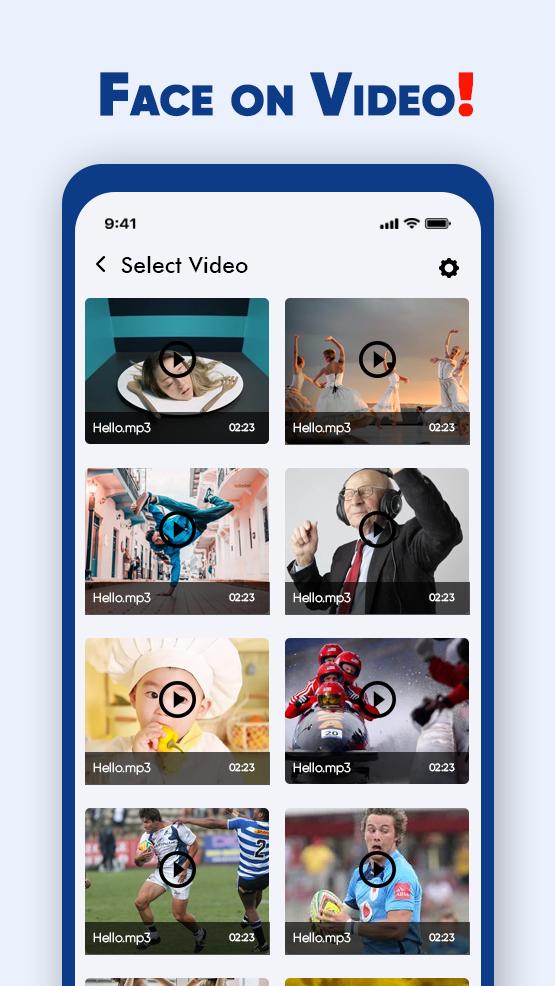
Add face to video is extraordinary compared to other application to change face in video. You can make video with your own face. It appears to be too amusing na? indeed you will truly energize to do this. It easy to change your face into a video cut. This application has the best assortment of interesting recordings wherein you simply need to set your picture with one touch and make fun whenever to chuckle anybody.
Add Face To Video application will handily change and invigorate faces in photographs by including entertaining enlivened articles head of the image. Ensure you modify the photograph's situation for outlines where the individual in the video is moving his head. Make moment clever video cuts with face altering alternative through Add Face In Video application. The application permits clients to include face into a clever video clasp or make fun with anybody to make more chuckle. Simply select one of your desire recordings and alter face picture to video clasp and spare it with a solitary snap.
Features:
- Create a funny video clip with your face
- Change celebrity face with your face
- Change your face into a funny video clip
- Funny video collection
- A simple way to make a funny video
- Easy way to make fun with faces
Avance

Información
Desarrollador
Yenti Tools Apps
La última versión
1.1
Última actualización
2021-03-11
Categoría
Video-players-editors
Disponible en
Google Play
Mostrar más
Cómo jugar Add Face To Video con GameLoop en PC
1. Descargue GameLoop desde el sitio web oficial, luego ejecute el archivo exe para instalar GameLoop.
2. Abra GameLoop y busque "Add Face To Video", busque Add Face To Video en los resultados de búsqueda y haga clic en "Instalar".
3. Disfruta jugando Add Face To Video en GameLoop.
Minimum requirements
OS
Windows 8.1 64-bit or Windows 10 64-bit
GPU
GTX 1050
CPU
i3-8300
Memory
8GB RAM
Storage
1GB available space
Recommended requirements
OS
Windows 8.1 64-bit or Windows 10 64-bit
GPU
GTX 1050
CPU
i3-9320
Memory
16GB RAM
Storage
1GB available space