
Video to MP3 & Ringtone Maker para PC
kkapps
Descarga Video to MP3 & Ringtone Maker en PC con GameLoop Emulator
Video to MP3 & Ringtone Maker en PC
Video to MP3 & Ringtone Maker, proveniente del desarrollador kkapps, se ejecuta en el sistema Android en el pasado.
Ahora, puedes jugar Video to MP3 & Ringtone Maker en PC con GameLoop sin problemas.
Descárgalo en la biblioteca de GameLoop o en los resultados de búsqueda. No más mirar la batería o llamadas frustrantes en el momento equivocado nunca más.
Simplemente disfrute de Video to MP3 & Ringtone Maker PC en la pantalla grande de forma gratuita!
Video to MP3 & Ringtone Maker Introducción
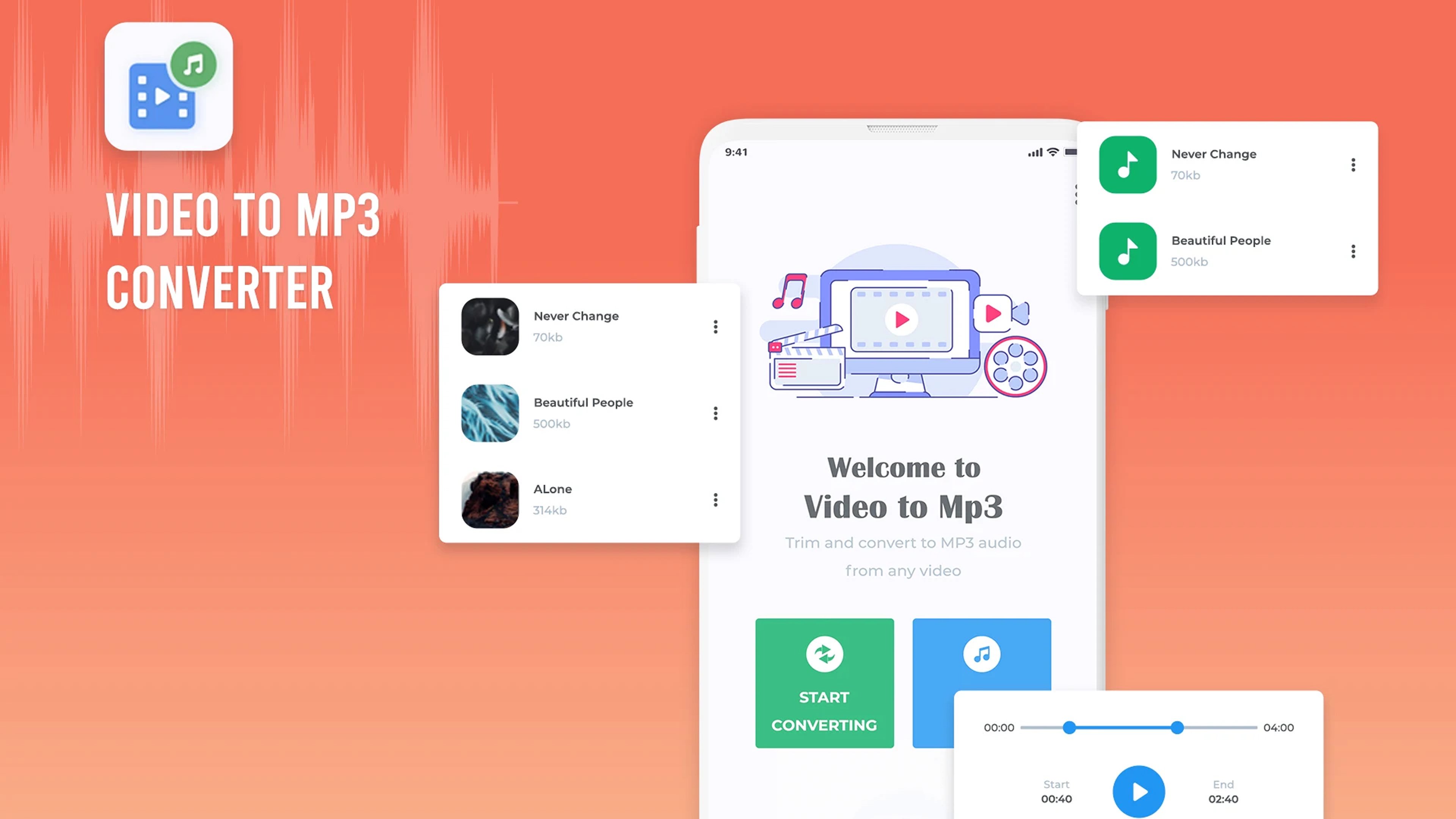
Audio Converter: Custom Ringtone Maker - Your Ultimate Audio Tool!
Do you wish to convert your favorite videos into MP3 audio files or extract the audio from your favorite songs to use it as a ringtone? The Audio Converter: Custom Ringtone Maker is perfect for you! With great ease, you can cut the video to mp3 cut the audio out of the videos and make custom ringtones in a few taps. If you’re a music fan or someone that simply wants to transform the sound of their phone, this Convert Video To MP3 Converter: Audio Editor app provides easy to use tools to trim audios, mix them, and even create the ideal ringtone.Remove the stock sounds and modify them according to your desire with the help of the audio converter: custom ringtone maker. Your all in one MP4 To MP3 Converter: Custom Ringtones Maker solution for anything audio related and the modifications of your phone!
📄 Audio Converter: Custom Ringtone Maker Overview: 📄
🎵 Convert Video To MP3 Converter: Audio Editor: Extract sound from videos at your convenience;
🎵 MP4 To MP3 Converter: Custom Ringtones Maker: Batch convert several videos at once to MP3 format;
🎵Video To Audio Converter: MP3 Cutter: Cut videos down to a certain length and extract sound from them;
🎵 Convert To MP3: Music Cutter: Seconds are all it takes to produce high quality MP3 files;
🎵 Music Cutter: Make ringtones with custom cuts and edits to sound files;
🎵 Cut Music: Audio Trimmer: Perfect your sound clips and adjust them to the right level;
🎵 Custom Ringtones Maker: Change every sound clip to a ringtone and make it unique to you.
Elevate your videos by transforming them into audio feats!
This app, Audio Converter: Custom Ringtone Maker features Video To MP3 Converter which enables you to extract sound from your favorite videos. If you need to derive a ringtone, excise a piece of music from a song or merely Save Audio From A Video, this Cut Music: Audio Trimmer app does it all efficiently.Create Custom Ringtones Effortlessly: 🎶
You can apply Custom Ringtones Maker and make any song from your music collection your personalized ringtone. This Video To Audio Converter: MP3 Cutter tool also has a Convert To MP3: Music Cutter which allows you to edit sound clips and make them into perfection. This Convert To MP3: Music Cutter can also be used with video clips, podcasts, and documentaries.
Rapid Conversion: ⏱️
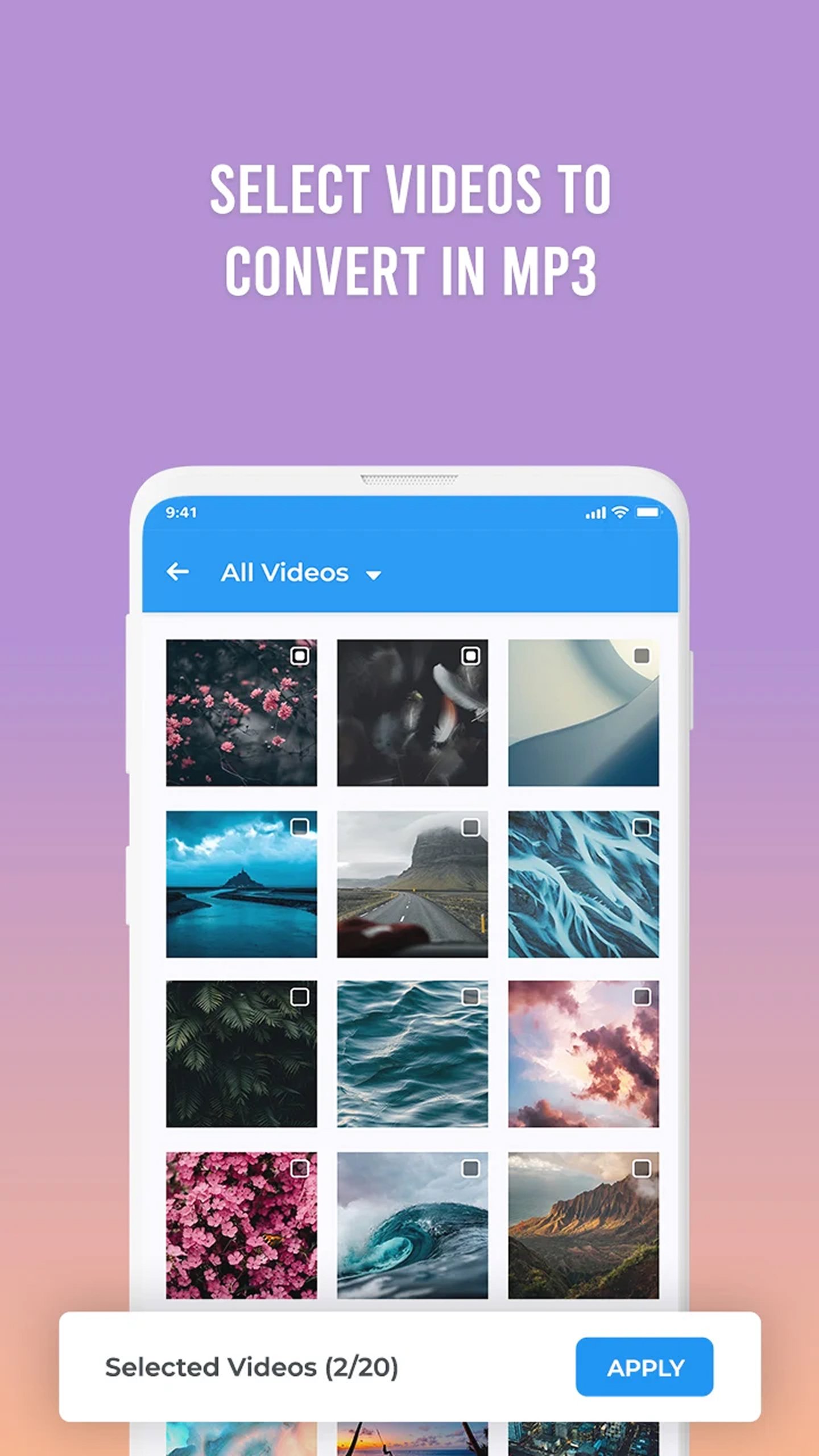
With this Convert Video To MP3 Converter: Audio Editor, you do not have to sulk waiting for multiple files to get converted. Just select the videos with MP4 To MP3 Converter: Custom Ringtones Maker, click on the button and witness magic as all of them are converted and saved to your device.
Versatile Cutting Edits: ✂️
The Video To Audio Converter: MP3 Cutter together with the Music Cutter allows you to edit audio flawlessly. Recordings can be thoroughly cut out to extract the necessary parts you want, trimmed to remove the unneeded sections and a variety of other useful edits can be applied.
Start Building Your Unique Audio Profiles Now!
Want to convert files to MP3, make custom ringtones or cut music for your projects? Audio Converter: Custom Ringtone Maker has all the features you need. Download Cut Music: Audio Trimmer today to enjoy limitless possibilities in creating and personalizing audio files!Avance
Etiquetas
Video-PlayersInformación
Desarrollador
kkapps
La última versión
32.2.0
Última actualización
2026-07-19
Categoría
Video-players-editors
Disponible en
Google Play
Mostrar más
Cómo jugar Video to MP3 & Ringtone Maker con GameLoop en PC
1. Descargue GameLoop desde el sitio web oficial, luego ejecute el archivo exe para instalar GameLoop.
2. Abra GameLoop y busque "Video to MP3 & Ringtone Maker", busque Video to MP3 & Ringtone Maker en los resultados de búsqueda y haga clic en "Instalar".
3. Disfruta jugando Video to MP3 & Ringtone Maker en GameLoop.
Minimum requirements
OS
Windows 8.1 64-bit or Windows 10 64-bit
GPU
GTX 1050
CPU
i3-8300
Memory
8GB RAM
Storage
1GB available space
Recommended requirements
OS
Windows 8.1 64-bit or Windows 10 64-bit
GPU
GTX 1050
CPU
i3-9320
Memory
16GB RAM
Storage
1GB available space