Video Maker Music Video Editor para PC
VideoShow EnjoyMobi Video Editor & Video Maker Inc
Descarga Video Maker Music Video Editor en PC con GameLoop Emulator
Video Maker Music Video Editor en PC
Video Maker Music Video Editor, proveniente del desarrollador VideoShow EnjoyMobi Video Editor & Video Maker Inc, se ejecuta en el sistema Android en el pasado.
Ahora, puedes jugar Video Maker Music Video Editor en PC con GameLoop sin problemas.
Descárgalo en la biblioteca de GameLoop o en los resultados de búsqueda. No más mirar la batería o llamadas frustrantes en el momento equivocado nunca más.
Simplemente disfrute de Video Maker Music Video Editor PC en la pantalla grande de forma gratuita!
Video Maker Music Video Editor Introducción
Filmigo AI Video Maker of Photos with Music & AI Video Editor is a powerful AI video creation tool for making stylish music videos and slideshows. With simple steps, combine video clips, trending songs, animated stickers, themed templates, auto captions, subtitle translation, and stunning AI effects to create heartfelt, share-worthy videos for someone special.
As an easy-to-use AI Video Editing app, Filmigo makes creating personalized vlogs and stunning content a breeze. Whether you’re sharing memories with loved ones or aiming to become an influencer, Filmigo helps you shine on platforms like Instagram, TikTok, WhatsApp, Facebook, and REDnote (Xiaohongshu).
Key Features of this AI Video Maker/Photo Editor
【 Professional Editing Tool 】
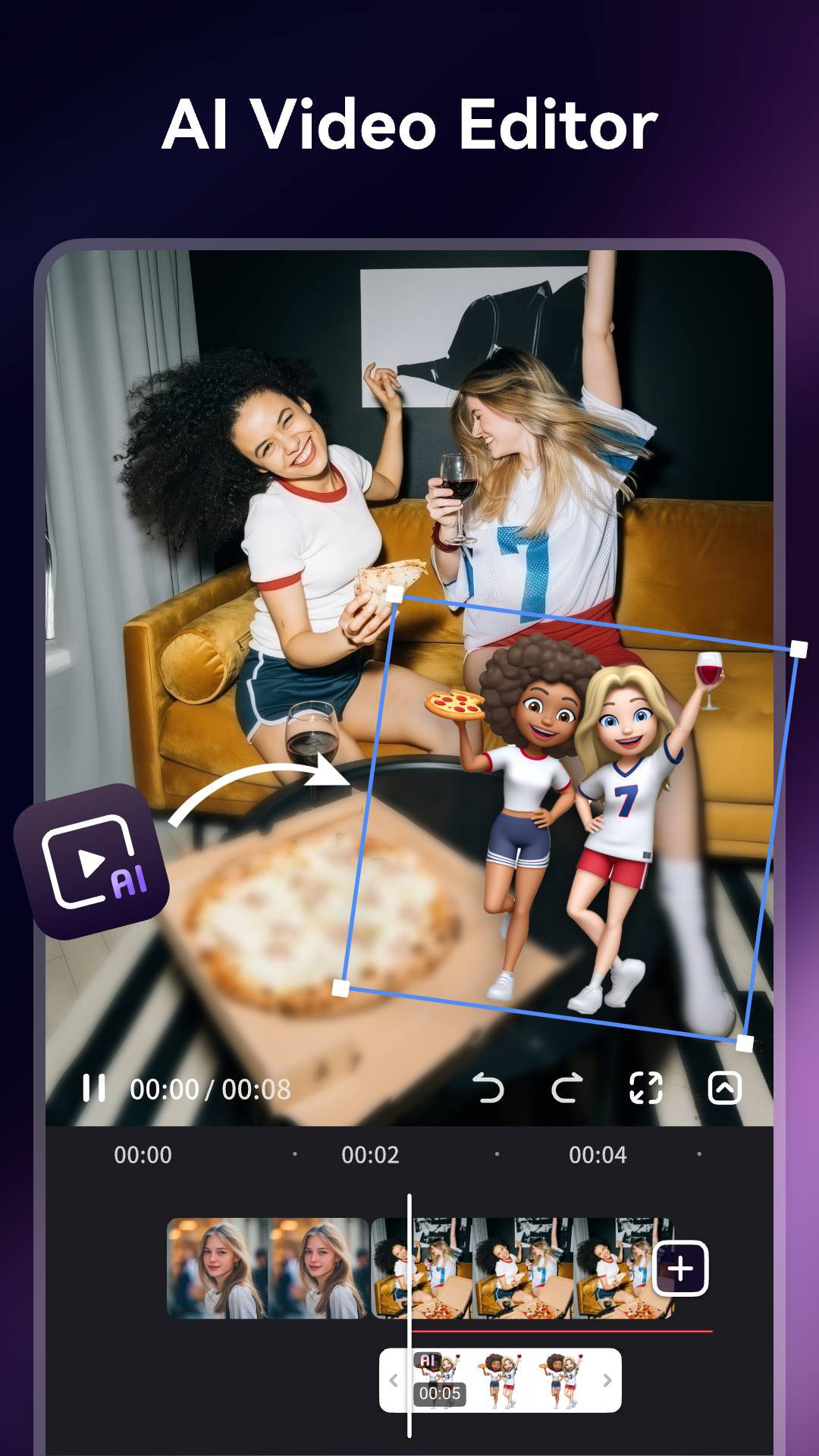
Filmigo video trimmer and AI Cap Cut offers powerful tools for you to splice/reverse/rotate/trim/split/duplicate your clips and cut the movie. You can cut a video in parts, merge images from your gallery or album, compress video without losing quality like a professional video producer. Also, you can zoom in/speed up/speed down the video to make a super interesting piece of art.
【 AI Video Generator 】
Filmigo integrates advanced AI features that let you turn imagination into reality. Easily generate videos from photos or text, and explore trending AI templates to create viral effects in seconds. From AI Image-to-Video that animates pictures, to AI Text-to-Video that visualizes your stories, and AI Magic Effects Templates that transform your look into cinematic, fantasy, or anime styles — Filmigo makes AI video creation fast, fun, and effortless.
【 AI Smart Edit 】
Edit videos the easy way with AI. Instantly replace, add, or remove elements in your video with just a few taps—no editing skills needed. Create clean, high-quality results in seconds and bring your ideas to life faster than ever.
【 AI Subtitle & Translation 】
Turn speech into subtitles with AI, translate captions into multiple languages in one tap, and display bilingual subtitles with ease.
【 AI Cutout & Background Replace 】
Instantly remove backgrounds from people or objects with AI Cutout. Swap in creative scenes — snowy Christmas, dreamy studio lights, festive parties, or any custom backdrop — all in one tap.
【 AI Seamless Transitions 】
Instantly bridge your clips with high-end AI Transitions that intelligently analyze your frames to create professional, seamless morphs and fluid motion effects in one tap—no manual editing required!
【 AI Music Generator 】
Access trending music, extract audio, add multiple tracks, and create your own BGM with AI Music Generation from text prompts. Add voice-overs or change your voice into robot, monster, and more.
【 Creative Edit & Pro Themes 】
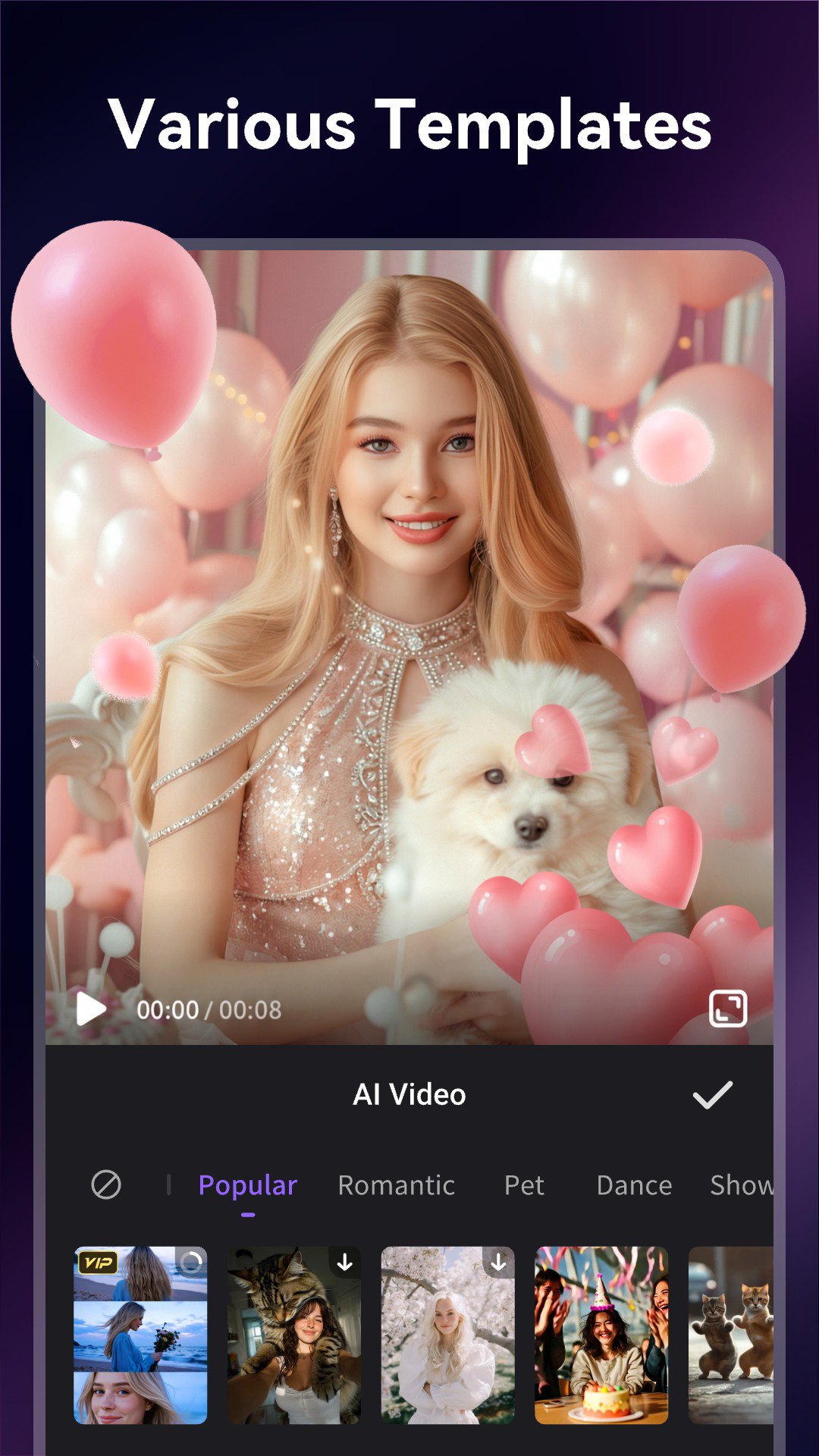
Elevate your videos with Filmigo AI Video Maker’s diverse Exquisite Themes, transition effects, and trending styles—all in one tap. Easily customize your captions with stylish fonts, animated text, and Cute Stickers (GIFs, emojis, animated stickers) to make your videos or slideshows more engaging. Our VIP privilege offers 1080p export, no ads, no watermarks, and unique tools like pixelate and scroll text for a truly professional finish.
【 HD Export & Social Sharing 】
Export videos in 720P/1080P HD with no time limits. Support 9:16 vertical, 1:1 square, and 16:9 formats—perfect for TikTok, Instagram Reels, Rednote, and more. Share instantly with no-crop layouts and smooth playback.
With Filmigo AI Video Maker, anyone can become a storyteller. Create viral short videos, stylish vlogs, and AI-generated masterpieces effortlessly. Beautify your world with smart subtitles, transitions, stickers, doodles, and magic AI effects — all in one app.
If you have any suggestions or questions for Filmigo, please contact us at: support@enjoy-global.com.
Disclaimer:
Filmigo is not affiliated, associated, sponsored, endorsed by, or in any way officially connected with TikTok, Instagram, Facebook, WhatsApp, YouTube, Twitter, CapCut, lemon8, REDnote.
Avance
Etiquetas
Video-PlayersInformación
Desarrollador
VideoShow EnjoyMobi Video Editor & Video Maker Inc
La última versión
6.7.0.0
Última actualización
2026-08-27
Categoría
Video-players-editors
Disponible en
Google Play
Mostrar más
Cómo jugar Video Maker Music Video Editor con GameLoop en PC
1. Descargue GameLoop desde el sitio web oficial, luego ejecute el archivo exe para instalar GameLoop.
2. Abra GameLoop y busque "Video Maker Music Video Editor", busque Video Maker Music Video Editor en los resultados de búsqueda y haga clic en "Instalar".
3. Disfruta jugando Video Maker Music Video Editor en GameLoop.
Minimum requirements
OS
Windows 8.1 64-bit or Windows 10 64-bit
GPU
GTX 1050
CPU
i3-8300
Memory
8GB RAM
Storage
1GB available space
Recommended requirements
OS
Windows 8.1 64-bit or Windows 10 64-bit
GPU
GTX 1050
CPU
i3-9320
Memory
16GB RAM
Storage
1GB available space