Video Editor, Maker -VideoCook para PC
InShot Inc.
Descarga Video Editor, Maker -VideoCook en PC con GameLoop Emulator
Video Editor, Maker -VideoCook en PC
Video Editor, Maker -VideoCook, proveniente del desarrollador InShot Inc., se ejecuta en el sistema Android en el pasado.
Ahora, puedes jugar Video Editor, Maker -VideoCook en PC con GameLoop sin problemas.
Descárgalo en la biblioteca de GameLoop o en los resultados de búsqueda. No más mirar la batería o llamadas frustrantes en el momento equivocado nunca más.
Simplemente disfrute de Video Editor, Maker -VideoCook PC en la pantalla grande de forma gratuita!
Video Editor, Maker -VideoCook Introducción
VideoCook is a powerful, easy-to-use video editor and video maker that offers a wide range of features, including music, filters, glitch effects, transitions, captions, and more. Whether you’re a beginner or a creator, VideoCook lets you transform everyday moments into viral content for TikTok, YouTube, Instagram, WhatsApp, and Facebook — all with no watermark, no ads, and completely free.
From trimming clips to removing backgrounds, VideoCook gives you all the tools you need to record, edit, and share your creative vision seamlessly.
🪄 ONE-TAP AI TOOLS
* AI Body Effects: Instantly enhance images and videos with AI presets
* Auto Captions: Let AI generate captions automatically
* Background Removal: Remove backgrounds in one tap
* Smart Tracking: Sync text and stickers with moving objects
* Smooth Slow-Mo: AI-powered slow-motion for smooth effects
🎥 BASIC VIDEO EDITING
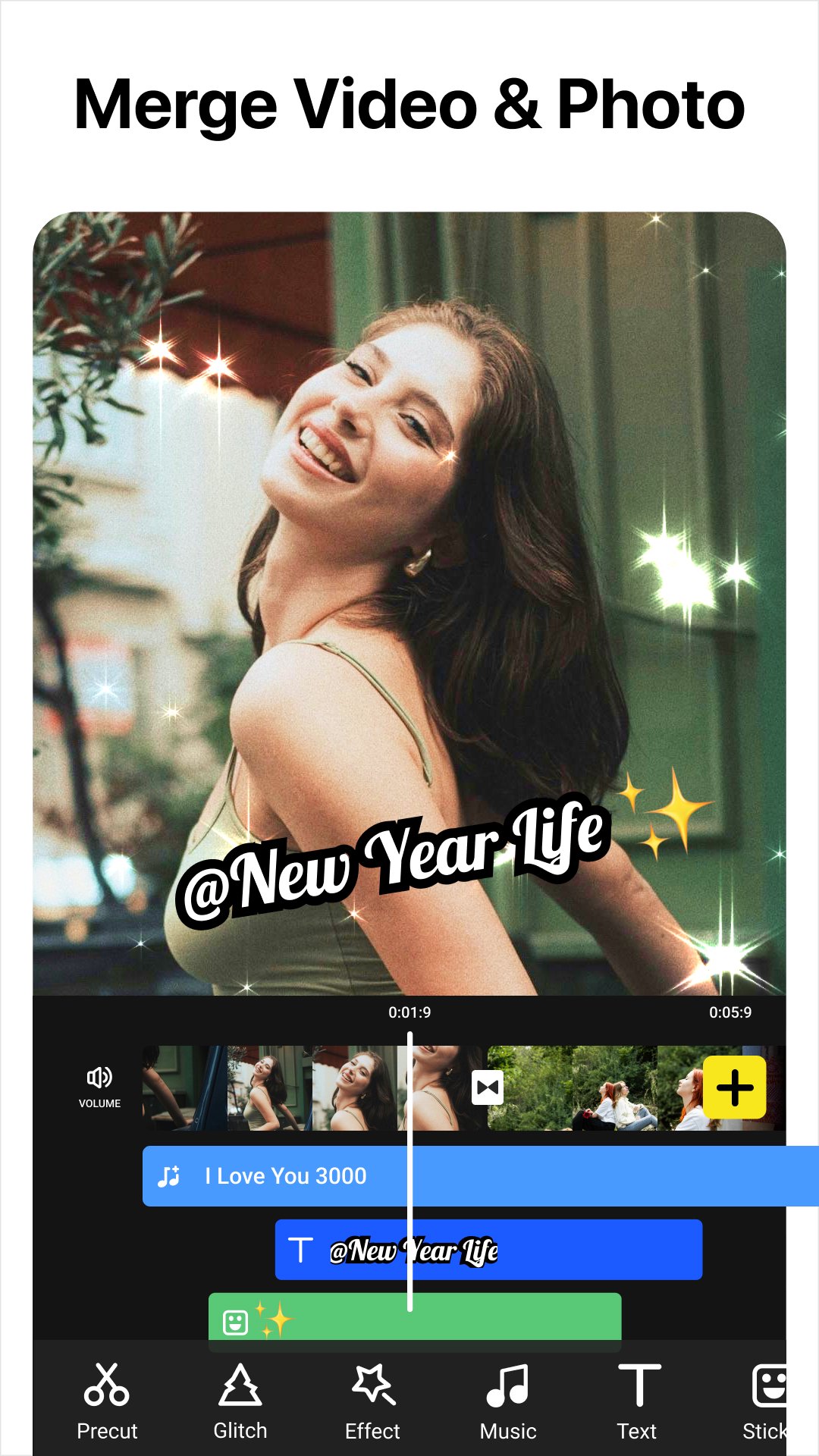
* Trim, cut, and merge videos with high precision
* Adjust speed (0.2x to 100x) for smooth slow motion or time-lapse
* Crop or resize to fit any aspect ratio (1:1, 9:16, 16:9, etc.)
* Reverse, rotate, and flip clips
* Create slideshows or stop motion videos
* Record videos with iconic glitch, VHS, and face effects via Glitch Cam.
🧠 ADVANCED VIDEO EDITOR
* Add keyframe animations to text, stickers, and video layers
* Picture-in-Picture (PIP) support for multi-layer edits and video collages
* Chroma key to remove backgrounds and create green screen effects
* Mask and blend modes for creative overlays
* Color picker to match your visual style perfectly
🎶 MUSIC, SOUND & VOICE
* Add built-in or custom music to your videos
* Extract audio from video clips
* Add voiceovers with fade-in/out and volume control
* Use sound effects for vlogs, memes, and more
✨ FILTERS, EFFECTS & GLITCH
* 100+ filters and trending glitch effects: VHS, RGB, X-ray, Retro, etc.
* Smooth video transitions: blur, zoom, fade, slide, etc.
* Customize video brightness, contrast, saturation, and more
📝 TEXT, STICKERS & MEMES
* Add text with 1000+ fonts and animated styles
* Subtitle your vlogs with auto-caption support
* Decorate with animated stickers, emojis, and trending GIFs
* Create memes and overlays with your own images
🔁 SOCIAL MEDIA EXPORT & SHARING
* Export videos in HD, up to 4K 60fps
* No watermark, no ads – just your content
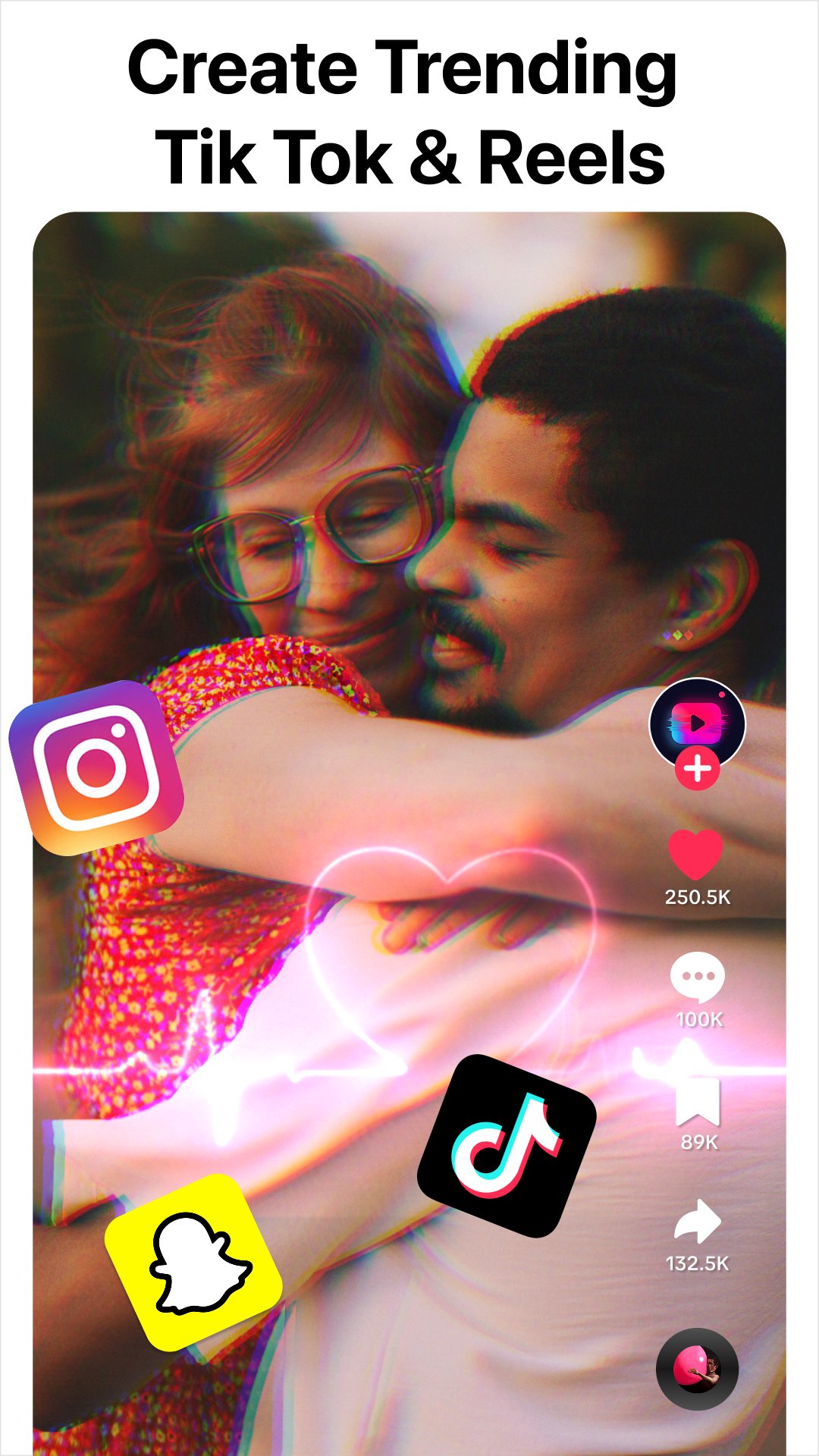
* Share directly to TikTok, YouTube Shorts, Instagram Reels, WhatsApp & more
📸 MORE THAN A VIDEO EDITOR
Create eye-catching TikTok covers & social posts with powerful AI photo tools.
* AI Photo Enhancer: Turn blurry photos into HD & refine facial details
* AI Background Remover: Cut out subjects & export clean PNGs
🎉 WHY CHOOSE VIDEOCOOK?
Whether you're a casual user or aspiring content creator, VideoCook gives you all the tools you need to edit like a pro — glitch effects, music sync, auto captions, slow motion, collages, and more — without paying a dime.
Create viral clips in minutes. Download VideoCook now – free and watermark-free.
💌 Questions? Contact us
videocook@inshot.com
Avance
Etiquetas
Video-PlayersInformación
Desarrollador
InShot Inc.
La última versión
3.023.19
Última actualización
2026-09-16
Categoría
Video-players-editors
Disponible en
Google Play
Mostrar más
Cómo jugar Video Editor, Maker -VideoCook con GameLoop en PC
1. Descargue GameLoop desde el sitio web oficial, luego ejecute el archivo exe para instalar GameLoop.
2. Abra GameLoop y busque "Video Editor, Maker -VideoCook", busque Video Editor, Maker -VideoCook en los resultados de búsqueda y haga clic en "Instalar".
3. Disfruta jugando Video Editor, Maker -VideoCook en GameLoop.
Minimum requirements
OS
Windows 8.1 64-bit or Windows 10 64-bit
GPU
GTX 1050
CPU
i3-8300
Memory
8GB RAM
Storage
1GB available space
Recommended requirements
OS
Windows 8.1 64-bit or Windows 10 64-bit
GPU
GTX 1050
CPU
i3-9320
Memory
16GB RAM
Storage
1GB available space