
Video Editor - Cutter & Merger para PC
Indian App dev
Descarga Video Editor - Cutter & Merger en PC con GameLoop Emulator
Video Editor - Cutter & Merger en PC
Video Editor - Cutter & Merger, proveniente del desarrollador Indian App dev, se ejecuta en el sistema Android en el pasado.
Ahora, puedes jugar Video Editor - Cutter & Merger en PC con GameLoop sin problemas.
Descárgalo en la biblioteca de GameLoop o en los resultados de búsqueda. No más mirar la batería o llamadas frustrantes en el momento equivocado nunca más.
Simplemente disfrute de Video Editor - Cutter & Merger PC en la pantalla grande de forma gratuita!
Video Editor - Cutter & Merger Introducción
Start using the ultimate Video Cutter and Joiner App: Edit Like a Pro!
Discover this versatile video cutter and joiner app! Whether you’re looking for a reliable video trimmer, a feature to easily crop video, or a seamless way to merge video, this app has everything you need. Simplify your edits and create stunning videos right from your phone.
✨ Fantastic Features of the Video Cutter and Merger App ✨
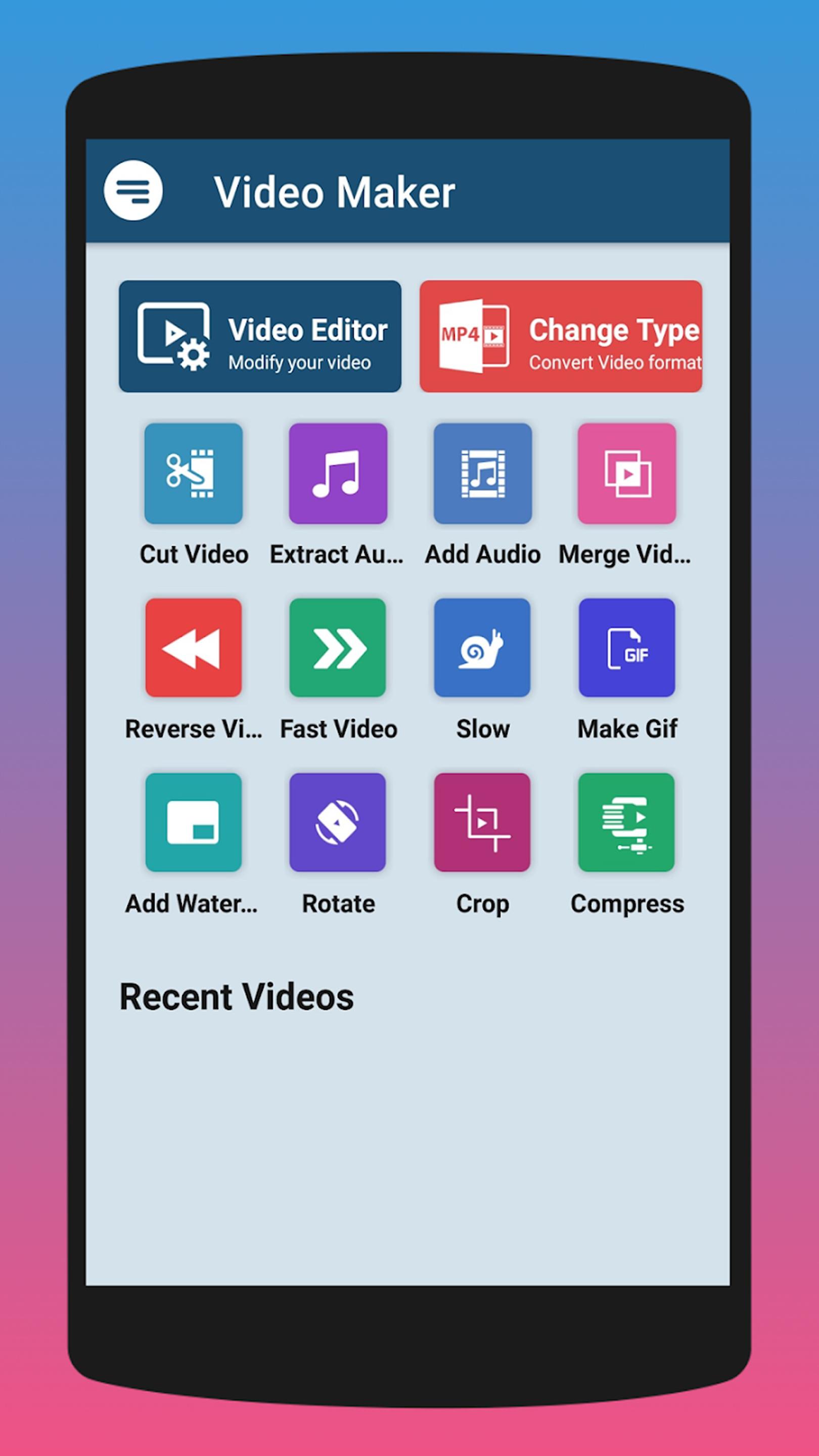
✅ Trim Your Videos easily: Video trimmer lets you cut clips exactly the way you want.
✅ Merge Videos Without Limits: Stitch together multiple clips using the easy-to-use merge video tool.
✅ Crop Your Content Quickly: Adjust video dimensions in seconds with the smart crop video editor.
✅ Add Music or Extract Audio: Incorporate background tracks or extract MP3s from any video with ease.
✅ Create Shareable GIFs: Transform memorable moments into fun, animated GIFs.
✅ Reverse Playback and Slow Motion: Experiment with unique effects like reversing videos or slowing them down.
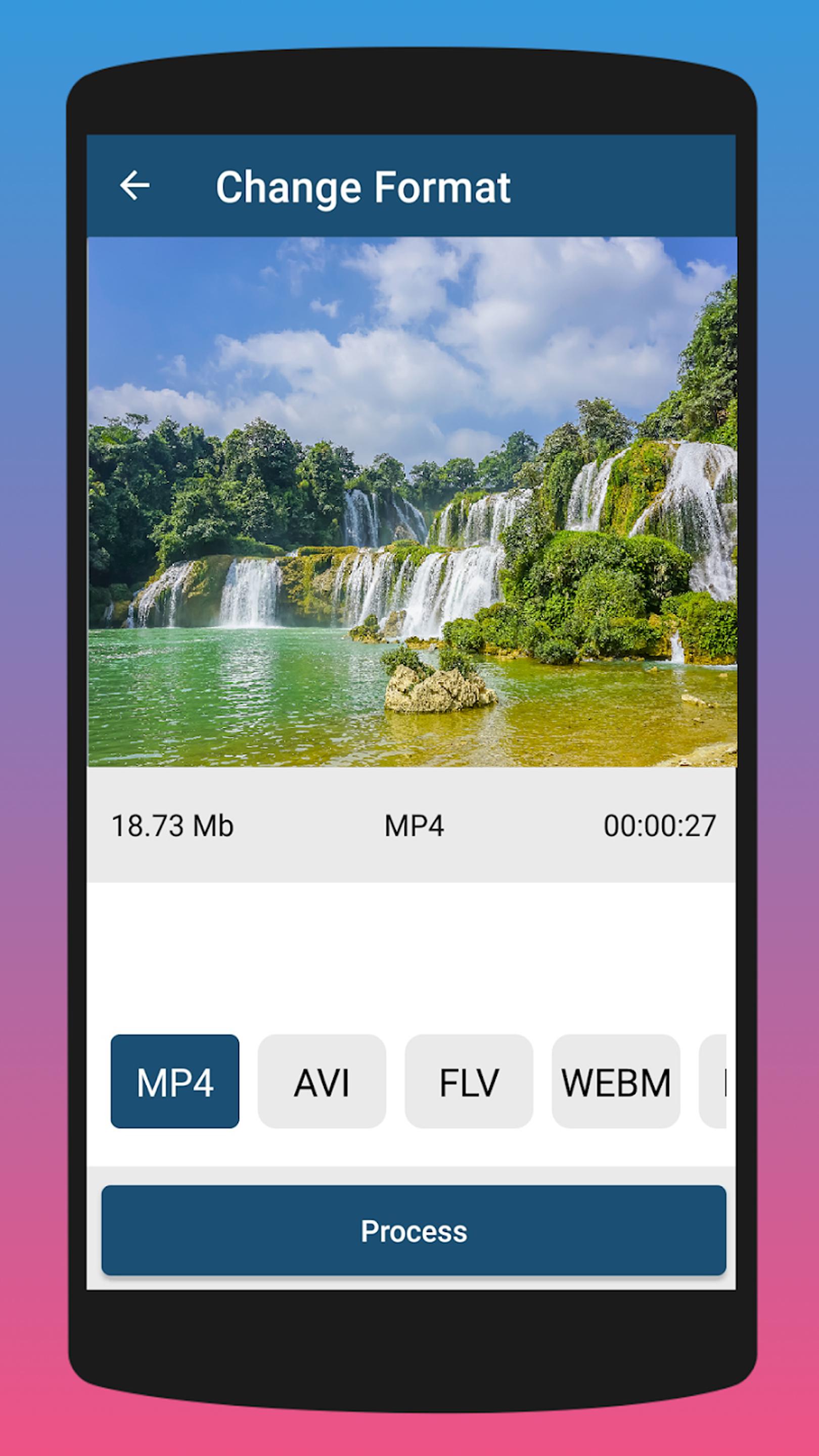
✅ Compress and Convert Videos: Reduce file sizes or switch formats, such as MP4 to MKV, in just a few taps.
✅ Add Watermarks for Personalization: Protect your work by adding your own watermark to your videos.
What Sets This Video Cutter and Joiner Apart?
This isn’t just another video cutter and merger app—it’s a full-featured editing solution. Whether you want to crop video, merge multiple clips, or experiment with creative tools, this app makes it easy for everyone. Designed for both casual users and professionals, it’s your all-in-one editor.
💡 Explore Your Creativity with Ease 💡
✅ Effortless Navigation: Find tools like the crop video editor and video trimmer quickly, thanks to the intuitive design.
✅ Speedy Edits: Enjoy fast processing for high-quality results, no matter the size of your files.
✅ Endless Possibilities: With features like the video cutter and joiner, your imagination is the limit!
📲 Start using the Video Cutter and Merger App Now! 📲
Why wait? Get started with this powerful tool today. Whether it’s trimming, cropping, or merging, tools like the video trimmer, crop video editor, and merge video options make editing simple and enjoyable. Download now and turn your creative ideas into reality!
Avance
Etiquetas
Video-PlayersInformación
Desarrollador
Indian App dev
La última versión
2.1.0
Última actualización
2025-04-01
Categoría
Video-players-editors
Disponible en
Google Play
Mostrar más
Cómo jugar Video Editor - Cutter & Merger con GameLoop en PC
1. Descargue GameLoop desde el sitio web oficial, luego ejecute el archivo exe para instalar GameLoop.
2. Abra GameLoop y busque "Video Editor - Cutter & Merger", busque Video Editor - Cutter & Merger en los resultados de búsqueda y haga clic en "Instalar".
3. Disfruta jugando Video Editor - Cutter & Merger en GameLoop.
Minimum requirements
OS
Windows 8.1 64-bit or Windows 10 64-bit
GPU
GTX 1050
CPU
i3-8300
Memory
8GB RAM
Storage
1GB available space
Recommended requirements
OS
Windows 8.1 64-bit or Windows 10 64-bit
GPU
GTX 1050
CPU
i3-9320
Memory
16GB RAM
Storage
1GB available space