
PowerDirector - Video Editor para PC
Cyberlink Corp
Descarga PowerDirector - Video Editor en PC con GameLoop Emulator
PowerDirector - Video Editor en PC
PowerDirector - Video Editor, proveniente del desarrollador Cyberlink Corp, se ejecuta en el sistema Android en el pasado.
Ahora, puedes jugar PowerDirector - Video Editor en PC con GameLoop sin problemas.
Descárgalo en la biblioteca de GameLoop o en los resultados de búsqueda. No más mirar la batería o llamadas frustrantes en el momento equivocado nunca más.
Simplemente disfrute de PowerDirector - Video Editor PC en la pantalla grande de forma gratuita!
PowerDirector - Video Editor Introducción
With over 150 million downloads and counting, PowerDirector is the Google Editor's Choice AI video editor and movie maker that turns photos, clips, and text prompts into scroll-stopping videos. From everyday video editing to AI-powered creation, make stunning videos for TikTok, Instagram Reels, and YouTube Shorts — in minutes, on your phone.
🎬 EASY VIDEO EDITING
■ Trim, cut, and crop — get straight to the good stuff
■ Add music and set the vibe
■ Speed up, slow down, make it yours
■ Background Removal — clean shot, no effort
■ Hundreds of transitions and effects for every mood
■ Text, stickers, and animated titles that pop
■ Edit and export clips in up to 4K resolution
--------------------------------------------------------------------
🤖 CREATE WITH AI
■ AI Video Edit by Chat — just say it. AI does the rest.
■ AI Text-to-Video — words in, viral video out
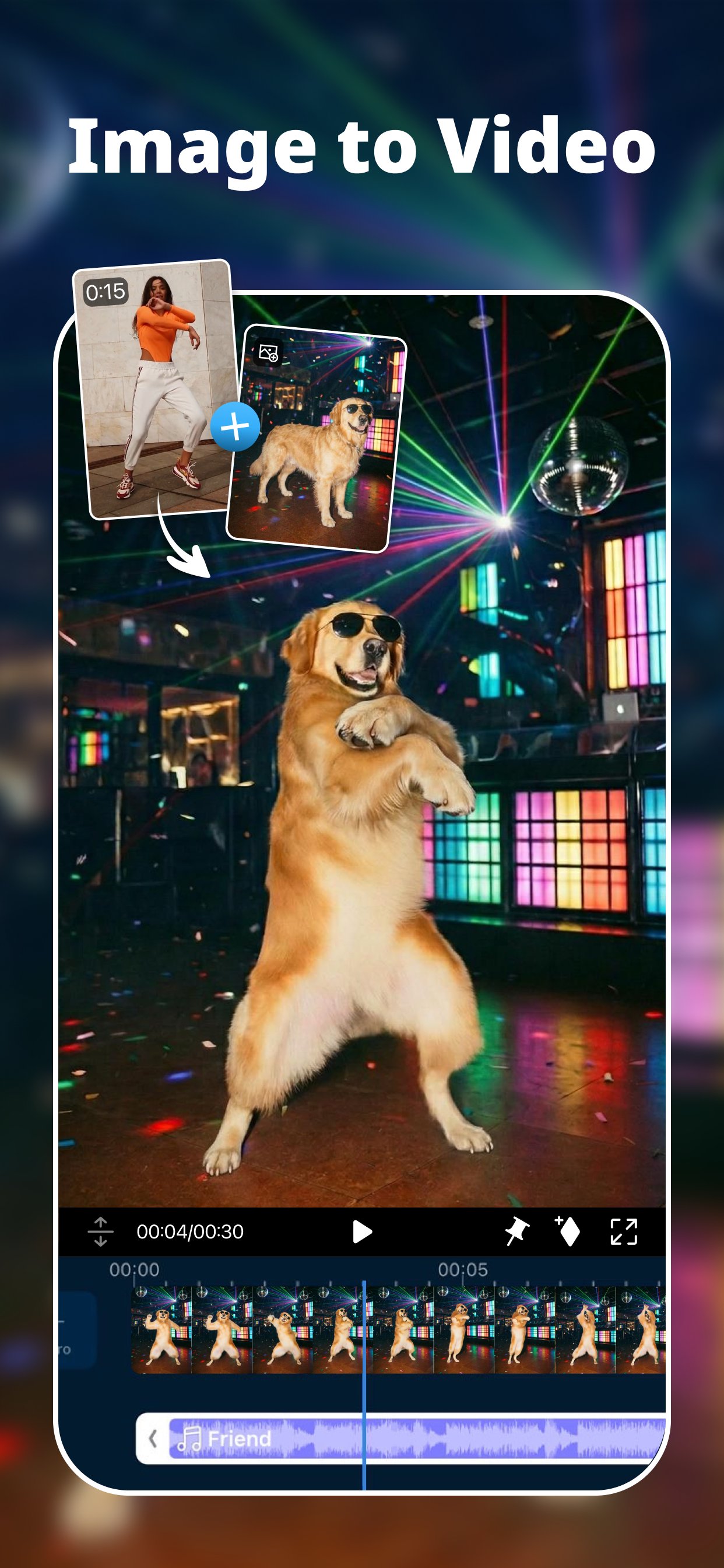
■ AI Image-to-Video — one photo, full cinematic motion
■ Cinematic Reel Creator — one photo, one tap, film-like video
■ AI Character Motion Swap — drop yourself into any scene, instantly
■ AI Storytelling — script it, narrate it, share it (multi-language)
■ AI Mini Drama — turn your ideas into cinematic, multi-episode mini dramas with AI
■ AI Anime & AI Art — turn real footage into anime magic
■ AI Auto Edit — one tap to a beat-perfect, share-ready edit
■ AI Video Enhancer — blurry in, crisp HD out
■ AI Super Slow Motion — every frame, buttery smooth
■ Body Effect with Body Tracking — move like the trend
--------------------------------------------------------------------
🎛️ PROFESSIONAL EDITING TOOLS
■ Multi-track timeline — keyframes, chroma key, masks and blend modes
■ Green screen editing — put yourself anywhere
■ Video stabilizer — shaky? not anymore
■ Record and add voiceovers — your voice, your story
--------------------------------------------------------------------
🎵 MUSIC & SOUND EFFECTS
■ Thousands of tracks and sound effects — find your music in seconds
■ AI Voice Changer & Speech Enhancement — sound like a pro, instantly
■ AI Sound Effect Search — type a vibe, get the perfect sound
--------------------------------------------------------------------
👑 PREMIUM BENEFITS
■ Getty-powered stock — unlimited music, footage & images, cleared for commercial use
■ Auto Captions — subtitles that keep up with you
■ Cloud projects — start on your phone, finish anywhere
■ Exclusive filters, titles, transitions and effects
■ Ad-free, zero distractions
--------------------------------------------------------------------
From quick edits to cinematic AI creations, PowerDirector is your all-in-one AI video editor and movie maker. Create eye-catching reels, short videos, and more with powerful video editing tools — all on your phone.
Find inspiration on Instagram: @powerdirector_app
How can we help you? Contact us: support.cyberlink.com
Avance

Etiquetas
Video-PlayersInformación
Desarrollador
Cyberlink Corp
La última versión
16.8.2
Última actualización
2026-11-20
Categoría
Video-players-editors
Disponible en
Google Play
Mostrar más
Cómo jugar PowerDirector - Video Editor con GameLoop en PC
1. Descargue GameLoop desde el sitio web oficial, luego ejecute el archivo exe para instalar GameLoop.
2. Abra GameLoop y busque "PowerDirector - Video Editor", busque PowerDirector - Video Editor en los resultados de búsqueda y haga clic en "Instalar".
3. Disfruta jugando PowerDirector - Video Editor en GameLoop.
Minimum requirements
OS
Windows 8.1 64-bit or Windows 10 64-bit
GPU
GTX 1050
CPU
i3-8300
Memory
8GB RAM
Storage
1GB available space
Recommended requirements
OS
Windows 8.1 64-bit or Windows 10 64-bit
GPU
GTX 1050
CPU
i3-9320
Memory
16GB RAM
Storage
1GB available space