
OTGViewer para PC
Android in Spain
Descarga OTGViewer en PC con GameLoop Emulator
OTGViewer en PC
OTGViewer, proveniente del desarrollador Android in Spain, se ejecuta en el sistema Android en el pasado.
Ahora, puedes jugar OTGViewer en PC con GameLoop sin problemas.
Descárgalo en la biblioteca de GameLoop o en los resultados de búsqueda. No más mirar la batería o llamadas frustrantes en el momento equivocado nunca más.
Simplemente disfrute de OTGViewer PC en la pantalla grande de forma gratuita!
OTGViewer Introducción
With OTGViewer you can:
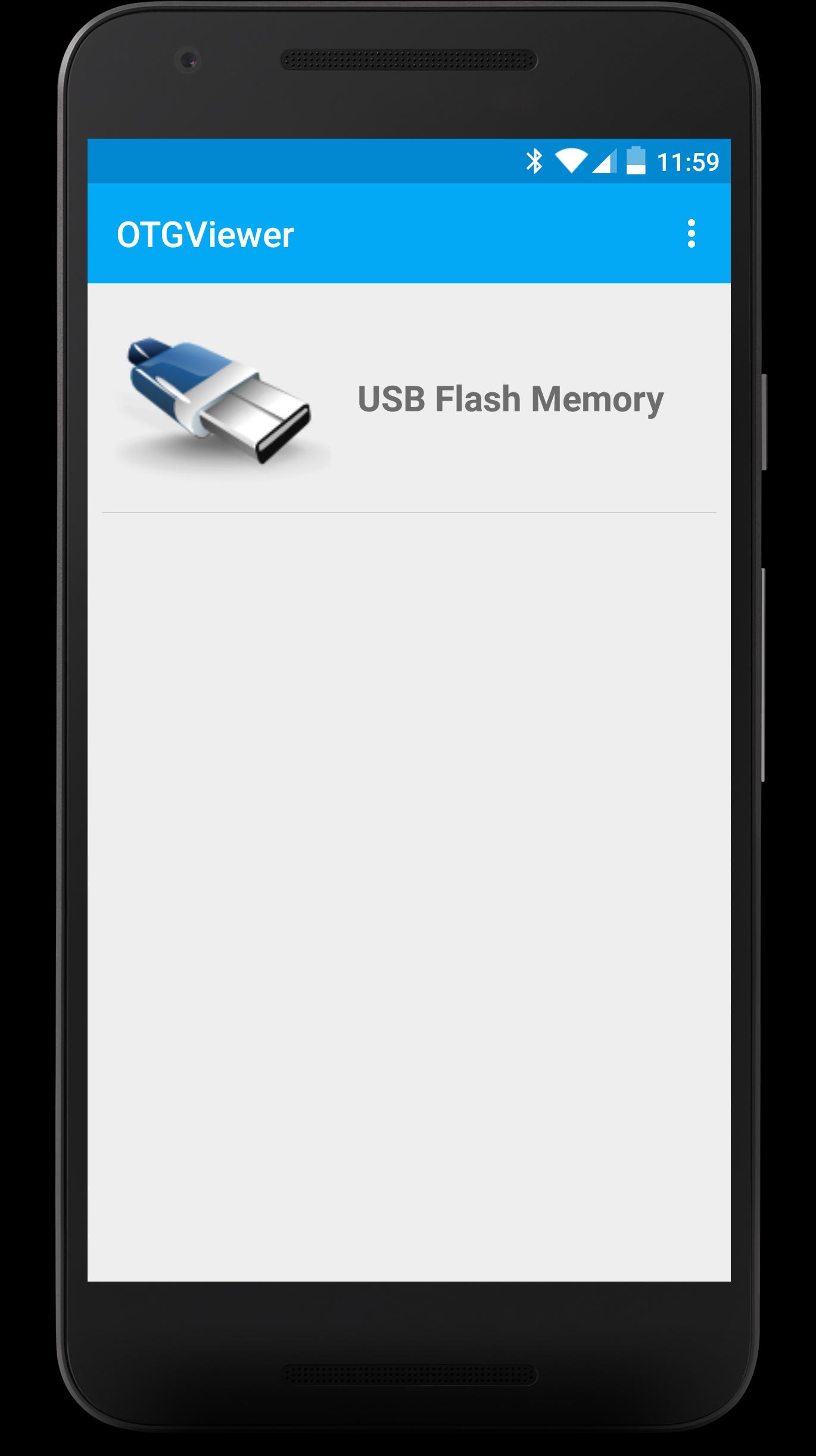
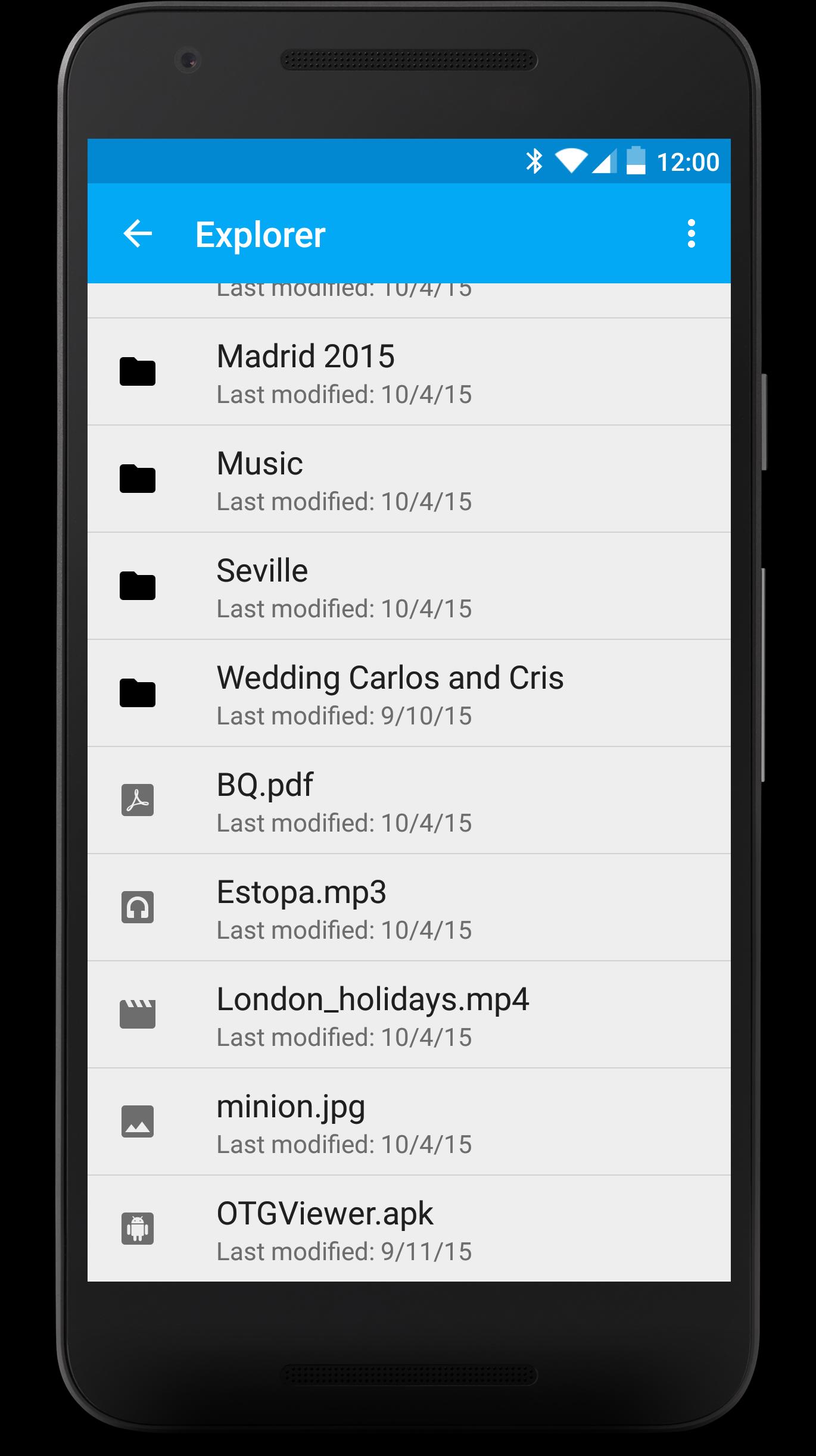
- Browse all the contents from your USB (FAT32). You won't have to worry about anything, each file will be opened with the best app for it.
- Enjoy watching your photos with the embedded photo viewer included in OTGViewer. Thanks to the used algorithms, you won't have to wait for the next photo.
- Slides mode: enjoy the best experience watching photos with your family or friends. You won't have to pass them manually; they will do automatically and the transition speed can be easily regulated with swipe gestures (up or down, respectively).
- Android TV support + remote controllers (Nexus Player, for example). Make the most from your Android TV!
Please, note: we use our own libraries. Therefore, your device doesn't need root nor modified kernels. Only USB OTG support is required.
We really hope you like OTGViewer. We look forward your comments/suggestions in order to improve it. Thank you!
Avance
Etiquetas
Video-PlayersInformación
Desarrollador
Android in Spain
La última versión
1.1
Última actualización
2018-01-04
Categoría
Video-players-editors
Disponible en
Google Play
Mostrar más
Cómo jugar OTGViewer con GameLoop en PC
1. Descargue GameLoop desde el sitio web oficial, luego ejecute el archivo exe para instalar GameLoop.
2. Abra GameLoop y busque "OTGViewer", busque OTGViewer en los resultados de búsqueda y haga clic en "Instalar".
3. Disfruta jugando OTGViewer en GameLoop.
Minimum requirements
OS
Windows 8.1 64-bit or Windows 10 64-bit
GPU
GTX 1050
CPU
i3-8300
Memory
8GB RAM
Storage
1GB available space
Recommended requirements
OS
Windows 8.1 64-bit or Windows 10 64-bit
GPU
GTX 1050
CPU
i3-9320
Memory
16GB RAM
Storage
1GB available space