Cast to TV - Screen Mirroring para PC
BoostVision
Descarga Cast to TV - Screen Mirroring en PC con GameLoop Emulator
Cast to TV - Screen Mirroring en PC
Cast to TV - Screen Mirroring, proveniente del desarrollador BoostVision, se ejecuta en el sistema Android en el pasado.
Ahora, puedes jugar Cast to TV - Screen Mirroring en PC con GameLoop sin problemas.
Descárgalo en la biblioteca de GameLoop o en los resultados de búsqueda. No más mirar la batería o llamadas frustrantes en el momento equivocado nunca más.
Simplemente disfrute de Cast to TV - Screen Mirroring PC en la pantalla grande de forma gratuita!
Cast to TV - Screen Mirroring Introducción
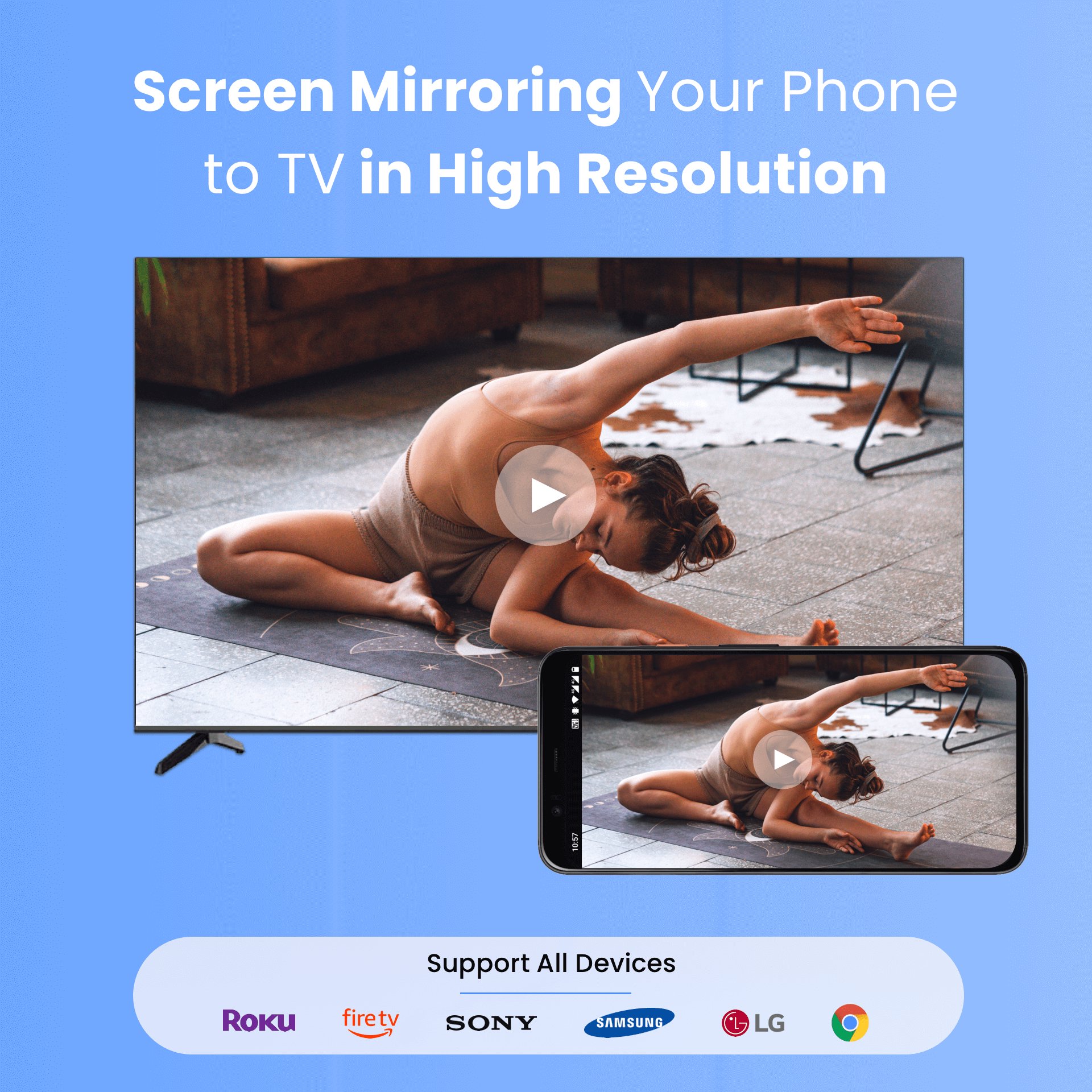
Cast to TV - Screen Mirroring is the easiest way to screen mirror your phone to Smart TV in HD.
With this powerful screen mirroring app, you can cast to TV instantly, stream movies, mirror games, and share photos wirelessly.
Compatible with Roku, Fire TV, Chromecast, Samsung TV, LG TV, Vizio, Sony, TCL, Hisense, Vizio, and more Smart TVs.
📺 Cast to TV Features:
✔ Cast to TV in HD quality
✔ Cast web videos and online streams
✔ Screen Mirroring in HD quality
✔ Mirror Android phone to Smart TV wirelessly
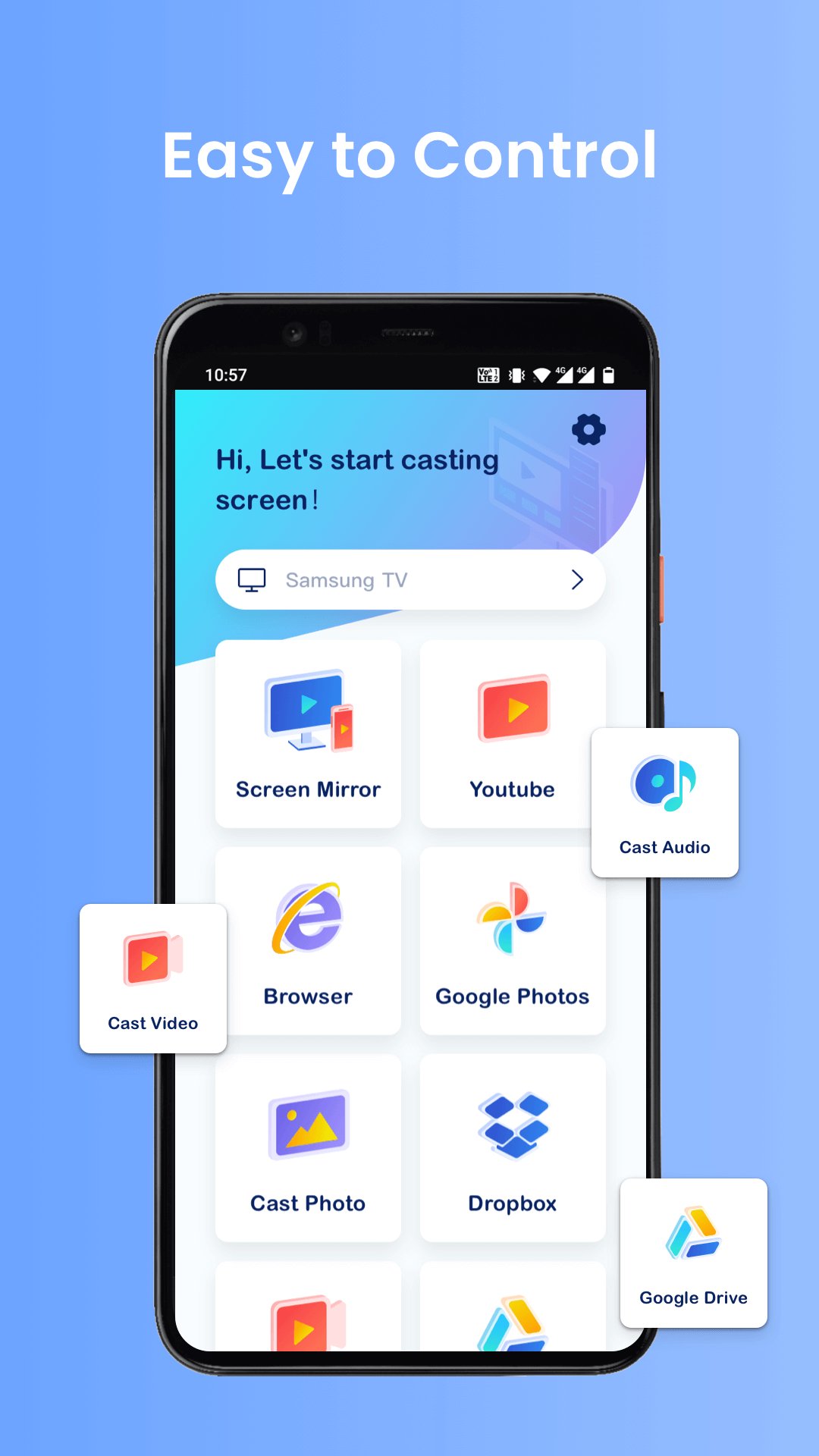
✔ Stream movies, photos & music to TV
✔ Add IPTV m3u/m3u8 playlists & cast them on Smart TV
✔ Fast connection over WiFi – no cables needed
✔ Stable screen mirroring with low latency
☆ Enhanced compatibility with our self-developed mirroring & casting protocols:
• Chromecast devices — adapted with our self-developed GoogleCast protocol
• Roku devices — adapted with AirPlay Sender SDK & Roku Receiver
• Fire devices — adapted with Fire Mirror Receiver
• LG webOS devices — adapted with Web Mirror
🎮 Perfect For:
• Cast movies to TV
• Mirror mobile games to TV
• Stream online videos
• Share photos with family
• Present slides on big screen
📲 How to Cast to TV:
Connect phone & Smart TV to same WiFi
Select your TV device
Tap to start casting
💡 Why Choose This TV Cast Screen Mirroring App?
Unlike other TV cast apps, we provide:
• Faster screen mirror connection
• Smoother HD streaming
• Better compatibility with a wide range of smart TVs like Roku, Fire TV, Chromecast & LG
• Easy one-tap control
Download now and start casting your phone to TV in seconds.
Important Notes:
• Make sure your TV and phone are connected to the same WiFi
• Some TV models may require enabling Wireless Display or Miracast
• Reinstall the TV cast screen mirror app & reboot the TV can fix most of connecting issues
DISCLAIMER:
Cast to TV - Screen Mirroring application isn't affiliated with any of the TV brands above. And due to the limited number of device models we can test, our cast to tv app can't be compatible with all TV models.
Terms of Use: https://www.boostvision.tv/terms-of-use
Privacy Policy: https://www.boostvision.tv/privacy-policy
Visit Our Page: https://www.boostvision.tv/app/screen-mirroring
Avance
Etiquetas
Video-PlayersInformación
Desarrollador
BoostVision
La última versión
2.1.0
Última actualización
2026-09-23
Categoría
Video-players-editors
Disponible en
Google Play
Mostrar más
Cómo jugar Cast to TV - Screen Mirroring con GameLoop en PC
1. Descargue GameLoop desde el sitio web oficial, luego ejecute el archivo exe para instalar GameLoop.
2. Abra GameLoop y busque "Cast to TV - Screen Mirroring", busque Cast to TV - Screen Mirroring en los resultados de búsqueda y haga clic en "Instalar".
3. Disfruta jugando Cast to TV - Screen Mirroring en GameLoop.
Minimum requirements
OS
Windows 8.1 64-bit or Windows 10 64-bit
GPU
GTX 1050
CPU
i3-8300
Memory
8GB RAM
Storage
1GB available space
Recommended requirements
OS
Windows 8.1 64-bit or Windows 10 64-bit
GPU
GTX 1050
CPU
i3-9320
Memory
16GB RAM
Storage
1GB available space