
alfacast screen mirror para PC
Roman Shpuntov
Descarga alfacast screen mirror en PC con GameLoop Emulator
alfacast screen mirror en PC
alfacast screen mirror, proveniente del desarrollador Roman Shpuntov, se ejecuta en el sistema Android en el pasado.
Ahora, puedes jugar alfacast screen mirror en PC con GameLoop sin problemas.
Descárgalo en la biblioteca de GameLoop o en los resultados de búsqueda. No más mirar la batería o llamadas frustrantes en el momento equivocado nunca más.
Simplemente disfrute de alfacast screen mirror PC en la pantalla grande de forma gratuita!
alfacast screen mirror Introducción
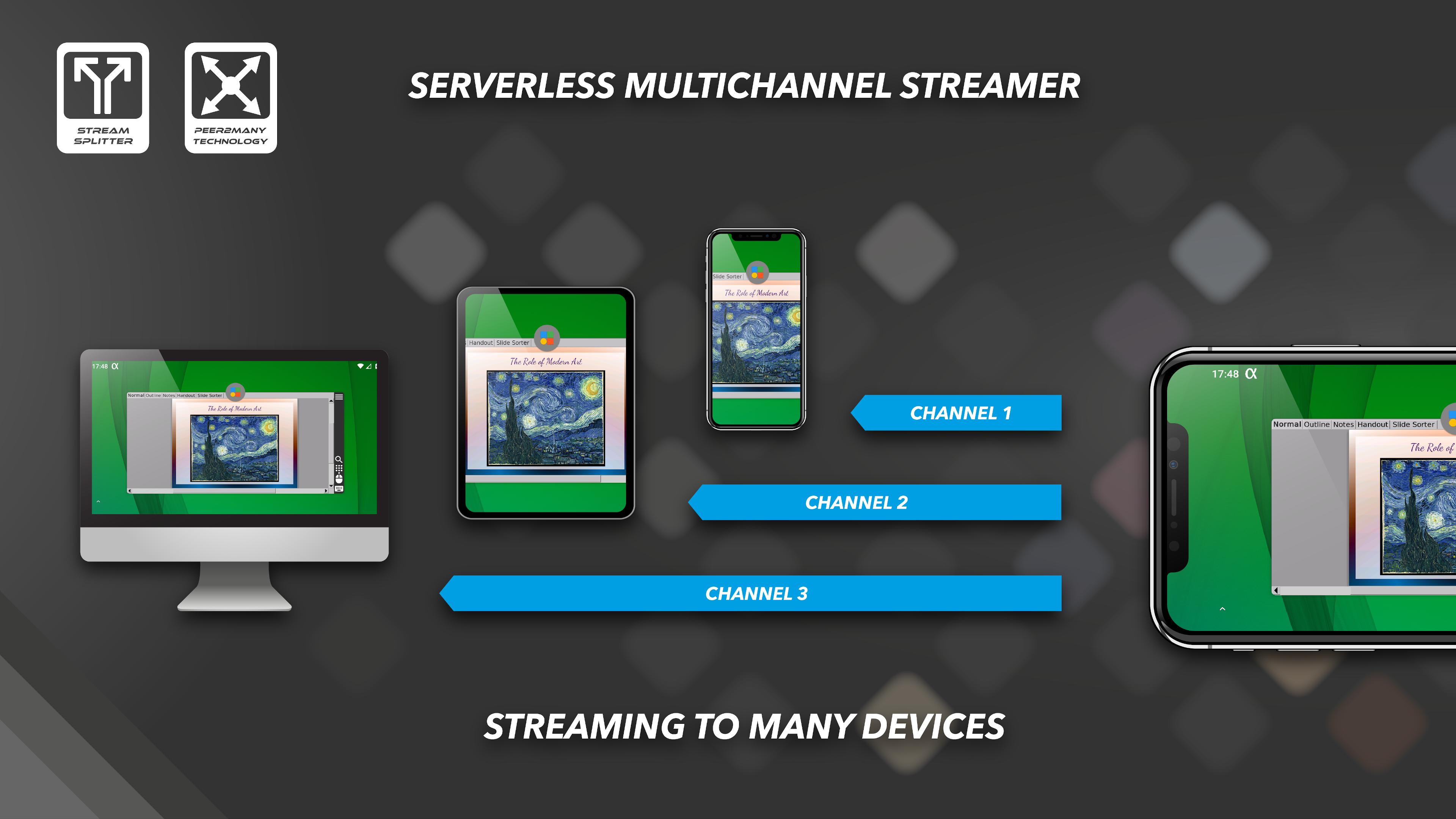
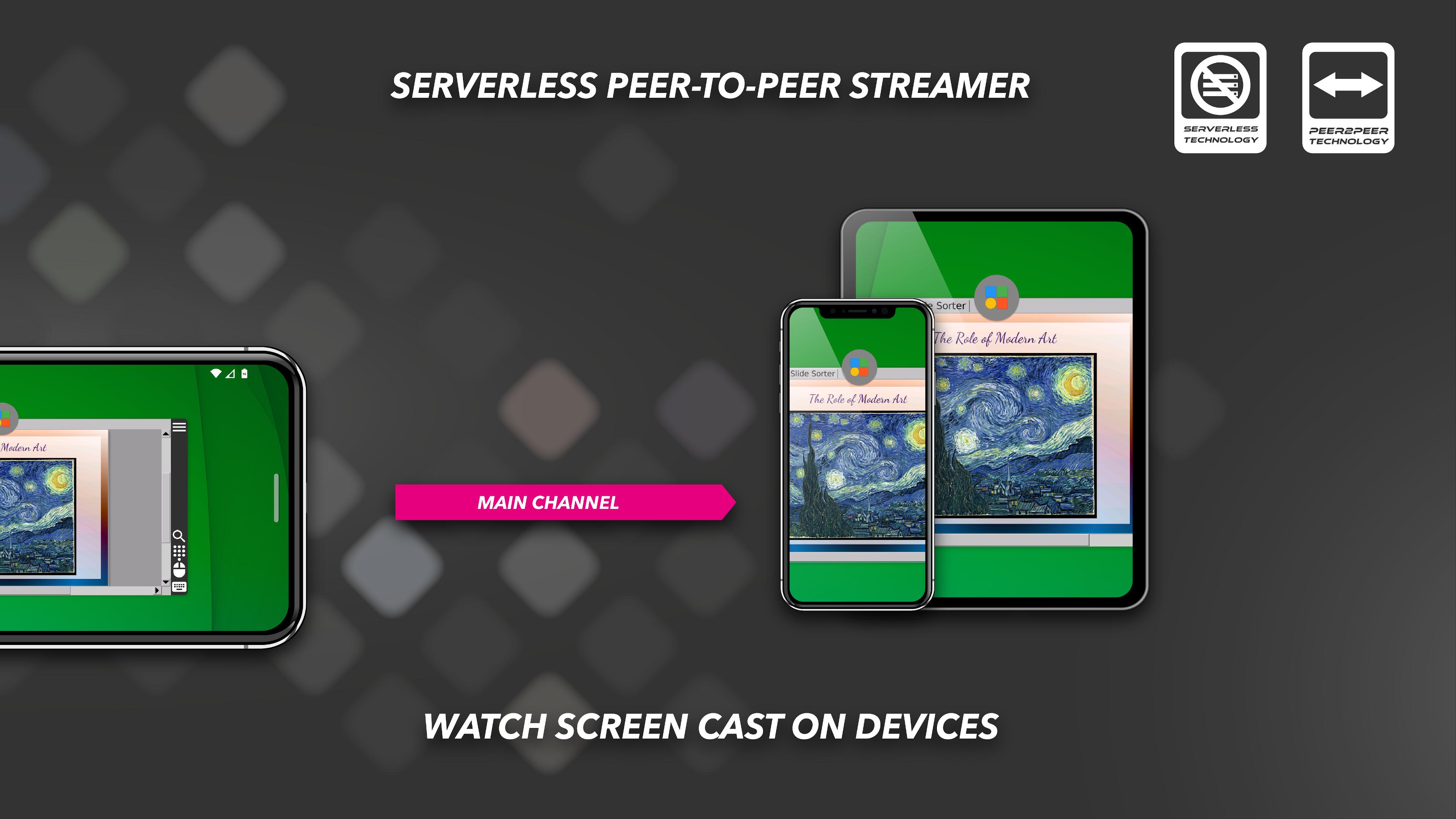
Share and split your live video screen stream to many devices simultaneously. App allows you to broadcast and to watch any content from desktop. Stay secure with alfacast while watching live streaming, the app supports end-to-end encryption technology. Automatic discovery technology will allow you to enjoy using the app. Forget about logins, installation and the long process of setup video broadcast servers, for alfacast it is simply not necessary. Stream your content from a video camera apps, photo album apps, stream video from player apps, show presentations, slides, photos or pictures anywhere and anytime!
To stream video from apps, you need to open a third-party app. The alfacast will capture your screen with all the displayed content. You need to display content from a third-party app on the streamer device screen.
For example, if you want to stream video from a camera, follow these steps on the streamer device:
• Run alfacast app and follow the instructions to use the app as a streamer
• Open the camera app and display it on the device screen. The alfacast app does not use your camera or access it
After that please follow these steps on your viewer device:
• Run alfacast app and follow the instructions to use the app as a viewer
• Select your streamer with a camera from the list of users in the alfacast app and watch the screen cast from the camera
alfacast features:
• Network screen mirroring
• Audio / video stream splitter
• Streaming through all network interface types: WiFi / Ethernet / Bluetooth
• Remote desktop audio / video streamer solution
• Remote desktop audio / video viewer or playback solution
• Serverless multichannel peer-to-many streaming technology
• Serverless single channel peer-to-peer streaming technology
• Capture audio from microphone or external USB sound card
• Full free. No ads
• Video streamer & viewer up to SD quality
• Universal client-server IPTV-like app
• Automatic discovery of users on the local network
• Secure connection with end-to-end AES-128 encryption technology
• Supported platforms: Android / Android TV / Wear OS / Fire OS / iOS / macOS / tvOS / Linux / Windows
• Supported device types: Mobile / Tablet / iPhone / iPad / Desktop / Laptop / Xbox / Set Top Box / Raspberry Pi
• Supported device brands: Apple / Amazon / ASUS / Google / Huawei / LG / Meizu / Microsoft / Motorola / Nokia / Nvidia / Philips / Samsung / Xiaomi / Sony / Others
Avance
Etiquetas
Video-PlayersInformación
Desarrollador
Roman Shpuntov
La última versión
5.4
Última actualización
2023-12-12
Categoría
Video-players-editors
Disponible en
Google Play
Mostrar más
Cómo jugar alfacast screen mirror con GameLoop en PC
1. Descargue GameLoop desde el sitio web oficial, luego ejecute el archivo exe para instalar GameLoop.
2. Abra GameLoop y busque "alfacast screen mirror", busque alfacast screen mirror en los resultados de búsqueda y haga clic en "Instalar".
3. Disfruta jugando alfacast screen mirror en GameLoop.
Minimum requirements
OS
Windows 8.1 64-bit or Windows 10 64-bit
GPU
GTX 1050
CPU
i3-8300
Memory
8GB RAM
Storage
1GB available space
Recommended requirements
OS
Windows 8.1 64-bit or Windows 10 64-bit
GPU
GTX 1050
CPU
i3-9320
Memory
16GB RAM
Storage
1GB available space