
Coloring BOOK Bluey para PC
lasfar coloraige
Descarga Coloring BOOK Bluey en PC con GameLoop Emulator
Coloring BOOK Bluey en PC
Coloring BOOK Bluey, proveniente del desarrollador lasfar coloraige, se ejecuta en el sistema Android en el pasado.
Ahora, puedes jugar Coloring BOOK Bluey en PC con GameLoop sin problemas.
Descárgalo en la biblioteca de GameLoop o en los resultados de búsqueda. No más mirar la batería o llamadas frustrantes en el momento equivocado nunca más.
Simplemente disfrute de Coloring BOOK Bluey PC en la pantalla grande de forma gratuita!
Coloring BOOK Bluey Introducción
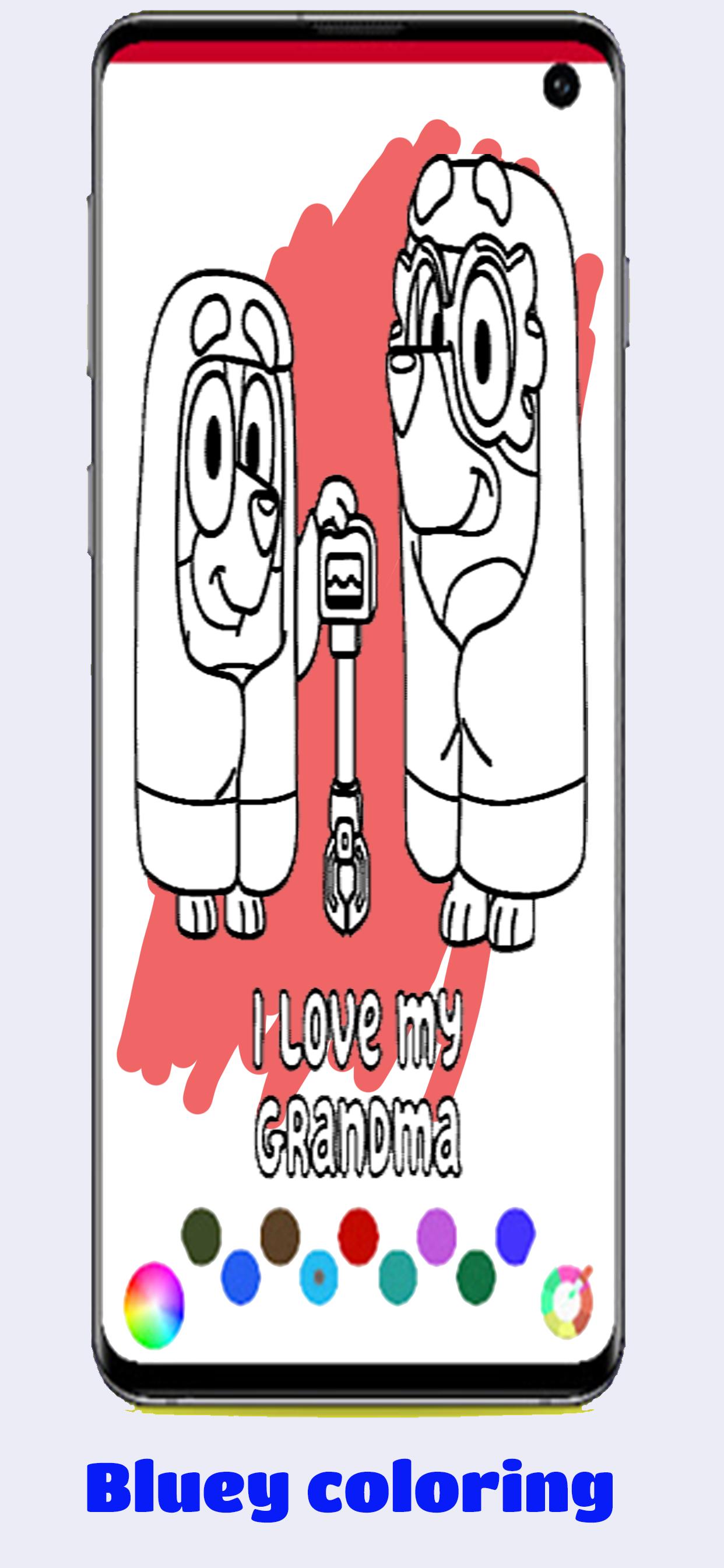
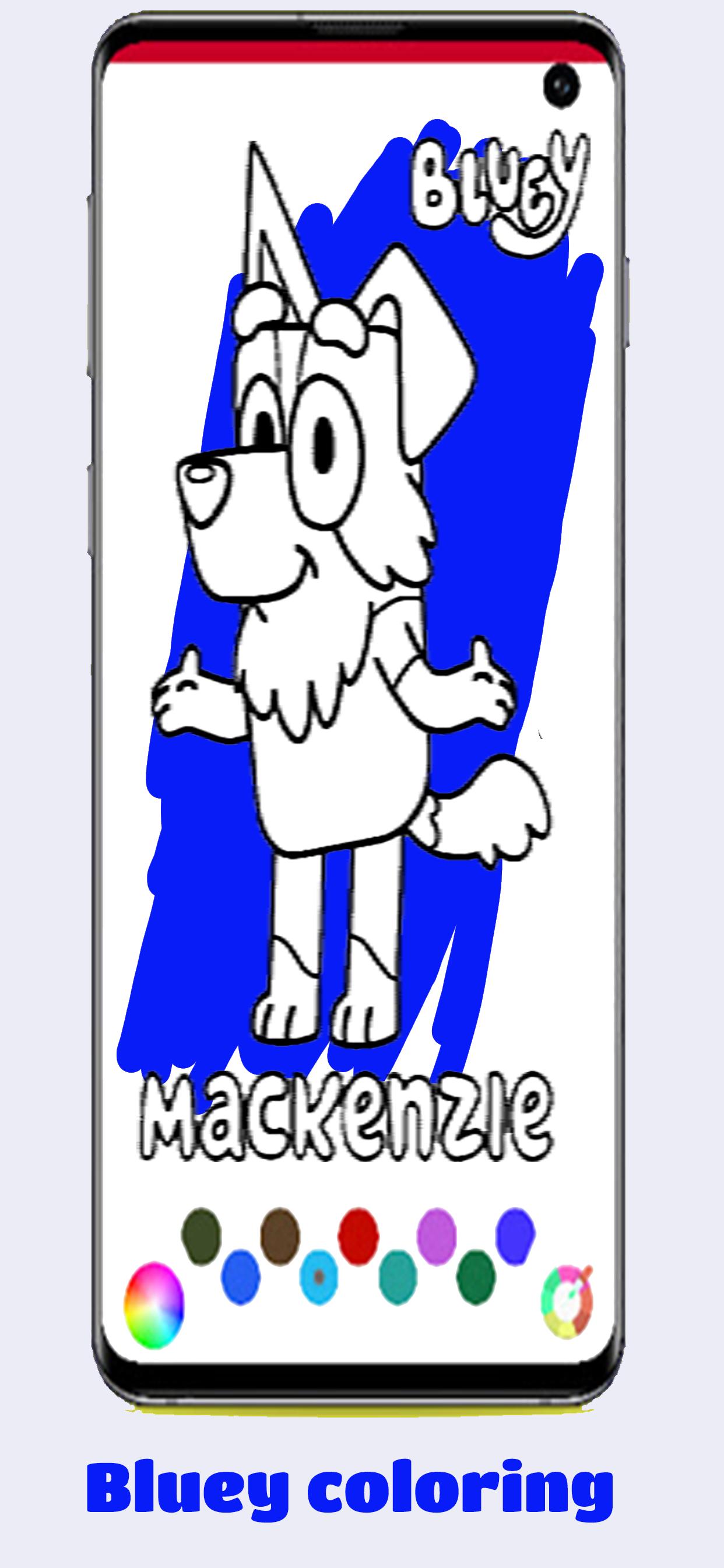
Bluey Coloring BOOK and Drawing Step By Step for Bingo and Bluey Familly
The How to draw Bluey Game is the best coloring Bluey app, this application was invented with the aim of developing fan art in drawing and Coloring. If you are a fan of the game Bluey and bingo, then for sure it will be interesting for you to draw cute or daring characters on your own in your album.
You will have the opportunity to learn step-by-step character drawing Bluey.
All you need for a good time is colored pencils, a notebook and an eraser.
The application presents different drawing modes.
You can choose the drawing mode Bluey with auxiliary lines. When building an image, it will be convenient for beginners to focus on auxiliary lines and accurately redraw hero elements from the application!
Also for more skillful artists, you can choose the drawing mode without auxiliary lines. In this mode, more characters are available Bluey.
as you can only Color Bluey Images Using Number from palet we will provide.
If you want to change or improve something in our application, let the developer know about it! We will be happy to create with you the best drawing lessons!
* IMPORTANT DISCLAIMER*
** The content in this app is NOT affiliated or endorsed by the games' publishers or developers. This app is designed so that people can learn how to draw characters from game.
** All characters in this How to draw Bluey app are the property of their respective owners, and the usage of this app falls within guidelines of US "fair use"
** This application is NOT AFFILIATED in any way with Bluey Developers. The Name, Brand and Assets are all property of their respectful owner.
** If you have a concern or feel there is a direct copyright or trademark violation that does not fall within "fair use" guidelines, please contact us directly to discuss.
Avance
Etiquetas
Preguntas y respuestasInformación
Desarrollador
lasfar coloraige
La última versión
1.0
Última actualización
2021-07-23
Categoría
Preguntas y respuestas
Disponible en
Google Play
Mostrar más
Cómo jugar Coloring BOOK Bluey con GameLoop en PC
1. Descargue GameLoop desde el sitio web oficial, luego ejecute el archivo exe para instalar GameLoop.
2. Abra GameLoop y busque "Coloring BOOK Bluey", busque Coloring BOOK Bluey en los resultados de búsqueda y haga clic en "Instalar".
3. Disfruta jugando Coloring BOOK Bluey en GameLoop.
Minimum requirements
OS
Windows 8.1 64-bit or Windows 10 64-bit
GPU
GTX 1050
CPU
i3-8300
Memory
8GB RAM
Storage
1GB available space
Recommended requirements
OS
Windows 8.1 64-bit or Windows 10 64-bit
GPU
GTX 1050
CPU
i3-9320
Memory
16GB RAM
Storage
1GB available space