
HYMER Connect para PC
Erwin Hymer Group SE
Descarga HYMER Connect en PC con GameLoop Emulator
HYMER Connect en PC
HYMER Connect, proveniente del desarrollador Erwin Hymer Group SE, se ejecuta en el sistema Android en el pasado.
Ahora, puedes jugar HYMER Connect en PC con GameLoop sin problemas.
Descárgalo en la biblioteca de GameLoop o en los resultados de búsqueda. No más mirar la batería o llamadas frustrantes en el momento equivocado nunca más.
Simplemente disfrute de HYMER Connect PC en la pantalla grande de forma gratuita!
HYMER Connect Introducción
The HYMER Connect App is your digital control center for your HYMER. Designed for greater comfort and a quick overview – intuitive, secure, and consistently tailored to your needs.
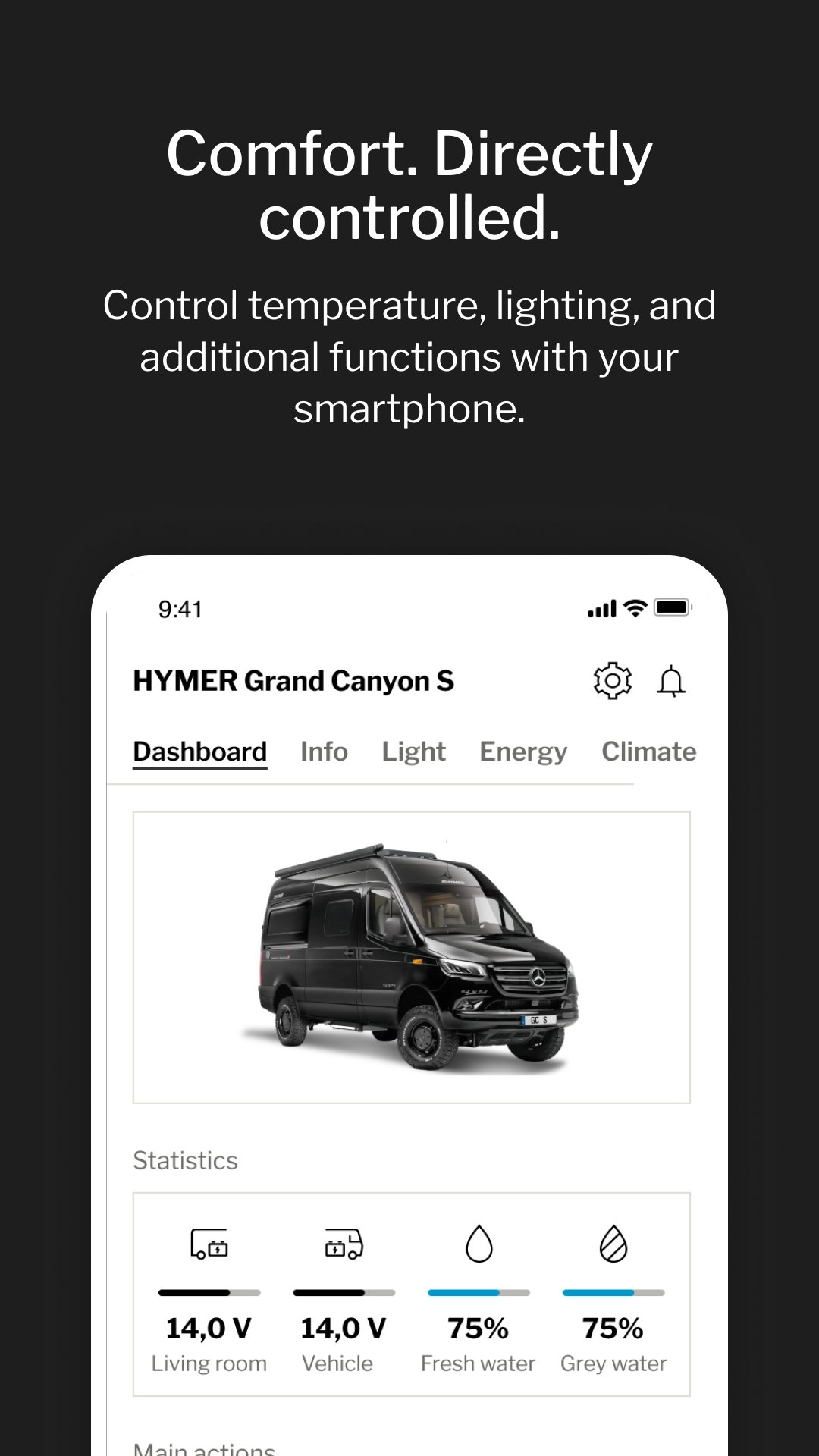
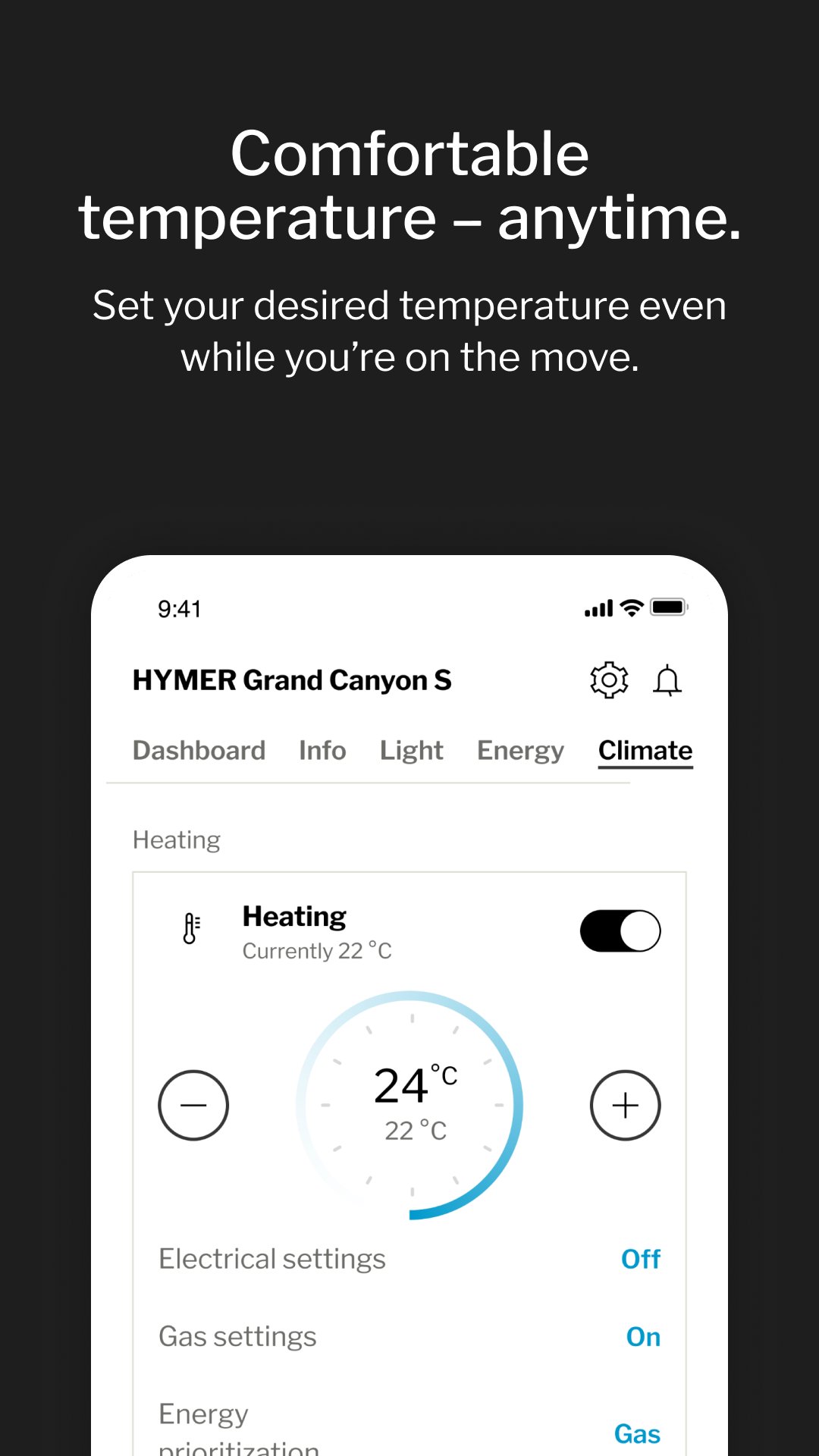
Control lighting, temperature, and other living-area functions conveniently via smartphone. Create personal comfort scenarios and activate them with a single tap. Access key values such as mileage, battery status, and water levels anytime – even while traveling.
KEY FEATURES
- Intuitive app control for lighting, heating, air conditioning, and satellite system
- Stable and secure connection to the vehicle via Bluetooth or mobile network
- Practical vehicle information such as location, mileage, and service intervals
- Smart checklists and safety features – for greater confidence on every journey
- Clear overview of water tank levels and battery status
HYMER Connect makes comfort predictable – and travel noticeably more relaxing.
Avance
Etiquetas
Travel-&Información
Desarrollador
Erwin Hymer Group SE
La última versión
2.10.14
Última actualización
2026-03-20
Categoría
Travel-local
Disponible en
Google Play
Mostrar más
Cómo jugar HYMER Connect con GameLoop en PC
1. Descargue GameLoop desde el sitio web oficial, luego ejecute el archivo exe para instalar GameLoop.
2. Abra GameLoop y busque "HYMER Connect", busque HYMER Connect en los resultados de búsqueda y haga clic en "Instalar".
3. Disfruta jugando HYMER Connect en GameLoop.
Minimum requirements
OS
Windows 8.1 64-bit or Windows 10 64-bit
GPU
GTX 1050
CPU
i3-8300
Memory
8GB RAM
Storage
1GB available space
Recommended requirements
OS
Windows 8.1 64-bit or Windows 10 64-bit
GPU
GTX 1050
CPU
i3-9320
Memory
16GB RAM
Storage
1GB available space