
Toolbox - sensors para PC
AHByte
Descarga Toolbox - sensors en PC con GameLoop Emulator
Toolbox - sensors en PC
Toolbox - sensors, proveniente del desarrollador AHByte, se ejecuta en el sistema Android en el pasado.
Ahora, puedes jugar Toolbox - sensors en PC con GameLoop sin problemas.
Descárgalo en la biblioteca de GameLoop o en los resultados de búsqueda. No más mirar la batería o llamadas frustrantes en el momento equivocado nunca más.
Simplemente disfrute de Toolbox - sensors PC en la pantalla grande de forma gratuita!
Toolbox - sensors Introducción
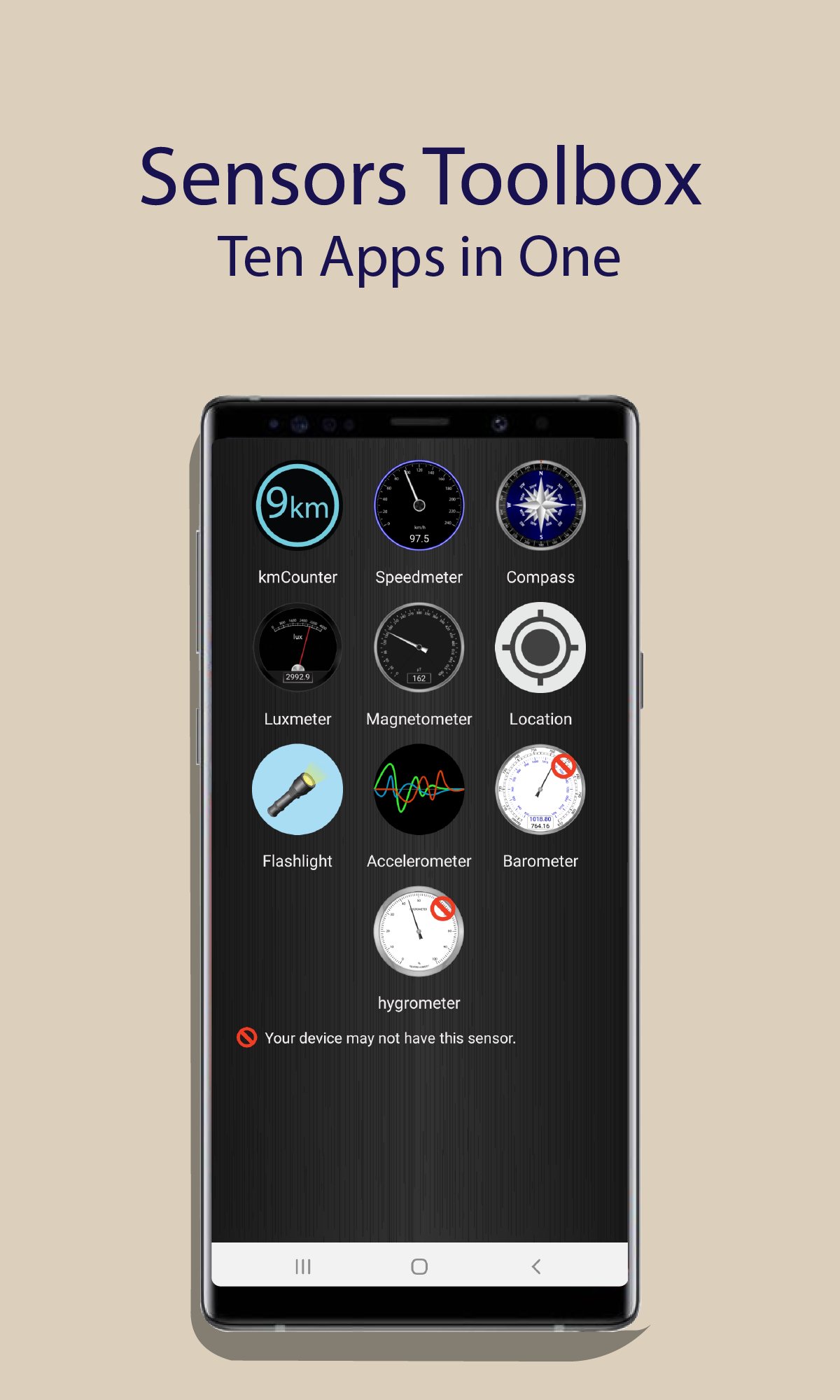
This app can measure various physical parameters such as distance traveled, speed, pressure, acceleration, magnetic field etc, using the sensors of the smartphone. With this application you can make the following measurements:
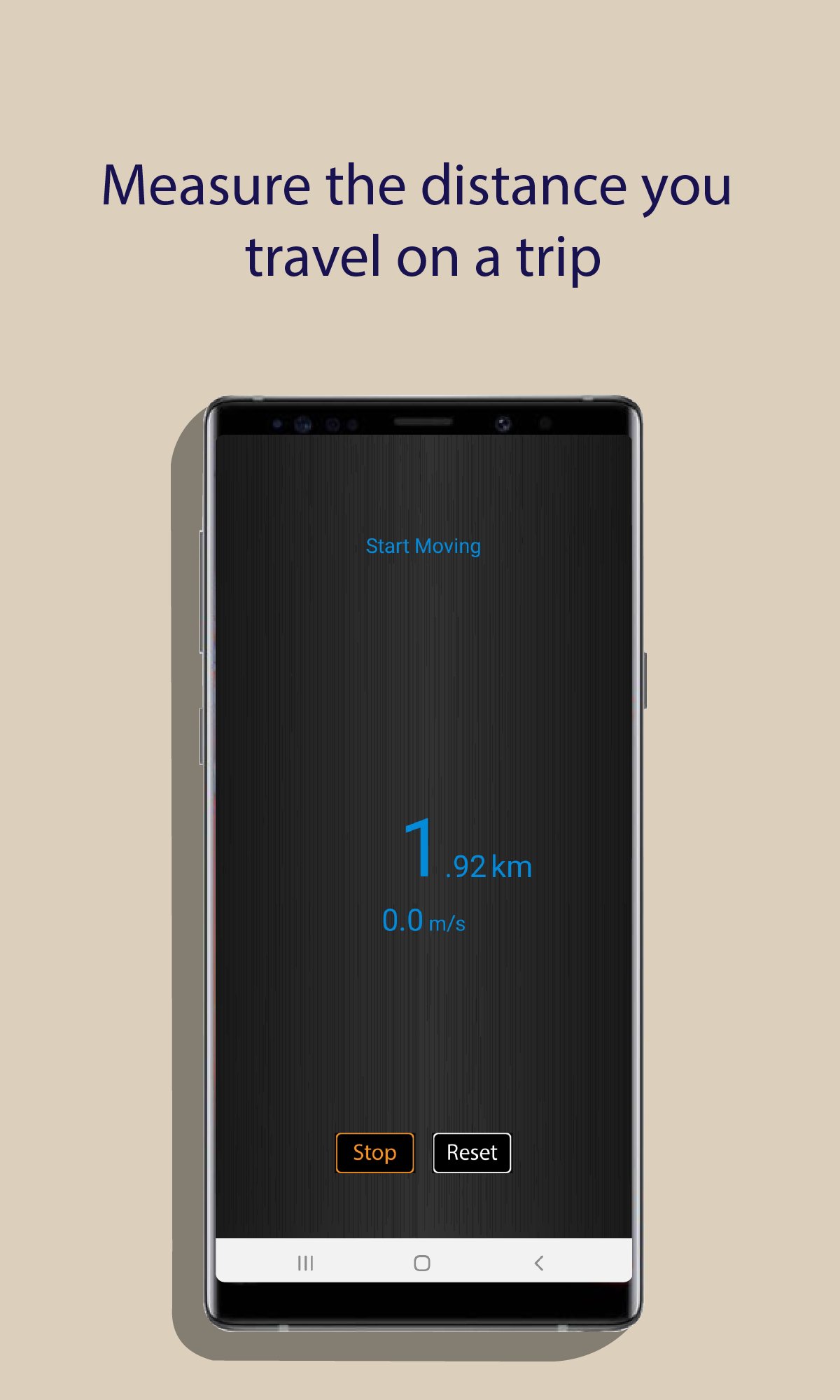
1.- kmCounter measures traveled kilometers and speed user.
2.- Speedmeter measures the speed displacement the user.
3.- Compass shown the magnetic heading to user using the magnetic field.
4.- Luxmeter measures the environment illuminance.
5.- Magnetometer measures the magnetic field.
6.- Location gets the user latitude, longitude and address using the smartphone GPS.
7.- Flaslight with two lighting modes, with the LED of the rear camera and with the monochrome lighting of the Smartphone screen.
8.- Accelerometer measures the acceleration on x,y z axes.
9.- Barometer measures air pressure.
10.- Hygrometer measures ambient relative humidity.
In the case of the barometer and the hygrometer, they may not be available on your device.
Avance
Etiquetas
HerramientasInformación
Desarrollador
AHByte
La última versión
3.0
Última actualización
2026-01-03
Categoría
Herramientas
Disponible en
Google Play
Mostrar más
Cómo jugar Toolbox - sensors con GameLoop en PC
1. Descargue GameLoop desde el sitio web oficial, luego ejecute el archivo exe para instalar GameLoop.
2. Abra GameLoop y busque "Toolbox - sensors", busque Toolbox - sensors en los resultados de búsqueda y haga clic en "Instalar".
3. Disfruta jugando Toolbox - sensors en GameLoop.
Minimum requirements
OS
Windows 8.1 64-bit or Windows 10 64-bit
GPU
GTX 1050
CPU
i3-8300
Memory
8GB RAM
Storage
1GB available space
Recommended requirements
OS
Windows 8.1 64-bit or Windows 10 64-bit
GPU
GTX 1050
CPU
i3-9320
Memory
16GB RAM
Storage
1GB available space