Sound and Noise Detector para PC
RZTech
Descarga Sound and Noise Detector en PC con GameLoop Emulator
Sound and Noise Detector en PC
Sound and Noise Detector, proveniente del desarrollador RZTech, se ejecuta en el sistema Android en el pasado.
Ahora, puedes jugar Sound and Noise Detector en PC con GameLoop sin problemas.
Descárgalo en la biblioteca de GameLoop o en los resultados de búsqueda. No más mirar la batería o llamadas frustrantes en el momento equivocado nunca más.
Simplemente disfrute de Sound and Noise Detector PC en la pantalla grande de forma gratuita!
Sound and Noise Detector Introducción
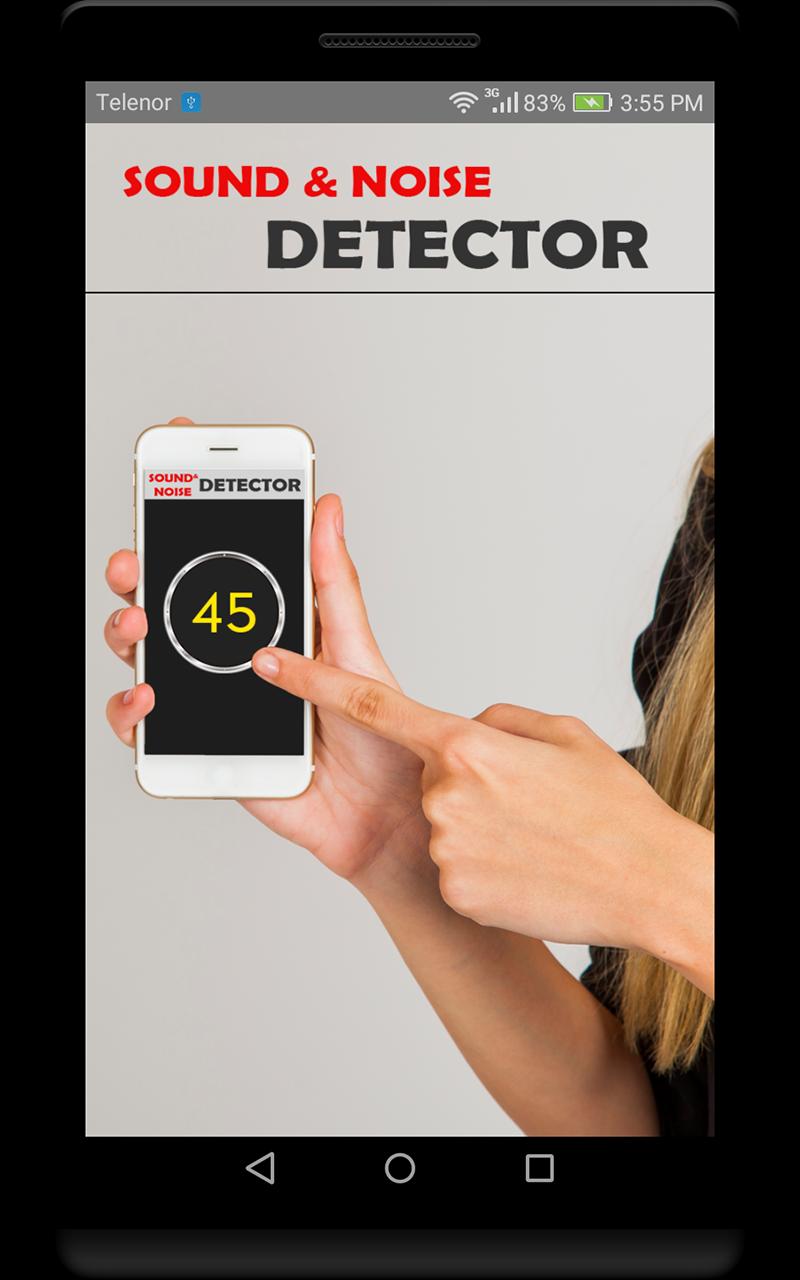
Simple yet powerful app that turns your Android phone into a professional sound level meter and noise detector.
It is easy to use and provides accurate decibel readings, as well as the ability to identify noise sources.
FEATURES
• Measures sound level in decibels (dB)
• Identifies noise sources based on sound level value
• Sets alarm limits and notifications for excessive noise
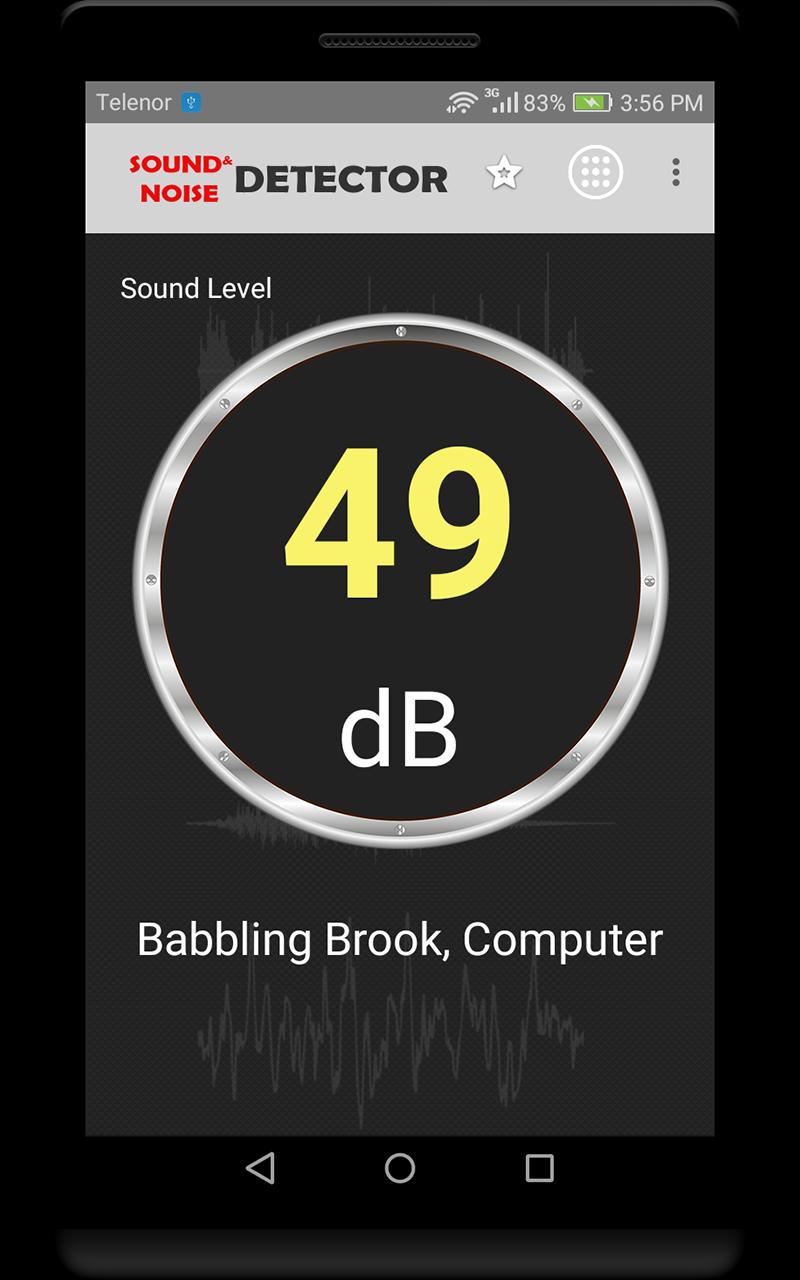
• Displays decibel readings in real time
BENEFITS
• Protect your hearing from harmful noise levels
• Identify and reduce noise pollution in your environment
• Monitor noise levels at work, school, or home
• Comply with noise regulations
• Use for educational or research purposes
HOW TO USE
1. Open the Sound and Noise Detector app.
2. Place your phone in a quiet location away from any noise sources.
3. The app will display the current decibel reading in real time, as well the source of noise.
Download Sound and Noise Detector today and protect your hearing from harmful noise levels!
ADDITIONAL INFORMATION
• The app is available in 40 languages including English, Arabic, Chinese, Dutch, French, German, Italian, Portuguese, Russian, Spanish, and Turkish languages.
• The app is not intended to be used as a replacement for a professional sound level meter.
DISCLAIMER
In order to keep the application 100% free, ads may appear on its screens. If you have any problem regarding this, please feel free to contact us directly instead of leaving a bad rating.
Thank you for choosing our application. We hope you have great experience with it.
Avance
Etiquetas
HerramientasInformación
Desarrollador
RZTech
La última versión
2.7
Última actualización
2023-10-22
Categoría
Herramientas
Disponible en
Google Play
Mostrar más
Cómo jugar Sound and Noise Detector con GameLoop en PC
1. Descargue GameLoop desde el sitio web oficial, luego ejecute el archivo exe para instalar GameLoop.
2. Abra GameLoop y busque "Sound and Noise Detector", busque Sound and Noise Detector en los resultados de búsqueda y haga clic en "Instalar".
3. Disfruta jugando Sound and Noise Detector en GameLoop.
Minimum requirements
OS
Windows 8.1 64-bit or Windows 10 64-bit
GPU
GTX 1050
CPU
i3-8300
Memory
8GB RAM
Storage
1GB available space
Recommended requirements
OS
Windows 8.1 64-bit or Windows 10 64-bit
GPU
GTX 1050
CPU
i3-9320
Memory
16GB RAM
Storage
1GB available space