Smart View para PC
RnD
Descarga Smart View en PC con GameLoop Emulator
Smart View en PC
Smart View, proveniente del desarrollador RnD, se ejecuta en el sistema Android en el pasado.
Ahora, puedes jugar Smart View en PC con GameLoop sin problemas.
Descárgalo en la biblioteca de GameLoop o en los resultados de búsqueda. No más mirar la batería o llamadas frustrantes en el momento equivocado nunca más.
Simplemente disfrute de Smart View PC en la pantalla grande de forma gratuita!
Smart View Introducción
Android Phone Client for DVR/NVR
Version 1.1 Upgrade
- Icon Changed.
- UI Changed.
. Easier to Select Cameras and Menus.
- Video Quality is Upgraded.
. Clearer and More Stable
- Video Speed is Upgraded.
- PT Function is restricted to 1-split mode only
- Slide the Video will Move the Page Back & Forth
Version 1.0
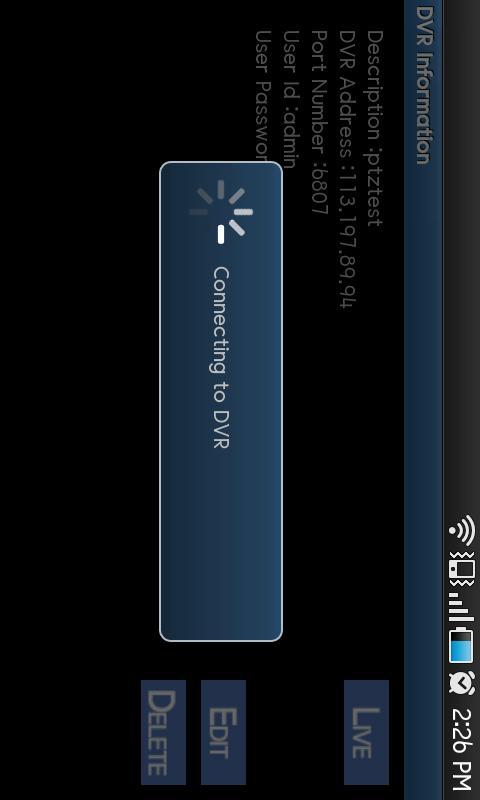
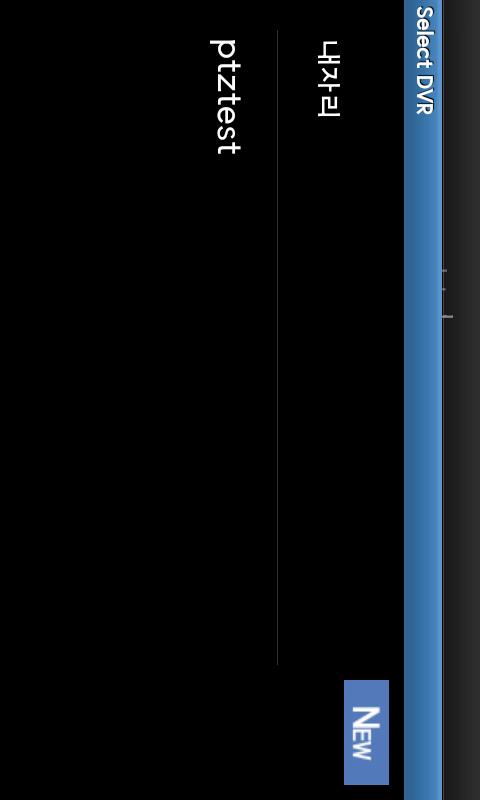
- DVR Registration
. Add/Edit/Remove DVR Information
- Live View
. 1,4 Split(s)
. Previous/Next Page
. Select Camera to View from the List
- PTZ Control
. 8 Directions PT on the Image Directly
. Zoom In/Out from the Menu
Avance
Información
Desarrollador
RnD
La última versión
1.2
Última actualización
2012-07-18
Categoría
Herramientas
Disponible en
Google Play
Mostrar más
Cómo jugar Smart View con GameLoop en PC
1. Descargue GameLoop desde el sitio web oficial, luego ejecute el archivo exe para instalar GameLoop.
2. Abra GameLoop y busque "Smart View", busque Smart View en los resultados de búsqueda y haga clic en "Instalar".
3. Disfruta jugando Smart View en GameLoop.
Minimum requirements
OS
Windows 8.1 64-bit or Windows 10 64-bit
GPU
GTX 1050
CPU
i3-8300
Memory
8GB RAM
Storage
1GB available space
Recommended requirements
OS
Windows 8.1 64-bit or Windows 10 64-bit
GPU
GTX 1050
CPU
i3-9320
Memory
16GB RAM
Storage
1GB available space