
SayIt: Read with Ears para PC
Urbandroid (Petr Nálevka)
Descarga SayIt: Read with Ears en PC con GameLoop Emulator
SayIt: Read with Ears en PC
SayIt: Read with Ears, proveniente del desarrollador Urbandroid (Petr Nálevka), se ejecuta en el sistema Android en el pasado.
Ahora, puedes jugar SayIt: Read with Ears en PC con GameLoop sin problemas.
Descárgalo en la biblioteca de GameLoop o en los resultados de búsqueda. No más mirar la batería o llamadas frustrantes en el momento equivocado nunca más.
Simplemente disfrute de SayIt: Read with Ears PC en la pantalla grande de forma gratuita!
SayIt: Read with Ears Introducción
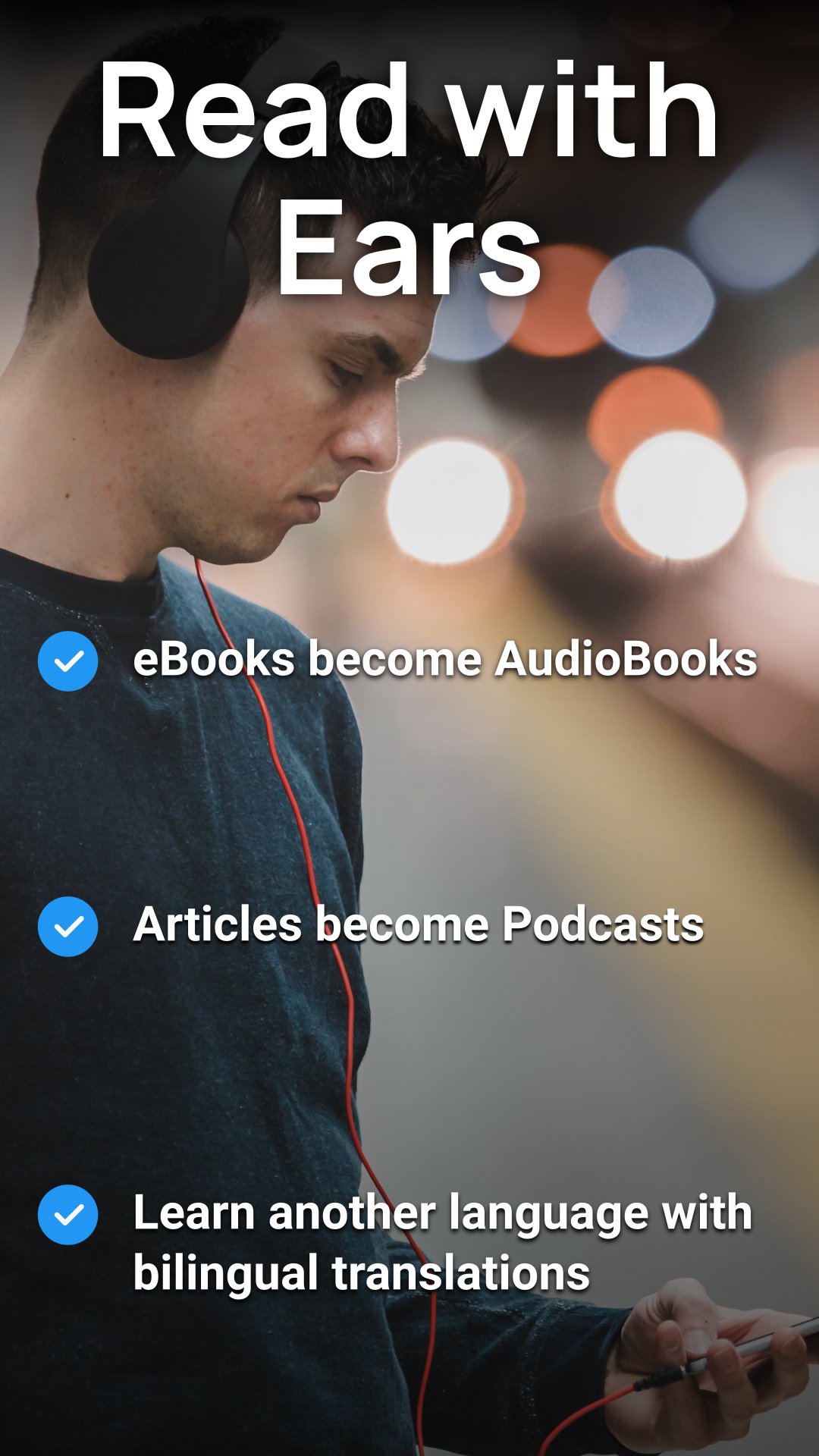
🎧 SayIt: Turn the World into a Podcast. Listen to Anything!
📚 Free your eyes! Instantly convert articles, eBooks, PDFs, and web links into audiobooks. Learn languages on the go!
🔥 Stop Reading. Start Listening. (Your Digital Narrator)
SayIt is the ultimate productivity and learning hack for anyone who feels overwhelmed by screen time. Why stare at your phone when you could be listening hands-free while driving, working out, or cooking?
Mindlessly scrolling is out. Hands-free knowledge is in.
✨ SayIt is Your All-in-One Audio Powerhouse:
SayIt doesn't just read—it transforms your entire library and the internet into professional-grade audio content.
📰 Web to Podcast: Turn any selected text, long-form article, or complex website into a smooth, personalized podcast instantly. (We automatically strip out the junk like menus and ads!)
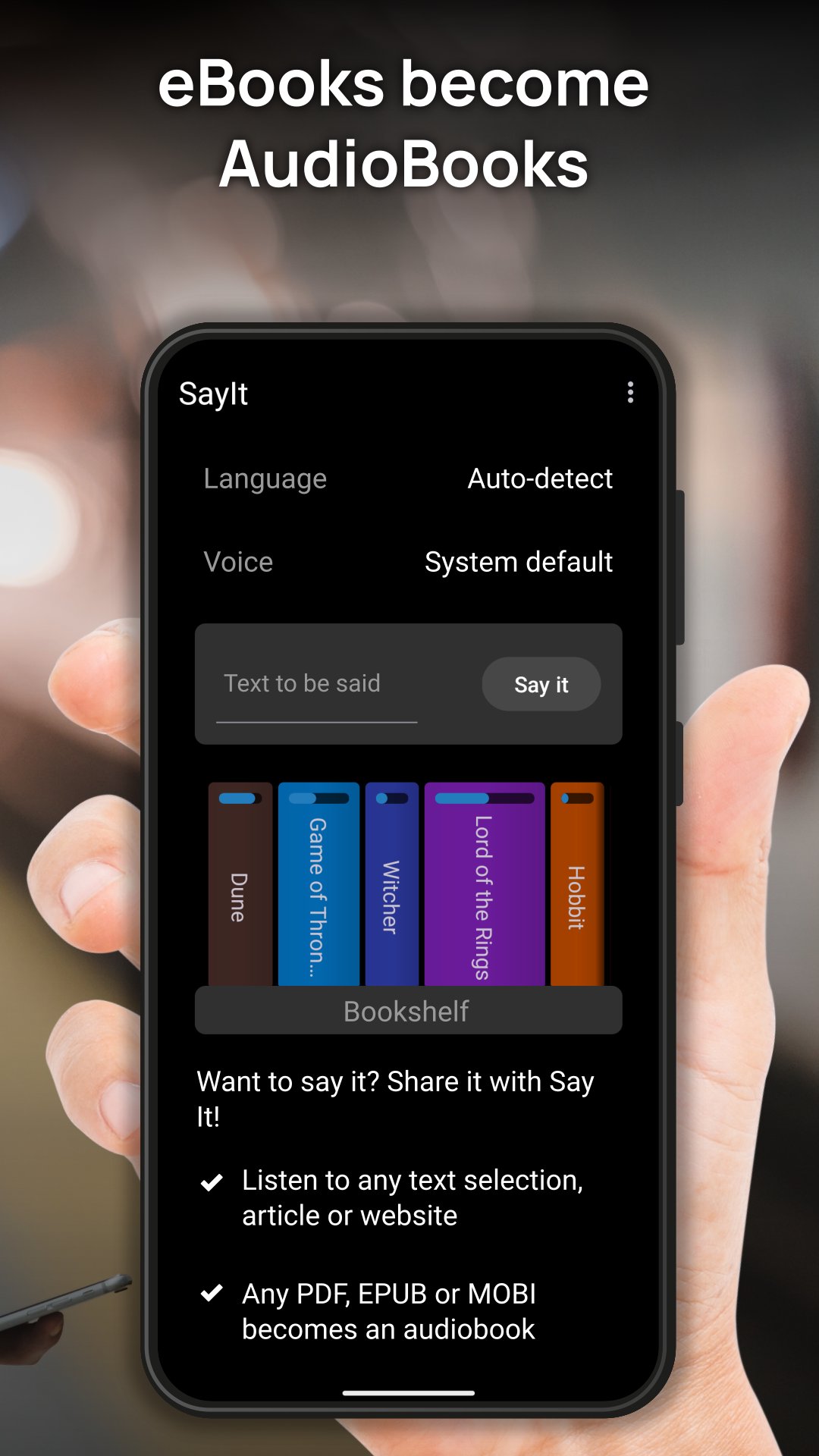
📖 eBook Magic: Convert PDFs, EPUBs, and MOBI (Kindle) files directly into seamless Audio Books. Perfect for mastering your book list faster.
🌐 Instant Global Translation: Hear any text or article spoken aloud, instantly translated into your native language. Break down language barriers instantly!
🚀 The Ultimate Language Learning Tool:
Want to learn a new language like a pro? SayIt is built for rapid mastery.
Bilingual Mode: Use the bilingual translation feature to hear the original text followed by the translation. Learn by listening and comparing.
Automatic Language Detection: SayIt intelligently detects the right language (no need to manually switch between Spanish, Chinese, or Swahili).
💎 Features That Make SayIt Irresistible:
New! Material 3 Expressive Design: Enjoy a beautiful, modern, and intuitive user interface.
Full Android Integration: Easily share any content from any app directly to SayIt using the standard Android sharing mechanism.
Smart Content Stripping: Automatic text download from links and smart junk removal ensure you only hear the content that matters.
Clipboard Reading: Copy text anywhere and instantly listen.
Custom Speed Control: Adjust the reading speed to match your pace (for fast learners or detailed listening).
Massive Language Support: Supports over 50 languages including Hindi, Tamil, Russian, Japanese, German, French, and many more! (Af, Ar, Bg, Bn, Cs, Da, De, El, En, Es, Et, Fa, Fi, Fr, Gu, He, Hi, Hr, Hu, Id, It, Ja, Kn, Ko, Lt, Lv, Mk, Ml, Mr, Ne, Nl, No, Pa, Pl, Pt, Ro, Ru, Sk, Sl, So, Sq, Sv, Sw, Ta, Te, Th, Tl, Tr, Uk, Ur, Vi, Zh (Simplified), Zh (Traditional)).
Download SayIt now. Stop scrolling. Start mastering.
Avance
Etiquetas
HerramientasInformación
Desarrollador
Urbandroid (Petr Nálevka)
La última versión
4.3
Última actualización
2026-03-17
Categoría
Herramientas
Disponible en
Google Play
Mostrar más
Cómo jugar SayIt: Read with Ears con GameLoop en PC
1. Descargue GameLoop desde el sitio web oficial, luego ejecute el archivo exe para instalar GameLoop.
2. Abra GameLoop y busque "SayIt: Read with Ears", busque SayIt: Read with Ears en los resultados de búsqueda y haga clic en "Instalar".
3. Disfruta jugando SayIt: Read with Ears en GameLoop.
Minimum requirements
OS
Windows 8.1 64-bit or Windows 10 64-bit
GPU
GTX 1050
CPU
i3-8300
Memory
8GB RAM
Storage
1GB available space
Recommended requirements
OS
Windows 8.1 64-bit or Windows 10 64-bit
GPU
GTX 1050
CPU
i3-9320
Memory
16GB RAM
Storage
1GB available space