Photon Controller para PC
Development Colors
Descarga Photon Controller en PC con GameLoop Emulator
Photon Controller en PC
Photon Controller, proveniente del desarrollador Development Colors, se ejecuta en el sistema Android en el pasado.
Ahora, puedes jugar Photon Controller en PC con GameLoop sin problemas.
Descárgalo en la biblioteca de GameLoop o en los resultados de búsqueda. No más mirar la batería o llamadas frustrantes en el momento equivocado nunca más.
Simplemente disfrute de Photon Controller PC en la pantalla grande de forma gratuita!
Photon Controller Introducción
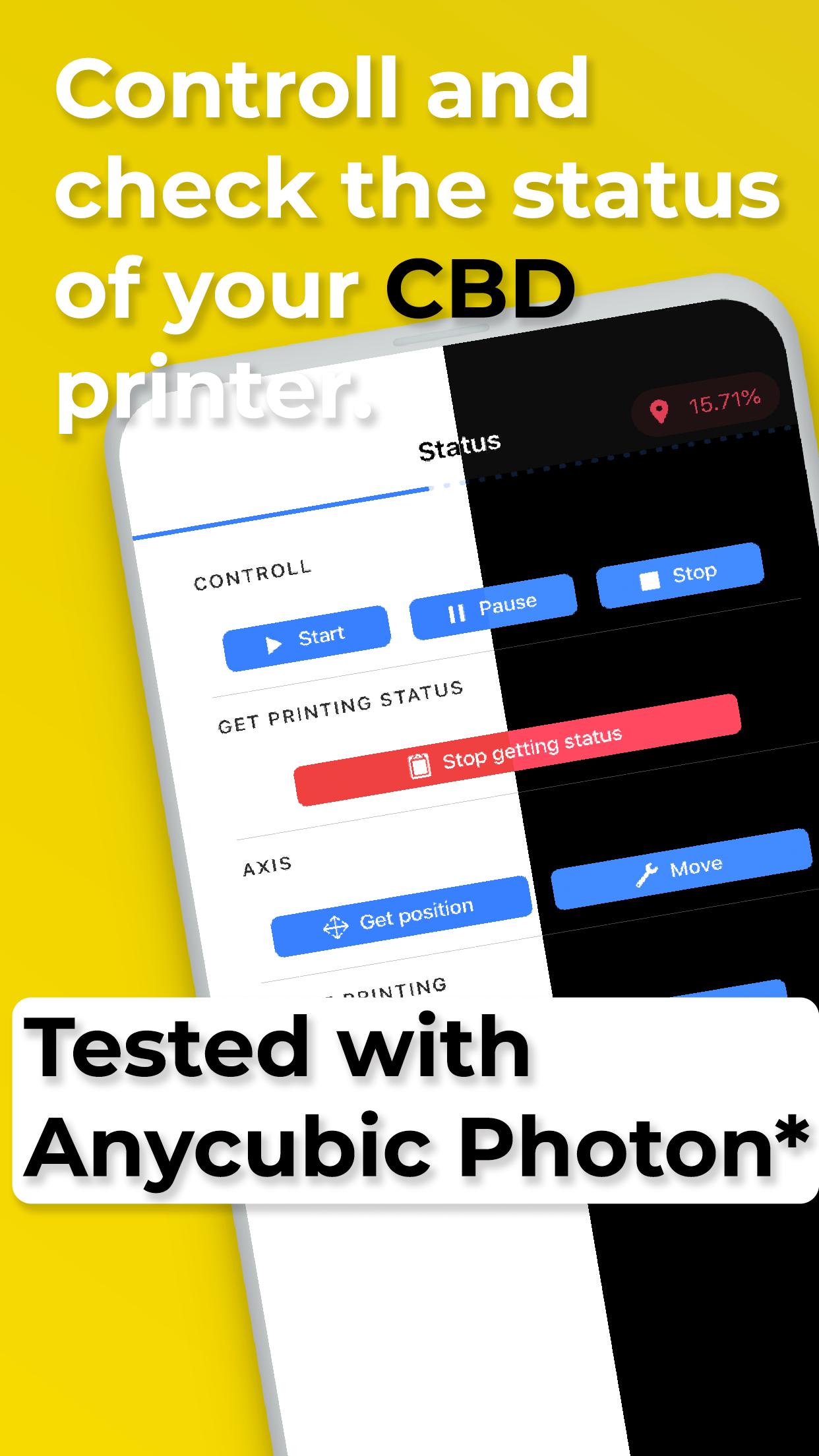
The 3D printers are somewhat complex, but Photon Controller wants to make it easy for you. With Photon Controller, control, send files and check the status of your printer with CBD (Tested with an Anycubic Photon). Download Photon Controller, type the IP address of your 3D printer and easily control what you print without a computer, just your phone or tablet.
Among the functions of Photon Controller are:
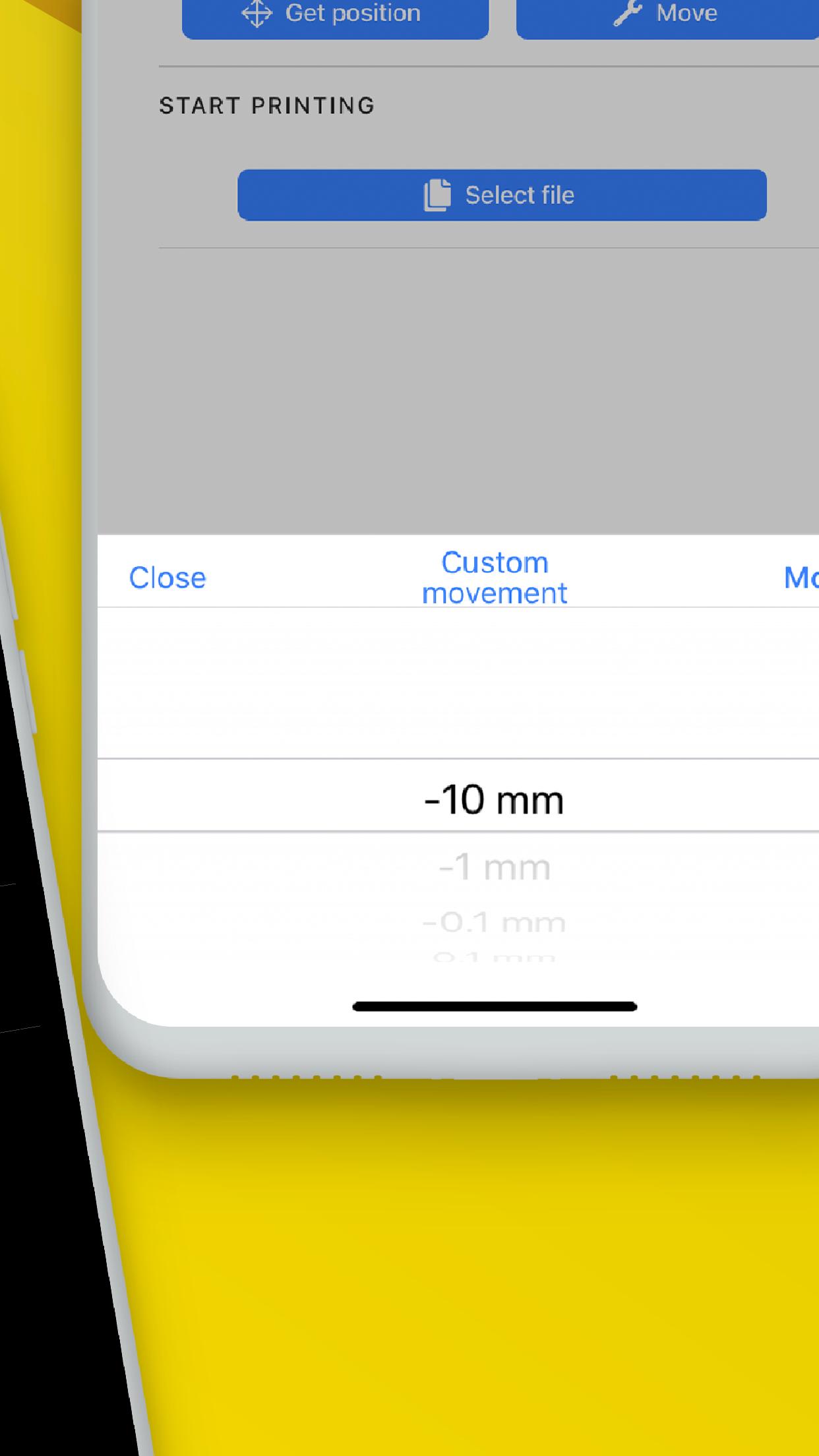
Select the 3D file you want to print on your printer.
Start, pause or stop a printing process.
View the printing status in real time.
Move the axes of your 3D printer.
Check that your printer has an available ethernet or wifi port. Some printers such as the Anycubic Photon need some extra steps to connect to a network. You can find the necessary steps at this link https://github.com/Photonsters/photon-ui-mods
Avance
Etiquetas
HerramientasInformación
Desarrollador
Development Colors
La última versión
1.1.0
Última actualización
2020-04-18
Categoría
Herramientas
Disponible en
Google Play
Mostrar más
Cómo jugar Photon Controller con GameLoop en PC
1. Descargue GameLoop desde el sitio web oficial, luego ejecute el archivo exe para instalar GameLoop.
2. Abra GameLoop y busque "Photon Controller", busque Photon Controller en los resultados de búsqueda y haga clic en "Instalar".
3. Disfruta jugando Photon Controller en GameLoop.
Minimum requirements
OS
Windows 8.1 64-bit or Windows 10 64-bit
GPU
GTX 1050
CPU
i3-8300
Memory
8GB RAM
Storage
1GB available space
Recommended requirements
OS
Windows 8.1 64-bit or Windows 10 64-bit
GPU
GTX 1050
CPU
i3-9320
Memory
16GB RAM
Storage
1GB available space