PDF Premium: Editor, Convert para PC
Anthony Irvin
Descarga PDF Premium: Editor, Convert en PC con GameLoop Emulator
PDF Premium: Editor, Convert en PC
PDF Premium: Editor, Convert, proveniente del desarrollador Anthony Irvin, se ejecuta en el sistema Android en el pasado.
Ahora, puedes jugar PDF Premium: Editor, Convert en PC con GameLoop sin problemas.
Descárgalo en la biblioteca de GameLoop o en los resultados de búsqueda. No más mirar la batería o llamadas frustrantes en el momento equivocado nunca más.
Simplemente disfrute de PDF Premium: Editor, Convert PC en la pantalla grande de forma gratuita!
PDF Premium: Editor, Convert Introducción
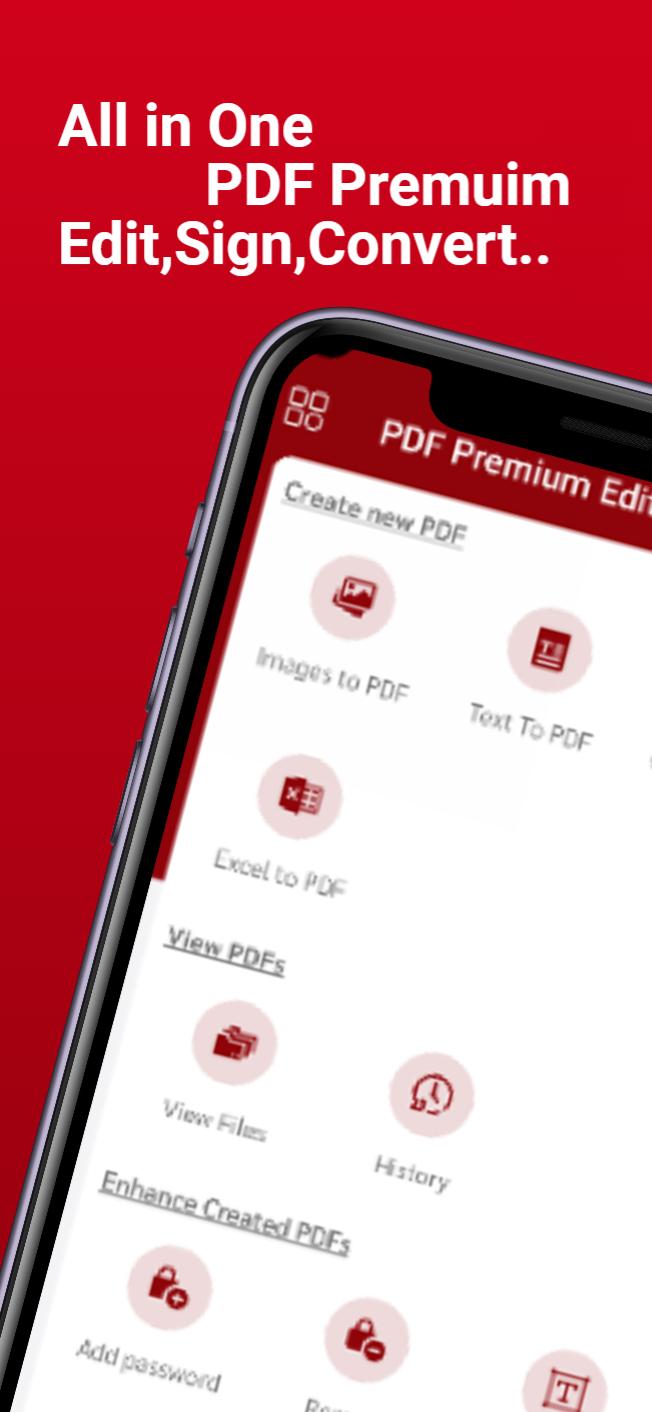
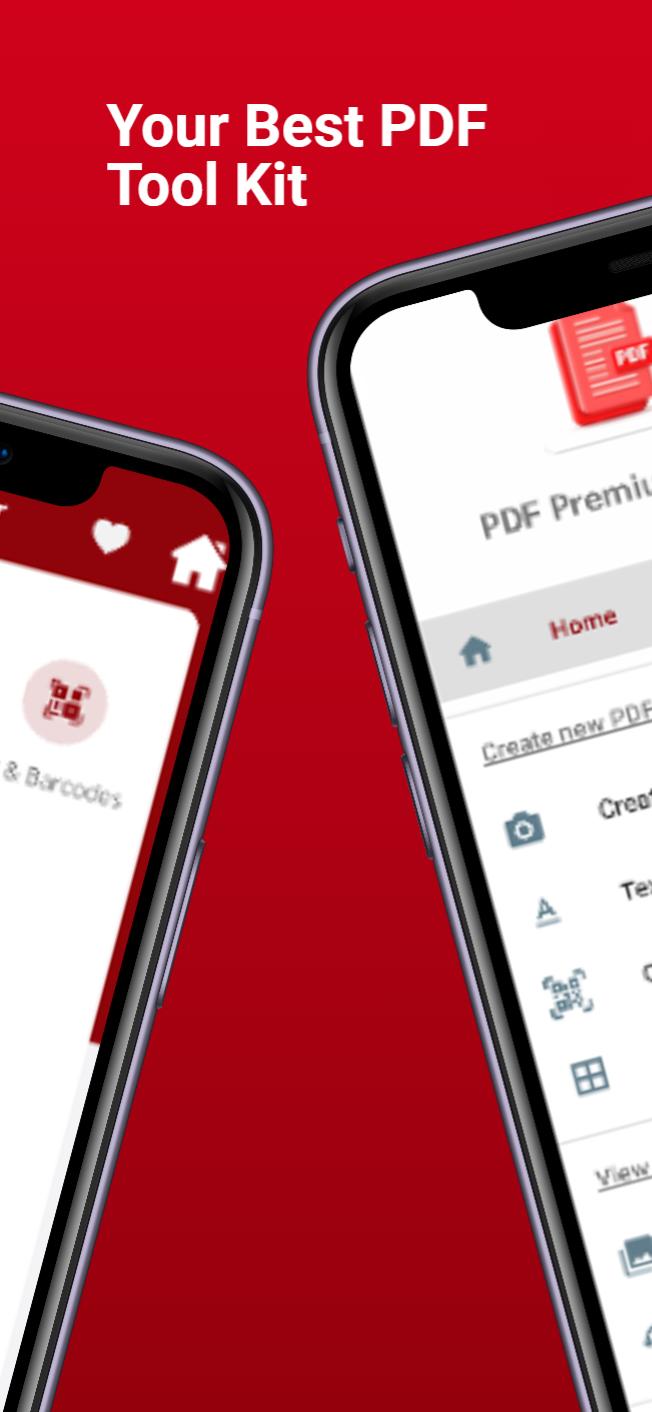
PDF Premium , Stuck with a PDF file you can not edit say no more
Read PDF files with ease, highlight and annotate PDFs for unified note-taking, fill out forms and easily create/add notes right from all of your devices. Our app is more than a PDF reader – unlock unlimited possibilities with PDF Premium Premium features.
Try all the Premium tools free for 7 days. With a PDF Premium Premium account, you can work across all your Android devices, effortlessly letting you complete any PDF task on the go.
Over 30 million people globally use PDF Premium. All the tools you need, done right.
“ PDF Premium is one of my must-have Android apps and a desktop-class PDF reader.”
“I was blown away at how easy the app is to use.”
“The best app for managing, editing, and reading PDFs on your Android.” – The Sweet Setup
PDF Premium FEATURES
READ PDF FILES WITH EASE
• Read PDF files in our all-in-one app that simplifies your file management.
• Open PDF files from email, web, or any app that supports the Apple system-wide Share menu.
• Use our app as a PDF viewer and enable full-text search, scroll, zoom in & out.
• Our PDF reader has Text to Speech features that let you hear the selected text read out loud.
HIGHLIGHT AND ANNOTATE PDFs
• Mark important info in books with annotation tools: highlight, underline, strikethrough.
• Mark a PDF with pre-designed stamps such as Approved, Not Approved, Confidential, etc.
• Express yourself with amazing stickers.
CREATE NOTES & FILL FORMS
• Use PDF Premium to add comments to the texts you read using sticky notes and drawing tools.
• Fill out any static PDF forms with interactive fields such as text fields, checkboxes, and radio buttons.
* PDF PREMIUM UNLOCKS ADVANCED FEATURES*
Get access to additional powerful PDF tools to help you get the job done.
PDF EDITOR
• Work efficiently across your Android devices.
• Convert files to PDF or convert PDFs to Word, Excel, PPT, JPG/PNG, or TXT files.
• Linking any part of the text to a different page or even a website is fast. Add links to images.
• Easily add, replace, and reduce file size or compress PDFs. PDF Premium will handle PDF edits easily.
• Sign PDF files to sign contracts and agreements on the go with seamless cross-device syncing.
• Organize PDF pages and files and quickly access your favourite tools with a fully customizable toolbar.
CUSTOMIZABLE PDF CONSTRUCTION TOOLS
• Use scale and measurement tools for accurate editing capabilities.
• Edit PDF files with polygon and polyline shapes.
• Use redline tools for in-text edits and suggestions.
Have questions, comments, or issues? Don’t hesitate to reach out to us.
Avance
Etiquetas
HerramientasInformación
Desarrollador
Anthony Irvin
La última versión
1.2
Última actualización
2022-10-19
Categoría
Herramientas
Disponible en
Google Play
Mostrar más
Cómo jugar PDF Premium: Editor, Convert con GameLoop en PC
1. Descargue GameLoop desde el sitio web oficial, luego ejecute el archivo exe para instalar GameLoop.
2. Abra GameLoop y busque "PDF Premium: Editor, Convert", busque PDF Premium: Editor, Convert en los resultados de búsqueda y haga clic en "Instalar".
3. Disfruta jugando PDF Premium: Editor, Convert en GameLoop.
Minimum requirements
OS
Windows 8.1 64-bit or Windows 10 64-bit
GPU
GTX 1050
CPU
i3-8300
Memory
8GB RAM
Storage
1GB available space
Recommended requirements
OS
Windows 8.1 64-bit or Windows 10 64-bit
GPU
GTX 1050
CPU
i3-9320
Memory
16GB RAM
Storage
1GB available space