
Oops! AppLock para PC
Keybotivated
Descarga Oops! AppLock en PC con GameLoop Emulator
Oops! AppLock en PC
Oops! AppLock, proveniente del desarrollador Keybotivated, se ejecuta en el sistema Android en el pasado.
Ahora, puedes jugar Oops! AppLock en PC con GameLoop sin problemas.
Descárgalo en la biblioteca de GameLoop o en los resultados de búsqueda. No más mirar la batería o llamadas frustrantes en el momento equivocado nunca más.
Simplemente disfrute de Oops! AppLock PC en la pantalla grande de forma gratuita!
Oops! AppLock Introducción
★★★★★
Addictive tips, lifehacker reviews the app as unique.
"Hilariously brilliant and effective." - Android Authority.
★★★★★
Oops! application locker does not use any on screen password ie. pin based or a pattern based locking system.
We use volume key pattern as the password. You can make any pattern using volume keys, like UP UP DOWN UP.
- Oops Applock is Totally invisible.
- Oops Applock ScreenLock is most safest screenlock.
- Using Oops Applock ScreenLock nobody can unlock your phone.
- Using Oops Applock ScreenLock nobody even notice phone is locked.
- Oops Applock ScreenLock has different styles to choose.
- Oops Applock is Most secure way to lock apps.
- Nobody even notice your app is locked with Oops Applock.
- Oops Applock is Simple.
- Oops Applock is Fun to use.
- Oops Applock can lock any applications.
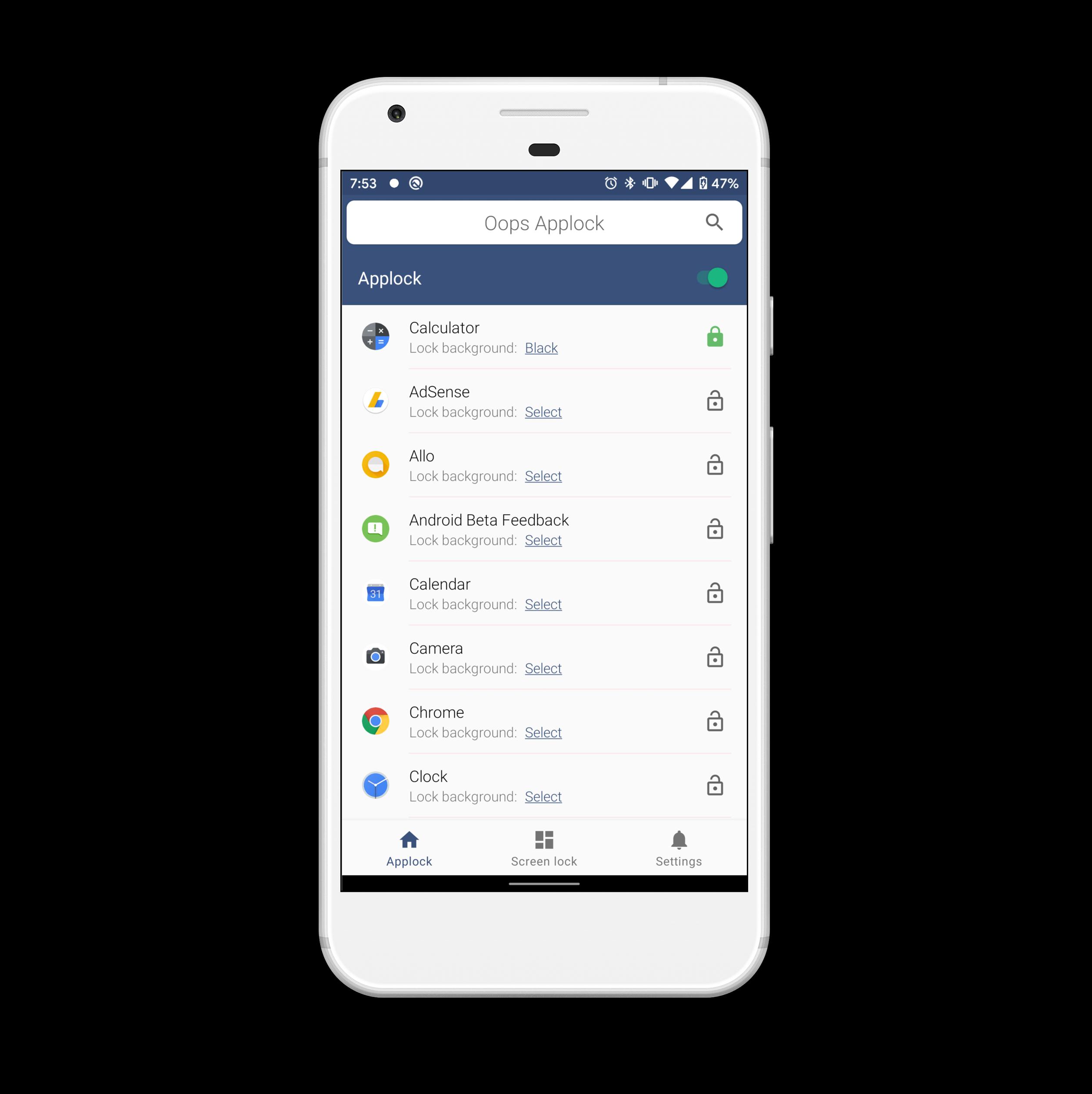
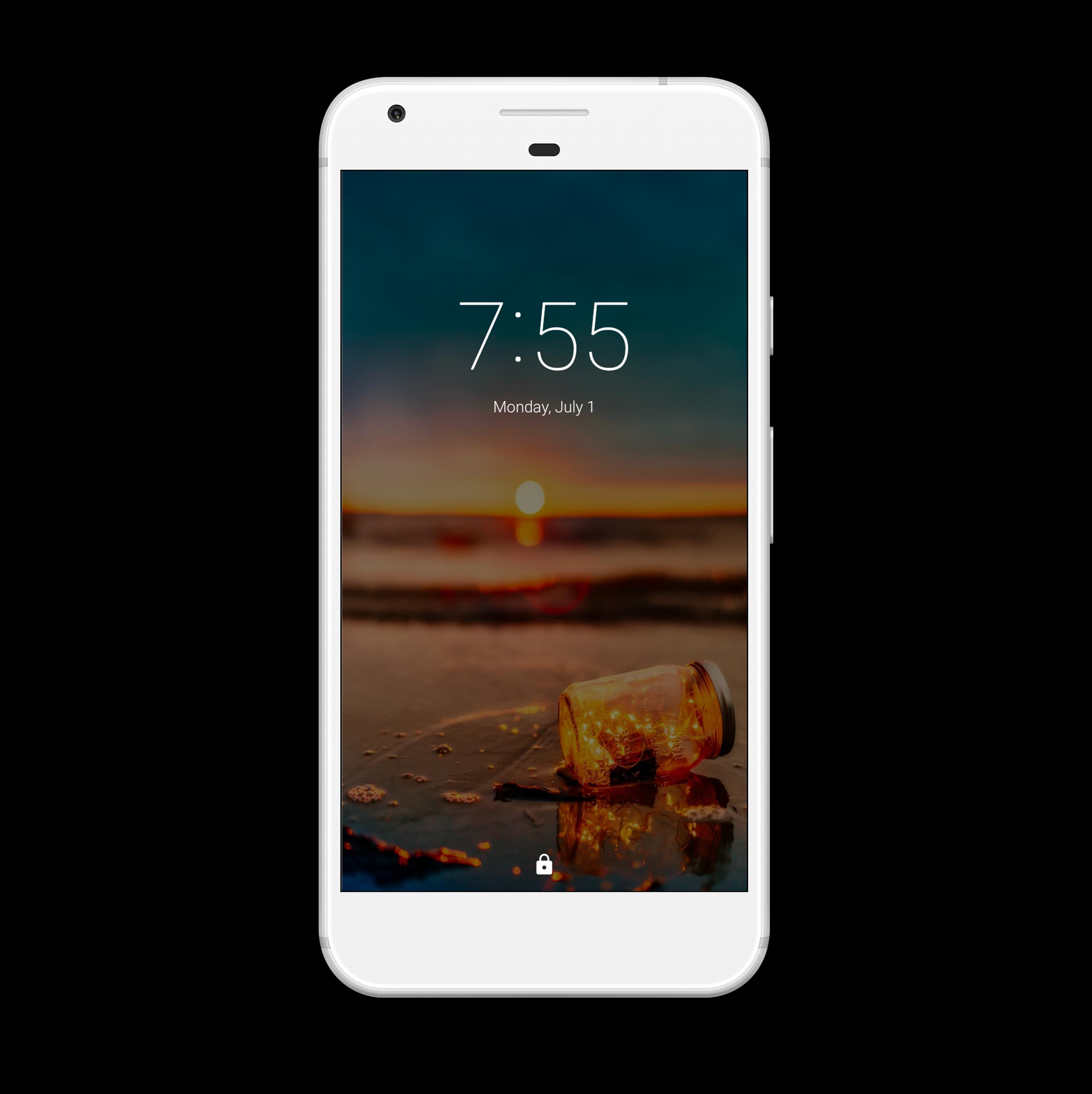
- You can set different background for lock screen on every locked App with Oops Applock.
- Transparent and Black background makes as if your application is stuck.
- Fool friends with custom backgrounds using Oops Applock.
Tip- While choosing custom background, make sure it matches with your screen size to avoid clarity of the image.
Detailed How to by wonder how to
http://nexus5.wonderhowto.com/how-to/protect-apps-with-secret-volume-button-code-android-0158406/
App discussion forum,
http://forum.xda-developers.com/android/apps-games/app-oops-applocker-applocker-pin-t2960898
Please report bug at xda forum, so i can keep in touch with you.
Help me Translate to other languages
https://keybotivated.oneskyapp.com/collaboration/project?id=55522
Oops AppLock uses the Device Administrator permission.
Please activate AppLock as "device administrator". It's only used for preventing intruders uninstalling Oops AppLock.
Happy Locking.
Avance
Etiquetas
HerramientasInformación
Desarrollador
Keybotivated
La última versión
3.3.0
Última actualización
2021-02-18
Categoría
Herramientas
Disponible en
Google Play
Mostrar más
Cómo jugar Oops! AppLock con GameLoop en PC
1. Descargue GameLoop desde el sitio web oficial, luego ejecute el archivo exe para instalar GameLoop.
2. Abra GameLoop y busque "Oops! AppLock", busque Oops! AppLock en los resultados de búsqueda y haga clic en "Instalar".
3. Disfruta jugando Oops! AppLock en GameLoop.
Minimum requirements
OS
Windows 8.1 64-bit or Windows 10 64-bit
GPU
GTX 1050
CPU
i3-8300
Memory
8GB RAM
Storage
1GB available space
Recommended requirements
OS
Windows 8.1 64-bit or Windows 10 64-bit
GPU
GTX 1050
CPU
i3-9320
Memory
16GB RAM
Storage
1GB available space