
Image to Text Converter - OCR para PC
Aculix Technologies LLP
Descarga Image to Text Converter - OCR en PC con GameLoop Emulator
Image to Text Converter - OCR en PC
Image to Text Converter - OCR, proveniente del desarrollador Aculix Technologies LLP, se ejecuta en el sistema Android en el pasado.
Ahora, puedes jugar Image to Text Converter - OCR en PC con GameLoop sin problemas.
Descárgalo en la biblioteca de GameLoop o en los resultados de búsqueda. No más mirar la batería o llamadas frustrantes en el momento equivocado nunca más.
Simplemente disfrute de Image to Text Converter - OCR PC en la pantalla grande de forma gratuita!
Image to Text Converter - OCR Introducción
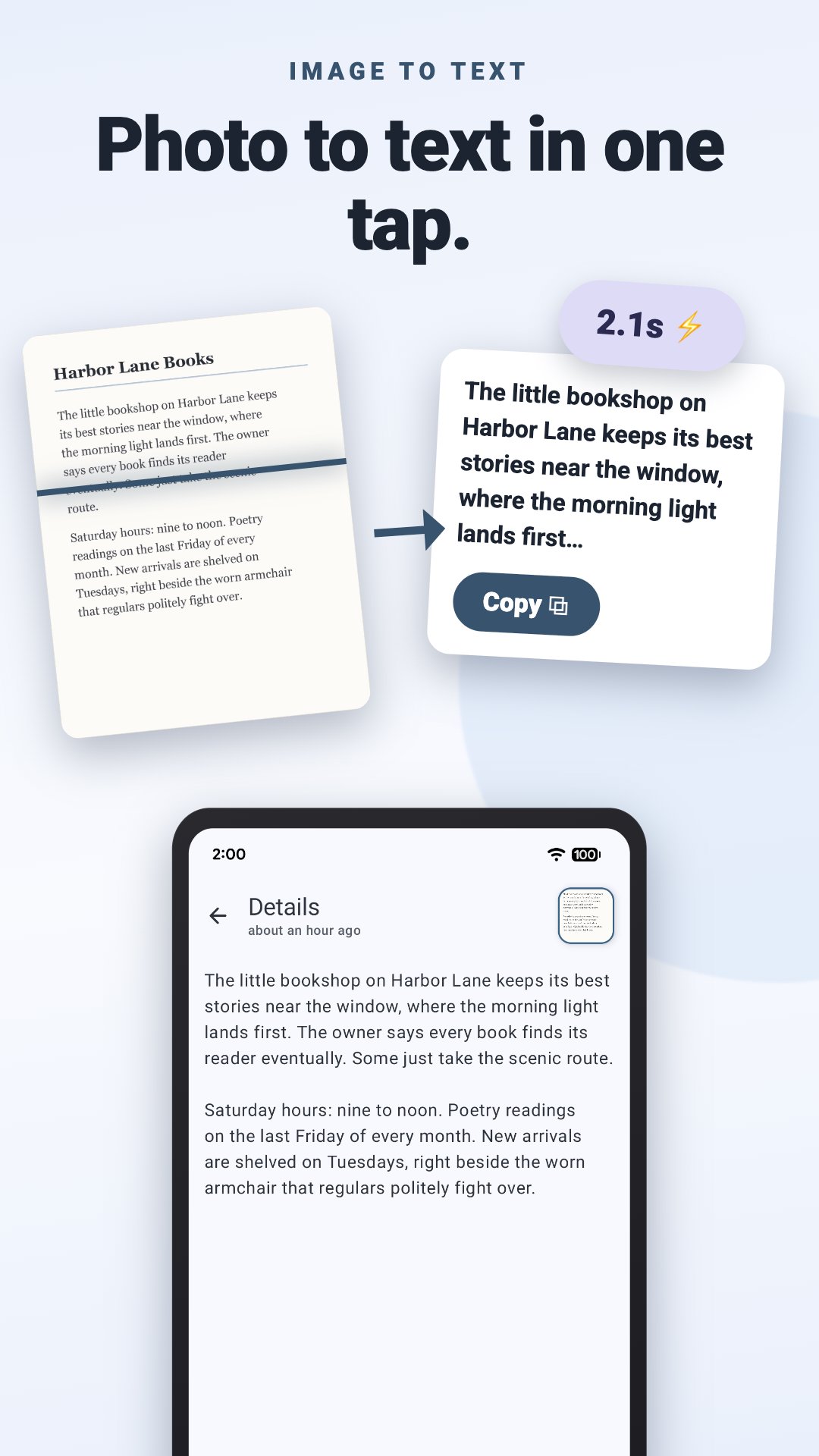
Turn any image to text in seconds. ocrX is an image to text converter for Android: snap a photo, grab a screenshot, or pull a picture from your gallery, and it reads every word with 99%+ accuracy, ready to copy, edit, and share.
Copy text from images
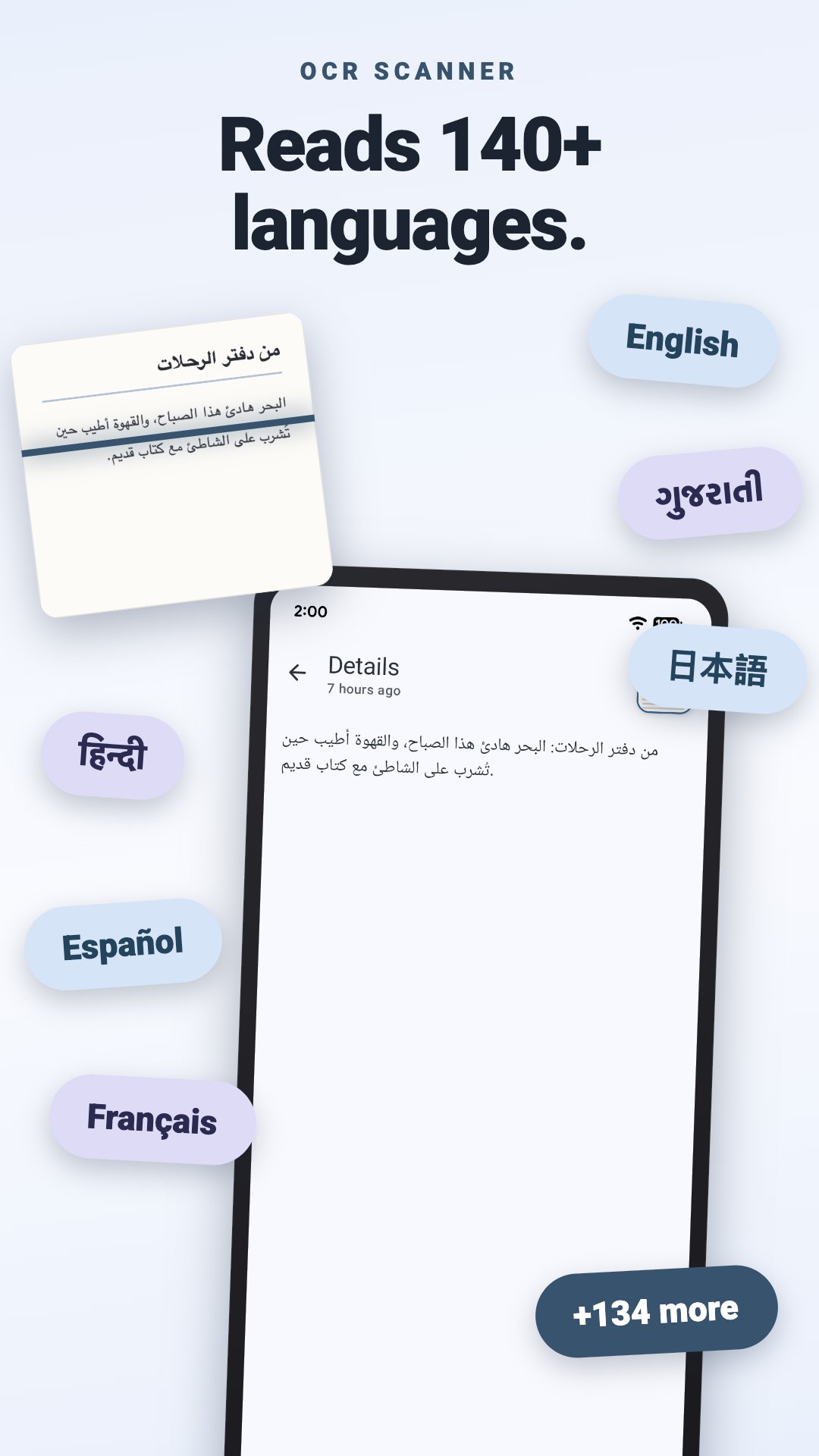
The everyday job, done fast. Extract text from images with cloud OCR that reads 140+ languages and detects the right one on its own.
• Take a photo or pick one from your gallery
• Copy the whole result with one tap
• Edit the extracted text in the app before you paste it anywhere
Screenshot to text
A recipe in someone's story, an address in a chat, an error message you need to search. If it's on your screen, it's yours.
• Reads screenshots as cleanly as photos
• Doubles as a jpg to text and photo to text converter for anything already saved on your phone
• Receipts, book pages, whiteboards, business cards, street signs: if you can photograph it, ocrX can read it
Handwriting to text
Lecture notes, a recipe card in your grandmother's looping cursive, the whiteboard after a meeting. Handwriting OCR turns pen and ink into words you can actually use.
• Reads handwritten notes as well as print
• Same automatic language detection as printed text
Image to Word, PDF, or wherever it needs to go
Extracted text is only useful once it leaves the app, so leaving is easy.
• Copy and paste straight into Word, Docs, email, anything
• Export as a PDF or TXT file
• Share as plain text or as a file
Scan to text, saved and searchable
ocrX is a text scanner with a memory. Every image to text conversion lands in your history, so last month's receipt is still around when the expense report is due.
• Scan history saved on your phone
• Search your scans: type any word or number and ocrX finds the scan it came from, with the match highlighted
• That invoice number, Wi-Fi password, or quote from a book page is one search away
An OCR scanner that looks the part
A fresh Material You redesign keeps ocrX in step with the rest of your phone.
• Dynamic colors that match your wallpaper
• Dark mode for late-night scanning
• A guided tour walks you through your first scan
• Available in 30 languages
Free to start, faster with Premium
• The free version does everything above, supported by ads
• Premium adds unlimited scans, removes the ads, and speeds up image to text extraction
Stop retyping what your camera already captured. Download ocrX and turn your next picture to text before your coffee cools.
Avance
Etiquetas
HerramientasProductividadInformación
Desarrollador
Aculix Technologies LLP
La última versión
2.65
Última actualización
2026-09-26
Categoría
Herramientas
Disponible en
Google Play
Mostrar más
Cómo jugar Image to Text Converter - OCR con GameLoop en PC
1. Descargue GameLoop desde el sitio web oficial, luego ejecute el archivo exe para instalar GameLoop.
2. Abra GameLoop y busque "Image to Text Converter - OCR", busque Image to Text Converter - OCR en los resultados de búsqueda y haga clic en "Instalar".
3. Disfruta jugando Image to Text Converter - OCR en GameLoop.
Minimum requirements
OS
Windows 8.1 64-bit or Windows 10 64-bit
GPU
GTX 1050
CPU
i3-8300
Memory
8GB RAM
Storage
1GB available space
Recommended requirements
OS
Windows 8.1 64-bit or Windows 10 64-bit
GPU
GTX 1050
CPU
i3-9320
Memory
16GB RAM
Storage
1GB available space