
Mobile Security and Antivirus para PC
BullGuard
Descarga Mobile Security and Antivirus en PC con GameLoop Emulator
Mobile Security and Antivirus en PC
Mobile Security and Antivirus, proveniente del desarrollador BullGuard, se ejecuta en el sistema Android en el pasado.
Ahora, puedes jugar Mobile Security and Antivirus en PC con GameLoop sin problemas.
Descárgalo en la biblioteca de GameLoop o en los resultados de búsqueda. No más mirar la batería o llamadas frustrantes en el momento equivocado nunca más.
Simplemente disfrute de Mobile Security and Antivirus PC en la pantalla grande de forma gratuita!
Mobile Security and Antivirus Introducción
Industry-leading Antivirus protection for Android devices, with anti-theft, backup and more.
BullGuard Mobile Security and Antivirus - is easy to use, doesn’t drain your battery and protects your mobile life. You are in complete control even if you don’t have your device with you.
FREE BullGuard Mobile Security
Free Features:
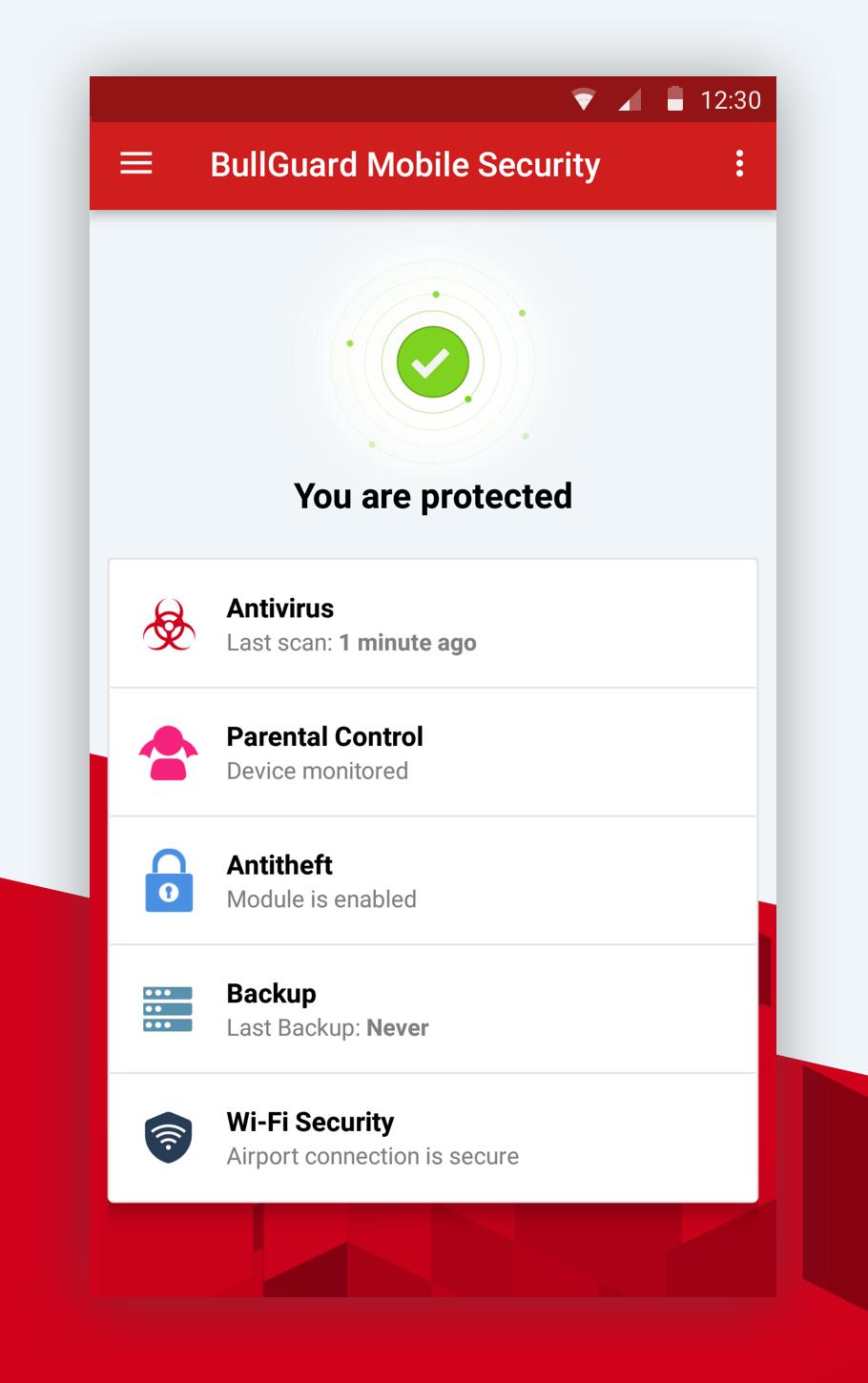
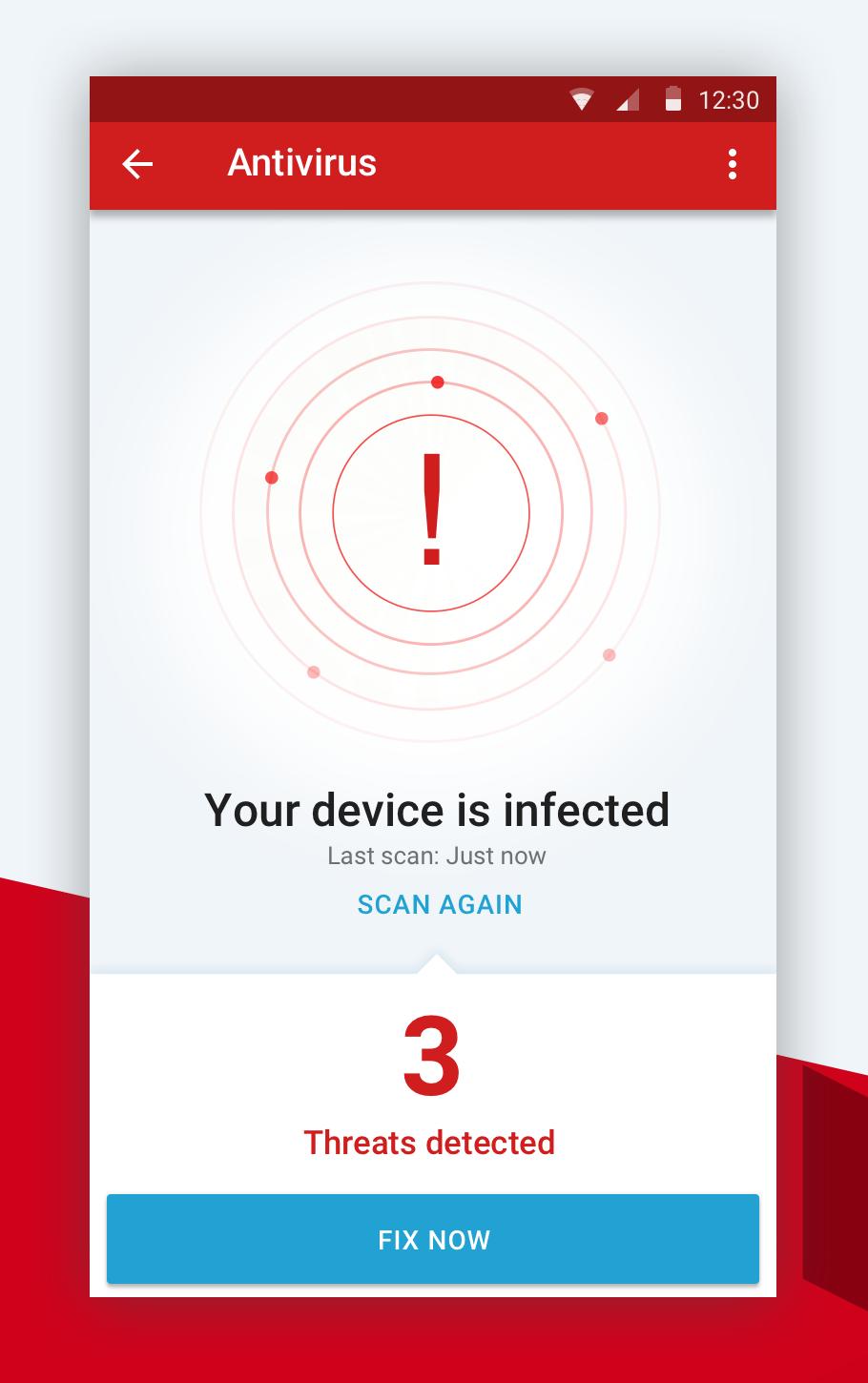
✓ Antivirus – stops viruses, spyware, adware, trackware with live cloud detection or with the latest available updates while in offline mode
✓ Antitheft - locks, locates and wipes data should your device be lost or stolen
✓ SIM protection –automatically locks device if SIM is removed, includes optional data wipe
✓ Backup – simple one-tap back up to keep your data safe
✓ Mobile Security Manager – web-based platform so you can remotely manage and monitor your device. Because BullGuard Mobile Security and Antivirus consists of an application that is installed on your device and a web service that can be accessed via a computer, you always have complete control over your mobile life – even if you don’t have your device with you.
⇒Antivirus
✓ Detects and removes malware
✓ Scans take place when a new app is installed
✓ Initiate your own scans
✓ Flags up infected apps, adware and trackware
✓ Impact on device’s battery is negligible
⇒Antitheft
✓ Powerful and easy-to-use web-based tool
✓ Locks, locates and wipes data should your device be lost or stolen
✓ Scream Locate helps find a misplaced phone by sounding an alarm
⇒SIM protection
✓ Triggers an automatic lock device if the SIM is changed
✓ Can trigger data wipe when your SIM is replaced
⇒Backup
✓ Simple one-tap back up
✓ Save your calendar and contacts
✓ Data encrypted and stored in secure cloud location
✓ Enables migration of your data to other devices
⇒Mobile Security Manager(https://msm.bullguard.com)
✓ Web-based platform that puts control back in your hands
✓ Remotely manage and monitor your device
✓ Send Antitheft commands
⇒Wi-Fi Security
✓ Triggers an alert whenever you connect to an unprotected Wi-Fi
✓ Keeps track of vulnerable Wi-Fi connections you established in the last 30 days
⇒FREE Support
Premium Mobile Security – Includes Parental Control
Add parental controls to all of the protection you receive above. This extraordinarily useful tool allows you to discreetly monitor your child’s use of their mobile device at any time to keep them safe.
Premium Features
⇒Secure up to 5 devices
⇒Parental controls
✓ Monitor incoming or outgoing photos
✓ Monitor information that is being sent and received
✓ See what apps have been downloaded
✓ Track the device’s location
✓ Remote management
Learn more on our Mobile Security and Antivirus app:
Notes:
1. BullGuard Mobile Security requires Device Administrator permissions to enable the Antitheft module. With the Antitheft module enabled, you can lock, locate or wipe your device if it is lost or stolen from the Mobile Security Manager dashboard.
2. Support guides are available here .
Avance
Etiquetas
HerramientasInformación
Desarrollador
BullGuard
La última versión
14.0.9.468
Última actualización
2021-01-19
Categoría
Herramientas
Disponible en
Google Play
Mostrar más
Cómo jugar Mobile Security and Antivirus con GameLoop en PC
1. Descargue GameLoop desde el sitio web oficial, luego ejecute el archivo exe para instalar GameLoop.
2. Abra GameLoop y busque "Mobile Security and Antivirus", busque Mobile Security and Antivirus en los resultados de búsqueda y haga clic en "Instalar".
3. Disfruta jugando Mobile Security and Antivirus en GameLoop.
Minimum requirements
OS
Windows 8.1 64-bit or Windows 10 64-bit
GPU
GTX 1050
CPU
i3-8300
Memory
8GB RAM
Storage
1GB available space
Recommended requirements
OS
Windows 8.1 64-bit or Windows 10 64-bit
GPU
GTX 1050
CPU
i3-9320
Memory
16GB RAM
Storage
1GB available space