Jahhow Computer Remote para PC
Jahhow
Descarga Jahhow Computer Remote en PC con GameLoop Emulator
Jahhow Computer Remote en PC
Jahhow Computer Remote, proveniente del desarrollador Jahhow, se ejecuta en el sistema Android en el pasado.
Ahora, puedes jugar Jahhow Computer Remote en PC con GameLoop sin problemas.
Descárgalo en la biblioteca de GameLoop o en los resultados de búsqueda. No más mirar la batería o llamadas frustrantes en el momento equivocado nunca más.
Simplemente disfrute de Jahhow Computer Remote PC en la pantalla grande de forma gratuita!
Jahhow Computer Remote Introducción
Free
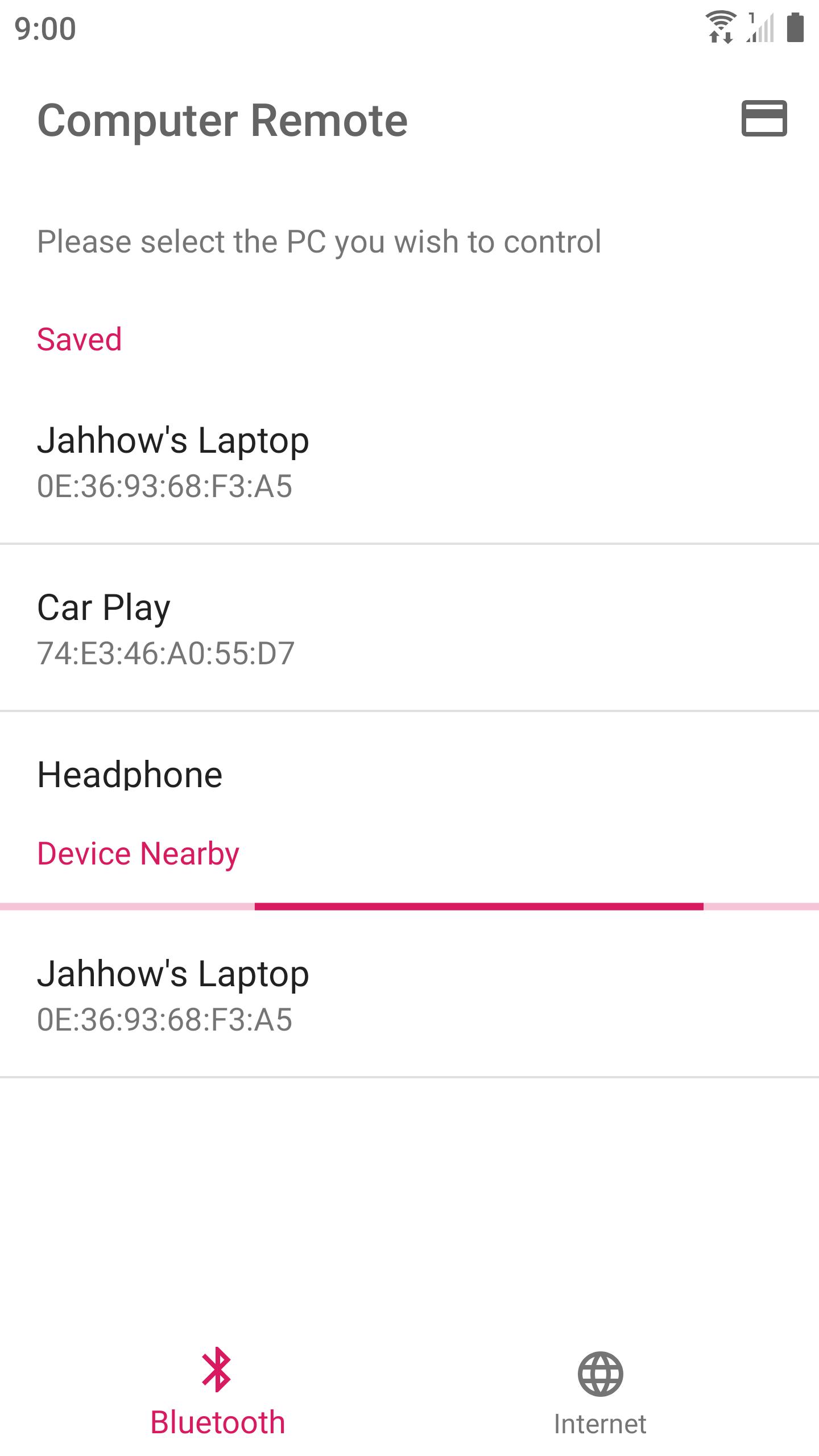
Use your device to control your computer via Bluetooth or Internet.
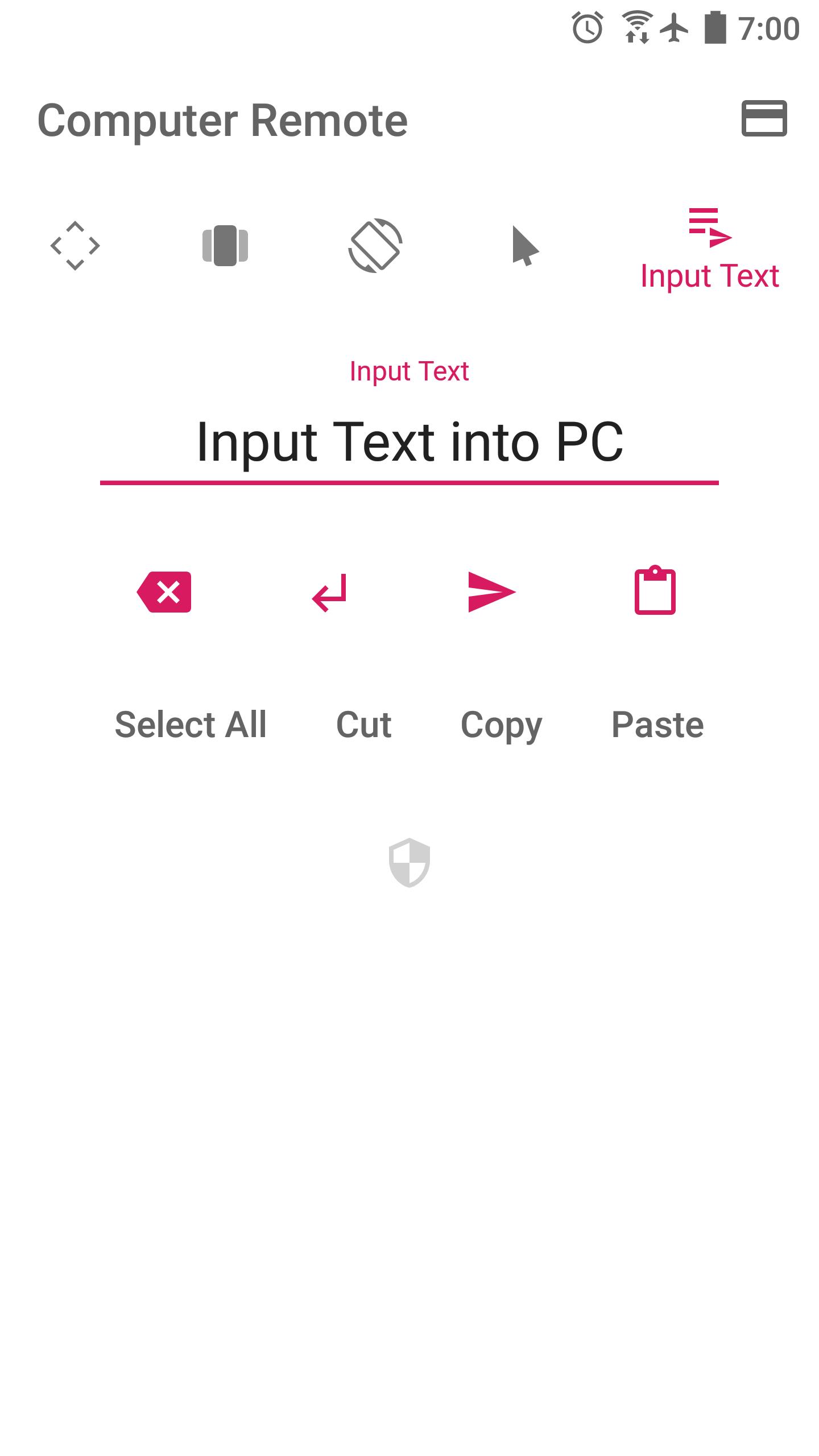
Turn your device into an Air Mouse, TouchPad, Keyboard, and Presentation Remote.
* Air Mouse — Rotate your device to control mouse. Together with a well-designed control UI, controlling computer is even more advanced.
* Swipe any where to control presentations
* Long pressing would perform repeating key stroke
* Fine-tuned TouchPad takes care of speed and precision
* Automatically connect to a PC running the receiver program in a Local Network
Currently works with Windows only.
Please run the receiver program on your PC (210 KB) :
http://jahhowapp.blogspot.com/2019/07/computer-remote-controller.html#receiver-program
Jahhow won't collect your location or any sensitive personal data.
The location permission is required for discovering nearby Bluetooth devices. This app would never read your location data.
Feeling like adding a new supported language for this app? Please contact us.
Source Code : https://github.com/Jahhow/Jahhow-Computer-Remote
Avance
Etiquetas
HerramientasInformación
Desarrollador
Jahhow
La última versión
33
Última actualización
2020-02-15
Categoría
Herramientas
Disponible en
Google Play
Mostrar más
Cómo jugar Jahhow Computer Remote con GameLoop en PC
1. Descargue GameLoop desde el sitio web oficial, luego ejecute el archivo exe para instalar GameLoop.
2. Abra GameLoop y busque "Jahhow Computer Remote", busque Jahhow Computer Remote en los resultados de búsqueda y haga clic en "Instalar".
3. Disfruta jugando Jahhow Computer Remote en GameLoop.
Minimum requirements
OS
Windows 8.1 64-bit or Windows 10 64-bit
GPU
GTX 1050
CPU
i3-8300
Memory
8GB RAM
Storage
1GB available space
Recommended requirements
OS
Windows 8.1 64-bit or Windows 10 64-bit
GPU
GTX 1050
CPU
i3-9320
Memory
16GB RAM
Storage
1GB available space