Fingerprint App Lock para PC
Quantum4u
Descarga Fingerprint App Lock en PC con GameLoop Emulator
Fingerprint App Lock en PC
Fingerprint App Lock, proveniente del desarrollador Quantum4u, se ejecuta en el sistema Android en el pasado.
Ahora, puedes jugar Fingerprint App Lock en PC con GameLoop sin problemas.
Descárgalo en la biblioteca de GameLoop o en los resultados de búsqueda. No más mirar la batería o llamadas frustrantes en el momento equivocado nunca más.
Simplemente disfrute de Fingerprint App Lock PC en la pantalla grande de forma gratuita!
Fingerprint App Lock Introducción
Fingerprint App Lock: Secure Your Apps and Data!
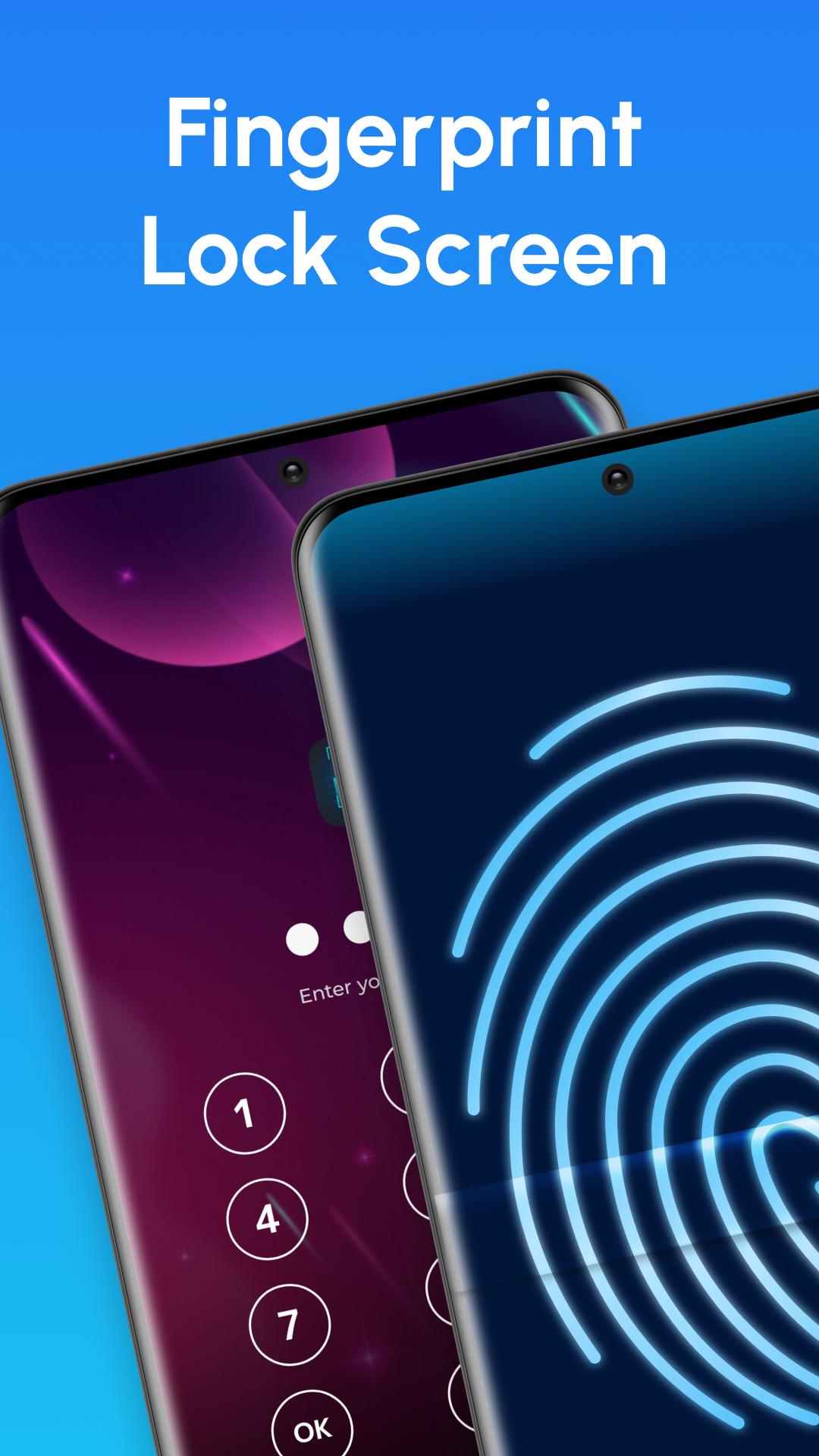
Keep your App, gallery, and private information private. Our Fingerprint App’s features include a fingerprint scanner, PIN, and pattern lock options, which will help you lock social apps, gaming apps, or other confidential information! Get the finger lock app and take control of your phone's security.Fingerprint App Lock:
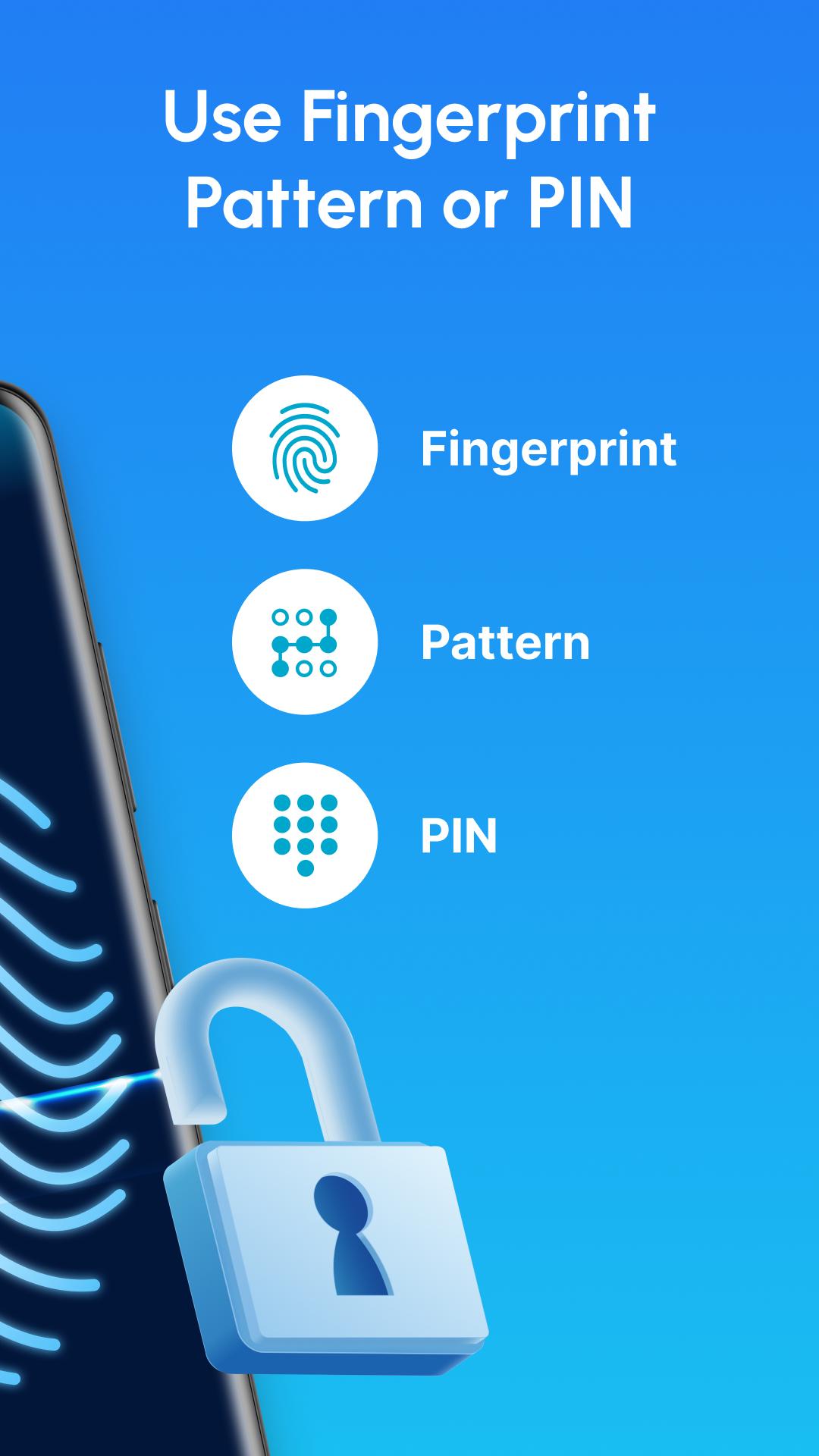
It is simple to use, but powerful enough to keep your apps safe. The Fingerprint App Lock secures your apps from unauthorized access. Choose between a fingerprint, PIN, or pattern to select the one that best suits you. Lock any app down! Enable fingerprint lock screen for total control.
Privacy Protection:
This app helps secure your phone with PIN and pattern lock options. Lock your apps, gallery, and private information to prevent unauthorized access. Choose between a PIN or pattern to protect social apps, gaming apps, and other sensitive data. Protect your apps with a single touch—try fingerprint lock screen.
Fingerprint App Features:
✅App Lock feature: Choose fingerprint, PIN or pattern.
✅Intruder Selfie: Takes a photo of anyone who fails to unlock your apps.
✅Time & Location Lock: Set automatic app locks based on time or location.
✅App Protection: Prevents apps from being force-closed by task killers.
✅Quick Access Widget: Enable or disable the finger lock app feature with one tap.
✅Brief Exit: Temporarily unlock your apps without re-entering the password.
Customization Options:
Do not worry about someone checking your messages or photos ever again. Choose the apps you want to protect, but also use different customization options.
Fingerprint Lock Screen Themes: Choose from different themes to personalize your phone.
Invisible Pattern: Prevents others from seeing your pattern while unlocking.
PIN and Pattern Options: Switch between PIN and pattern lock based on preference.
How to Use:
1. Install the finger lock app.
2. Choose a PIN or pattern for your device.
3. Select which apps to lock.
4. Customize themes and security settings.
Use the Fingerprint App Lock Today!
Protect your apps the smart way with our finger lock app. This app secures your device with PIN and pattern locks while offering privacy features like intruder selfies. So, if you want to keep your security, Fingerprint App Lock is the tool for you!
This app offers a quick and reliable way to protect your personal content from unwanted access. Download now to protect your apps with fingerprint lock screen. Keep your apps safe and private with the finger lock app. Have your privacy in your hands—install fingerprint lock screen app now.
Avance
Etiquetas
HerramientasInformación
Desarrollador
Quantum4u
La última versión
2.1.2
Última actualización
2025-01-23
Categoría
Herramientas
Disponible en
Google Play
Mostrar más
Cómo jugar Fingerprint App Lock con GameLoop en PC
1. Descargue GameLoop desde el sitio web oficial, luego ejecute el archivo exe para instalar GameLoop.
2. Abra GameLoop y busque "Fingerprint App Lock", busque Fingerprint App Lock en los resultados de búsqueda y haga clic en "Instalar".
3. Disfruta jugando Fingerprint App Lock en GameLoop.
Minimum requirements
OS
Windows 8.1 64-bit or Windows 10 64-bit
GPU
GTX 1050
CPU
i3-8300
Memory
8GB RAM
Storage
1GB available space
Recommended requirements
OS
Windows 8.1 64-bit or Windows 10 64-bit
GPU
GTX 1050
CPU
i3-9320
Memory
16GB RAM
Storage
1GB available space