
DTH Remote Control para PC
Remotify
Descarga DTH Remote Control en PC con GameLoop Emulator
DTH Remote Control en PC
DTH Remote Control, proveniente del desarrollador Remotify, se ejecuta en el sistema Android en el pasado.
Ahora, puedes jugar DTH Remote Control en PC con GameLoop sin problemas.
Descárgalo en la biblioteca de GameLoop o en los resultados de búsqueda. No más mirar la batería o llamadas frustrantes en el momento equivocado nunca más.
Simplemente disfrute de DTH Remote Control PC en la pantalla grande de forma gratuita!
DTH Remote Control Introducción
DD Free Dish Remote Controller – Control Your TV Anytime!
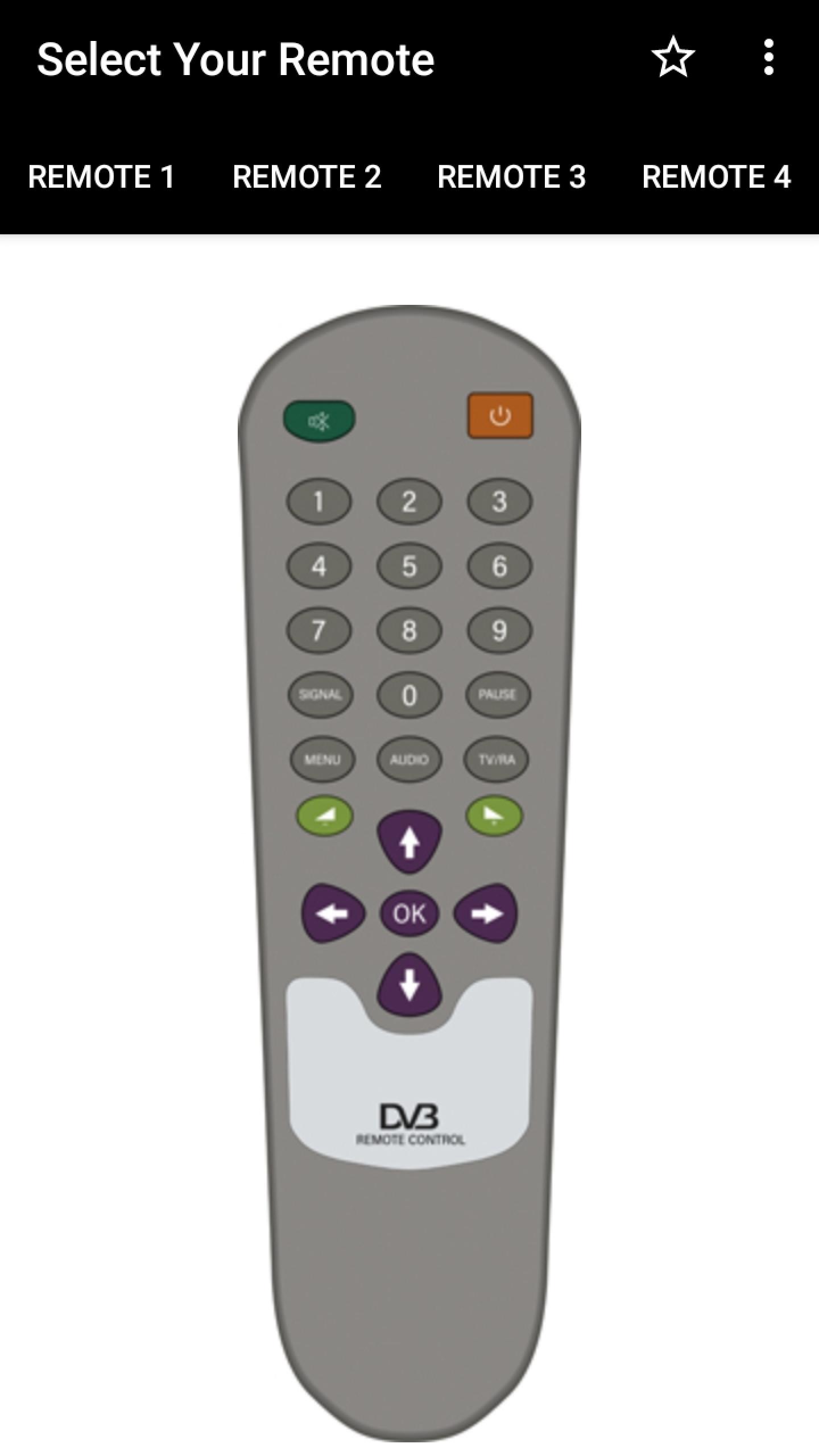
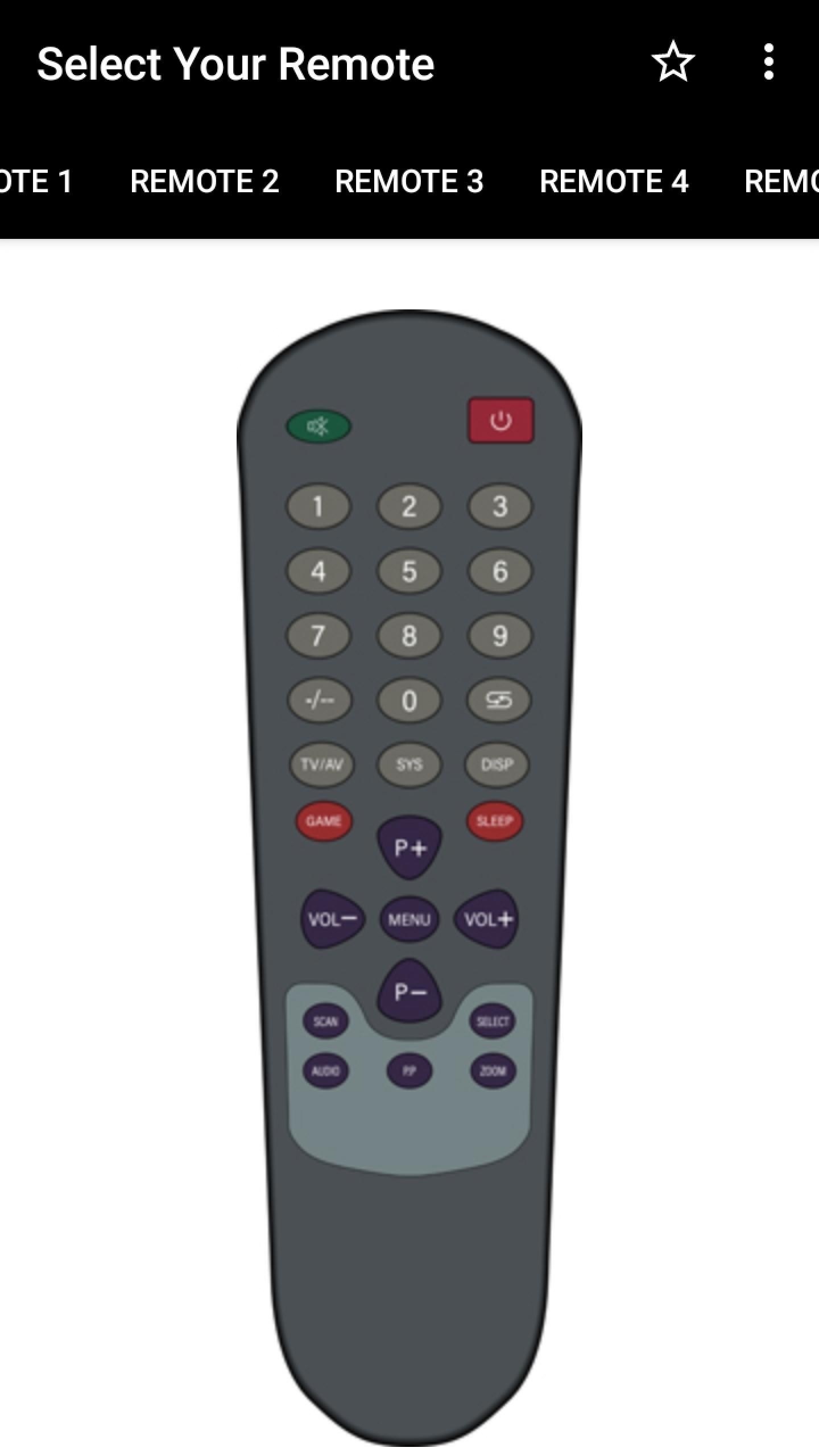
Looking for an easy way to manage your satellite TV with your phone? The DD Free Dish Remote Controller is here to give you full access and convenience. With a smart design and simple use, this powerful tool turns your device into a reliable Dth Remote for all your entertainment needs. Whether you misplaced your old clicker or simply want to control your set top box more comfortably, this app has everything you need.Enjoy effortless navigation and smooth performance with the ultimate Android TV Remote For Satellites. Now you can enjoy shows and channels without interruption, right from your phone with the perfect TV Remote Control For Satellites.
📄 DD Free Dish Remote Controller Key Features:📄
📺 Easy setup—no installation required, just click and start using;
📺 Control multiple models—works with popular Free Dish DTH set top boxes;
📺 Smooth design—user-friendly interface for quick access;
📺 Works with Infrared—simply point and control your TV with your phone;
📺 Universal access;
📺 Wide compatibility—perfect Android TV Remote For Satellites and Dth Mobile Remote;
📺 Instant response—fast connection as your TV Controller Dth.
Control Every Satellite TV Box With Ease!
With the DD Free Dish Remote Controller, managing your entertainment has never been easier. It transforms your device into a practical Dth Mobile Remote that keeps you connected with your favorite shows. Whether your original Dth Remote is missing or broken, this solution makes sure you never lose control.Simple Setup and Use:📲
No complicated installation needed—just open the app and start using it. Designed as an intuitive TV Remote Control For Satellites, the layout is smooth and straightforward. From quick access to channel navigation, every feature is crafted to work instantly, making it a hassle-free TV Controller Dth.
Universal Remote Experience:🌍
Compatible with multiple models like 888, 888+, 8786, and more, this app works across devices effortlessly. As an Android TV Remote For Satellites, it ensures wide support and complete reliability, replacing your traditional remote with a smarter option.
Infrared Power:📡
The DD Free Dish Remote Controller uses your phone’s infrared sensor to function as a strong TV Controller Dth. If your phone supports IR, you instantly get a working Dth Mobile Remote. Just point at your device, press, and watch the quick response on screen.
Never Miss Control Again:🕹️
Lost your Dth Remote? No problem—this app guarantees you always have your channels ready at your fingertips. From switching channels to adjusting volume, the DD Free Dish Remote Controller is the perfect solution for anyone who wants a reliable Android TV Remote For Satellites and TV Remote Control For Satellites in one.
Turn Your Phone Into the Ultimate Remote Today!
Upgrade your viewing experience with the smart and reliable DD Free Dish Remote Controller. Enjoy the freedom of a TV Controller Dth, the practicality of a Dth Mobile Remote, and the full functionality of an Android TV Remote For Satellites—all in one app. Take control now and never worry about missing your remote again!**** IMPORTANT ****
This app needs your phone to have an Infrared sensor.
Avance
Etiquetas
HerramientasInformación
Desarrollador
Remotify
La última versión
11.1.0
Última actualización
2025-07-23
Categoría
Herramientas
Disponible en
Google Play
Mostrar más
Cómo jugar DTH Remote Control con GameLoop en PC
1. Descargue GameLoop desde el sitio web oficial, luego ejecute el archivo exe para instalar GameLoop.
2. Abra GameLoop y busque "DTH Remote Control", busque DTH Remote Control en los resultados de búsqueda y haga clic en "Instalar".
3. Disfruta jugando DTH Remote Control en GameLoop.
Minimum requirements
OS
Windows 8.1 64-bit or Windows 10 64-bit
GPU
GTX 1050
CPU
i3-8300
Memory
8GB RAM
Storage
1GB available space
Recommended requirements
OS
Windows 8.1 64-bit or Windows 10 64-bit
GPU
GTX 1050
CPU
i3-9320
Memory
16GB RAM
Storage
1GB available space