
Cube Companion App para PC
Palette
Descarga Cube Companion App en PC con GameLoop Emulator
Cube Companion App en PC
Cube Companion App, proveniente del desarrollador Palette, se ejecuta en el sistema Android en el pasado.
Ahora, puedes jugar Cube Companion App en PC con GameLoop sin problemas.
Descárgalo en la biblioteca de GameLoop o en los resultados de búsqueda. No más mirar la batería o llamadas frustrantes en el momento equivocado nunca más.
Simplemente disfrute de Cube Companion App PC en la pantalla grande de forma gratuita!
Cube Companion App Introducción
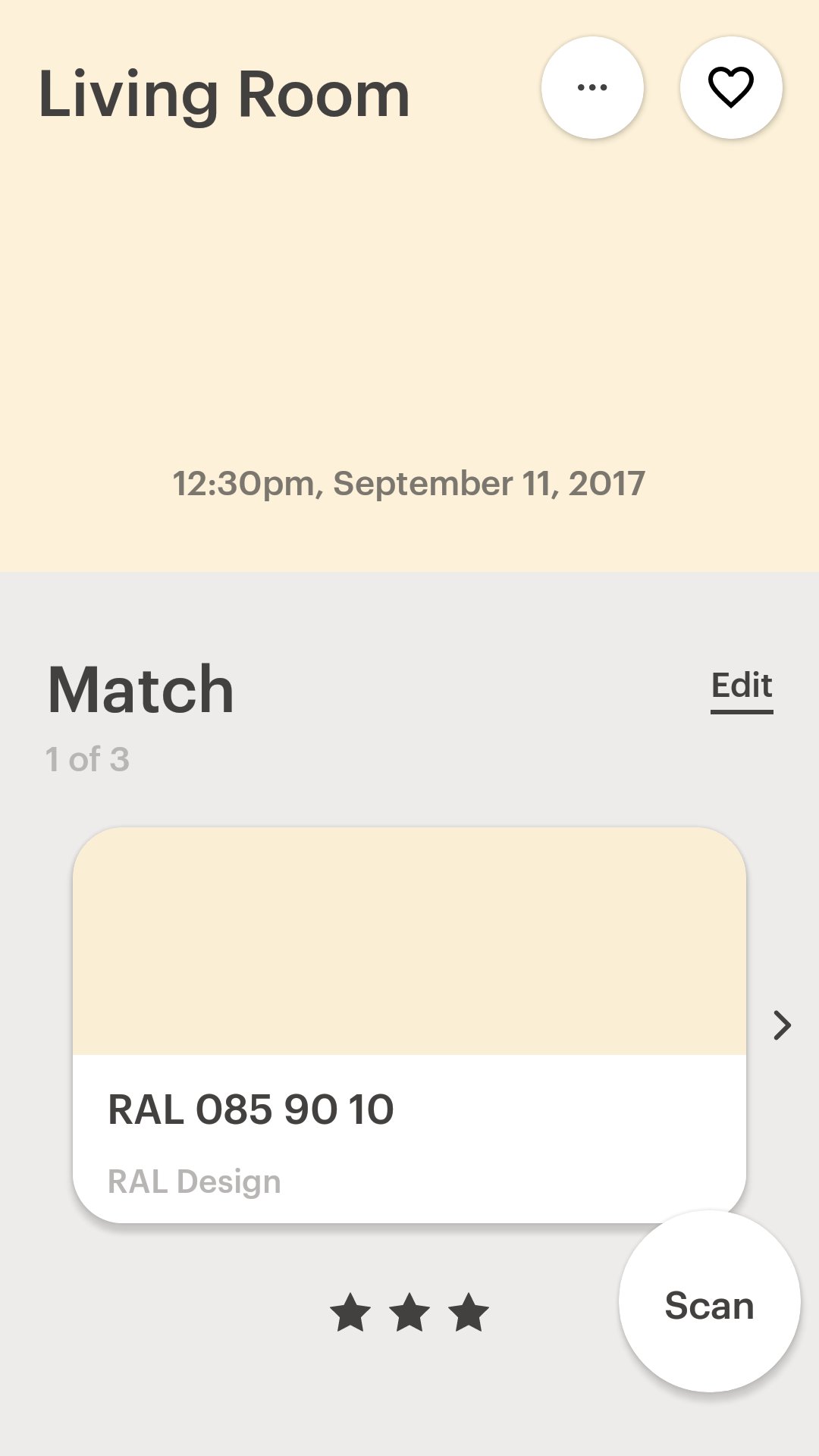
Pair Cube with the Cube Companion App and take the guesswork out of color matching.
Cube fits in the palm of your hand and with one tap captures the color of any surface.
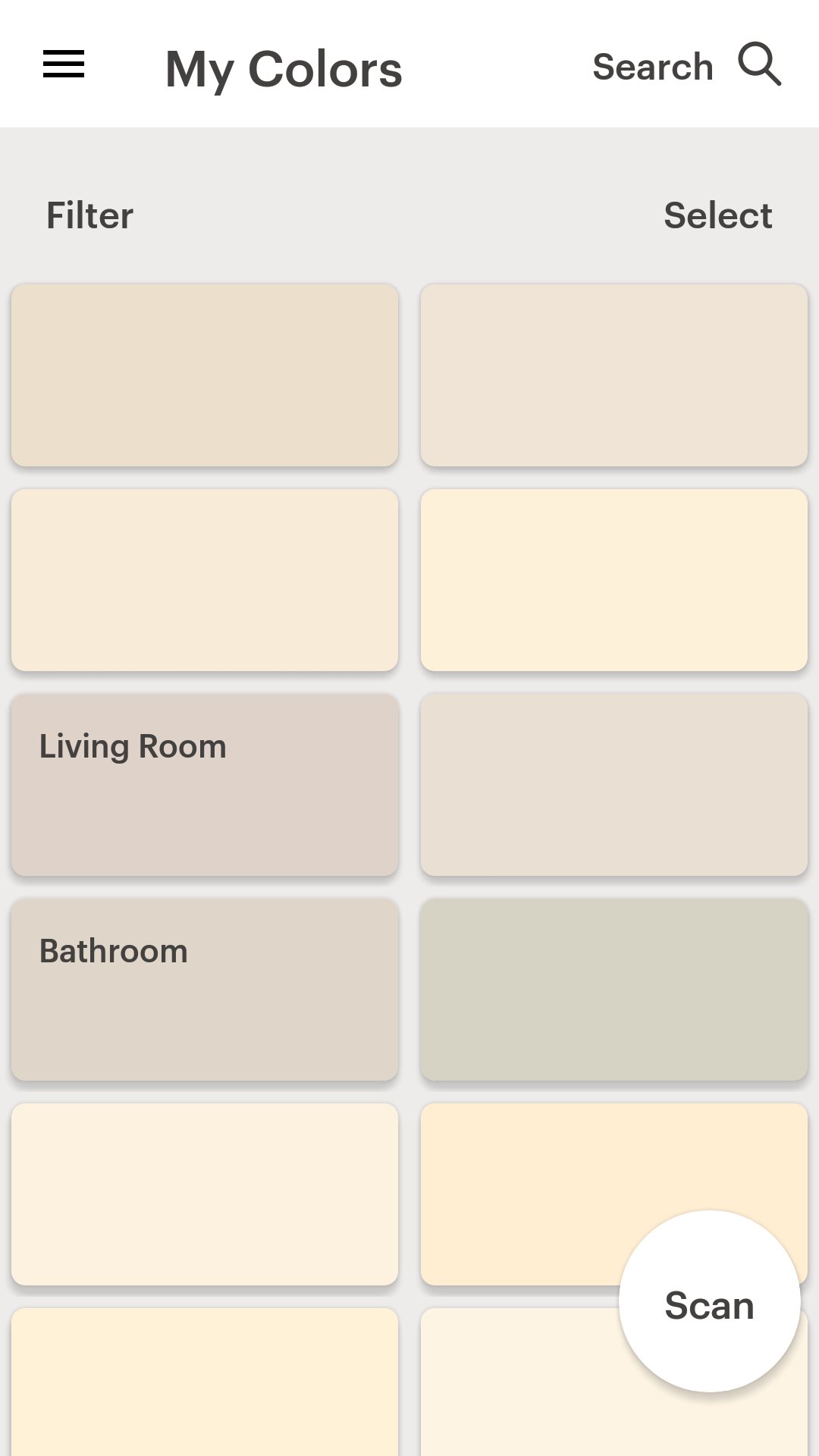
Match to thousands of built in color collections (such as Sherwin Williams or RAL) or create your own custom collections to match to.
Reveal RGB, HEX, CMYK and LAB values of scanned colors.
Now introducing the new Visualizer feature which lets you preview your scanned color in different scenes.
You can compare, favorite and share your colors making Cube the perfect companion for creative minds that love color.
Get your Cube at www.palette.com.au
Cube is an award-winning portable color digitizer for your phone.
Avance
Etiquetas
HerramientasInformación
Desarrollador
Palette
La última versión
3.5.9
Última actualización
2024-11-25
Categoría
Herramientas
Disponible en
Google Play
Mostrar más
Cómo jugar Cube Companion App con GameLoop en PC
1. Descargue GameLoop desde el sitio web oficial, luego ejecute el archivo exe para instalar GameLoop.
2. Abra GameLoop y busque "Cube Companion App", busque Cube Companion App en los resultados de búsqueda y haga clic en "Instalar".
3. Disfruta jugando Cube Companion App en GameLoop.
Minimum requirements
OS
Windows 8.1 64-bit or Windows 10 64-bit
GPU
GTX 1050
CPU
i3-8300
Memory
8GB RAM
Storage
1GB available space
Recommended requirements
OS
Windows 8.1 64-bit or Windows 10 64-bit
GPU
GTX 1050
CPU
i3-9320
Memory
16GB RAM
Storage
1GB available space