Cast to TV Screen Mirroring para PC
Solution Of Logics
Descarga Cast to TV Screen Mirroring en PC con GameLoop Emulator
Cast to TV Screen Mirroring en PC
Cast to TV Screen Mirroring, proveniente del desarrollador Solution Of Logics, se ejecuta en el sistema Android en el pasado.
Ahora, puedes jugar Cast to TV Screen Mirroring en PC con GameLoop sin problemas.
Descárgalo en la biblioteca de GameLoop o en los resultados de búsqueda. No más mirar la batería o llamadas frustrantes en el momento equivocado nunca más.
Simplemente disfrute de Cast to TV Screen Mirroring PC en la pantalla grande de forma gratuita!
Cast to TV Screen Mirroring Introducción
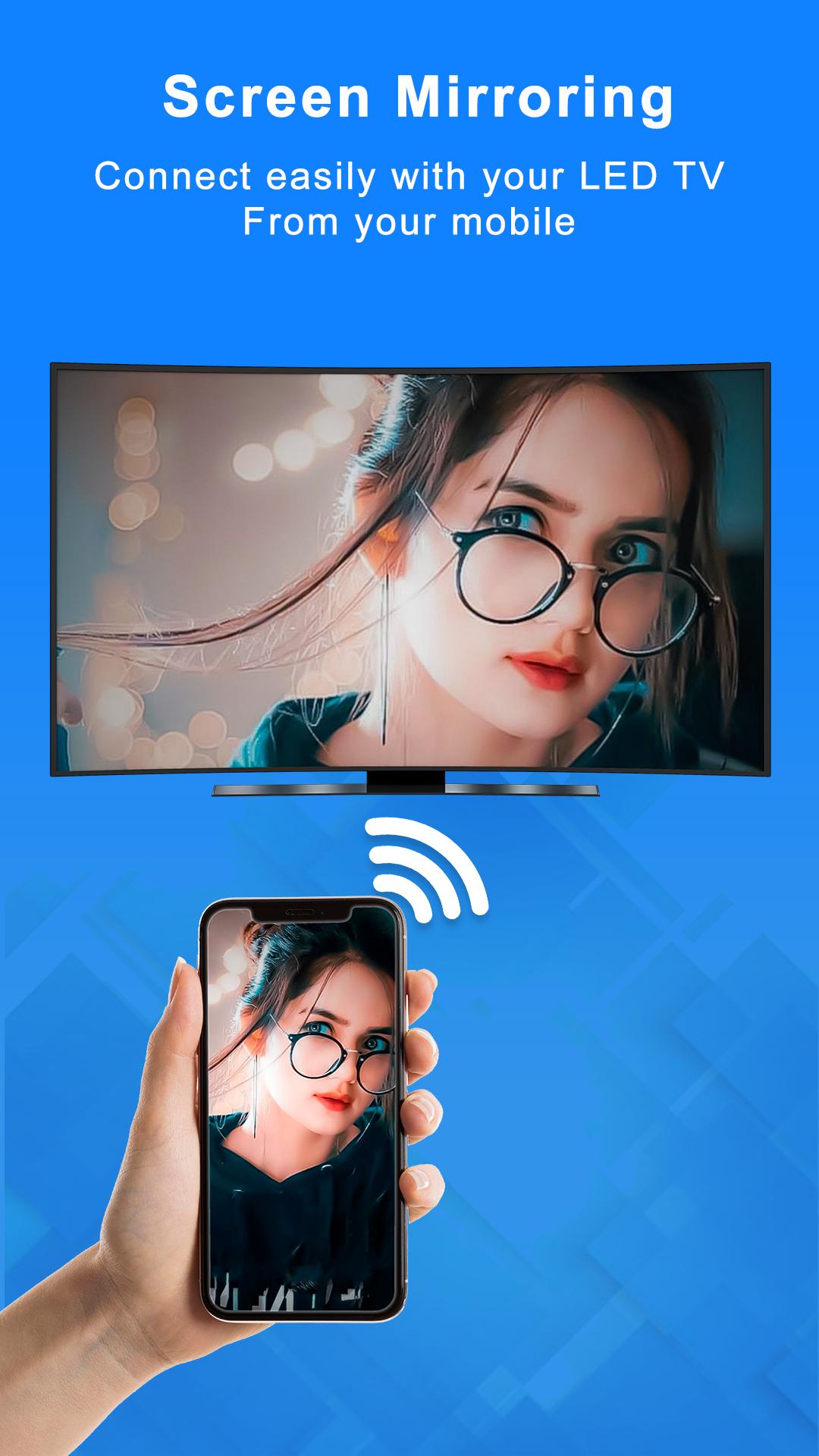
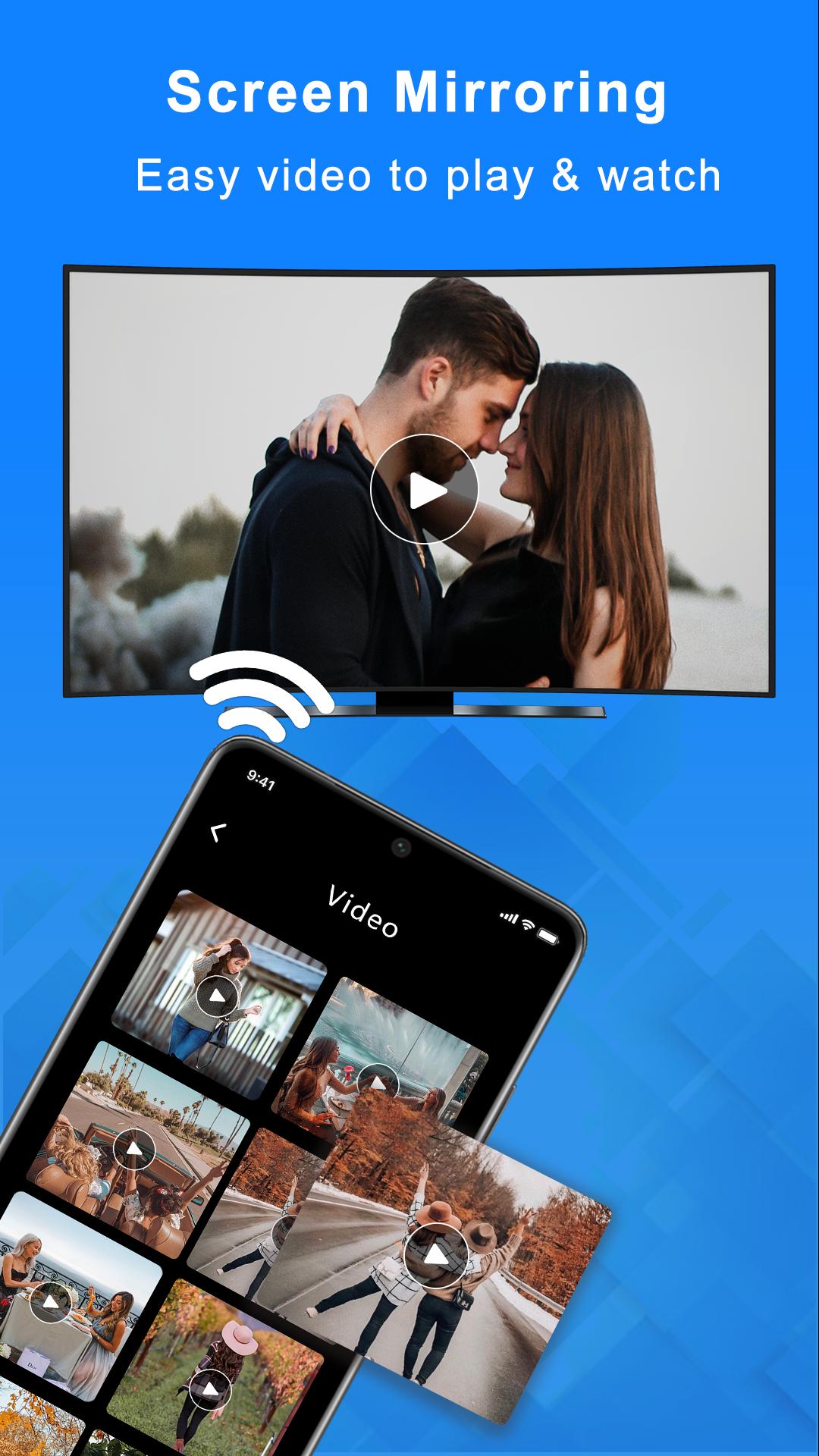
This is Properly Working on Xiaomi MI Mobile Phones. MirrorSolution & Screen Share Now you can cast videos, photos, and music from your phone to your TV with a simple click with smart screen mirroring. Connect the Chromecast to your TV and set up your device with the Chromecast app. When you find something to watch, tap the Cast icon and select the Chromecast & Smart Screen Mirroring. It's that easy. The Chromecast & Screen Casting is a media streaming device that connect without wire on your android TV. It can be used with a wide variety of video apps, and can also play content from your phone or tablet with Screen Casting App. The Chromecast & Screen Casting requires a Wi-Fi connection. Screen sharing App is a convenient way to share what you're seeing on your mobile screen with someone else. They can watch your mobile screen on android led TV. Share Mobile Screen to LED Have you ever been in a group and someone says, "Hey, did you see that?" and then everyone is trying to find their phones to take a look? Wouldn't it be easier if you could just share your screen on you larg TV? Now you can! Share Mobile Screen to LED is a App that connects to your mobile device and converts it into a large screen. This Screen Sharing App is perfect for large groups and classrooms. With a Share Phone Screen to LED, you can finally share the screen on your mobile device with the android TV without having to type in the password and find the right app. The Share Mobile Screen & Screen Mirroring to LED App connects to your mobile device and is connect to TV without wire. Share Phone Screen to LED & Screen Mirroring is great for family gatherings, school presentations, and conferences. Cast to Tv & Miracast for android to TV app lets you watch content from your phone on your tv. Once you download the Miracast app, you can start to share your mobile screen to android tv. This app is perfect for anyone who wants to watch movies or TV shows on their phone and doesn't want to wait for it to download on their computer. You can also cast photos and videos that are on your phone with Screen Mirroring App. The app is available for Android. Casting your screen to a android TV is a great way to show off your videos, photos, or anything else you want to share on your android tv. Our easy-to-use app makes it possible to cast your mobile screen to TV device with a one click. Our app is currently available for Android. There are many people who enjoy watching television and videos on their mobile devices. There are many times when people want to watch their mobile device content on a larger screen, such as their android TV. The Stream Phone to TV & Miracast App allows you to stream content from your mobile device to your android TV. This is perfect for watching movies, playing games, or anything else you want to watch on a larger screen.
Avance
Etiquetas
HerramientasInformación
Desarrollador
Solution Of Logics
La última versión
1.10
Última actualización
2023-09-27
Categoría
Herramientas
Disponible en
Google Play
Mostrar más
Cómo jugar Cast to TV Screen Mirroring con GameLoop en PC
1. Descargue GameLoop desde el sitio web oficial, luego ejecute el archivo exe para instalar GameLoop.
2. Abra GameLoop y busque "Cast to TV Screen Mirroring", busque Cast to TV Screen Mirroring en los resultados de búsqueda y haga clic en "Instalar".
3. Disfruta jugando Cast to TV Screen Mirroring en GameLoop.
Minimum requirements
OS
Windows 8.1 64-bit or Windows 10 64-bit
GPU
GTX 1050
CPU
i3-8300
Memory
8GB RAM
Storage
1GB available space
Recommended requirements
OS
Windows 8.1 64-bit or Windows 10 64-bit
GPU
GTX 1050
CPU
i3-9320
Memory
16GB RAM
Storage
1GB available space